The defaults every site inherits: the master switch, the anomaly threshold, what happens when the engine cannot answer, and the thirteen tabs of modules underneath.
Global Settings is the top of the configuration hierarchy. Everything set here applies to every site EdgeGuard protects, unless a lower level overrides it:
Global → Group → Tenant (site) → Path rule
A lower level that says nothing inherits. That is the whole model, and it is worth being precise about: a setting left alone at tenant level is not "off", it is "whatever global says", and changing global changes it. To see what a site is actually running, use its own settings page — inherited values are shown greyed with the level they came from.
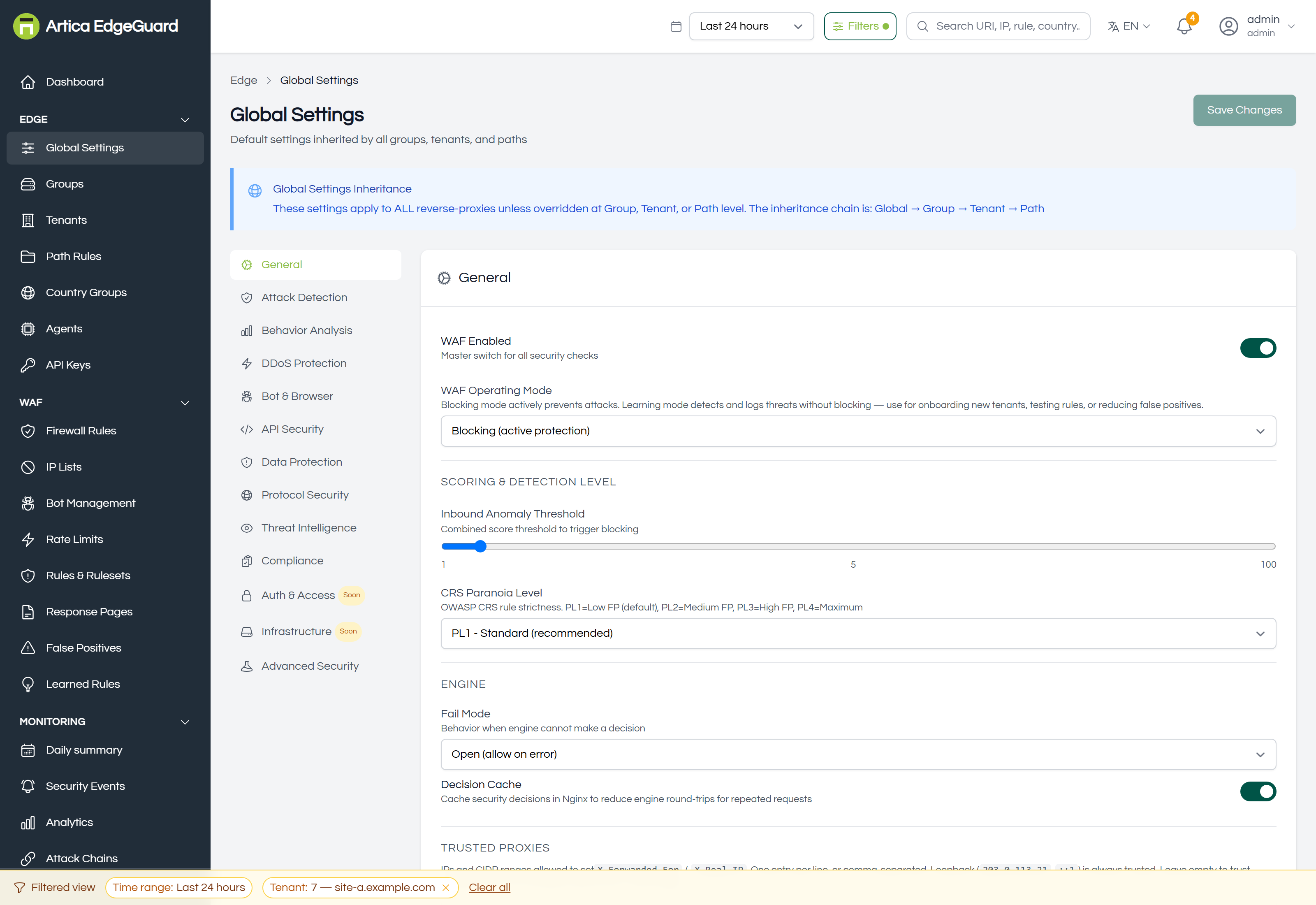
Changes are saved with Save Changes and reach the agents on their next configuration pull, about 30 seconds. Nothing restarts.
¶ General
The settings that decide how EdgeGuard behaves at all.
WAF Enabled — the master switch for every security check. Off means EdgeGuard inspects nothing.
WAF Operating Mode — Blocking enforces; Learning detects and records without blocking. Learning is how a new site is brought online: run it for a few days, read the events it would have blocked, fix what is wrong, then switch. The Getting Started page walks that sequence.
¶ Scoring and detection level
Inbound Anomaly Threshold — the combined score at which a request is blocked. Default 5. Each rule that matches contributes its own score, and the total is compared against this.
Lowering it blocks more of everything, including legitimate traffic. Before changing it, read the Anomaly Score Distribution chart in Analytics: if most of your traffic sits at 3–4, moving the threshold from 5 to 4 is not a small adjustment.
CRS Paranoia Level — how strict the OWASP Core Rule Set is:
| Level | What it means |
|---|---|
| PL1 | standard, the default, few false positives |
| PL2 | enhanced detection |
| PL3 | strict — expect false positives |
| PL4 | maximum — requires tuning before it is usable |
Raising the paranoia level enables more rules; it does not change the threshold. Doing both at once is how sites break.
¶ Engine
Fail Mode — what happens when the engine cannot answer: Open allows the request, Closed refuses it. Open keeps the site up when EdgeGuard is unavailable; closed keeps the site protected. Choose deliberately, because this is the setting that decides what an outage looks like.
Decision Cache — lets nginx reuse a decision for repeated identical requests instead of asking the engine each time.
¶ Trusted proxies
The addresses and CIDR ranges allowed to set X-Forwarded-For and X-Real-IP. One per line or comma-separated. Loopback is always trusted; leave the box empty to trust only loopback.
This matters more than it looks: if EdgeGuard sits behind Cloudflare or a load balancer and its ranges are not listed here, every request appears to come from the proxy — rate limits count everyone as one client and IP blocks hit the proxy instead of the attacker. The field's placeholder carries Cloudflare's ranges.
¶ Learned rules
Learn endpoint shapes measures the shape of allowed traffic per endpoint — lengths and character classes, never values — and produces proposals for review on the Learned Rules page. This switch measures; it never blocks. A learned rule blocks only after somebody accepts it, watches it against live traffic and then turns blocking on.
Measure one request in N — sampling. 1 measures everything, which is useful for a short test; raise it first if measurement ever shows up in latency.
¶ Logging, fingerprinting, personal data
Log All Requests — record allowed traffic too, not only blocked, challenged and rate-limited. This multiplies event volume; leave it off unless you are investigating something specific.
WAF Fingerprinting — adds X-Powered-By: Artica-EdgeGuard to responses. It makes the WAF detectable by tools such as waf-checker.com, which is occasionally what you want, and tells an attacker what they are up against, which usually is not.
Mask personal data — email addresses in events and engine logs are shown in part (d***@example.com), so a customer can still be told apart without the address being copied into the events table, the SIEM and every log file. Credentials are stripped regardless of this setting.
¶ Synthetic traffic and trusted clients
Two shared secrets, each carried in a header. Synthetic traffic marks your own monitoring so it is classified separately and cannot inflate an attack total. Trusted client (X-EdgeGuard-Client) marks a caller you have already authenticated elsewhere.
Both are secrets, so treat them as such: anything that knows the value is treated accordingly.
¶ Attack Detection
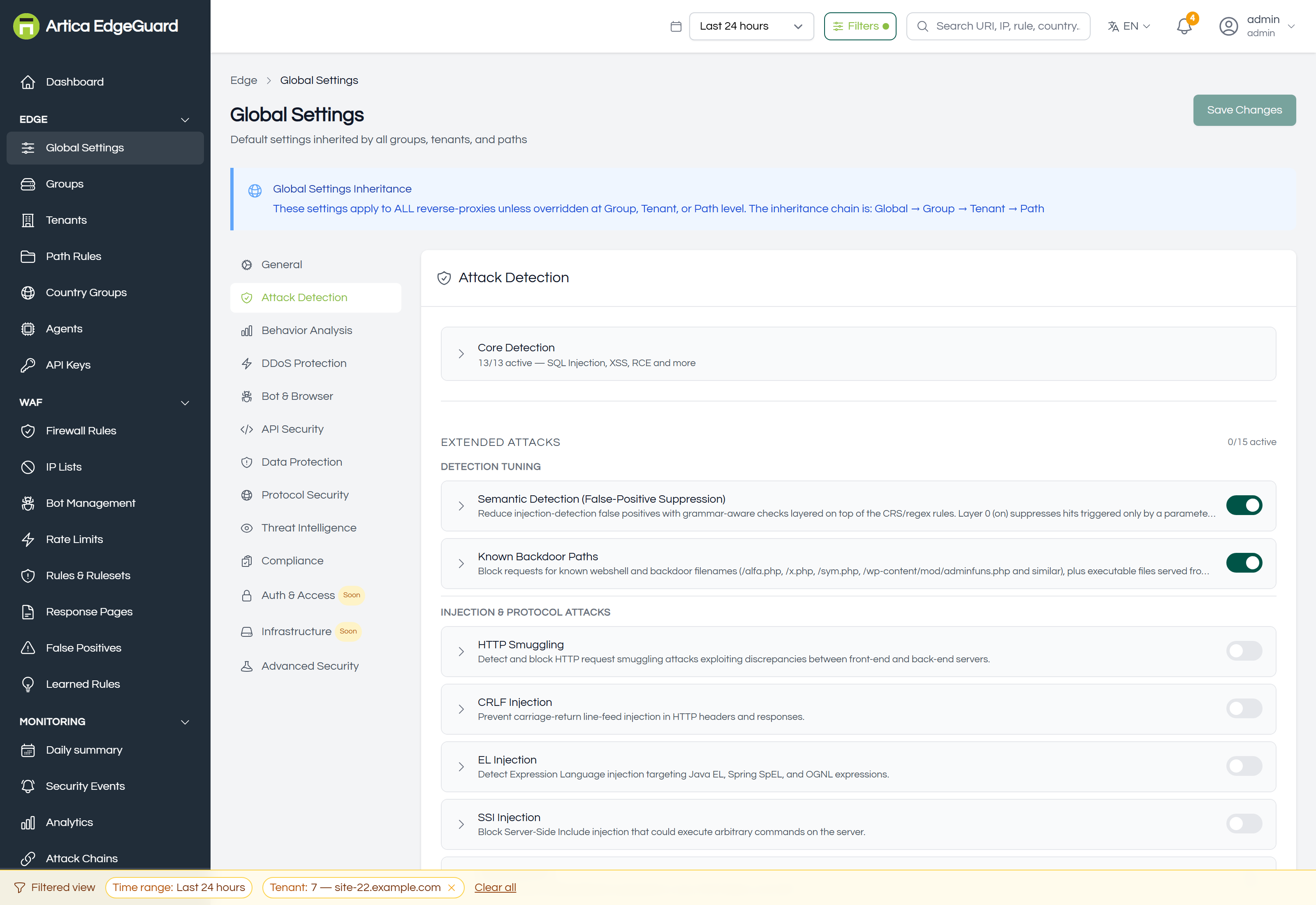
Core Detection collapses thirteen switches, each for one attack class, with the count of how many are active.
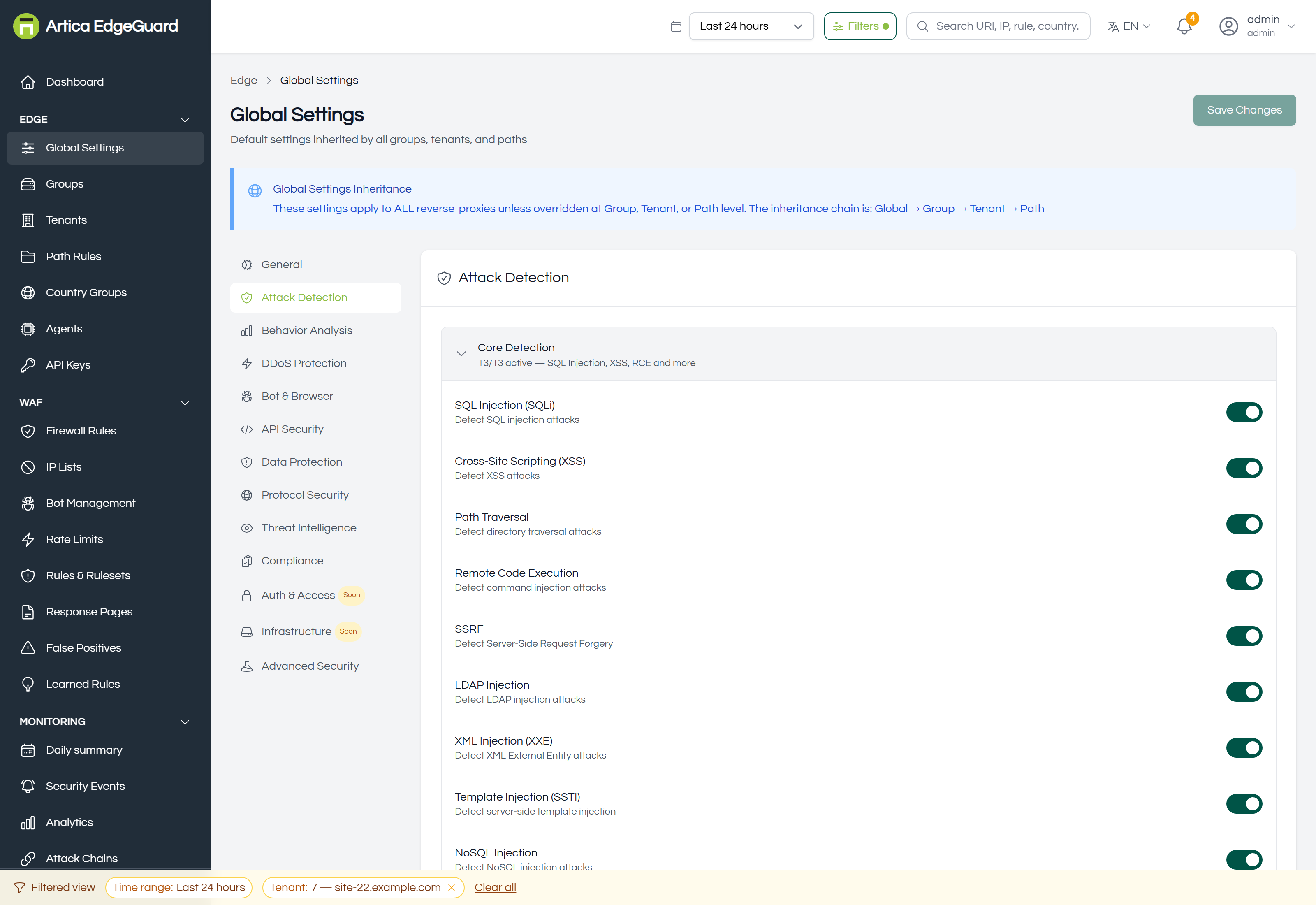
SQL injection · XSS · path traversal · RCE · SSRF · LDAP injection · XML injection · template injection · NoSQL injection · open redirect · header injection · log injection · prototype pollution.
Turning a category off here also stops the corresponding CRS rules from firing. It is a bigger action than it looks — if the problem is one endpoint, a path rule is the right tool; if it is one rule on one field, a false-positive exclusion is.
Below that, Extended Attacks — fifteen modules that go beyond the classic categories: semantic detection (false-positive suppression), known backdoor paths, HTTP smuggling, CRLF injection, EL injection, SSI injection, deserialization, HTTP parameter pollution, header injection, IP spoofing, cache poisoning, form tampering, payload anomaly, request correlation and replay protection.
At group, tenant and path level this tab also carries Active Rulesets, where managed rule sets are switched on or off for that scope. See Rules & Rulesets.
¶ Behavior Analysis
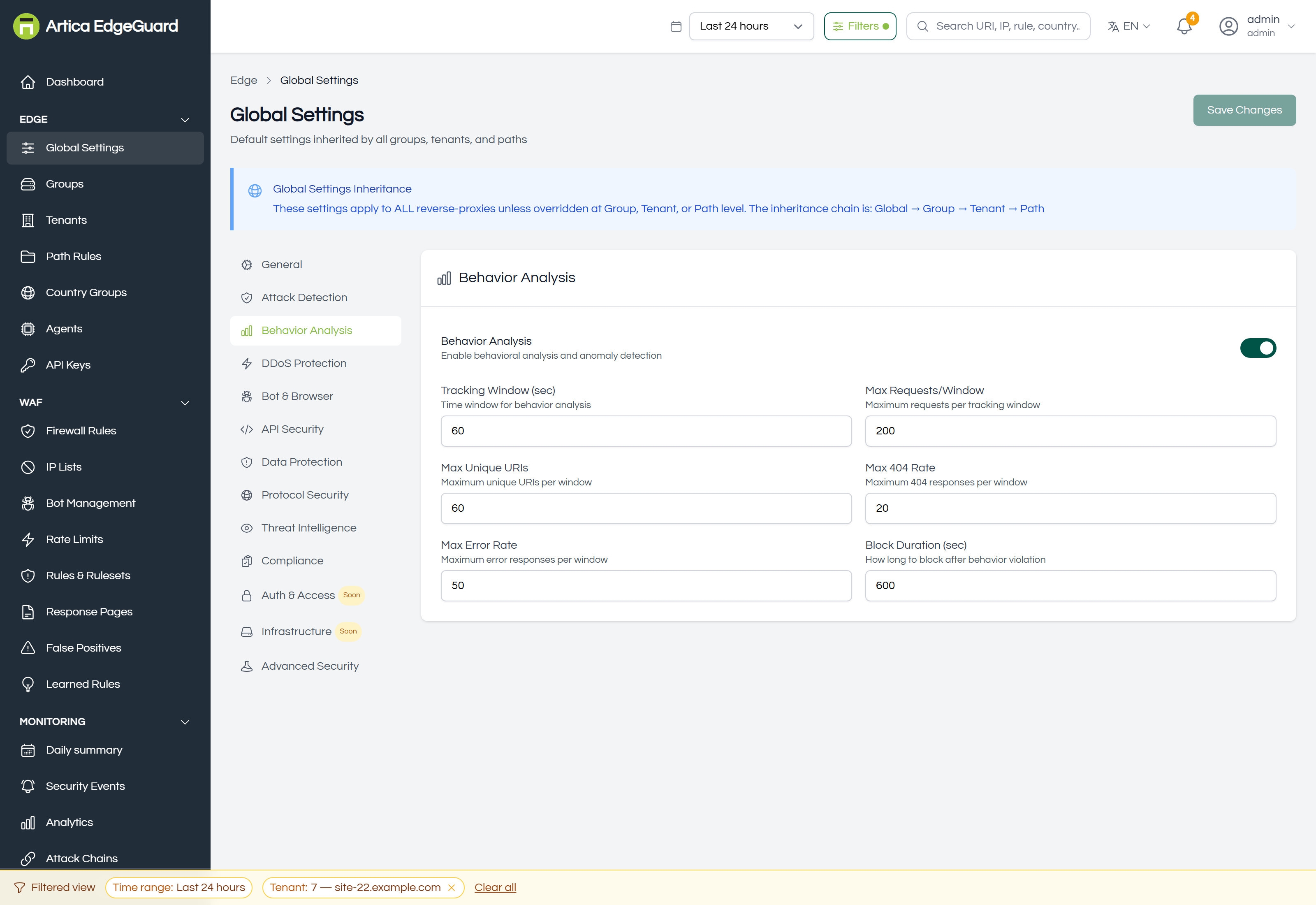
Rate-based detection of a client behaving unlike a person, measured over a rolling window.
| Field | What it counts |
|---|---|
| Tracking Window (sec) | the window everything below is measured over |
| Max Requests/Window | requests from one client |
| Max Unique URIs | distinct paths from one client — the signature of a scan |
| Max 404 Rate | not-found responses — the signature of a directory brute-force |
| Max Error Rate | error responses of any kind |
| Block Duration (sec) | how long a client is blocked once it crosses a limit |
These limits are per client, not per site. A shared NAT address behind which sit five hundred employees is one client here — which is the usual reason a legitimate office gets blocked, and the reason the trusted proxies field above matters.
¶ DDoS Protection
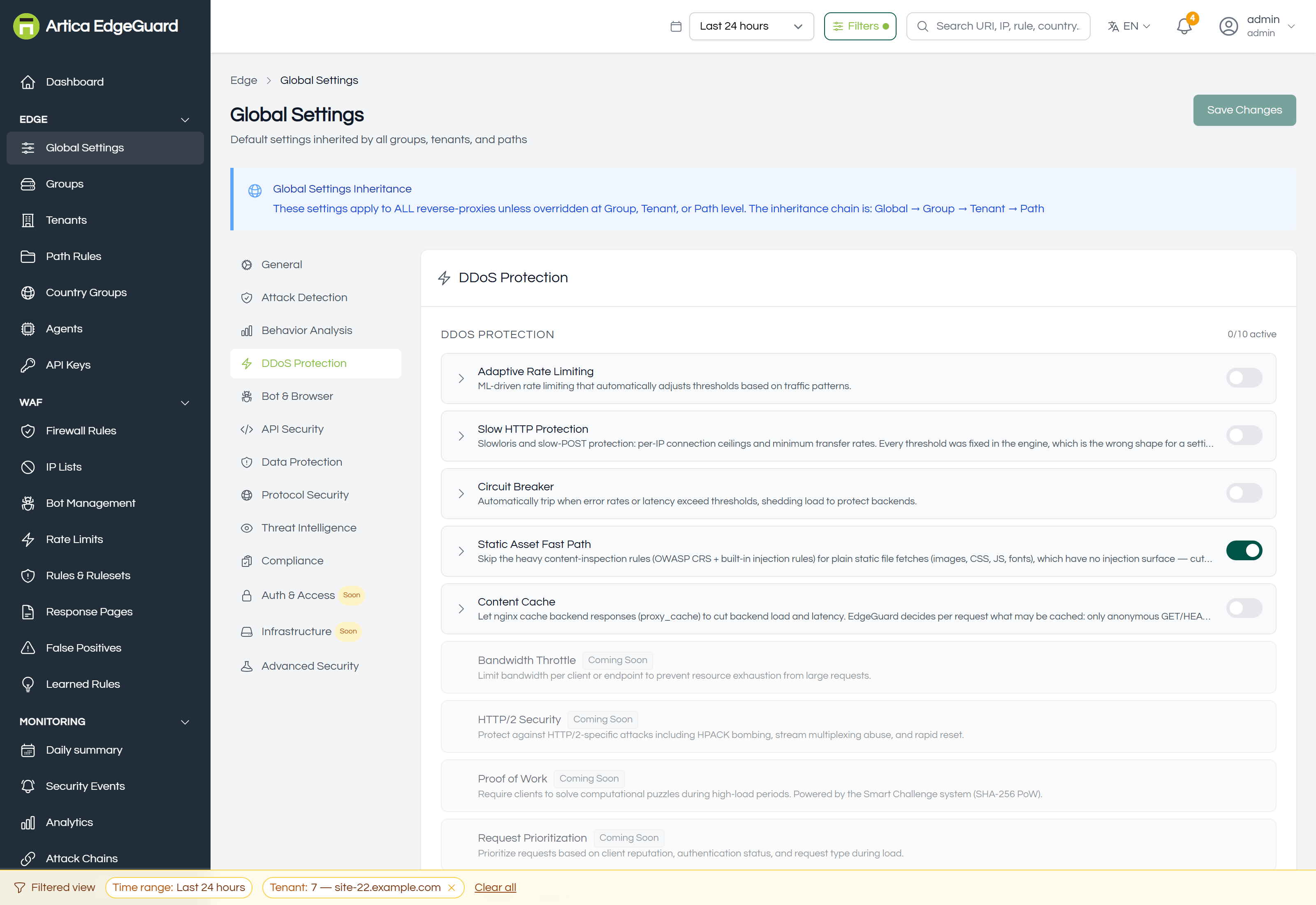
Ten modules: adaptive rate limiting, slow HTTP protection, circuit breaker, bandwidth throttle, HTTP/2 security, proof of work, request prioritization, request coalescing, static asset fast path and content cache.
Each module is a card. Open one and it shows its own fields with their defaults and help text.
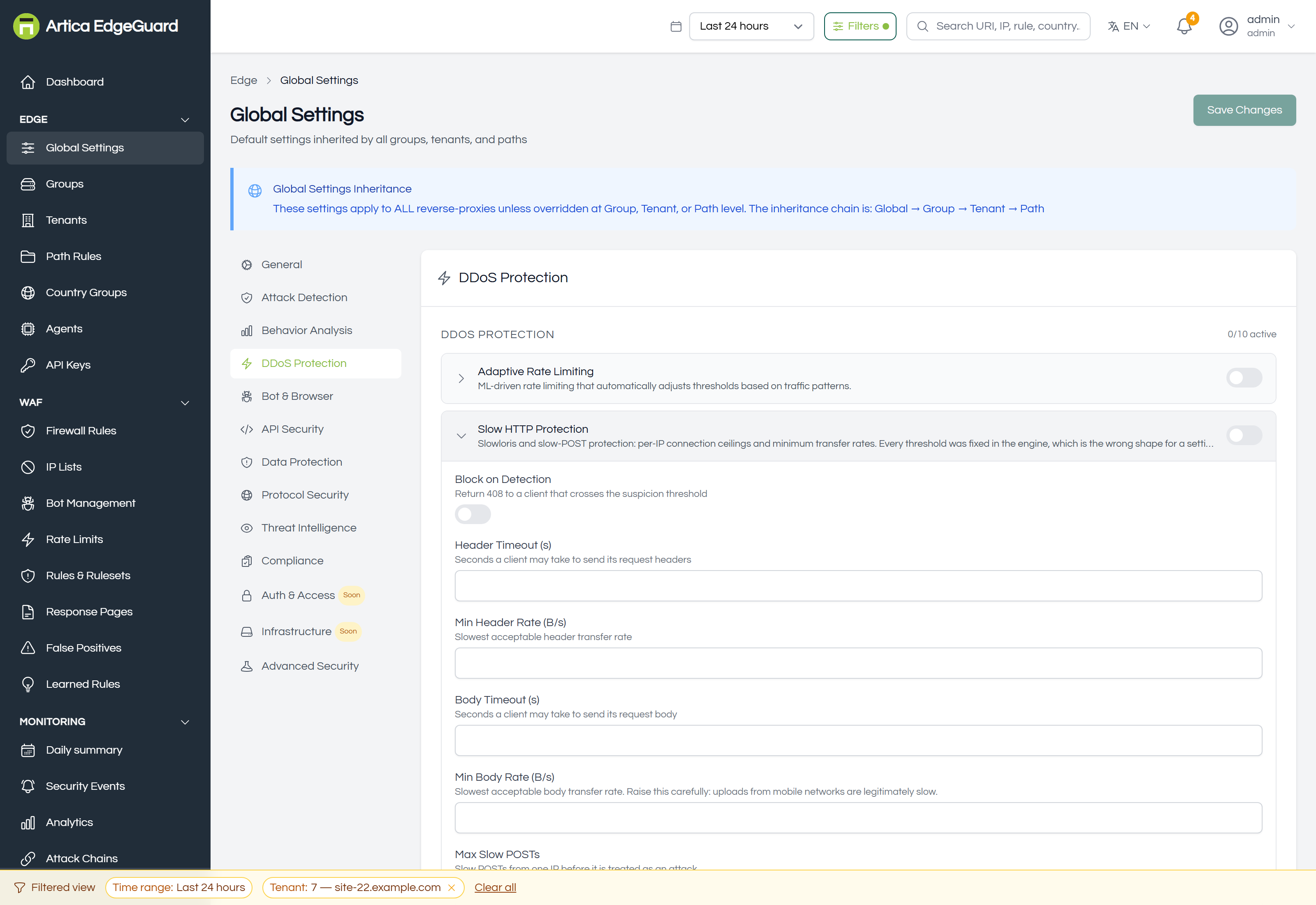
For ordinary "how often may one client ask" limits, use Rate Limits instead — it is a rule with a scope, not a global default.
¶ Bot & Browser
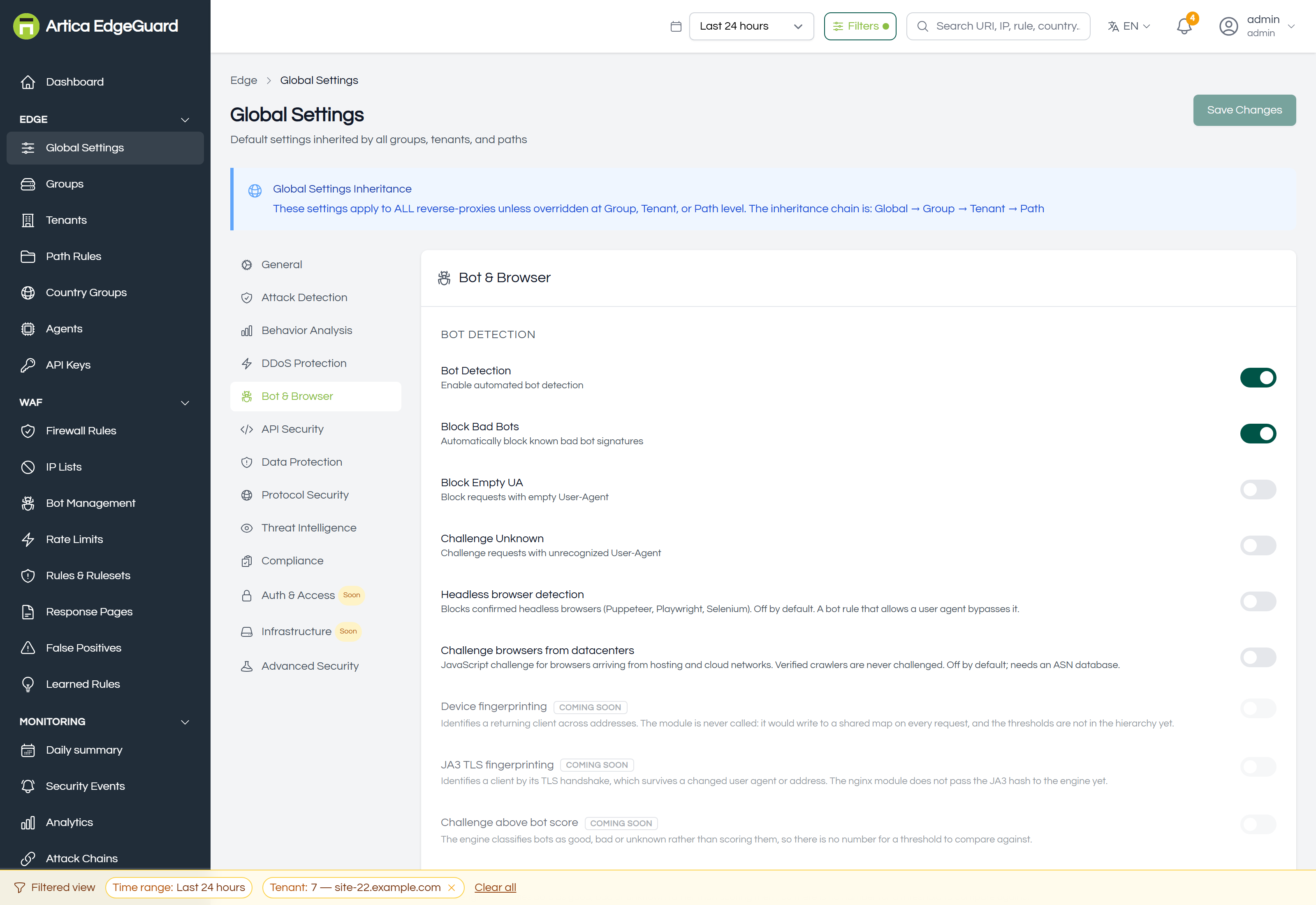
Bot Detection — the master switch. Block Bad Bots · Block Empty UA · Challenge Unknown are the three decisions that follow from it.
Headless browser detection blocks confirmed Puppeteer, Playwright and Selenium. Off by default, and a bot rule that allows a user agent bypasses it.
Challenge browsers from datacenters issues a JavaScript challenge to browsers arriving from hosting and cloud networks. Verified crawlers are never challenged. Off by default; needs an ASN database.
Four fields in this tab are marked coming soon and say why in the interface rather than pretending: device fingerprinting, JA3 TLS fingerprinting, and the two bot-score thresholds — the engine classifies bots as good, bad or unknown rather than scoring them, so there is no number for a threshold to compare against.
Per-crawler policy lives in Bot Management.
¶ API Security
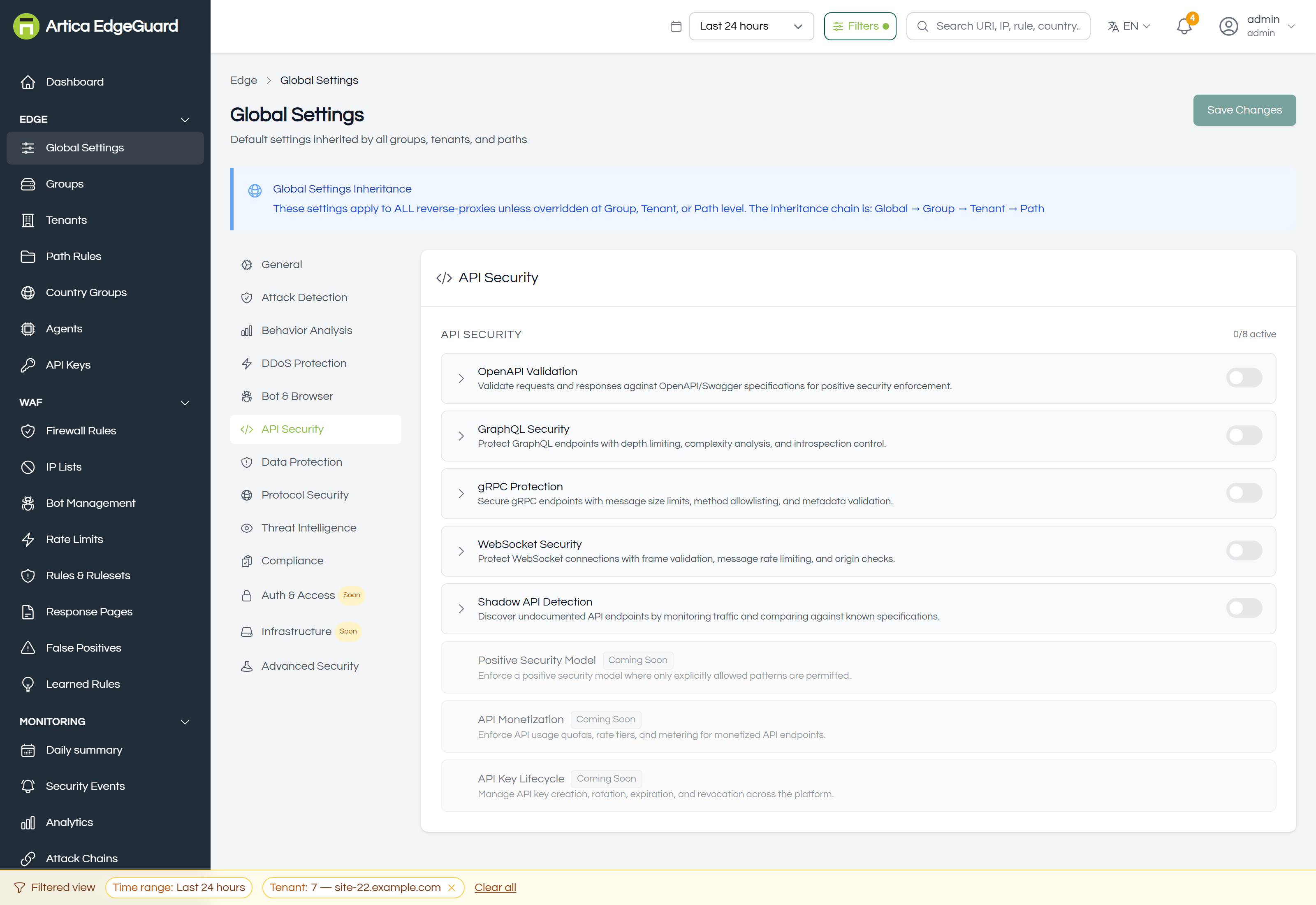
Eight modules: OpenAPI validation, GraphQL security, gRPC protection, WebSocket security, shadow API detection, positive security model, API monetization and API key lifecycle.
¶ Data Protection
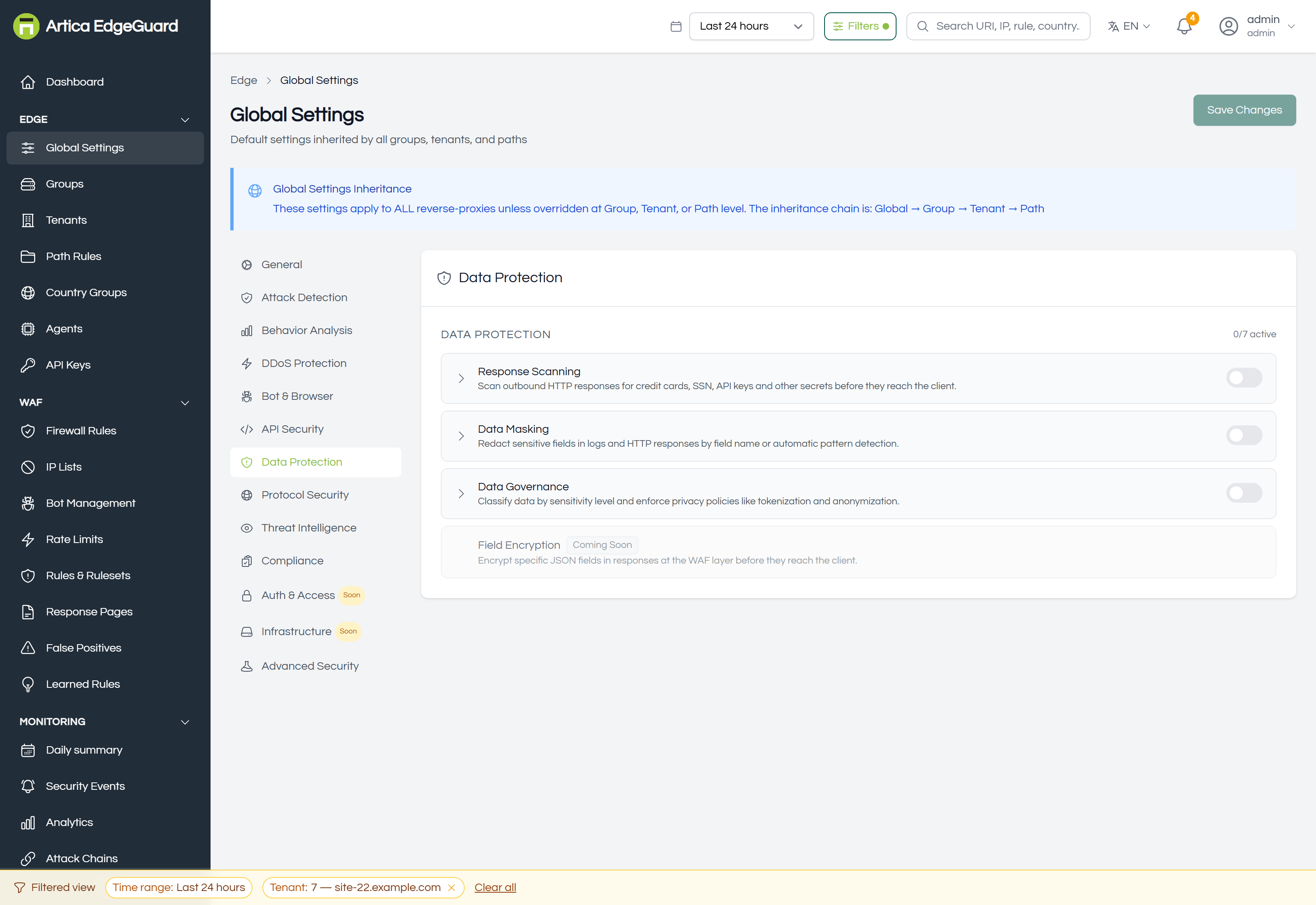
Seven modules covering what leaves rather than what arrives: response scanning, data leak prevention, data masking, sensitive data masking, field encryption, data governance and privacy-enhancing technology.
¶ Protocol Security
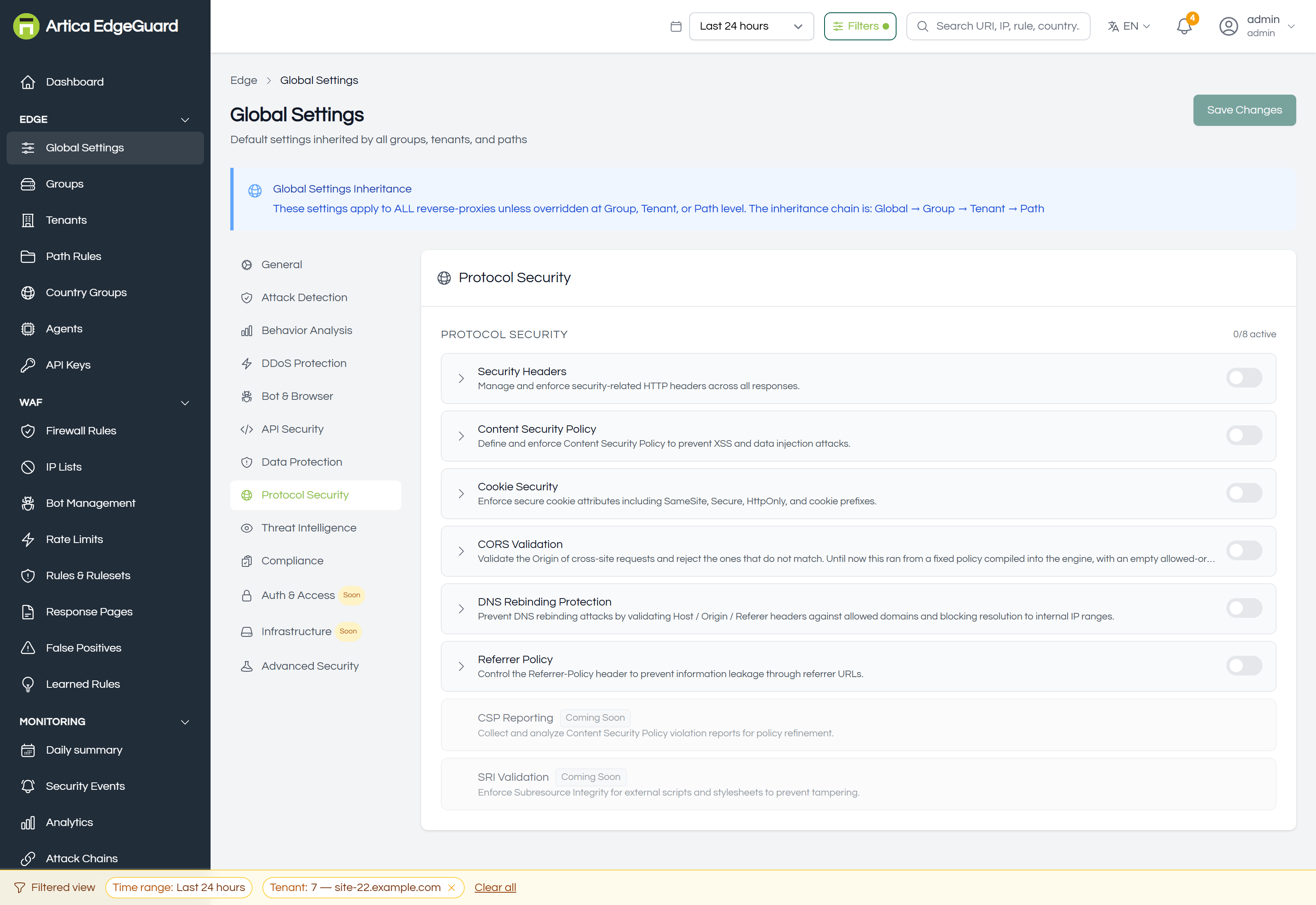
Eight modules: security headers, Content Security Policy, CSP reporting, cookie security, CORS validation, DNS rebinding protection, SRI validation and referrer policy.
These change the responses your visitors receive. Test a CSP in report-only first — a policy that blocks your own scripts looks exactly like an outage.
¶ Threat Intelligence
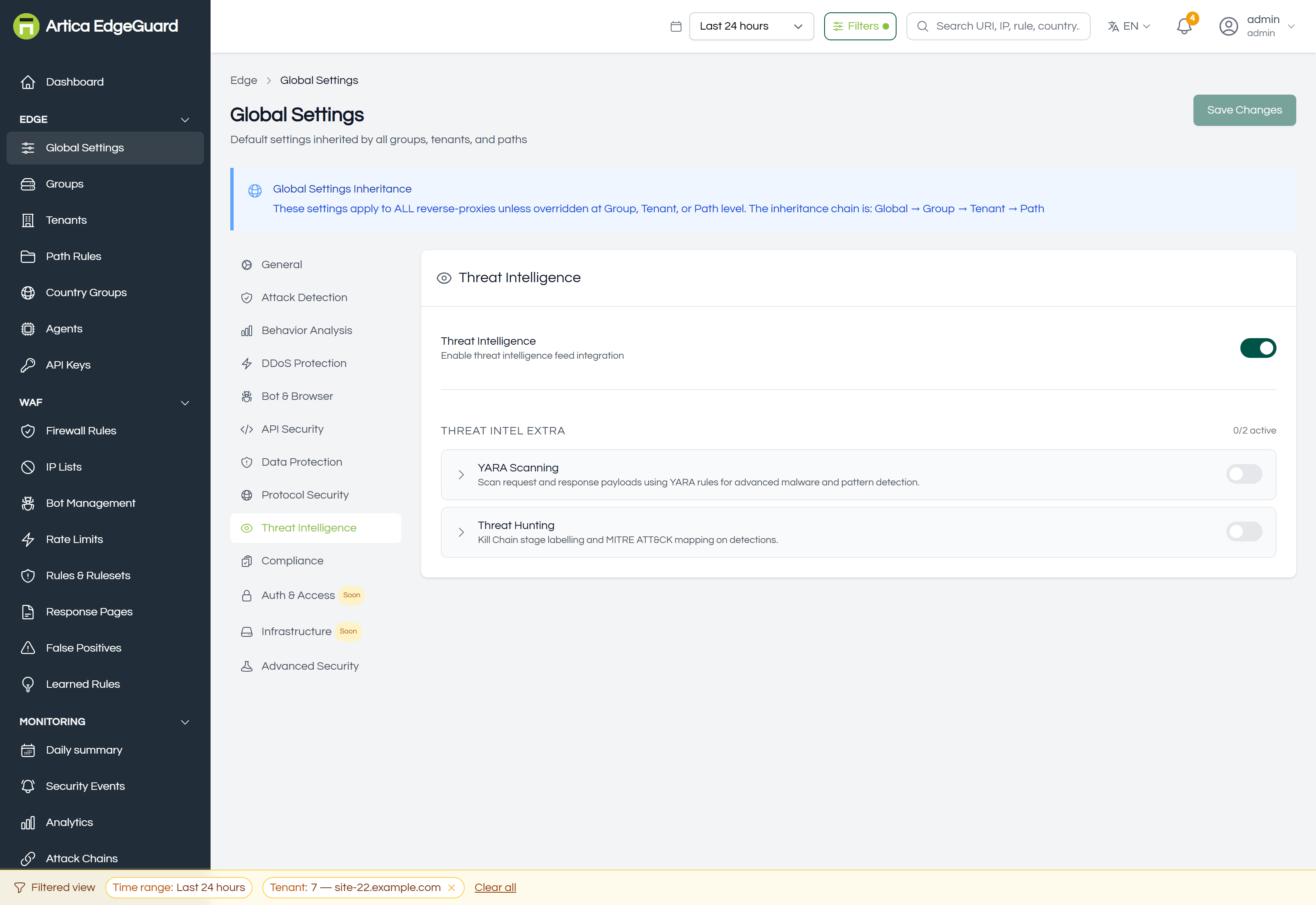
Threat Intelligence — the switch that lets feed data take part in decisions. Plus two extra modules, YARA scanning and threat hunting.
The feeds and indicators themselves are managed on the Threat Intelligence page.
¶ Compliance
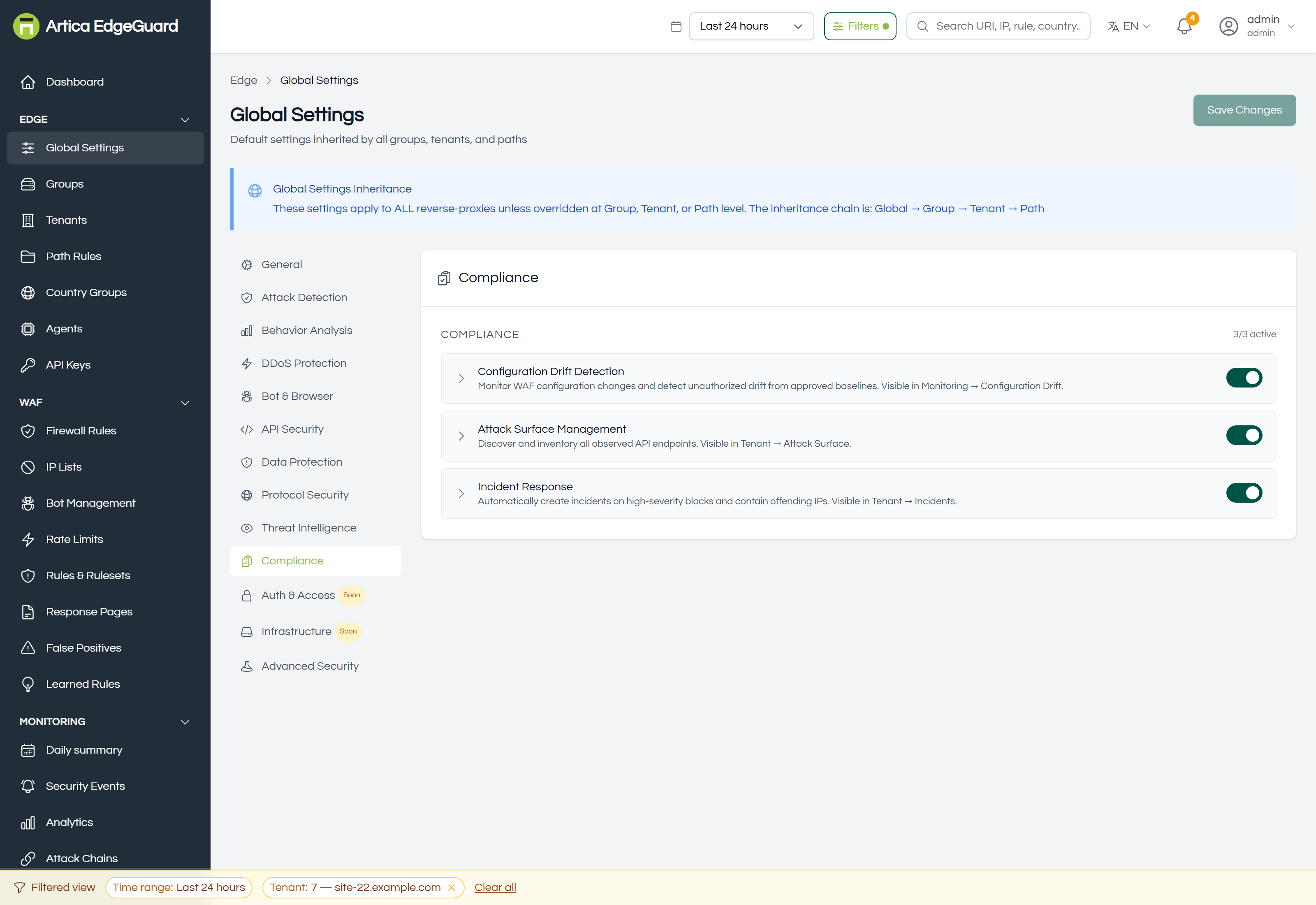
Three modules: configuration drift detection, attack surface management and incident response. Each feeds its own page under Monitoring; the reports that cite them are under Compliance Reports.
¶ Auth & Access, Infrastructure
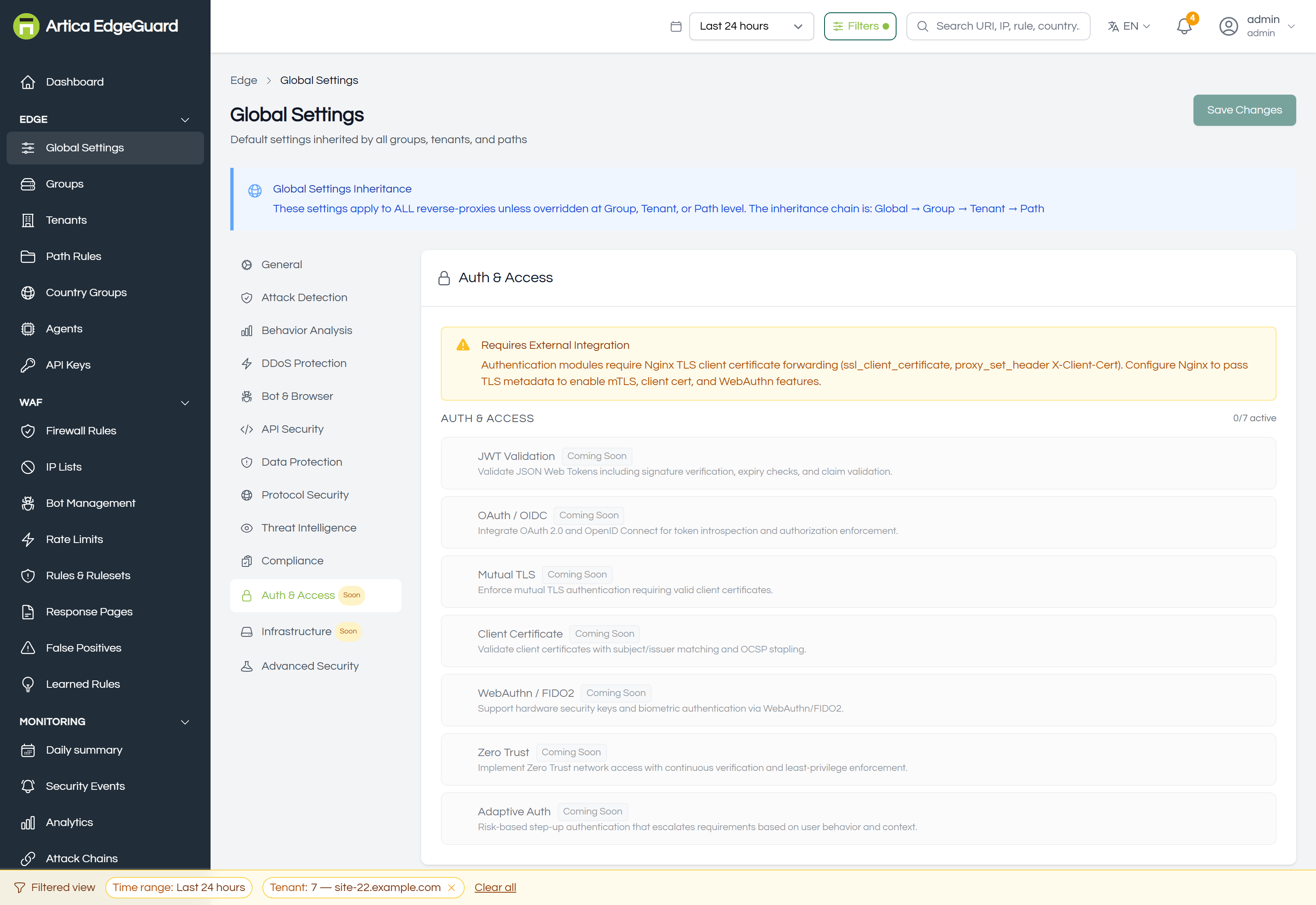
Both tabs are marked Soon in the sidebar, and their modules are visible so you can see what is planned rather than discovering it in a release note: JWT validation, OAuth/OIDC, mutual TLS, client certificates, WebAuthn/FIDO2, zero trust and adaptive auth; Kubernetes integration, container runtime security, secrets management, supply chain security and edge security.
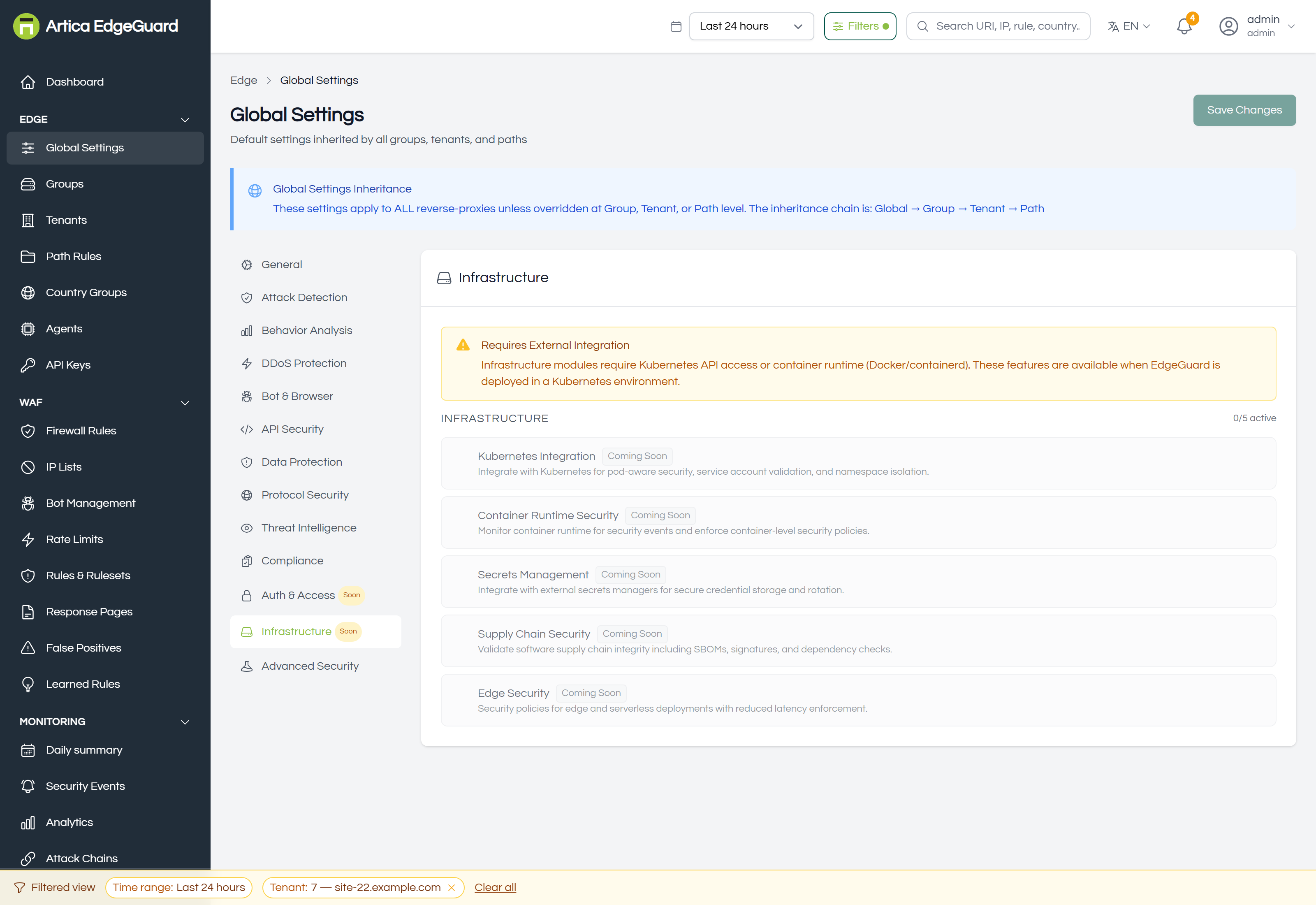
Settings in a Soon tab are stored and inherited like any other; they do not yet change a decision at the edge.
¶ Advanced Security
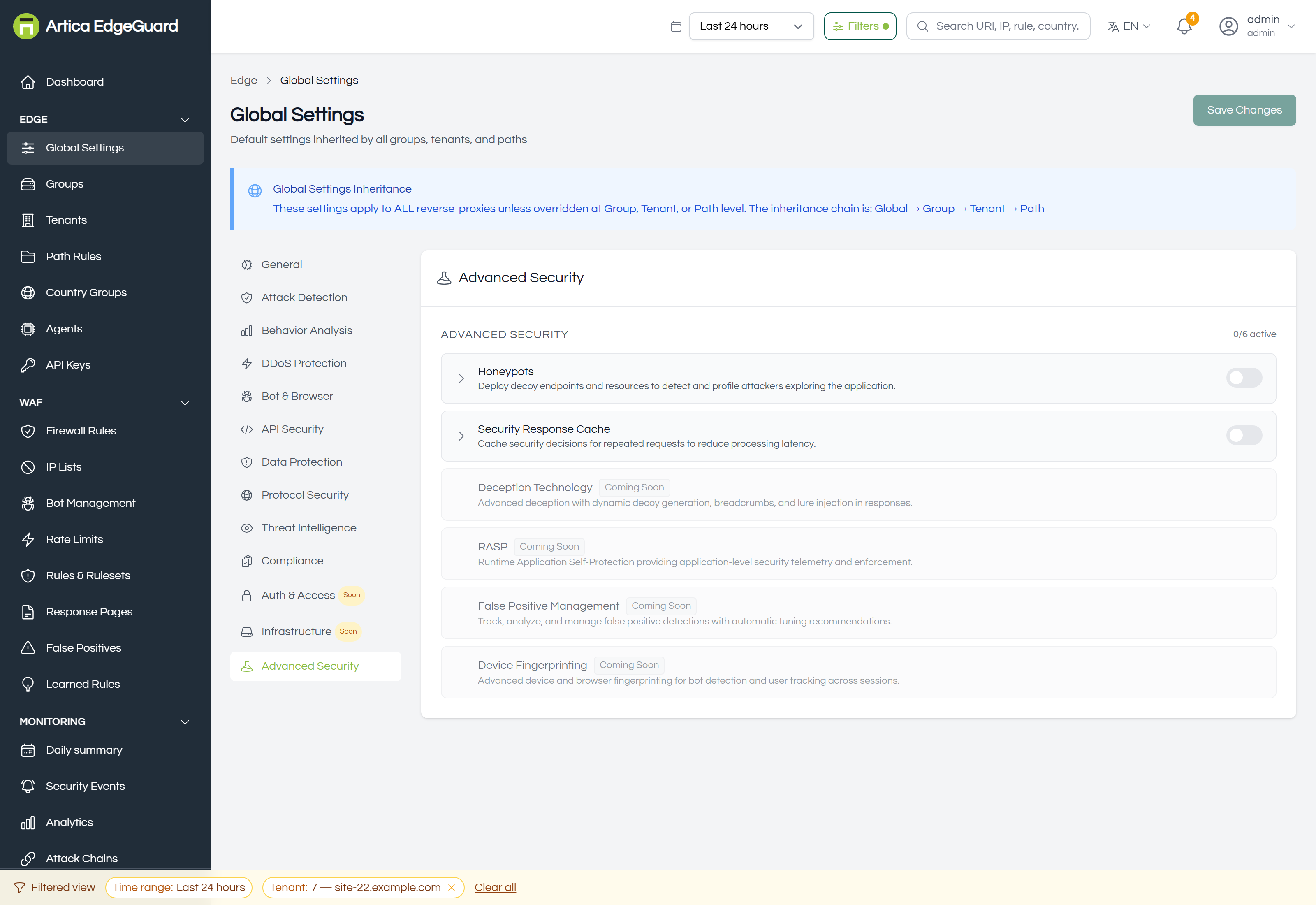
Six modules: honeypots, deception technology, RASP, false-positive management, device fingerprinting and the security response cache.
¶ How a setting is actually resolved
Every field at group, tenant or path level has three states, and the console distinguishes them:
| State | Meaning |
|---|---|
| Inherited | nothing set here; the value comes from the level above, which is named |
| Overridden | set at this level; it wins for this scope and everything under it |
| Cleared | explicitly returned to inheriting — not the same as setting it to off |
Clearing an override removes it from the stored configuration entirely, rather than writing a null that would mask the parent. That distinction is invisible on screen and decisive in the database: a site that "looks inherited" but was saved as an explicit off would keep that off for ever, including after you fixed global.
¶ Verifying a change
1. Read it back where it applies. Open the site's own settings after saving global. The field should show the new value marked as inherited from global. If it shows something else, that site has an override — which is the answer to most "my change did nothing" reports.
2. Wait for the pull. Agents fetch configuration about every 30 seconds. The Agents page shows each one's last contact; Reload Config forces it.
3. Prove it at the edge. For a detection change, make the request that should now be caught and look for it in Security Events:
curl -s -o /dev/null -w '%{http_code}\n' \
  -H 'User-Agent: Mozilla/5.0 (Windows NT 10.0; Win64; x64) Chrome/140.0.0.0' \
  "https://site.example.com/?id=1' OR '1'='1"
4. Check what it cost. After raising a paranoia level or enabling a category, read the Decision Latency chart in Analytics the next day, and the false-positive estimate beside it.
¶ Where Global Settings is the wrong tool
- One site behaves differently → that site's own settings, not global.
- One path needs a different policy → a path rule.
- One rule is wrong on one field → a false-positive exclusion.
- One address or country → IP Lists or a firewall rule.
- A whole rule set on or off → Rules & Rulesets.