Threat Intelligence is what somebody else already knows about the address in front of you. A scanner that has been hammering a thousand other sites arrives at yours with a reputation, and the cheapest decision in security is the one you do not have to work out for yourself.
¶ Where it sits in the decision
Very early — after IP lists and before geo blocking, firewall rules and every detection rule. An address that is refused here never reaches the expensive parts of the engine.
A match does not automatically block. Each indicator carries a severity and a confidence, which produce a score:
| Severity | Score |
|---|---|
| critical | 100 |
| high | 75 |
| medium | 50 |
| low | 25 |
| info | 10 |
The score is adjusted by the indicator's confidence, and the request is refused when the total reaches the block threshold — 70 by default — and automatic blocking is on. So a high indicator with full confidence blocks; a low one on its own does not, but it counts toward a total when several sources agree.
Refusals are recorded with the reason threat_intel and the threat type, so they are distinguishable from every other kind of block.
¶ Overview
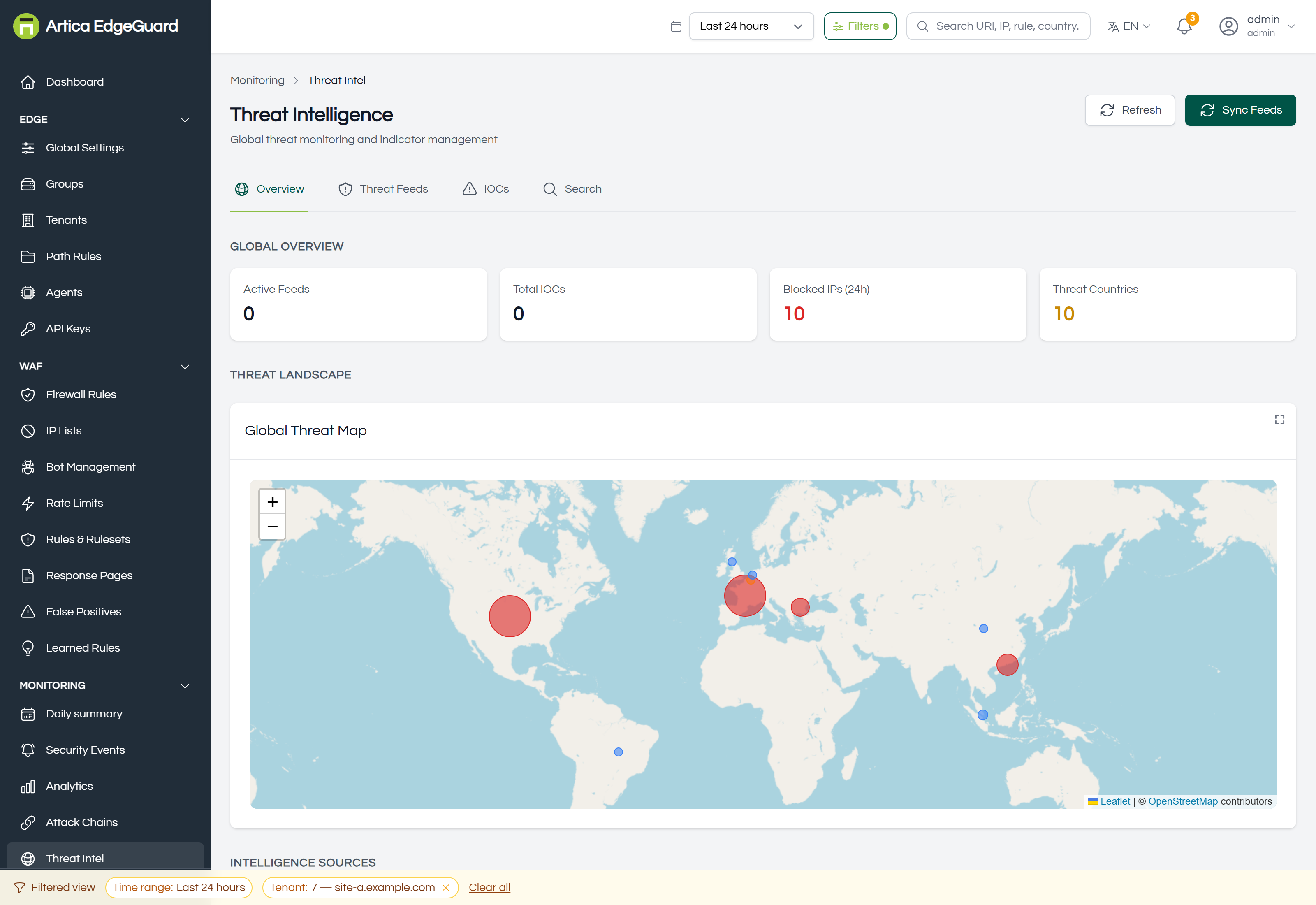
The global picture: a threat map, the landscape by category, which sources are feeding it, and a Top Attackers table — address and location, the attack types seen from it, how many attacks, and how many were blocked, rate-limited, challenged or left to learning mode, with a risk score.
¶ Acting on an attacker
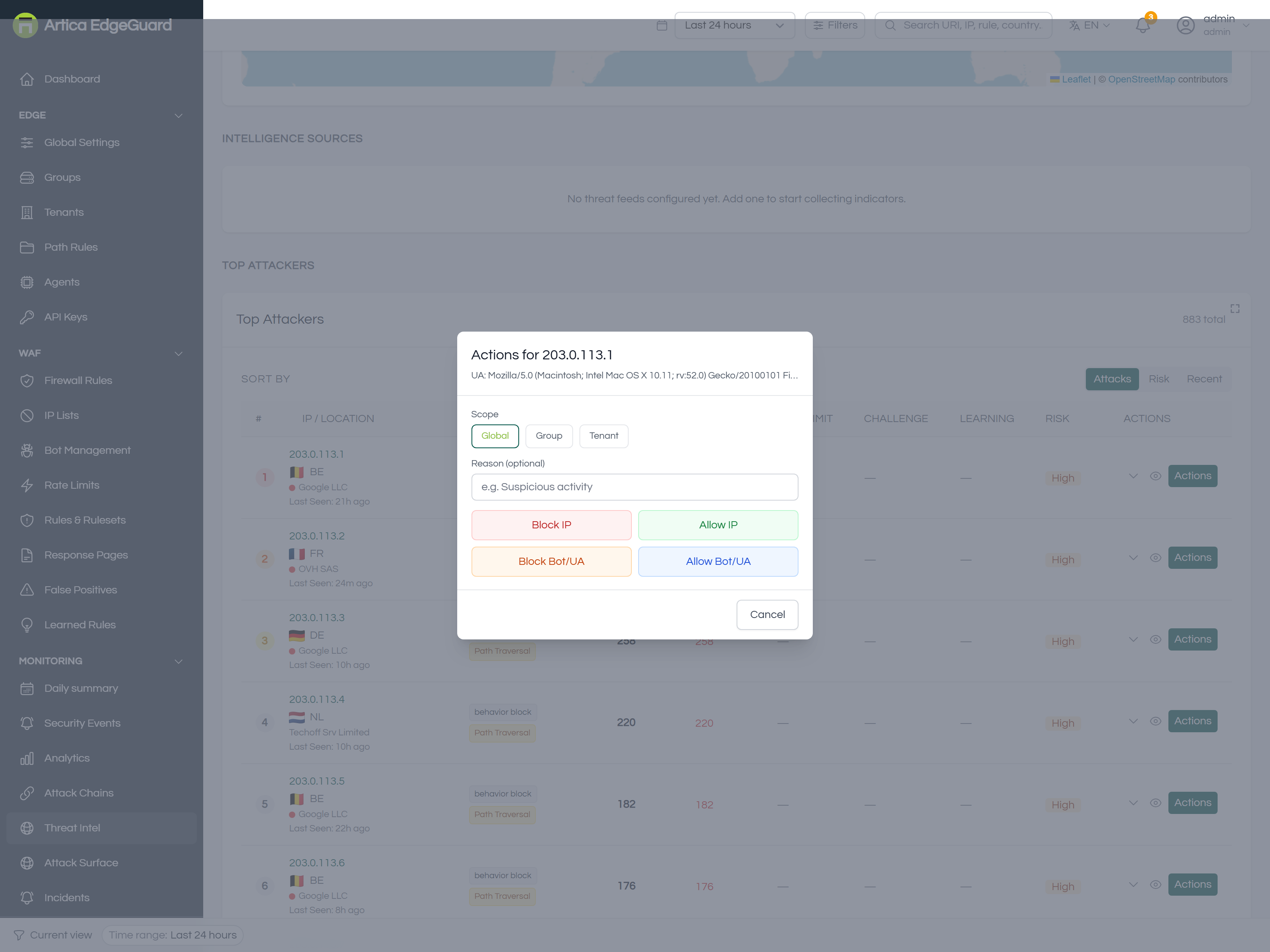
Actions on a row opens a panel with the address, the User-Agent it used, a scope (Global, Group or Tenant) and an optional reason:
- Block IP / Allow IP — writes the address to the blocklist or the allowlist.
- Block Bot/UA / Allow Bot/UA — acts on the User-Agent instead, which is the right choice when the client keeps changing address.
Write the reason. It is the only part that cannot be reconstructed from the data later.
¶ Threat Feeds
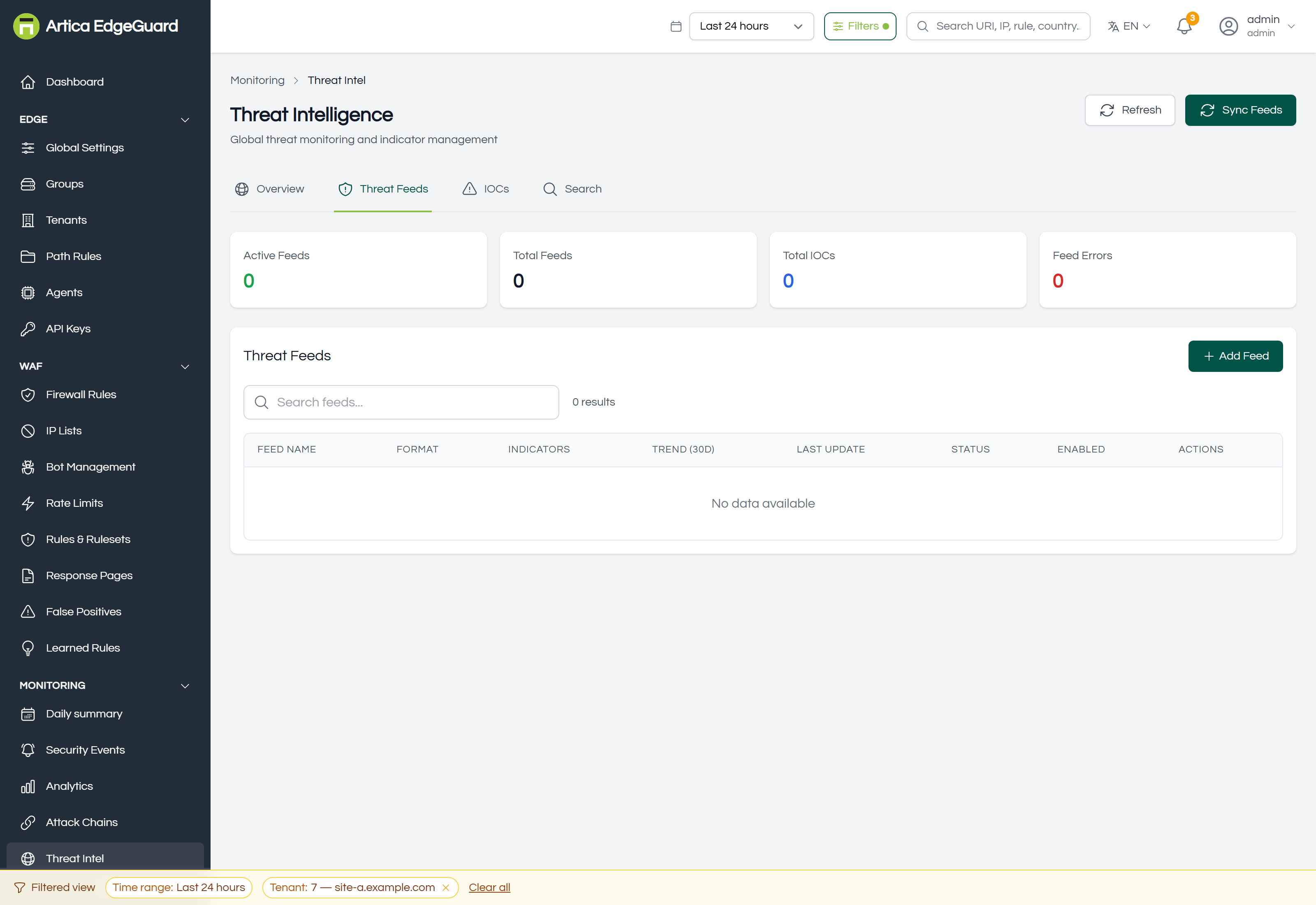
Each feed shows its name, format, how many indicators it holds, a 30-day trend, when it last updated, its status and whether it is enabled. Sync Feeds fetches now rather than waiting for the schedule.
To add a feed:
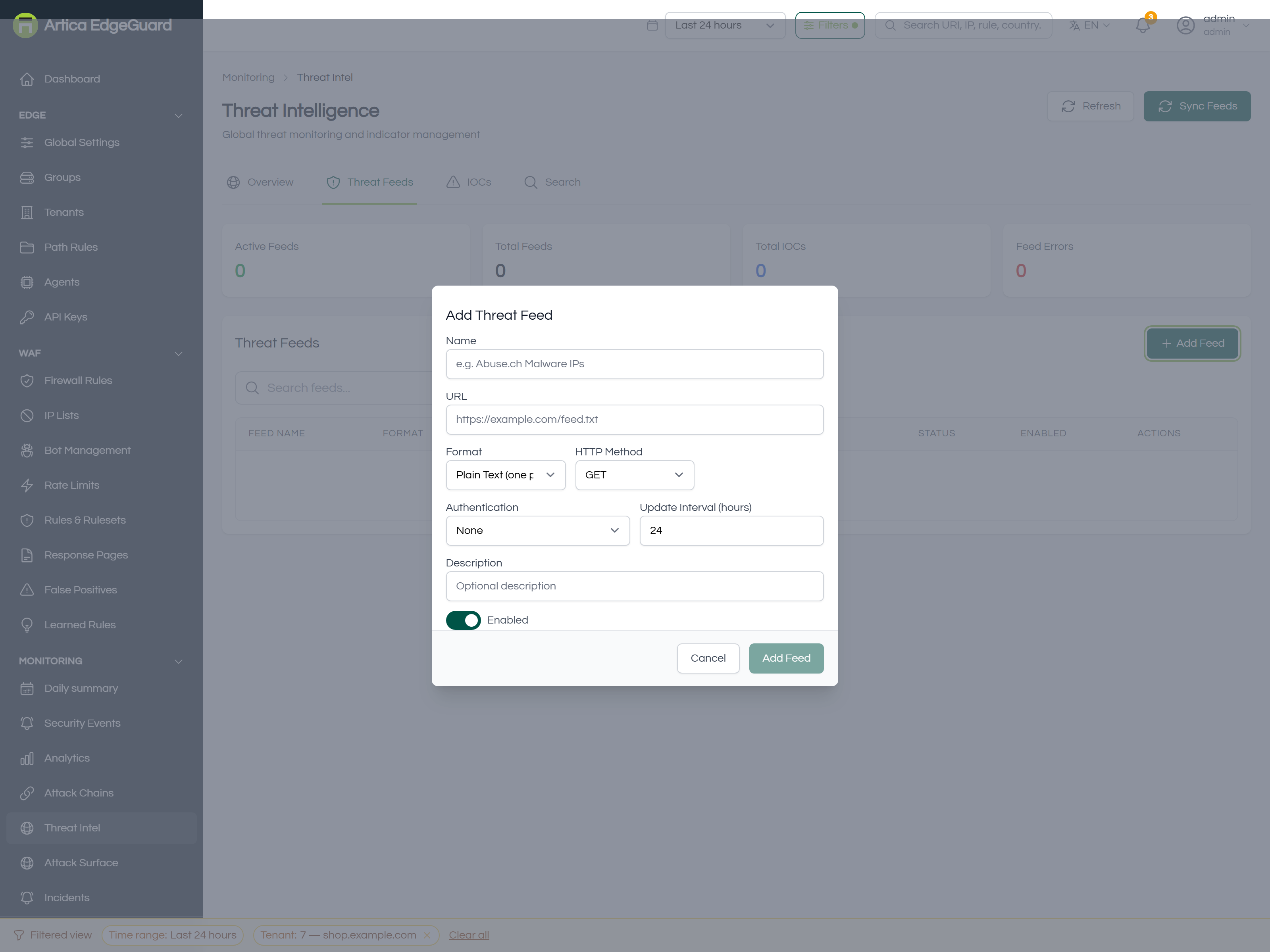
- Name — e.g.
Abuse.ch Malware IPs. - URL — where the list is published.
- Format — Plain Text (one per line), CSV, JSON, STIX or TAXII.
- HTTP Method — GET or POST.
- Authentication — None, Basic Auth, Bearer Token or API Key.
- Update Interval (hours) — how often to fetch. Match it to how often the source actually changes; fetching an hourly list every five minutes wins nothing.
- Description, and save.
A feed is only as good as its false-positive rate. A list of "suspicious" addresses that includes shared NAT gateways or cloud egress ranges will refuse real customers, and the block will read as a security decision rather than a bad subscription. Start a new feed with automatic blocking off, watch what it would have refused, and only then turn it on.
¶ Indicators (IOCs)
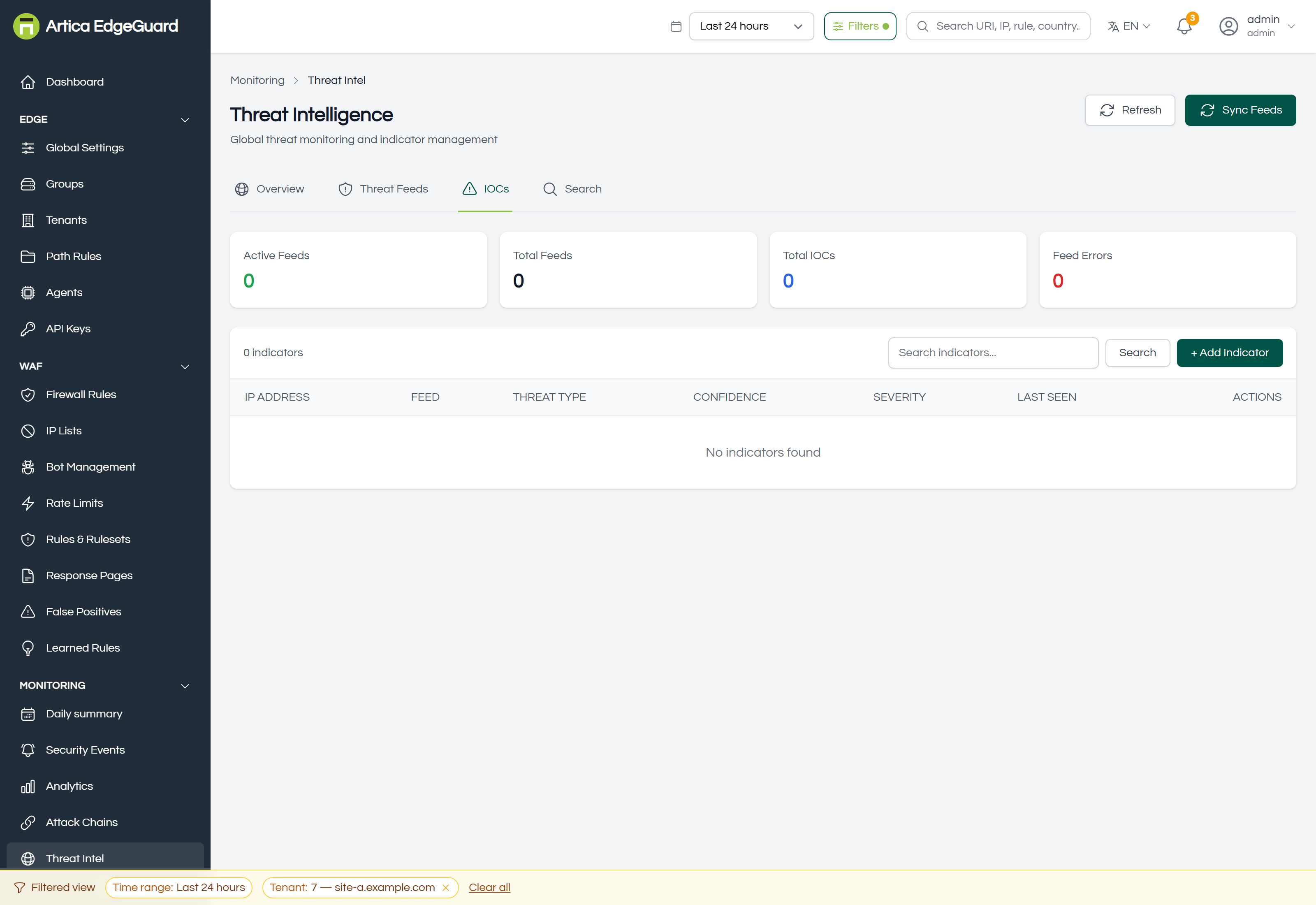
Every indicator from every feed, plus the ones you add: the address, which feed it came from, the threat type, confidence, severity and when it was last seen. The search box narrows the list.
To add one by hand:
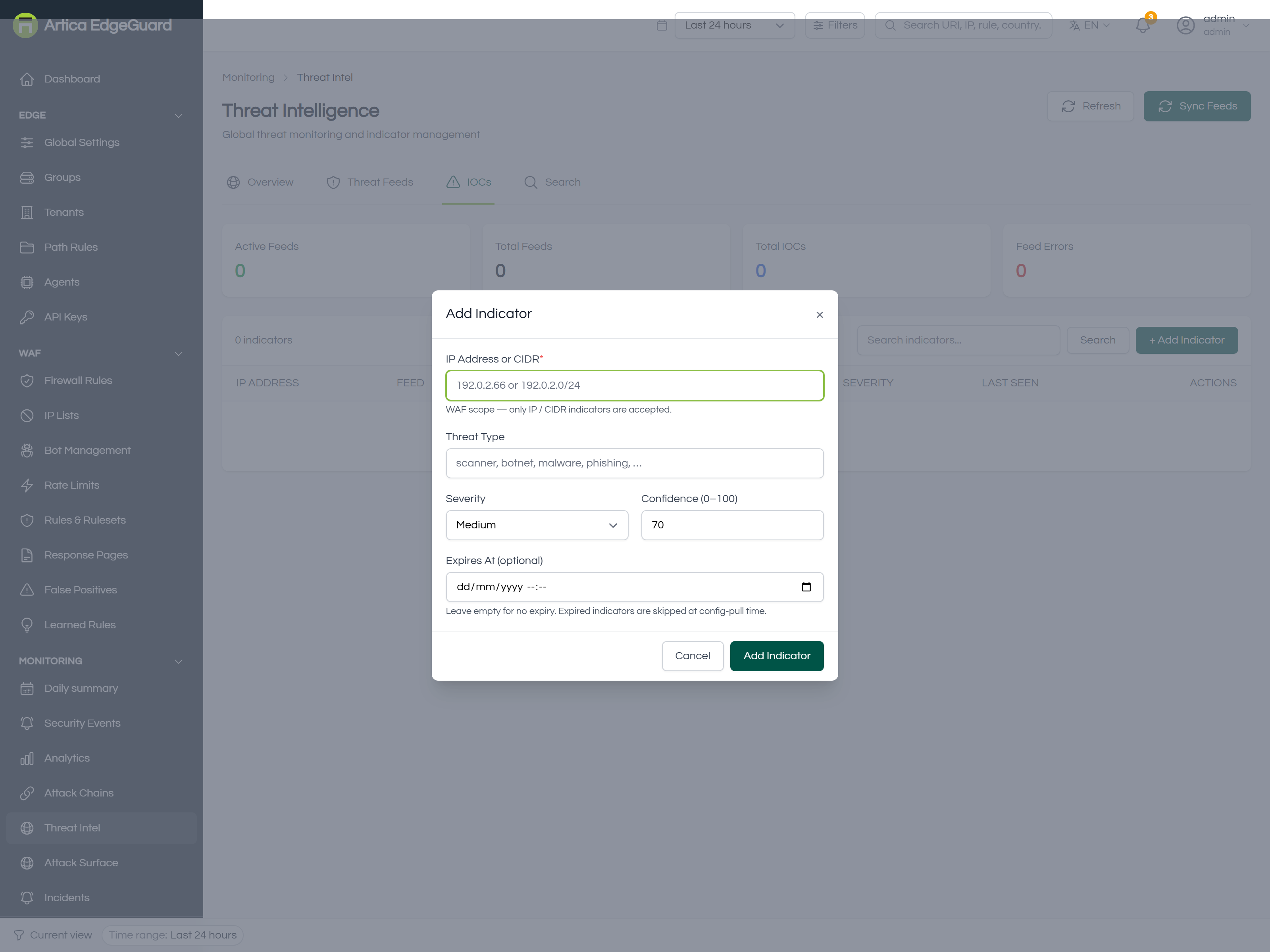
- IP Address or CIDR —
192.0.2.66or192.0.2.0/24. This is a WAF, and it acts on addresses: domains, URLs and hashes are not accepted here. - Threat Type — free text:
scanner,botnet,malware,phishing. - Severity — Low, Medium, High or Critical. This is what decides whether it can block on its own; see the table above.
- Confidence (0–100) — how sure you are. A low-confidence indicator still contributes to a total without refusing anybody by itself.
- Expires At — optional. Leave it empty for no expiry; an expired indicator is simply skipped the next time agents pull their configuration.
Use an expiry on anything you add from an incident. An address that attacked you this morning is very often a residential or cloud address that belongs to somebody else next month, and an indicator without a date is a decision nobody revisits.
¶ Search
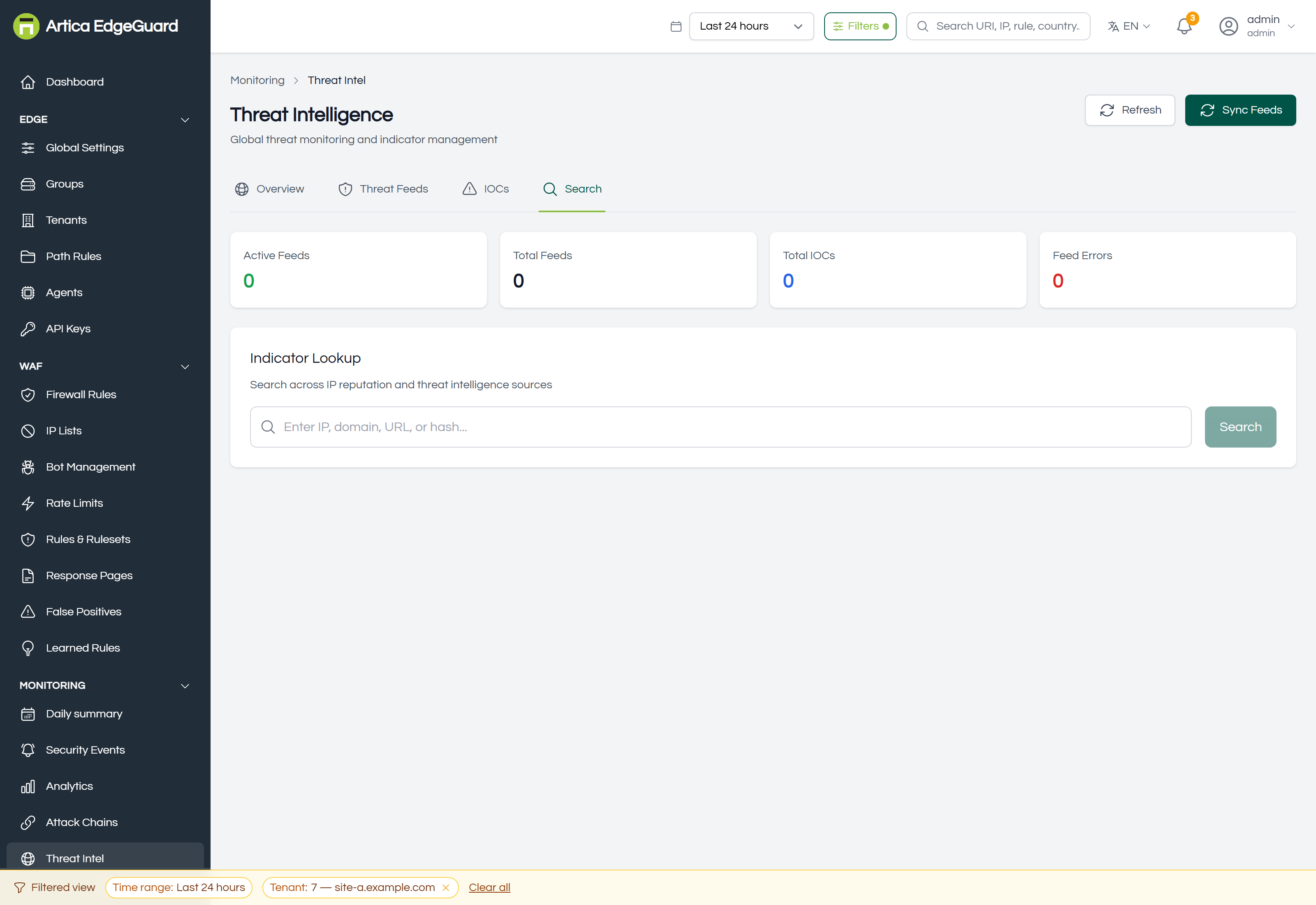
Indicator Lookup takes an IP, domain, URL or hash and searches every source at once — the feeds, your own indicators, and what the address has done on this installation.
This is the tool for the question that arrives by e-mail: "is 203.0.113.42 something we should worry about?". It is also the right first step before writing a block: the answer is often "a known scanner in a hosting range", which argues for blocking the range, or for a rate limit instead.
¶ Switching it on
Global Settings → Threat Intelligence holds three switches:
- Threat Intelligence — enables the feed integration that fills this page.
- YARA Scanning — scans request and response payloads with YARA rules, for what no address list can catch.
- Threat Hunting — labels detections with their kill-chain stage and maps them to MITRE ATT&CK, which is what a SOC expects to see in an export.
¶ When threat intelligence is the wrong tool
| Situation | Better tool |
|---|---|
| One address, one incident, right now | an IP list entry with an expiry |
| A whole hosting provider | a firewall rule matching the ASN |
| The traffic is bad but the address is clean | the rulesets — reputation says nothing about a payload |
| A crawler with a reputation you disagree with | Bot Management, which can verify it by reverse DNS |