EdgeGuard — IP Lists
IP allowlists and blocklists in EdgeGuard: where they sit in the decision, what an allowlist really costs, and how to keep entries from outliving their reason.
IP Lists are the bluntest instrument EdgeGuard has, and the first one it uses. An address on a list is decided before any rule, any bot check and any score. That makes them cheap and absolute — which is exactly why they need care.
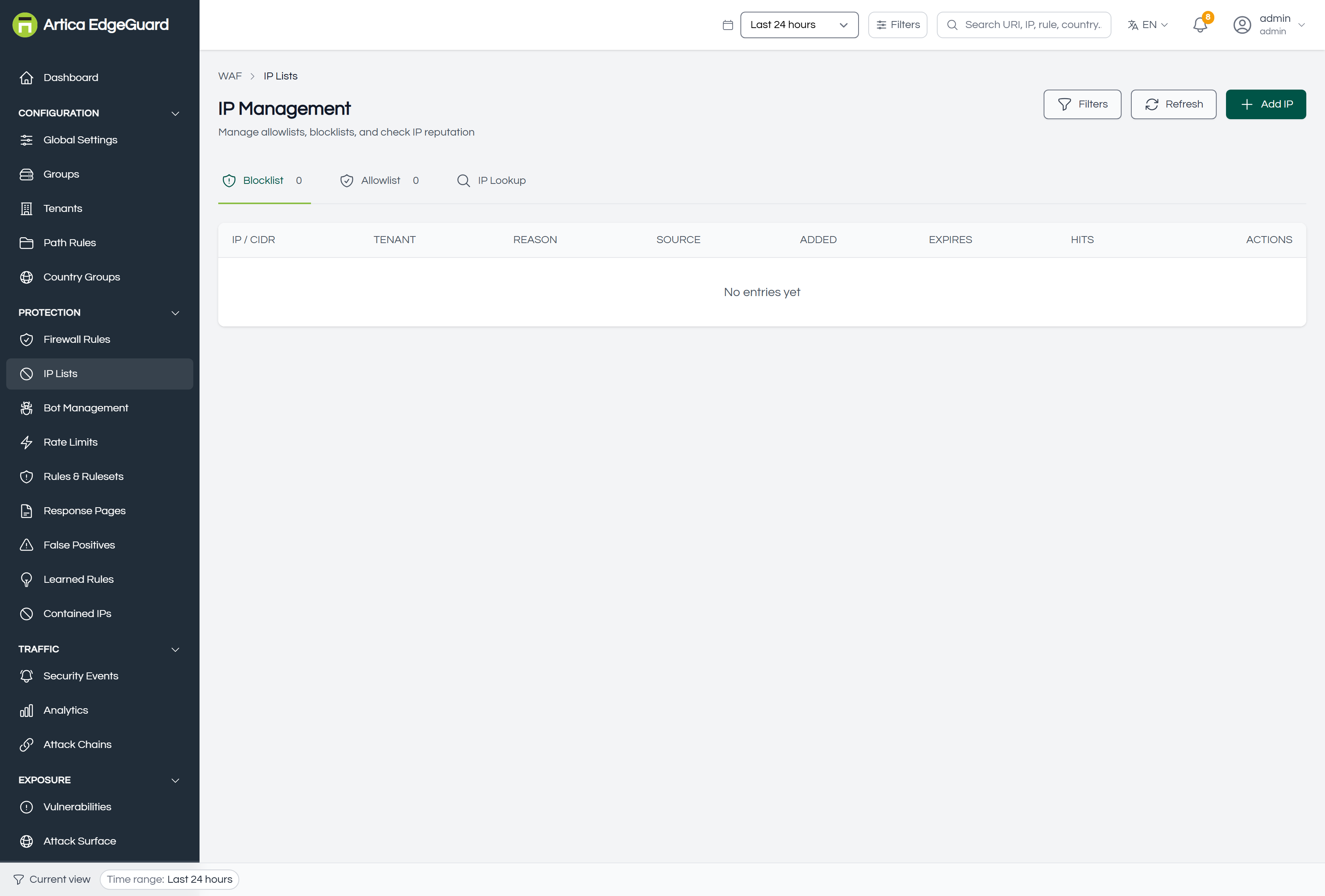
Where they sit in the decision
IP lists are consulted at the very start, before the firewall rules, before threat intelligence, before geo blocking and before any detection:
- Allowlist — checked first, across every scope. A match ends the examination immediately: the request is allowed with
X-Security-Bypass: hierarchy-allowlist, and that decision is cached for five minutes. - Blocklist — checked next. A match refuses the request with 403 and the reason you wrote.
- Everything else in the product.
Two consequences follow, and both matter more than they look:
An allowlisted address is not inspected at all. Not by the rulesets, not by bot detection, not by rate limits, not by learned rules. If that machine is ever compromised, or its address is ever reused, you have an unguarded path into the application.
The allowlist beats the blocklist. An address on both is allowed. This is deliberate — an exception must be able to override a broad block — but it means a wide allowlist entry can silently undo a block you added later.
The three tabs
- Blocklist — addresses and ranges that are refused. The number in the tab is how many are active.
- Allowlist — addresses that skip everything. Keep this list short and dated.
- IP Lookup — what is known about an address, before you decide.
Adding an address
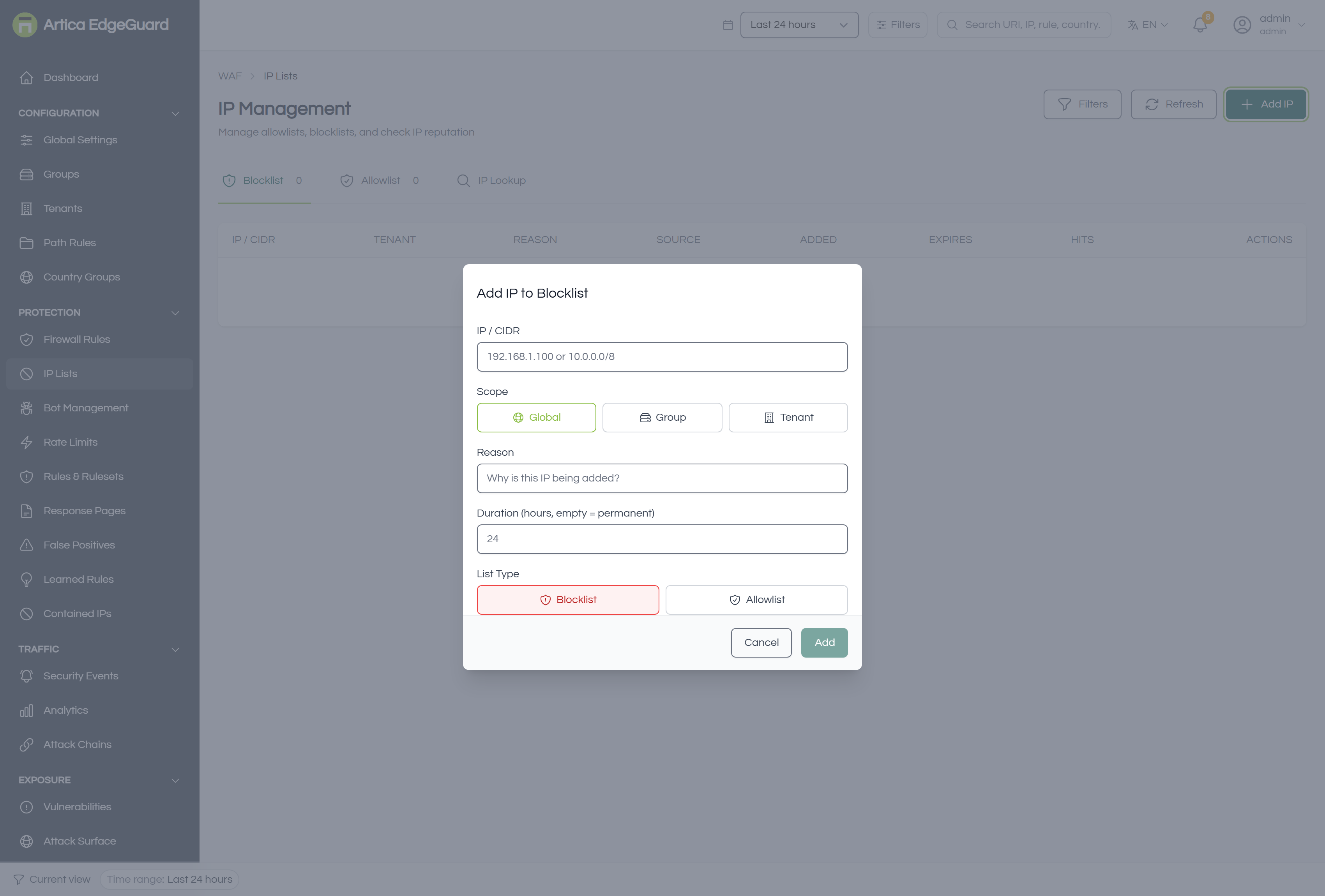
Click Add IP.
- Scope — Global, Group or Tenant. A tenant-scoped entry applies to one site only.
- List — Blocklist or Allowlist.
- IP / CIDR — a single address (
192.0.2.66) or a range (192.0.2.0/24). Ranges are matched properly, so a/24covers its 256 addresses without listing them. - Reason — why. This is the field you will read in six months when deciding whether the entry can go, and the only one that cannot be reconstructed later.
- Duration (hours) — leave empty for permanent, or set a number. An expired entry stops applying immediately: the expiry is part of the query that loads the lists, and it is checked again on the request path, so an entry cannot outlive its date by a caching window.
- Add.
Changes reach the agents within about 30 seconds.
Prefer an expiry. An address that attacked you today is very often a residential or cloud address that belongs to somebody else next month. A block with a duration says "for now"; a permanent block says "forever", and nobody ever revisits it.
IP Lookup
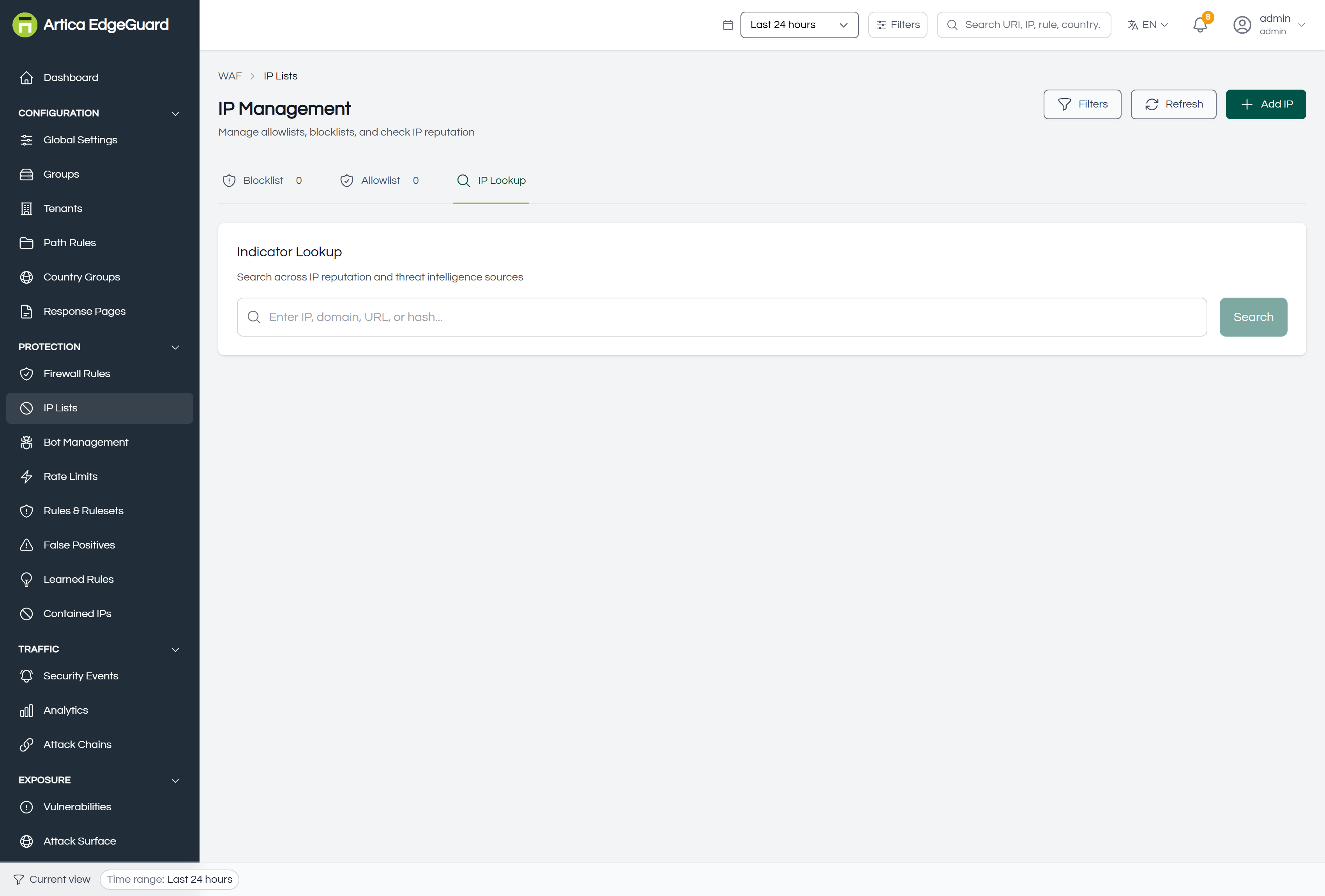
Paste an address and the console searches every reputation and threat-intelligence source it has: a risk score, a verdict such as Suspicious, which feeds name it, and what it has done on your own installation.
Use it before adding a block — the answer is often "this is a known scanner in a hosting range", which argues for blocking the whole range rather than the one address, or for a rate limit rather than a block.
Verifying
1. A blocked address. From that address, or with a test that presents it:
curl -o /dev/null -w '%{http_code}\n' "https://site.example.com/" # expect 403
The response carries an EdgeGuard ID; pasting it into the global search opens the exact event, whose reason reads hierarchy_ip_blocked.
2. An allowlisted address. The response header X-Security-Bypass: hierarchy-allowlist is the proof. Remember that the decision is cached for five minutes: a change you make now may take that long to be visible from the same address.
3. The list itself. The entry shows in the tab with its scope, reason and expiry.
When an IP list is the wrong tool
| Situation | Better tool |
|---|---|
| The address is attacking one path only | a firewall rule with a path condition |
| It is a whole hosting provider | a firewall rule matching the ASN, which survives address changes |
| It is too much traffic rather than bad traffic | Rate Limits |
| It is a crawler claiming to be Google | Bot Management, which verifies by reverse DNS |
| You want an exception for one rule | a false-positive exclusion, not an allowlist entry |
That last row is the most common mistake. An allowlist entry to fix one noisy rule turns off every protection for that client, which is a very large payment for a small problem.
Automatic entries
Two features write to these lists on their own:
- Incident response / auto-containment — blocks an attacking address for a period, and lists it under Monitoring → Contained IPs, where it can be released early.
- The Allow IP quick action on a security event — for when a block was wrong and you need the client working again now. It is a fast fix, not a permanent policy: give it a duration.