The addresses EdgeGuard blocked by itself, in response to an incident, and which it will unblock by itself when the containment expires.
This page is the list of automatic blocks. It exists because a block nobody chose should be visible to somebody, and releasable by them.
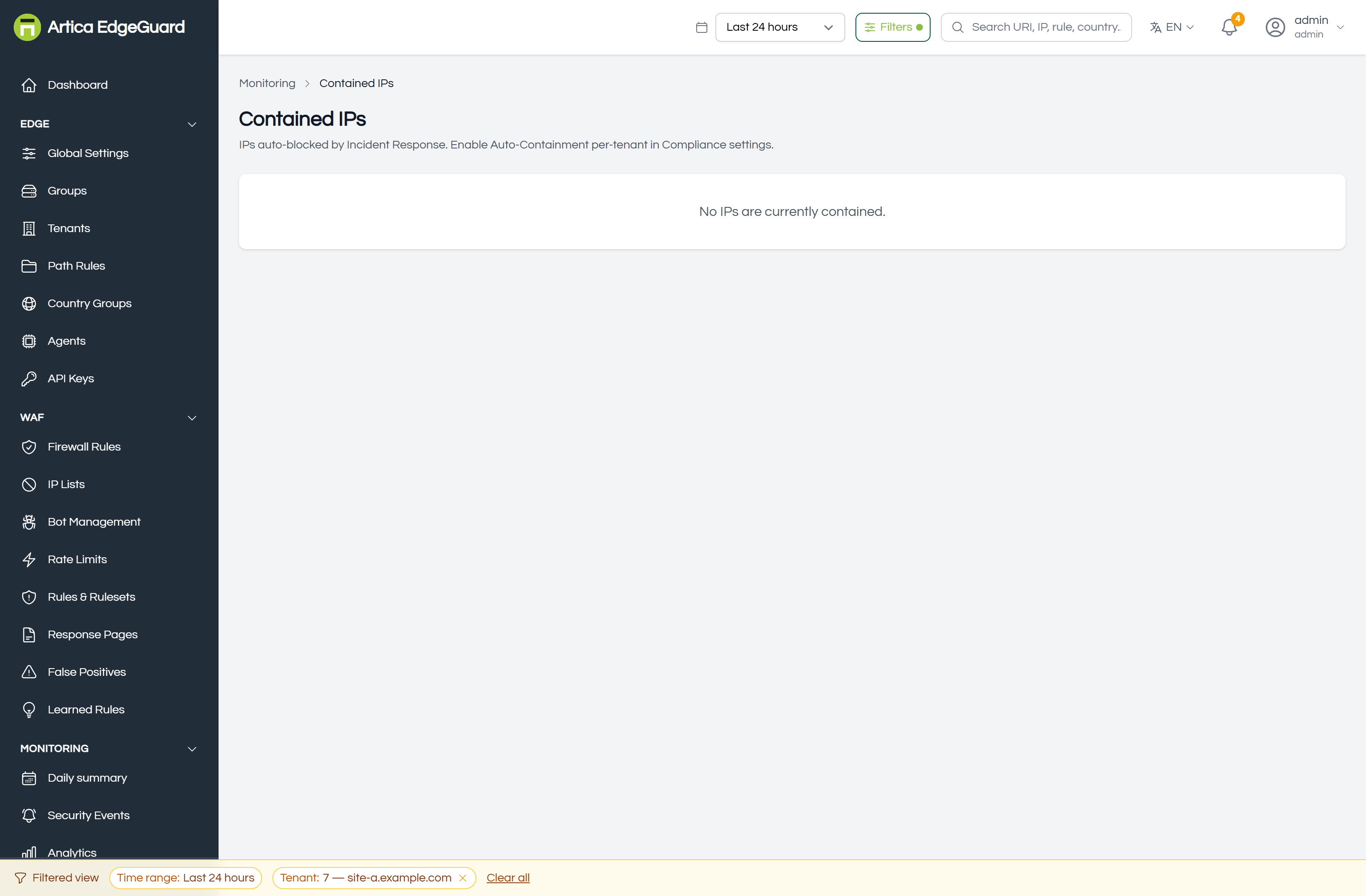
Each row carries the address, the site it was contained for, the incident that caused it, the reason, when it was contained and when the containment expires. Release lifts it early.
An empty page means nothing has been contained — which, if you expected otherwise, is usually the second switch: see below.
¶ How an address gets here
- A request is refused at critical severity.
- An incident is raised for it.
- If Auto-Containment and Block the address are both on for that site, the agent blocks the address at the edge for the configured duration — 24 hours by default — and the incident's status becomes contained.
- The agent reports the containment to the console, and it appears here.
Both switches are needed, in Global Settings → Compliance → Incident Response. Auto-Containment allows containment; Block the address performs it. Blocking is off by default, because a false positive that scores critical would otherwise take a real visitor off your site for a day.
Needs central 2.4.28 and engine 3.0.37. Before those, containment was gated on a field no configuration path ever set: "Auto-Containment" could not block anything on any installation, and this page was empty no matter what was enabled.
¶ Where the block actually lives
In the agent's memory, with an expiry. The console holds a copy so this page has something to show.
That matters for two reasons:
- A contained address is blocked by the agents that saw it. Another agent serving the same site, which never saw the attack, is not blocking it.
- Releasing has to travel. Pressing Release deletes the console's record and sends a release command to every agent serving that site. The response says how many agents were told — an agent that is offline will hear it when it comes back.
Before central 2.4.27, Release deleted the row and told no agent: the console looked clean and the visitor stayed blocked until the containment ran out. If you released addresses on an older version and somebody still could not reach the site, that is why.
¶ Releasing one
Release on the row. It takes effect at the edge within seconds of the agent receiving the command, and the release is recorded in the Audit Log with your name against it — a block that was lifted by a person is a different fact from one that expired.
Release when:
- the address belongs to a customer and the detection was wrong;
- a shared address (an office, a NAT gateway, a mobile carrier) was contained for one person's traffic;
- you have dealt with it another way — a narrower firewall rule, or a fix in the application.
Releasing does not stop it happening again. If the same address attacks again and scores critical, it is contained again. To stop that, either fix what the detection is reacting to — a false-positive exclusion — or put the address on an allowlist in IP Lists, which is evaluated before everything else.
¶ Containment versus the other ways to block
| Contained IP | IP list entry | Firewall rule | |
|---|---|---|---|
| Decided by | EdgeGuard, automatically | you | you |
| Lives in | the agent's memory | the configuration | the configuration |
| Ends | by itself, at the expiry | when you remove it, or at its own expiry | when you remove it |
| Survives an agent restart | no | yes | yes |
| Visible where | this page | IP Lists | Firewall Rules |
A containment is meant to be temporary and automatic. If you find yourself releasing the same address every day, it belongs in a list where the decision is written down rather than rediscovered.
¶ Verifying
1. That containment is on at all. Open an incident with critical severity raised after you enabled it. Status contained means the block happened; status open means the second switch is off.
2. That the block is real. From the contained address, if you can reach one, a request to the site answers 403 with the header:
X-Security-Reason: incident_response_block
That header is the difference between "contained" and "coincidence".
3. That release works. Press Release, wait a few seconds, and repeat the request. It should be served. If it is still refused with that header, the agent has not had the command yet — check the agent is online on the Agents page.
¶ Where this page is the wrong tool
- Blocking an address on purpose → IP Lists.
- Why it was blocked → the incident named on the row.
- What that address did → Security Events filtered to it, or Attack Chains.
- Blocking a whole network or country → a firewall rule, by ASN or by country.