← Back to the RDS Proxy main page
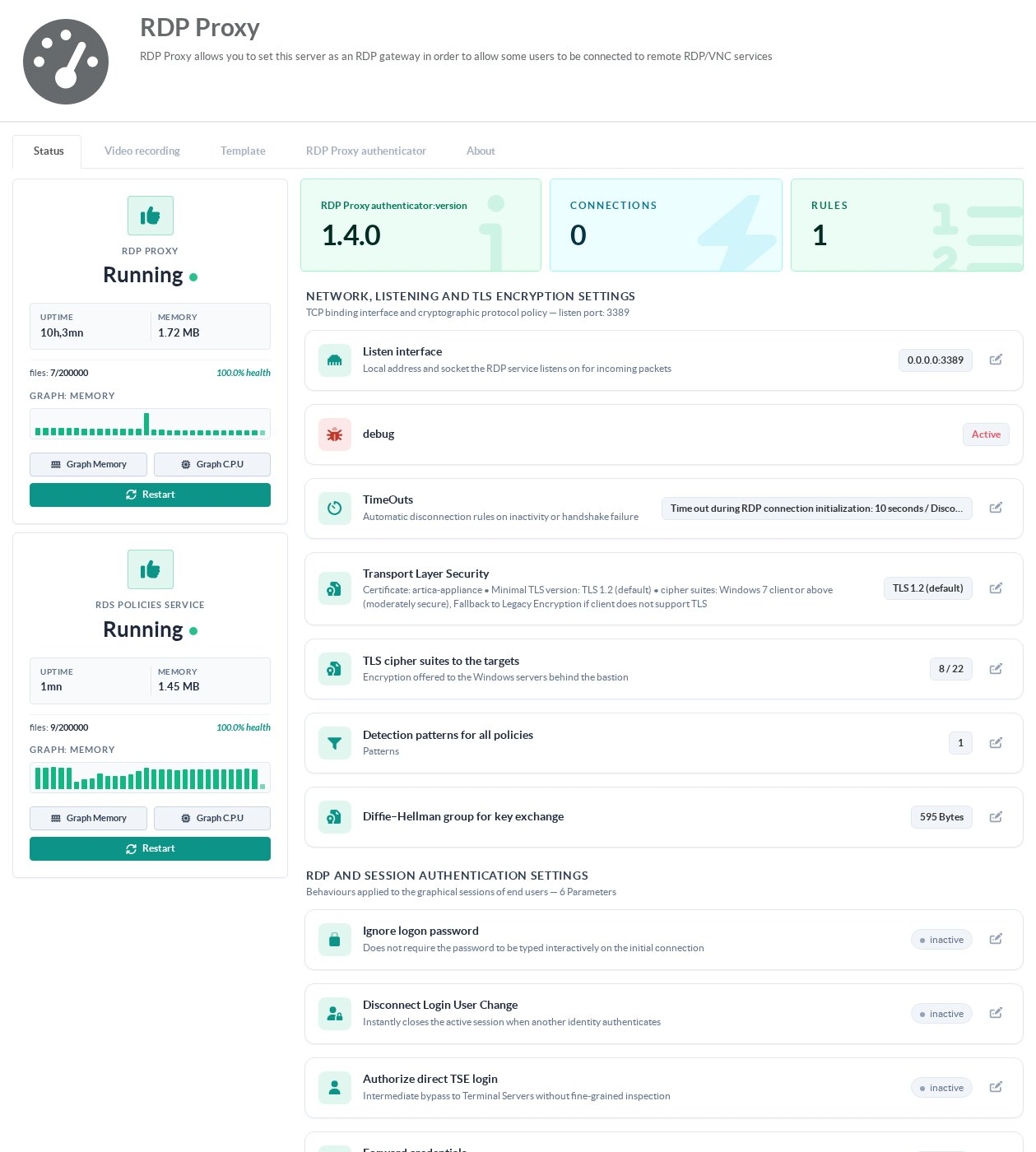
Open RDS Proxy » Status. The left column shows the two services (the gateway and the RDS policies service) with their uptime, memory use and a Restart button. The right column holds the settings, grouped in cards. Click the pencil of a row to change it.
¶ Network, listening and TLS
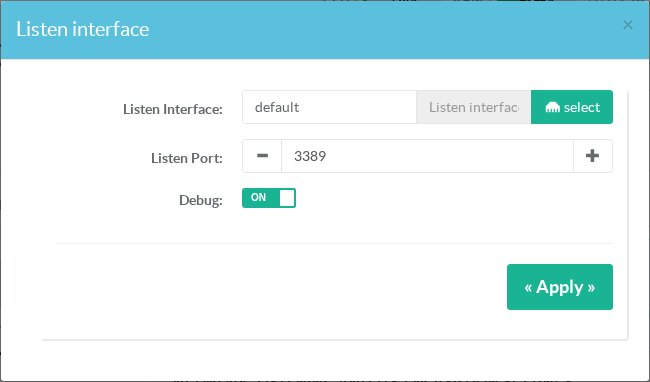
¶ Listen interface
The network interface and TCP port the gateway listens on (default: all interfaces, port 3389). Debug adds detailed traces to the gateway and authenticator logs; leave it off in production. Saving restarts the service.
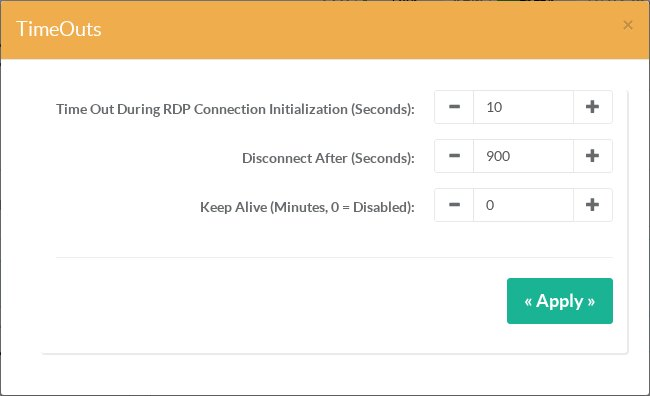
¶ Timeouts
| Setting | Unit | Default | Meaning |
|---|---|---|---|
| Time out during RDP connection initialization | seconds (5–300) | 10 | How long a client has to complete the RDP handshake. Increase it for very slow links. |
| Disconnect after | seconds (30–86400) | 900 | A user who stays inactive this long is disconnected from the gateway. |
| Keep alive | minutes (0–1440) | 0 (off) | Sends keepalive packets to the client so idle TCP sessions are not dropped by a firewall or NAT device. |
¶ Transport Layer Security
These settings apply between the users' Remote Desktop clients and the gateway.
- Use a certificate from Certificate Center: the certificate presented to the clients. Without one, the appliance uses a self-signed certificate and users get a warning on every connection.
- Fallback to legacy encryption if the client does not support TLS: accept clients that cannot do TLS at all. Leave it off unless you must support such clients.
- Minimal TLS version: TLS 1.2 by default. Choose TLS 1.0 only for legacy clients (Windows XP, Windows 7 without updates).
- Cipher suites: Windows 7 client or above is the default. More RDP clients also accepts SHA-1 suites for old clients; Windows 2008 R2 client or above keeps only AES-GCM suites with forward secrecy.
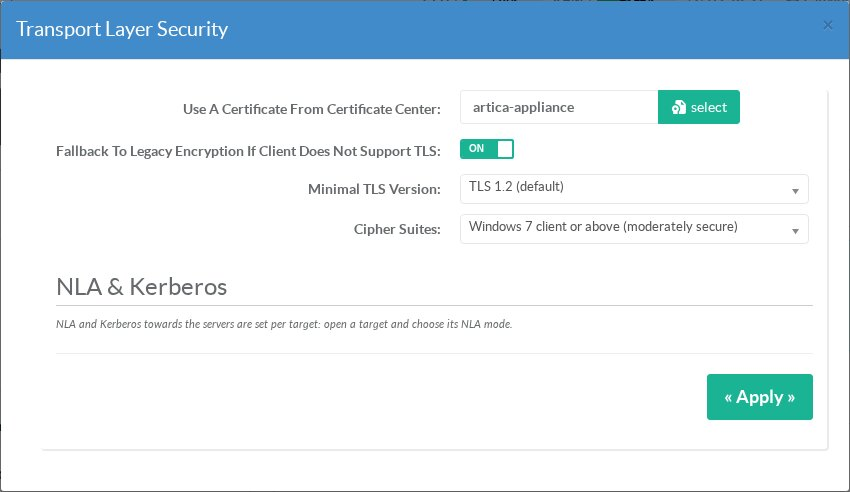
Changes, including a new certificate, apply to the next connection without restarting the service: sessions already open are not disconnected and keep the settings they started with.
NLA and Kerberos towards the servers are not set here: they are chosen per target. See Targets » Network Level Authentication.
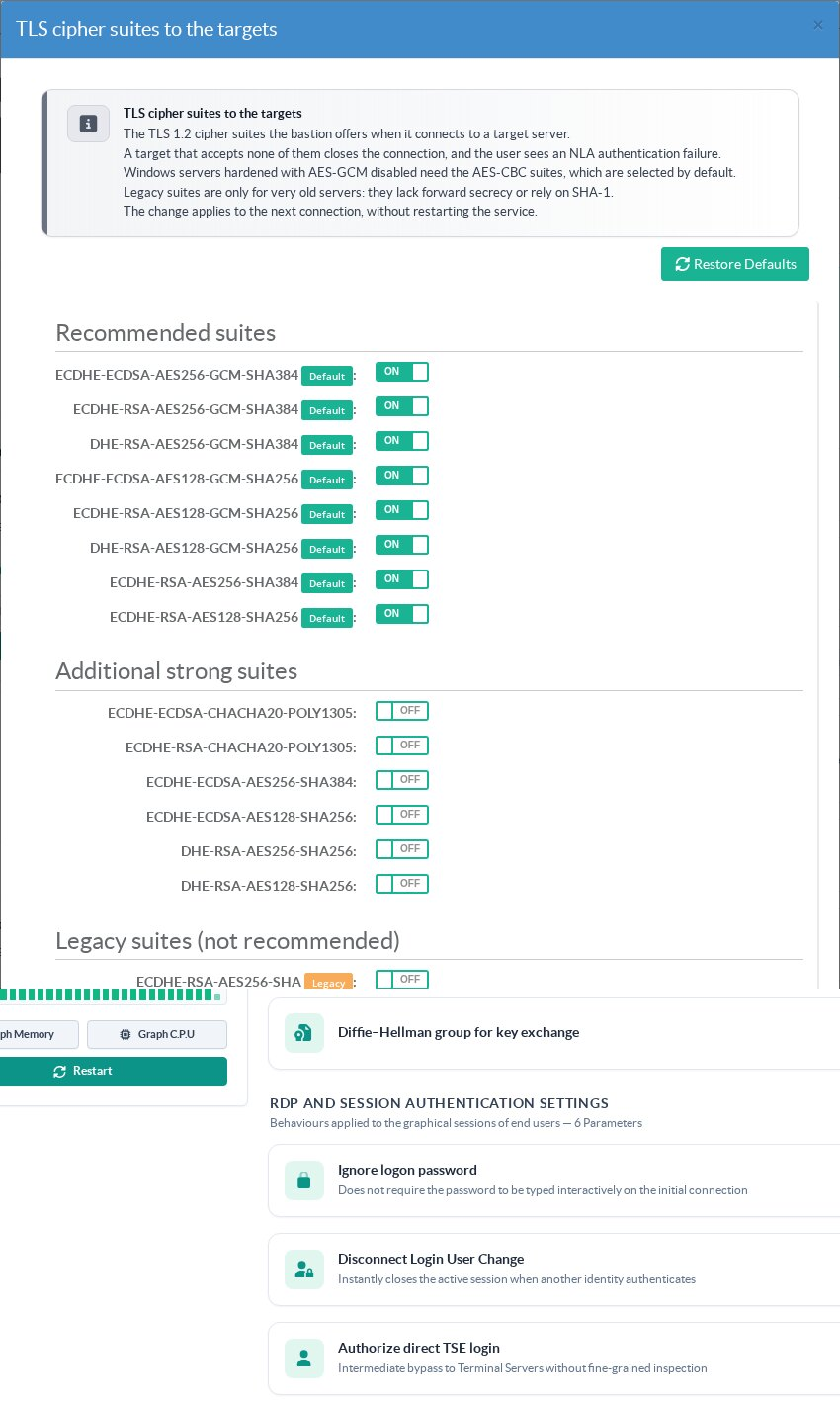
¶ TLS cipher suites to the targets
The TLS 1.2 cipher suites the gateway offers when it connects to a target server. A server that accepts none of them closes the connection, and the user sees an NLA authentication failed or TLS only is not allowed error even though the password is correct. The recommended suites are selected by default, including AES-CBC suites needed by Windows servers hardened with AES-GCM disabled (IIS Crypto, GPO). Legacy suites (SHA-1 or static RSA) are only for very old servers. Changes apply to the next connection, without a restart.
¶ Detection patterns for all policies
Opens the list of detection patterns that apply to every policy. See Policies » Detection patterns.
¶ RDP and session authentication settings
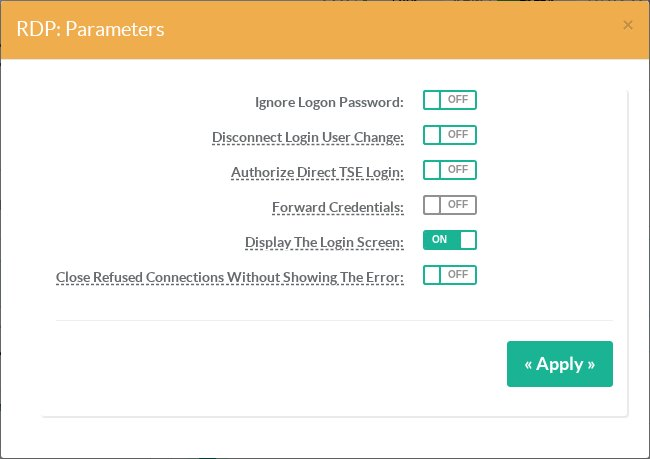
Like the TLS settings, these options apply to the next connection without a restart.
| Option | Effect |
|---|---|
| Ignore logon password | Ignores the password stored in the Remote Desktop client: users always type it on the gateway login screen. |
| Disconnect login user change | If a user reconnects to a session that another identity opened on the target, the session is closed. |
| Authorize direct TSE login | Users may name the target in their login (user/target, user@domain/target, DOMAIN\user/target) instead of picking it from the list. See Direct connection. |
| Forward credentials | The credentials typed by the user are passed to the target server unchanged. The gateway then only checks the source network, the schedule and the target, not the member account. |
| Display the login screen | When the client did not prepare a user name and password, show the gateway login screen. When off, such clients are refused with “Please prepare credentials before connecting”. See Prepare credentials. |
| Close refused connections without showing the error | A refused user only sees the connection close. The reason is still written to the access events. Leave it off so users understand why they were refused. |
| Enhanced title recognition (Windows 10/11, 2016+) | Reads the title bars of Windows 10, Windows 11 and Windows Server 2016 and later so that detection patterns trigger on these targets. On by default. Greyed out when the installed package does not include it (version older than 12.3.17). Applies to the next session. |
¶ Error messages
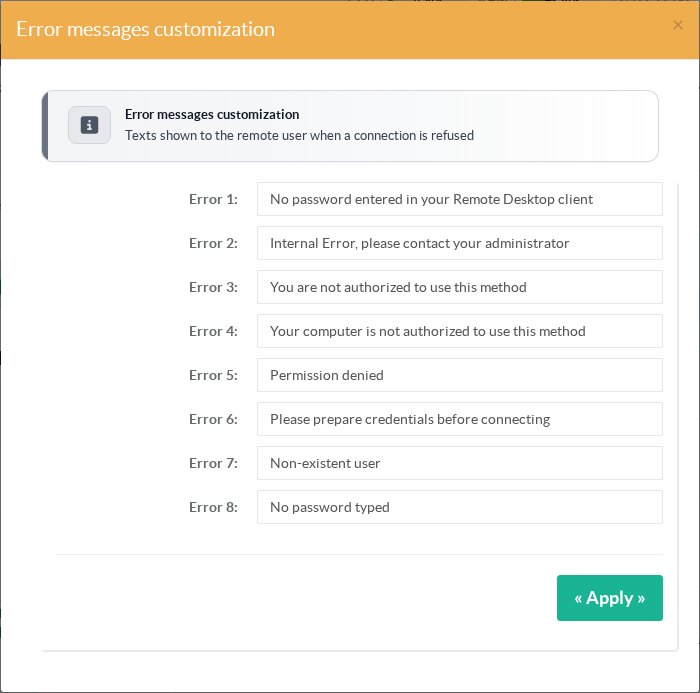
The eight messages shown to users when a connection is refused can be translated or reworded. An empty field restores the default text.
¶ Other tabs
- Video recording: storage, retention and video quality. See Video recording.
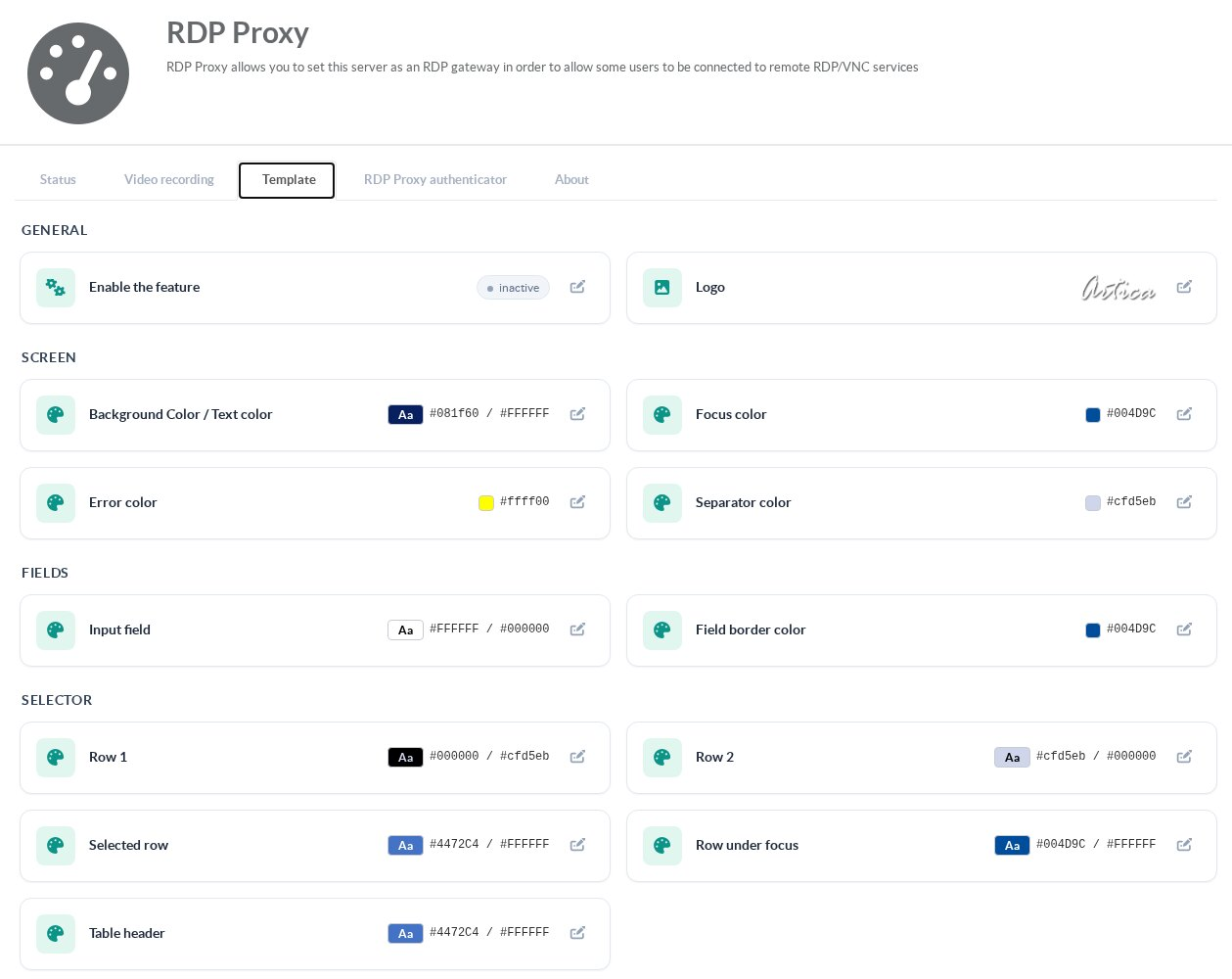
- Template: colors, logo, background color and welcome text of the gateway screens, and the usage charter.
The Artica look is used by default.
See Customize the look of the RDS Proxy. - RDP Proxy authenticator: status and version of the policy engine.
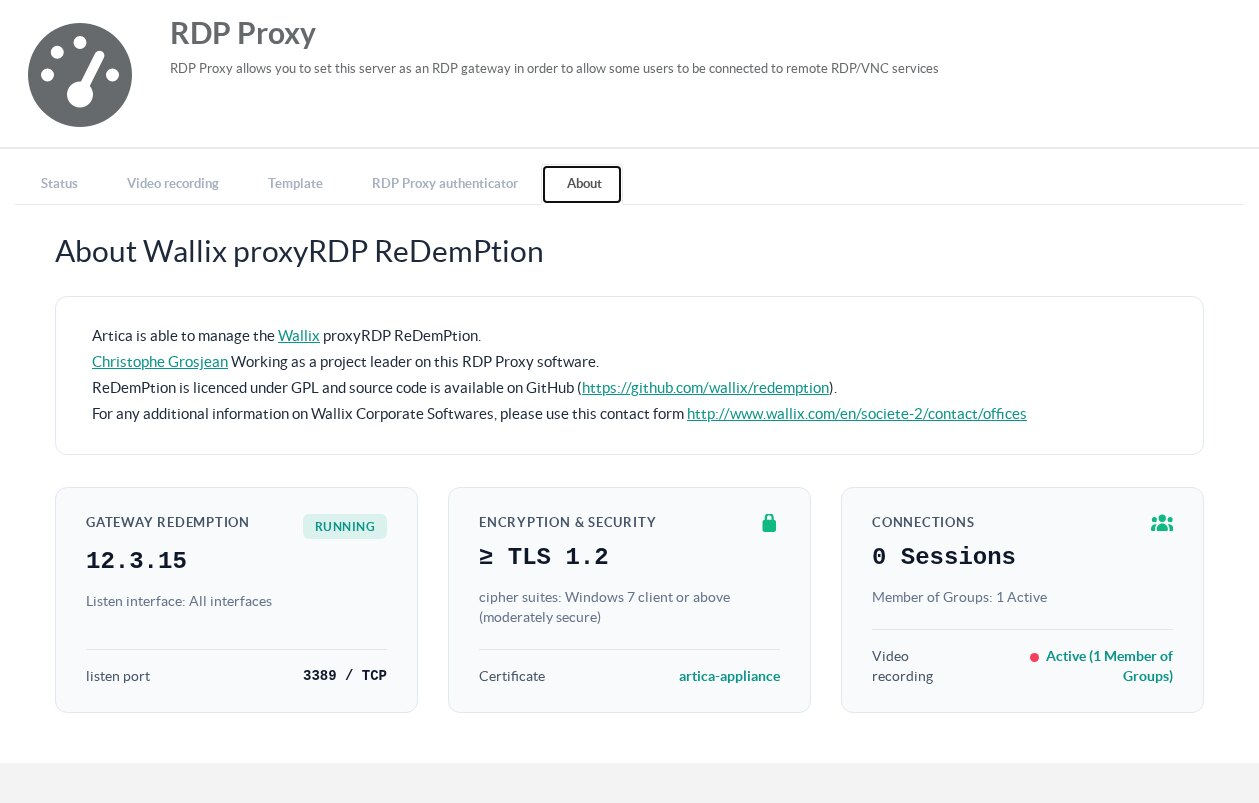
- About: a summary of the gateway, its security settings and the current sessions.