← Back to the RDS Proxy main page
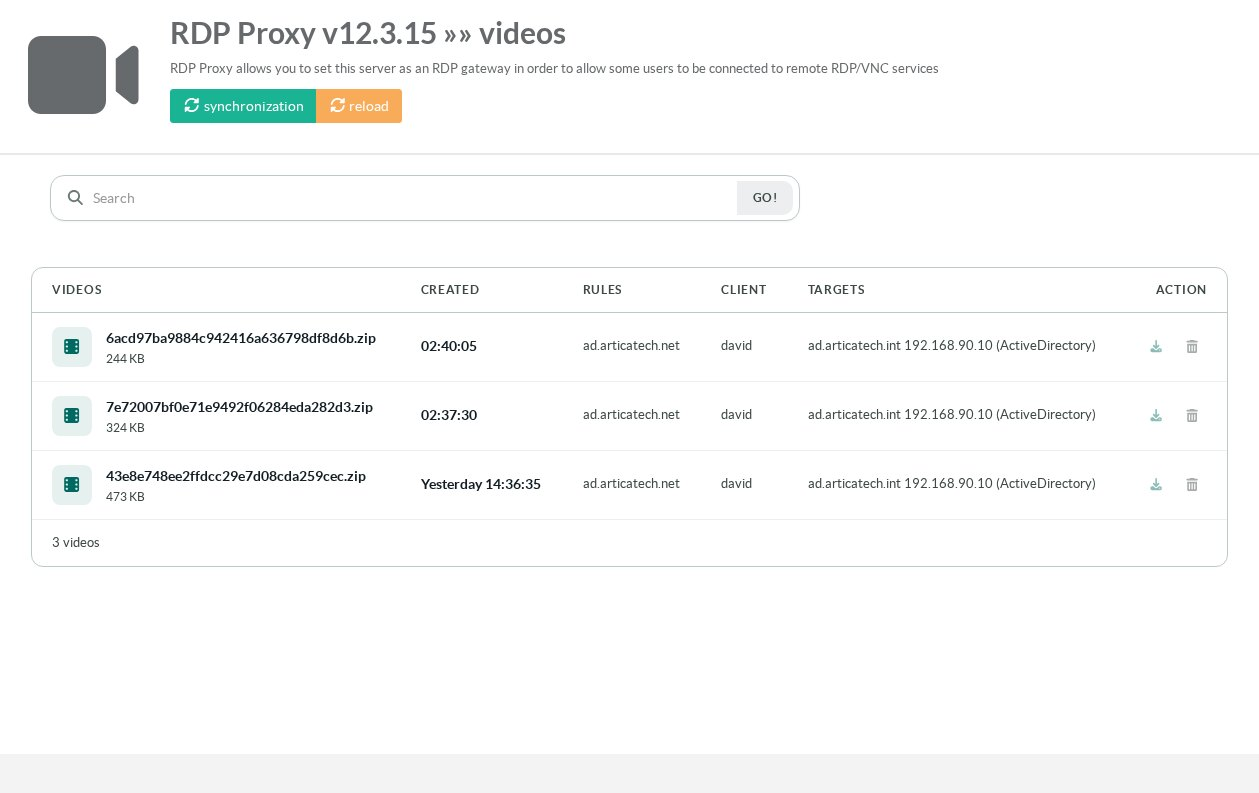
When a policy has Video recording turned on, the gateway records its sessions. Every 5 minutes, the appliance converts finished recordings into MP4 videos (H.264), compresses them and lists them on the Videos page.
Video conversion requires an RDS Proxy package built with the FFmpeg video encoder. With a package without it, the recording options are greyed out and the console explains why; raw recordings are then deleted when the retention period expires. Upgrade the package from the Packages Center.
¶ Settings
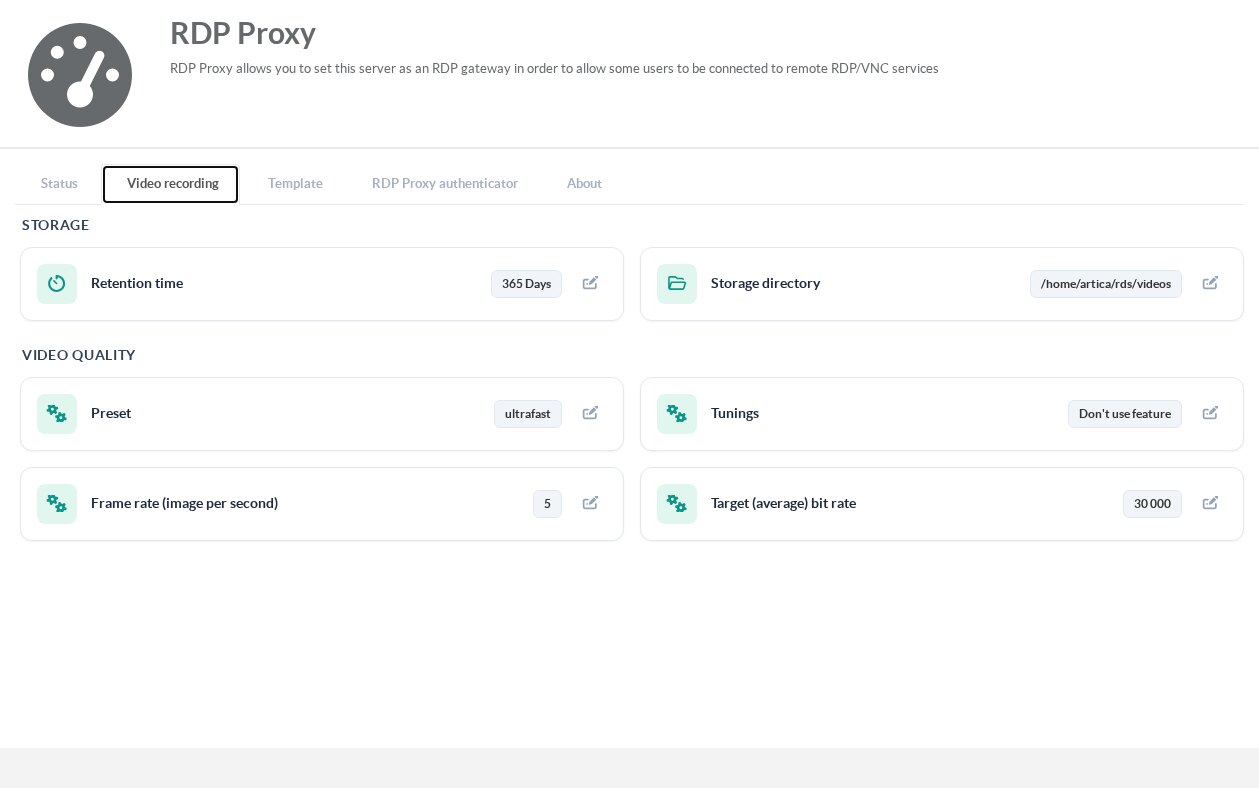
Open RDS Proxy » Status » Video recording.
| Setting | Meaning |
|---|---|
| Retention time | How long videos are kept (365 days by default). Older videos, and raw recordings that could not be converted, are deleted. |
| Storage directory | Where videos are stored. Move it to a second disk if you record many sessions. |
| Preset | Encoding speed: ultrafast uses little CPU and produces larger files; slower presets produce smaller files. |
| Tunings | Optional encoder tuning (for example stillimage for mostly static desktops). |
| Frame rate | Images per second (5 by default). Desktop sessions rarely need more. |
| Target (average) bit rate | The average bit rate of the video. |
¶ Download the videos
Open RDS Proxy » Videos. Each line shows the video, its date, the policy, the user and the target. Click the video or the download icon to get a ZIP archive that contains the MP4 file. Synchronization converts the finished recordings immediately instead of waiting for the next 5-minute run.