Restrict login page by geolocation
How to limit the identification form according to the visitor's country
Limit the identification form according to the visitor's country, hide the authentication form If the user is not hosted by a country authorized to connect.
To use this feature you need first install the geolocation moduleThis Feature is available on Artica v4.50 Service Pack 1 or Artica v4.50 Hotfix 20240212-11
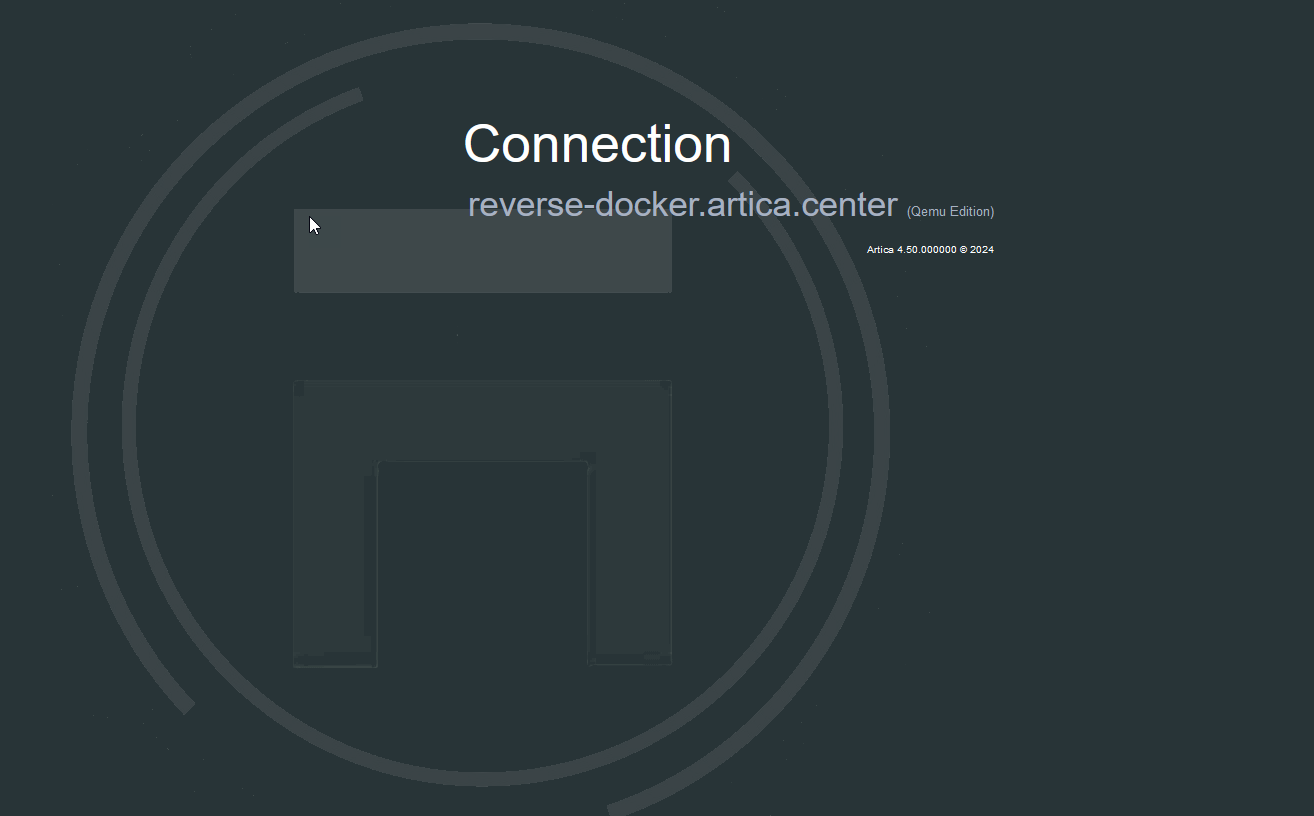
If the user is not located inside an authorized country the login form is hidden
How to:
On the Web console, go to Your System > Web console
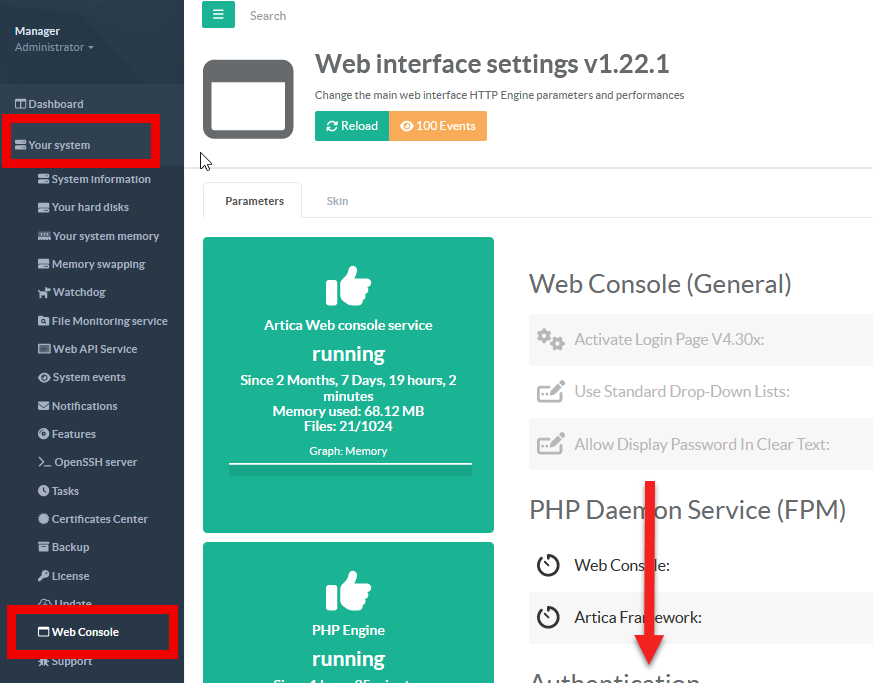
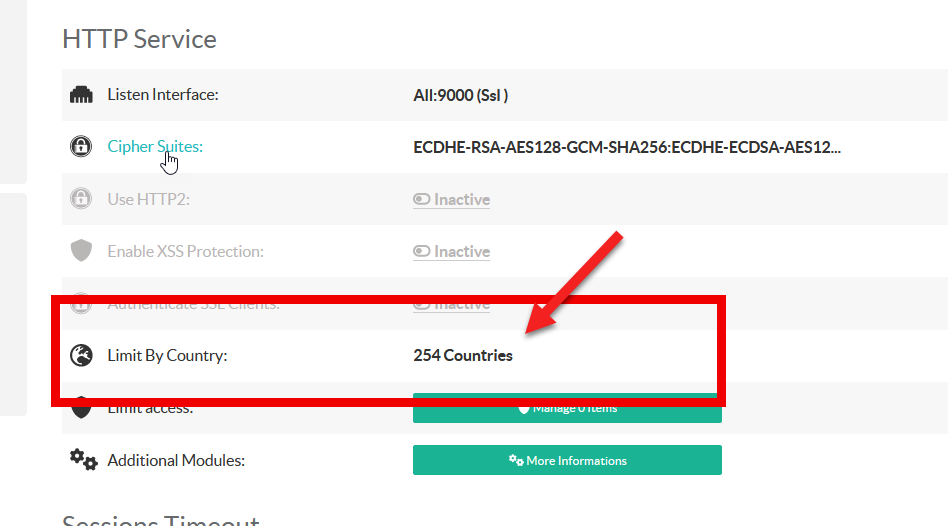
Down to the HTTP Service section.
Click on the Limit By Country link
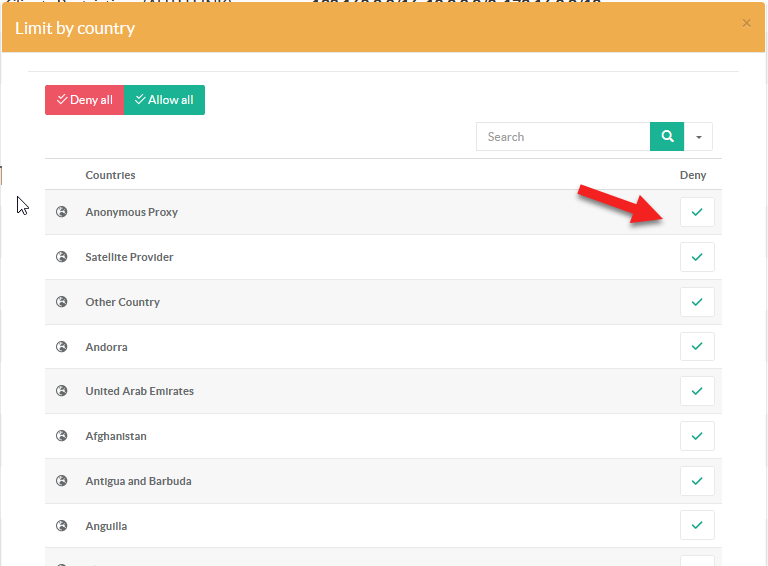
- Set the denied countries by clicking on the checkbox associated to the country
If you have made a mistake and can no longer access the Web console because your network is in one of the countries concerned, reset the Web console parameters.