← Back to the RDS Proxy main page
Open RDS Proxy » Events.
¶ Access events
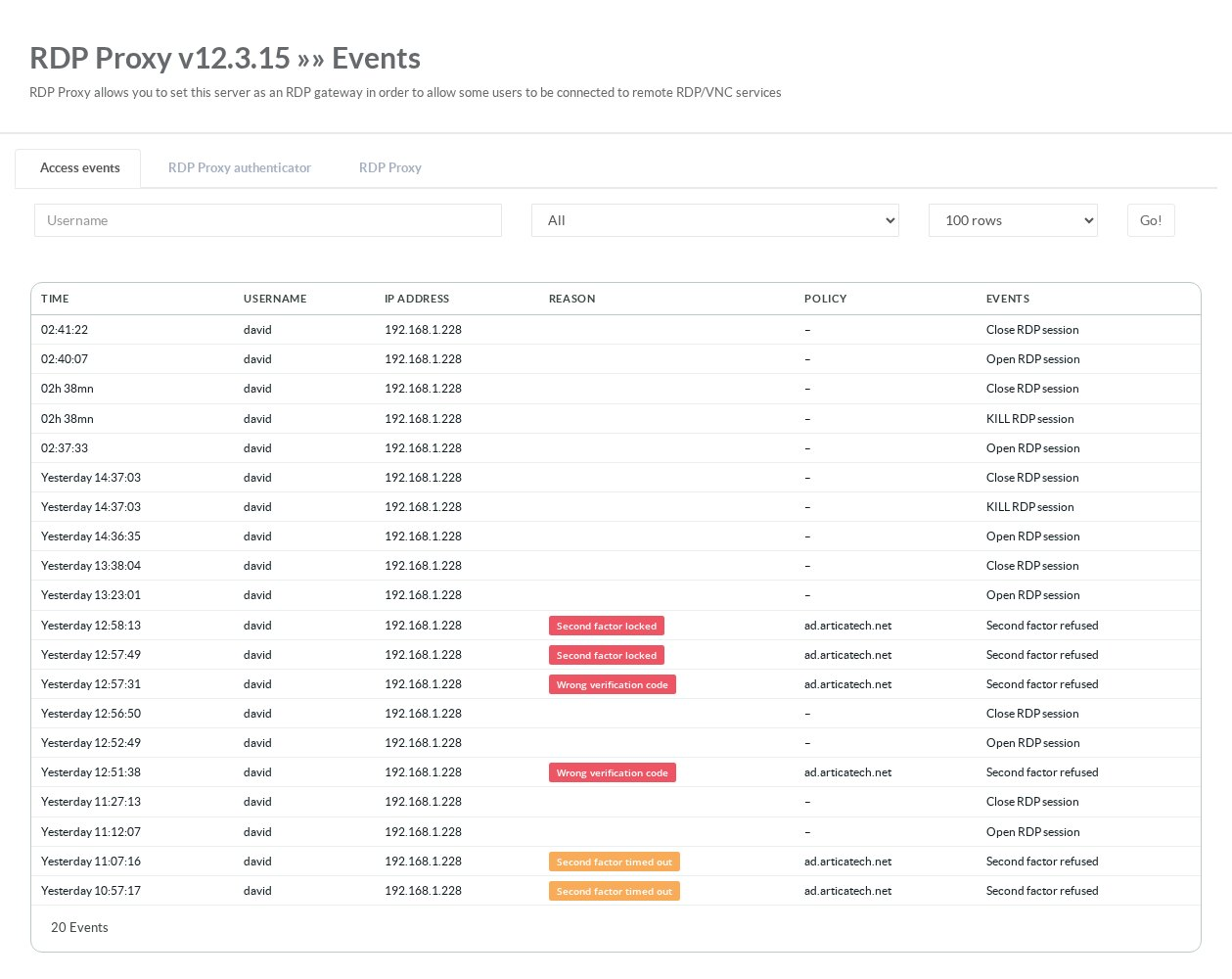
The first tab lists the connections and refusals decided by the policy engine. Filter by user name, by reason, and choose how many lines to display.
| Reason | Meaning |
|---|---|
| Unknown user | No member with this name. |
| Wrong password | The password typed by the user is wrong. |
| Account expired | The member's end-of-life date has passed. |
| No policy allows this user | The member is not linked to any policy. |
| Policy disabled | The member's policies are all disabled. |
| Network not allowed | The user's address is not in any network of the member's policies. |
| Outside the allowed schedule | The connection happened outside the schedule of the policies. |
| Target not allowed by the policy | The requested target is not linked to the matching policy. |
| Target disabled | The requested target is disabled. |
| License limit exceeded | The Community Edition limit of simultaneous sessions is reached. |
| Wrong verification code / Second factor locked / cancelled / timed out / unavailable | Second-factor refusals, see Second factor. |
| Disconnected by a pattern / Pattern detected | A detection pattern matched a window title, see Detection patterns. |
¶ Gateway and authenticator logs
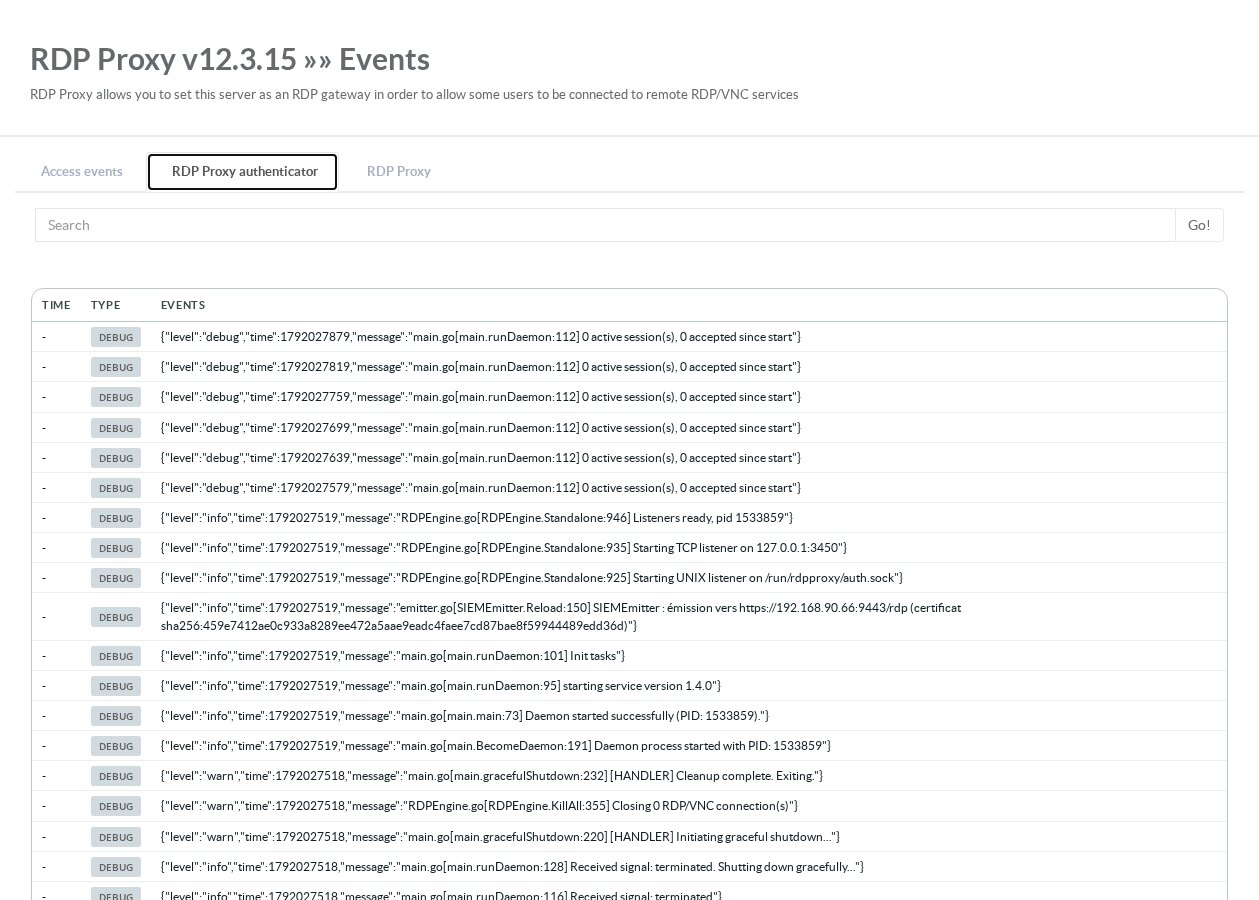
The RDP Proxy authenticator and RDP Proxy tabs search the raw logs of the policy engine and of the gateway. Use them for detailed troubleshooting, for example TLS or NLA errors towards a target.