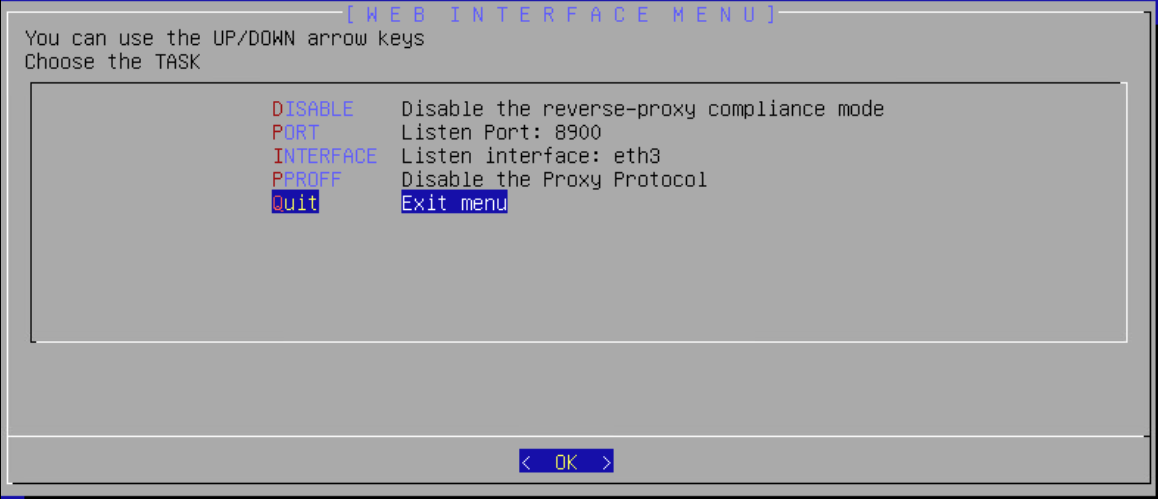
Reverse-proxy compliance (Unix console)
How to connect the Artica administration interface with an upstream reverse proxy using the Unix console for configuration
When you want to use Artica's web console through a reverse proxy, you can use specific settings.
Indeed, regarding the SSL certificate, which is handled by the reverse proxy, it is unnecessary for Artica to generate HTTPS.
Additionally, it is important to enable the proxy protocol to improve communication between the two components.This feature is available on Artica v4.50 Service Pack 3 or Artica v4.50 Service Pack 2 HotFix 20250509-16
Enable the Reverse-Proxy compliance.
To maintain traditional access to the web console, reverse-proxy compatibility will use a specific port for this purpose.
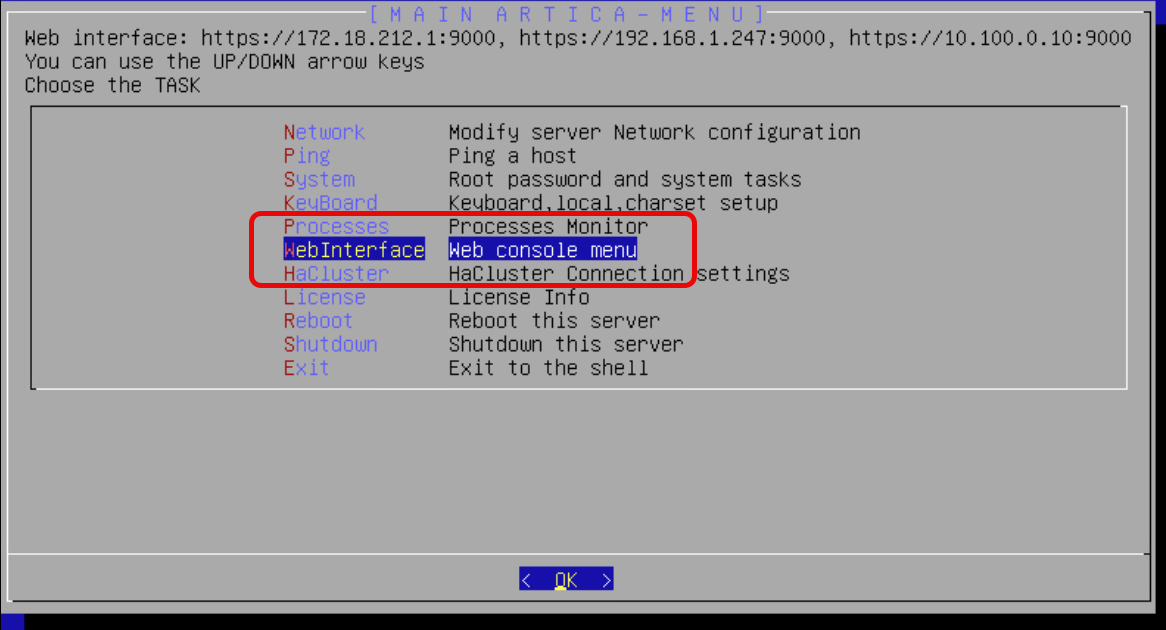
- On the unix console, choose the menu Web console Menu
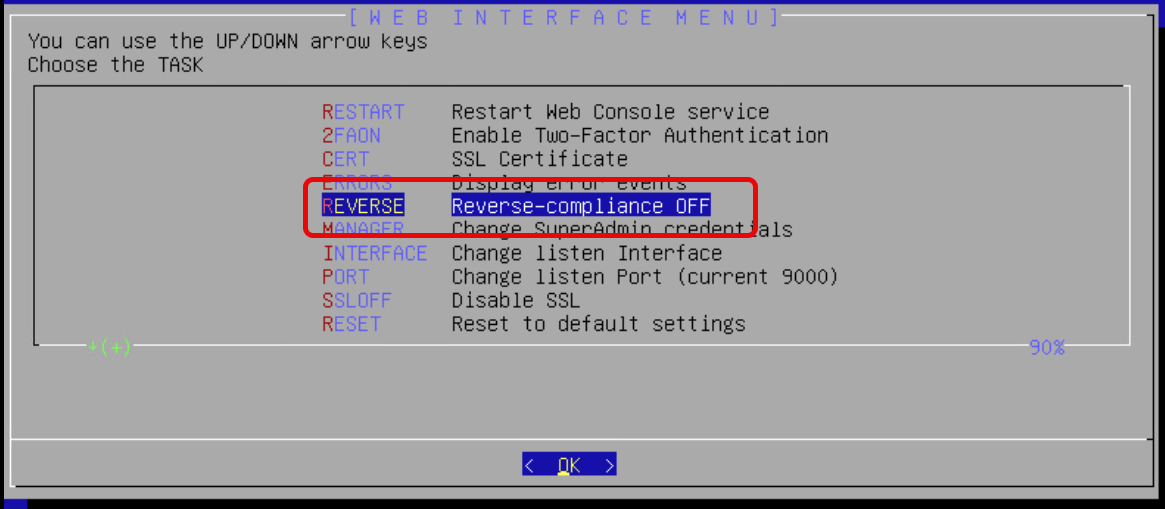
- Select the menu “Reverse-compliance OFF” menu
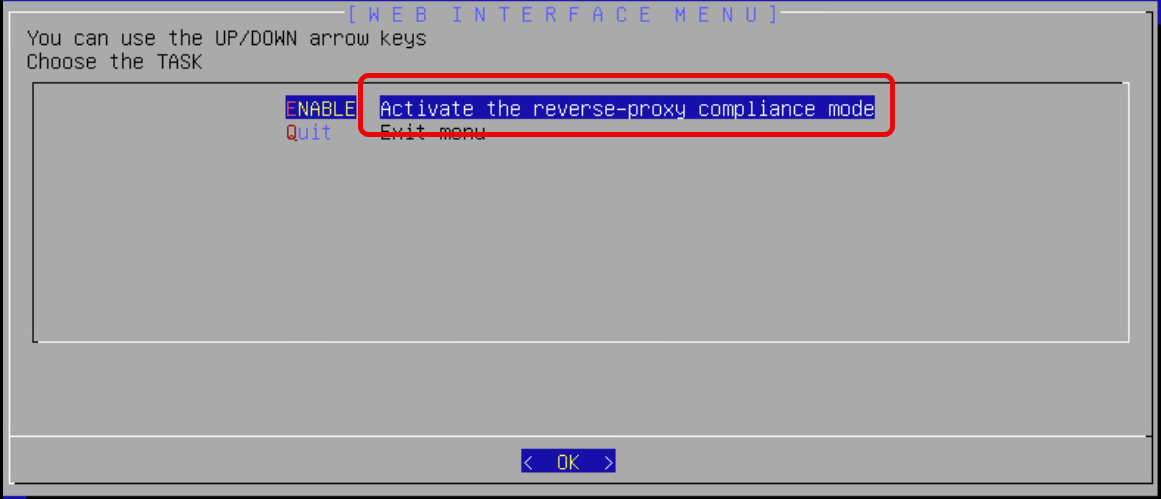
- Turn on the Reverse-proxy compliance by type enter inside the “Activate the reverse-proxy compliance mode”
- You will enter inside a new menu that let you choose the Network Interface, the listen port and the Proxy protocol activation.