Every Artica Milter rule carries an action — what happens to a message once all the rule's objects match.
This page describes the core actions: allow, log, discard, reject (with or without firewalling), blind carbon copy, subject tagging and backup.The advanced actions have their own pages: DKIM, ARC, Greylisting and DLP.
¶ How rules are evaluated
- Rules are processed in order.
- Some actions are terminal (they stop the evaluation), others modify the message or record information and continue with the next rule.
- If no rule decides, the message is accepted by default and handed to the mail transfer process.
| Action | Stops evaluation? | Effect on the message |
|---|---|---|
| Allow connections | yes | Accepted immediately — a whitelist against all following rules |
| Information | no | Writes a log record, message continues |
| Discard | yes | Silently dropped (the sender believes it was delivered) |
| Reject (notify) | yes | Refused with an SMTP error returned to the sender |
| Reject and Firewall | yes | Refused and the sending IP is temporarily blocked in the firewall |
| Blind carbon copy | no | A copy is sent to the configured recipient, message continues |
| Prepend | no | The subject is tagged with the configured text, message continues |
| Backup messages | no | A full copy is archived in PostgreSQL, message continues |
Choose a rule's action when you create it:
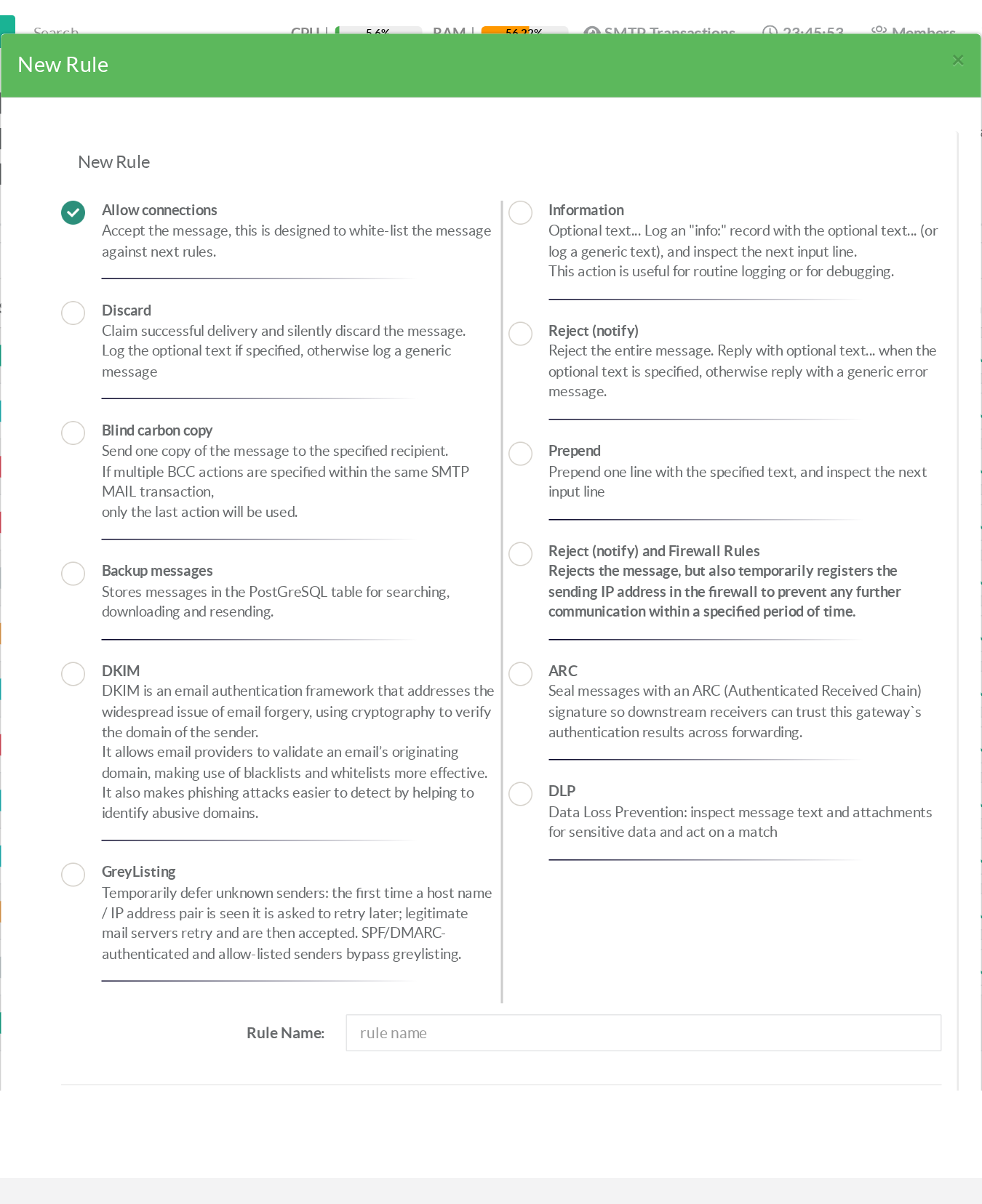
Each rule then appears in the list with a colored badge showing its action:
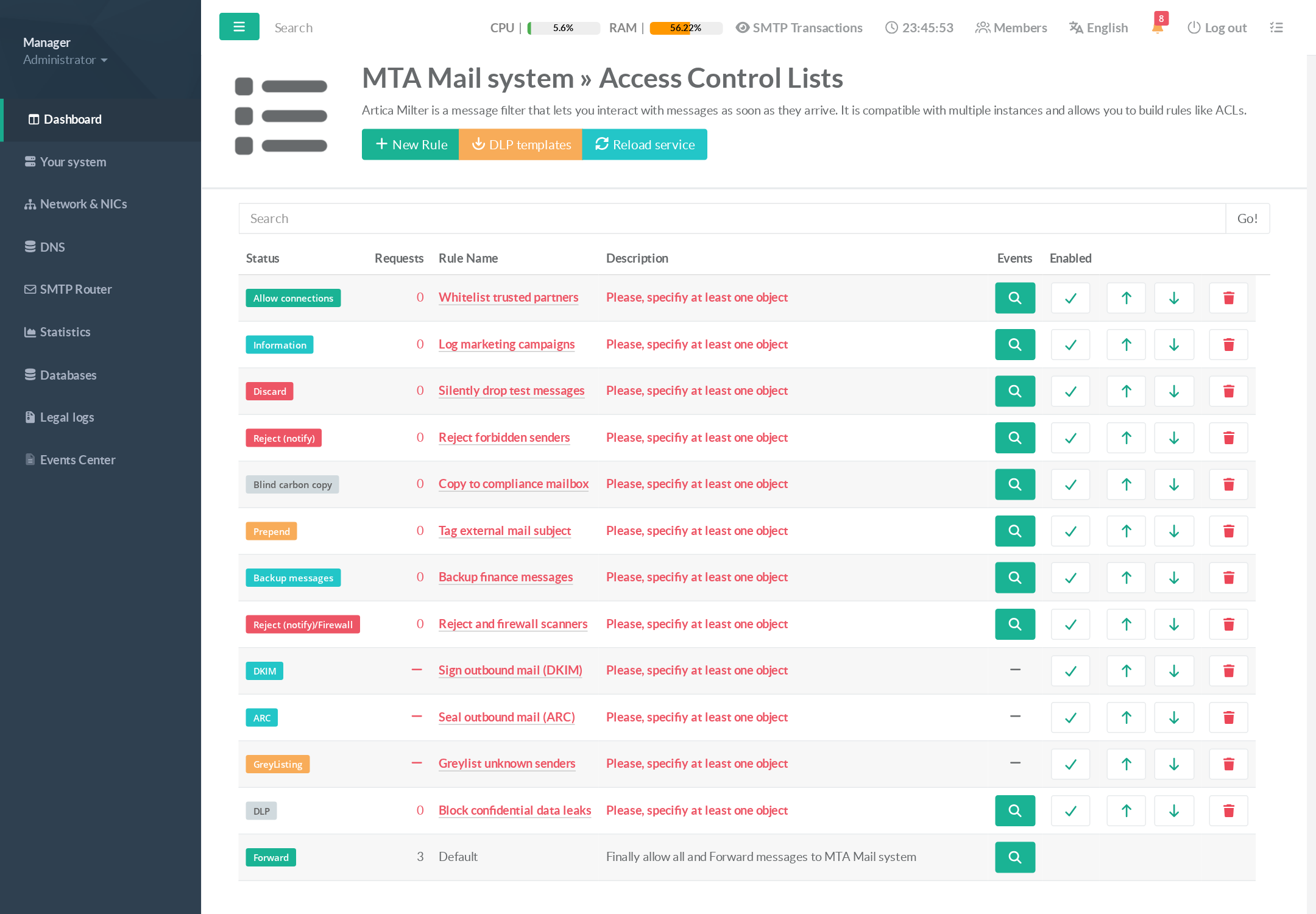
A rule only evaluates once at least one object is linked to it (the list shows "Please, specify at least one object" until then). Use the All object to match every message.
¶ Allow connections (whitelist)
Accept the message immediately: none of the following rules are evaluated.
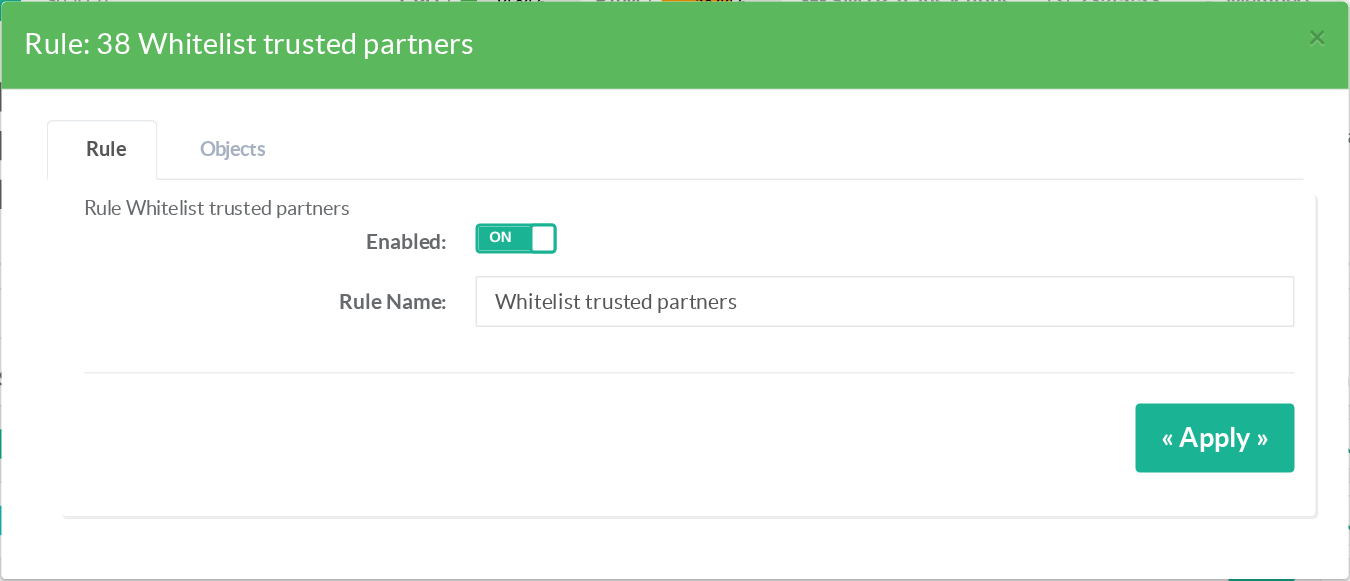
Use cases
- Place an Allow rule above restrictive rules to exempt trusted senders, partner IP ranges or internal applications from the policies below.
- Protect a critical mail flow (monitoring alerts, invoicing robot) from any accidental filtering.
¶ Information (log only)
Write an info: record with your text into the mail log, then keep processing the rules. The rule's settings expose the text to log:
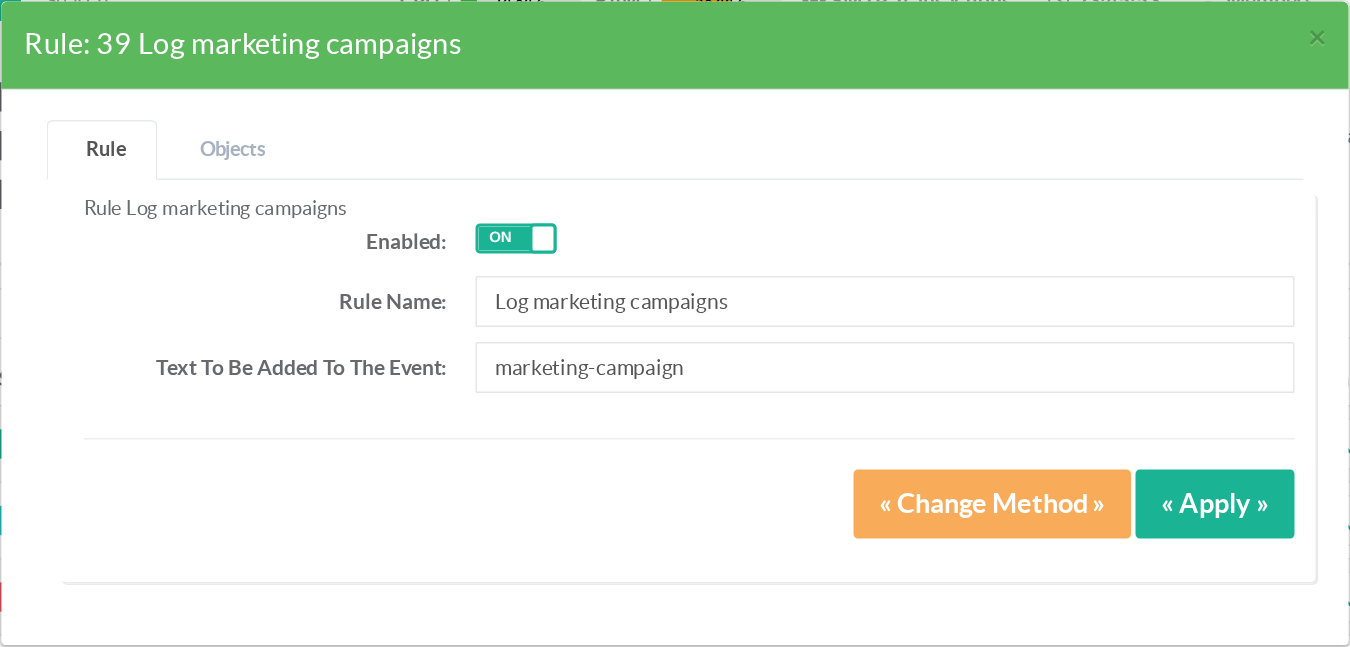
Use cases
- Measure how often a flow occurs before enforcing a blocking rule (dry-run counting).
- Leave an audit marker every time a special sender or recipient appears, without touching the message.
¶ Discard (silent drop)
Claim successful delivery to the sender, then silently drop the message. The sender receives no error.
Use cases
- Absorb messages you must not bounce (backscatter avoidance) — e.g. mail addressed to a decommissioned address that still receives spam.
- Trap known-bad flows without informing the sender that filtering exists.
Prefer Reject when the sender is legitimate: with Discard, a real correspondent has no way to know the message was lost.
¶ Reject (notify)
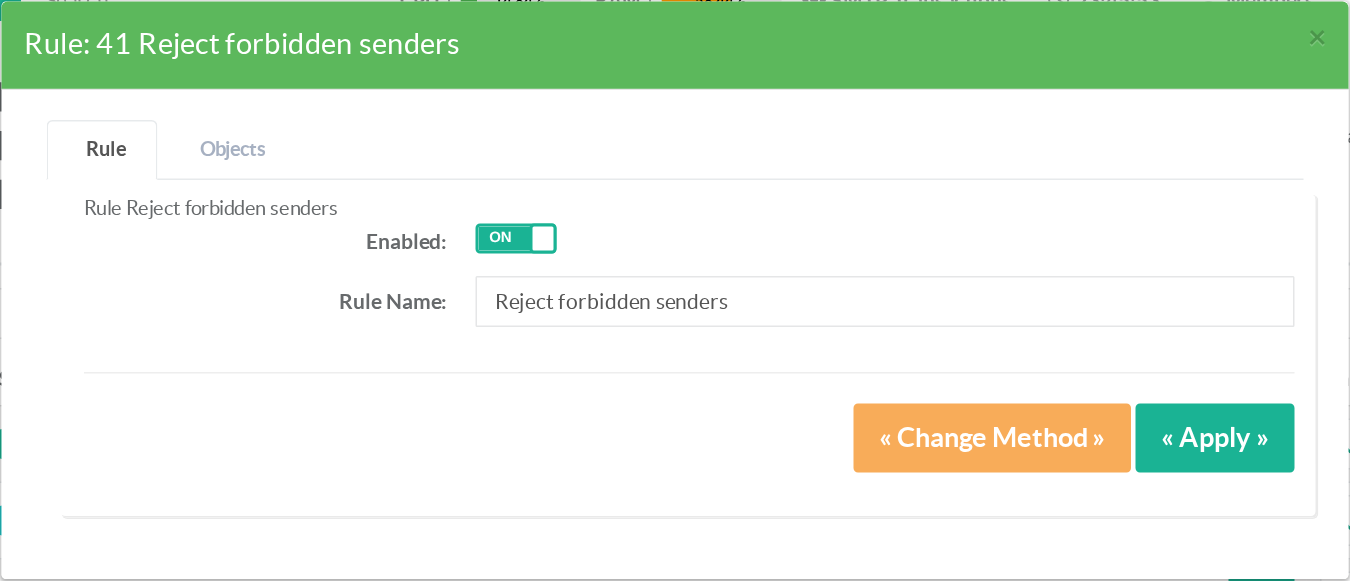
Refuse the message: the SMTP transaction ends with a permanent error and the sender's server generates a non-delivery report. An optional text customizes the SMTP reply.
Use cases
- Enforce a sender/recipient policy (forbidden external domains, blocked senders).
- Reject messages carrying forbidden attachment types or matching a content object.
¶ Reject (notify) and Firewall Rules
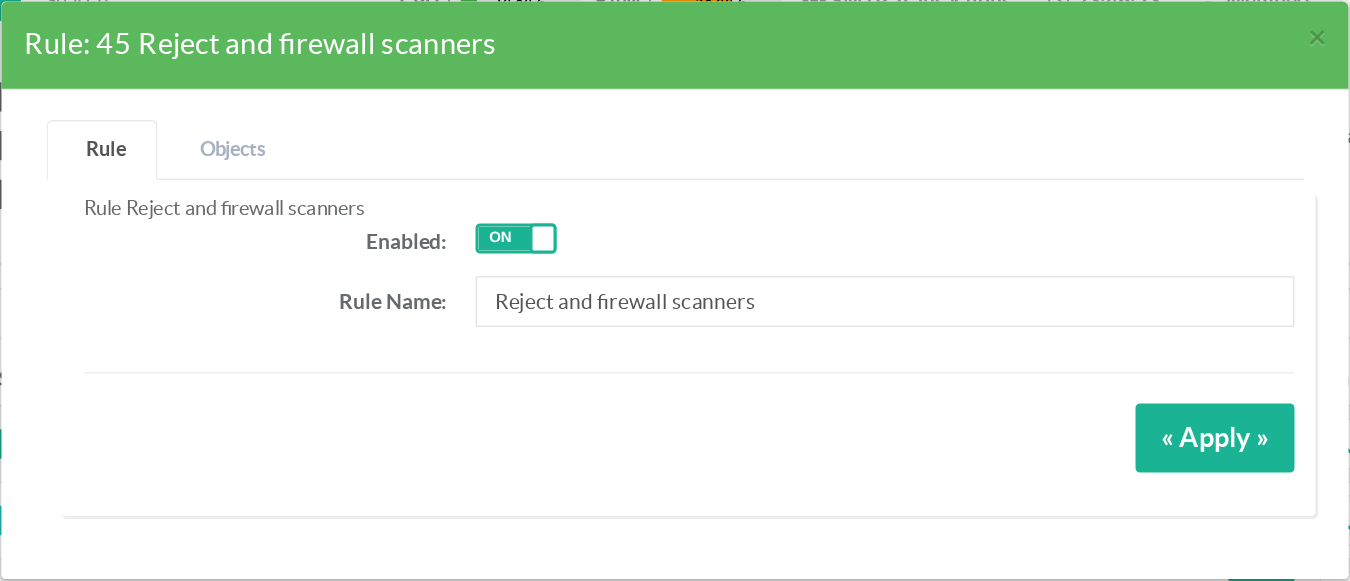
Same as Reject, but the sending IP address is also temporarily registered in the firewall, cutting any further connection from that source for the configured period.
Use cases
- Stop dictionary-attack and address-harvesting sources at the network layer after the first rejected message.
- Protect the SMTP service from repeat offenders without maintaining a manual blocklist.
¶ Blind carbon copy (BCC)
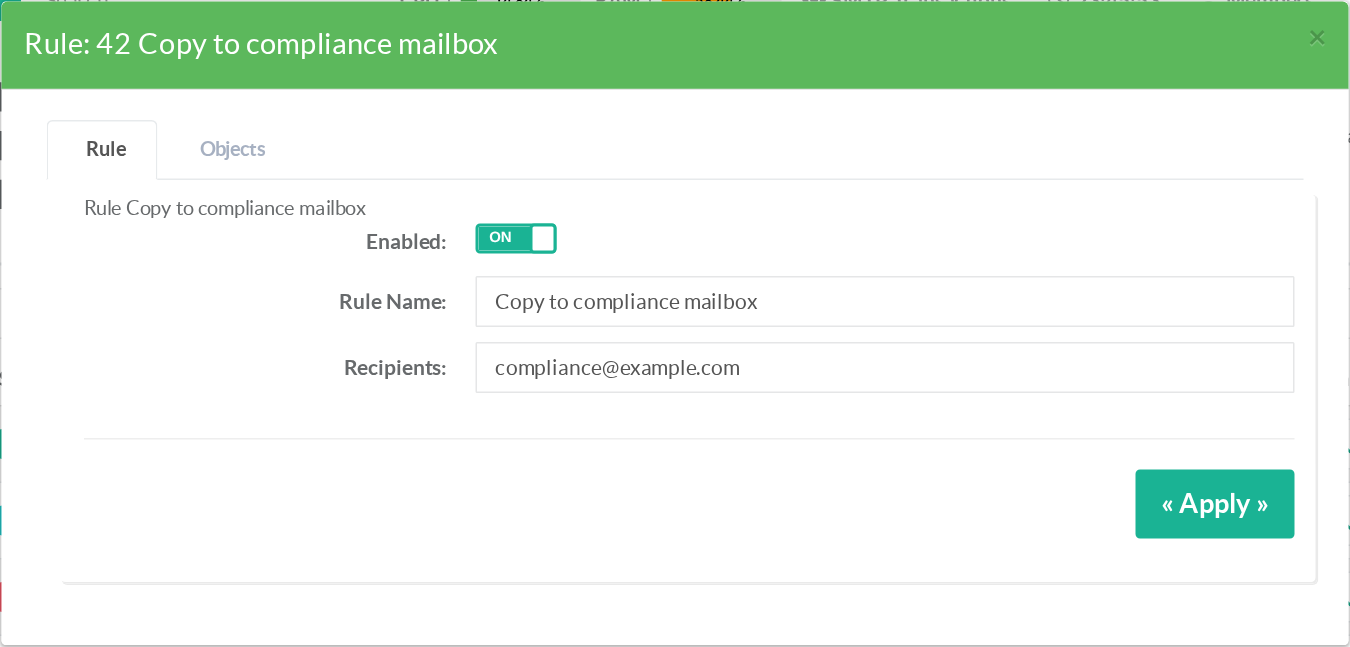
Send one copy of the message to the configured recipient, then continue processing. The original recipients see nothing.
Use cases
- Compliance archiving: copy every message of a given flow to a journaling mailbox.
- Supervise a shared address or a departing employee's mailbox during a transition.
If several BCC rules match the same SMTP transaction, only the last one applies.
¶ Prepend (tag the subject)
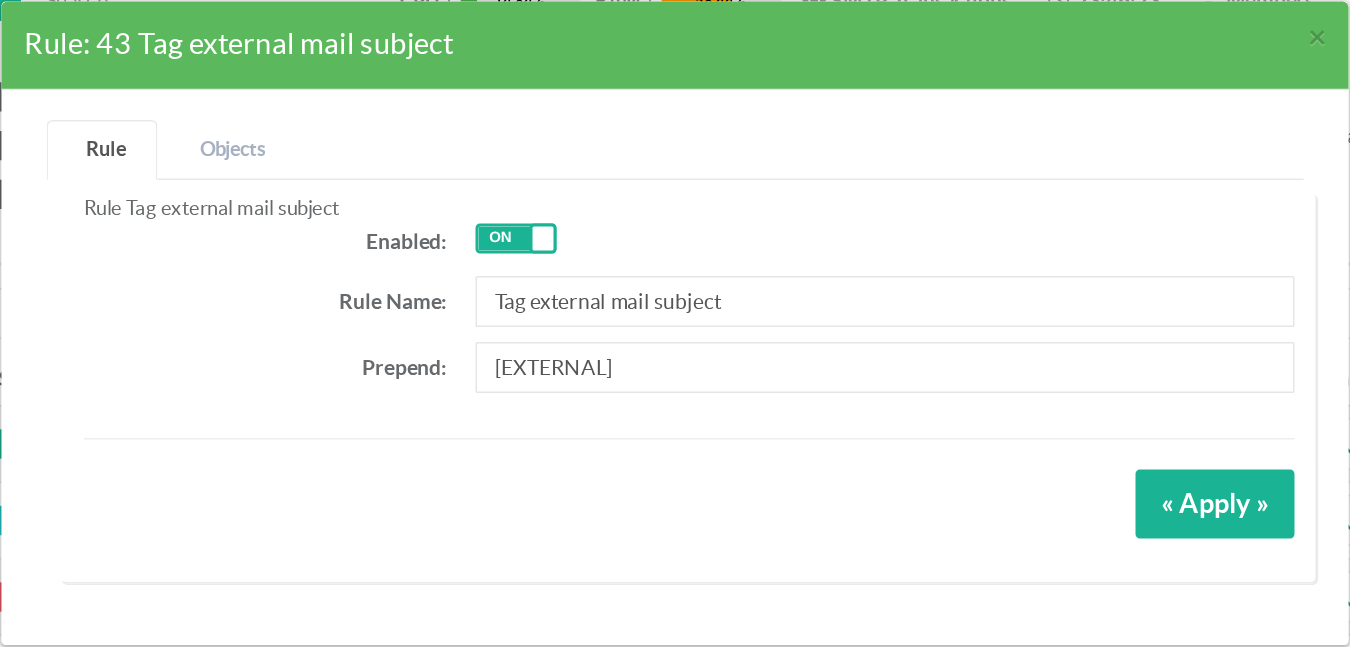
Prepend the configured text to the message, then continue processing — typically used to tag the subject of external or suspicious messages.
Use cases
- Tag mail from outside the organization with
[EXTERNAL]to raise phishing awareness. - Mark messages matching a sensitivity object (e.g.
[CONFIDENTIAL]) for downstream mail-client rules.
¶ Backup messages
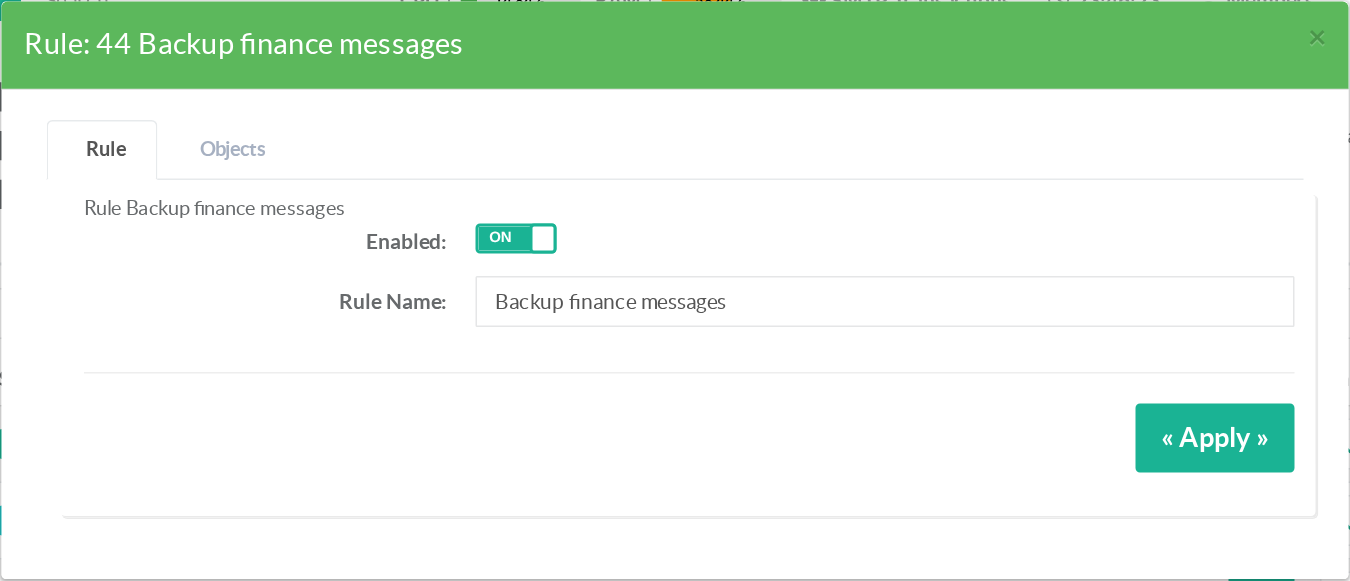
Store a complete copy of the message (compressed, in PostgreSQL) for later searching, downloading and resending, then continue processing.
Use cases
- Keep a replayable archive of business-critical flows (orders, invoices) independent of user mailboxes.
- Investigate delivery disputes: retrieve exactly what was received and resend it if needed.
¶ Combining actions
Non-terminal actions stack naturally along the rule order. A typical layered policy:
- Allow — trusted partners (exempt from everything below)
- Prepend
[EXTERNAL]— every message from the Internet - BCC — copy the sales flow to a compliance mailbox
- Backup — archive messages to the finance department
- Reject — forbidden senders and attachment types
- Default — everything else is delivered
¶ Related pages
- The Power of SMTP ACLs — rule/object principles
- Available objects
- DKIM · ARC · Greylisting · DLP
- Monitoring & REST API — every acting verdict is logged in
mail.logwith itsrule=attribution