Back to Artica SIEM for FortiGate
The FortiGate sends its traffic logs to the SIEM over standard syslog, on port 514. On the SIEM side you declare the FortiGate's address once, to attach its logs to the right tenant. Nothing is installed on the firewall.
¶ Why it is set up this way
- Syslog is built into FortiOS, so there is no agent to deploy or update on the firewall.
- The SIEM recognizes FortiGate logs by their content, so one appliance can receive FortiGate, iptables and UniFi logs on the same port.
- Declaring a source maps a FortiGate to a tenant. Two customers with the same internal addressing stay separate.
In the examples, the SIEM appliance is 192.168.90.66 and the FortiGate sends from 192.168.1.1.
¶ Step 1: send the logs from the FortiGate
On the FortiGate CLI:
config log syslogd setting
    set status enable
    set server "192.168.90.66"
    set mode udp
    set port 514
    set format default
end
config log syslogd filter
    set severity information
    set forward-traffic enable
    set local-traffic enable
endKeep set format default. The SIEM reads the FortiGate key=value format; the CSV and CEF variants are not parsed. To use TCP instead of UDP, replace set mode udp with set mode reliable and keep port 514.
¶ Step 2: log the traffic you want to see
A policy only produces traffic logs if logging is enabled on it. To see allowed traffic as well as denials, set it to all sessions on each policy that matters (Log Allowed Traffic: All Sessions in the GUI):
config firewall policy
    edit 1
        set logtraffic all
    next
endThe client inventory shows MAC addresses, host names, operating systems and vendors only when the FortiGate knows them. Enable device detection on the internal interfaces:
config system interface
    edit "internal"
        set device-identification enable
    next
end¶ Step 3: declare the FortiGate on the SIEM
Open Statistics/SIEM > Firewalls > Firewall sources and click New source. Enter the address the FortiGate sends from, a device label and the tenant that owns its logs.
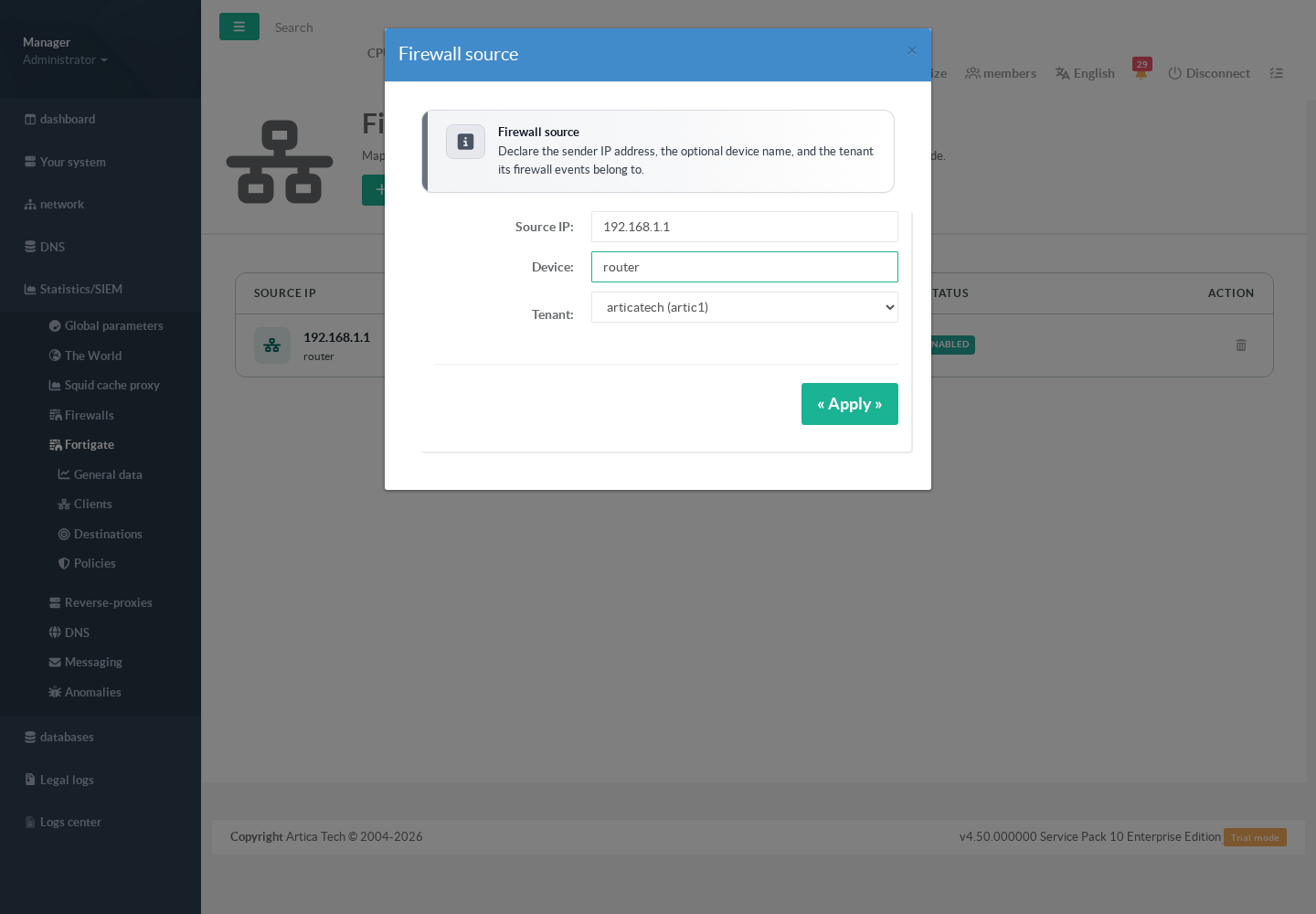
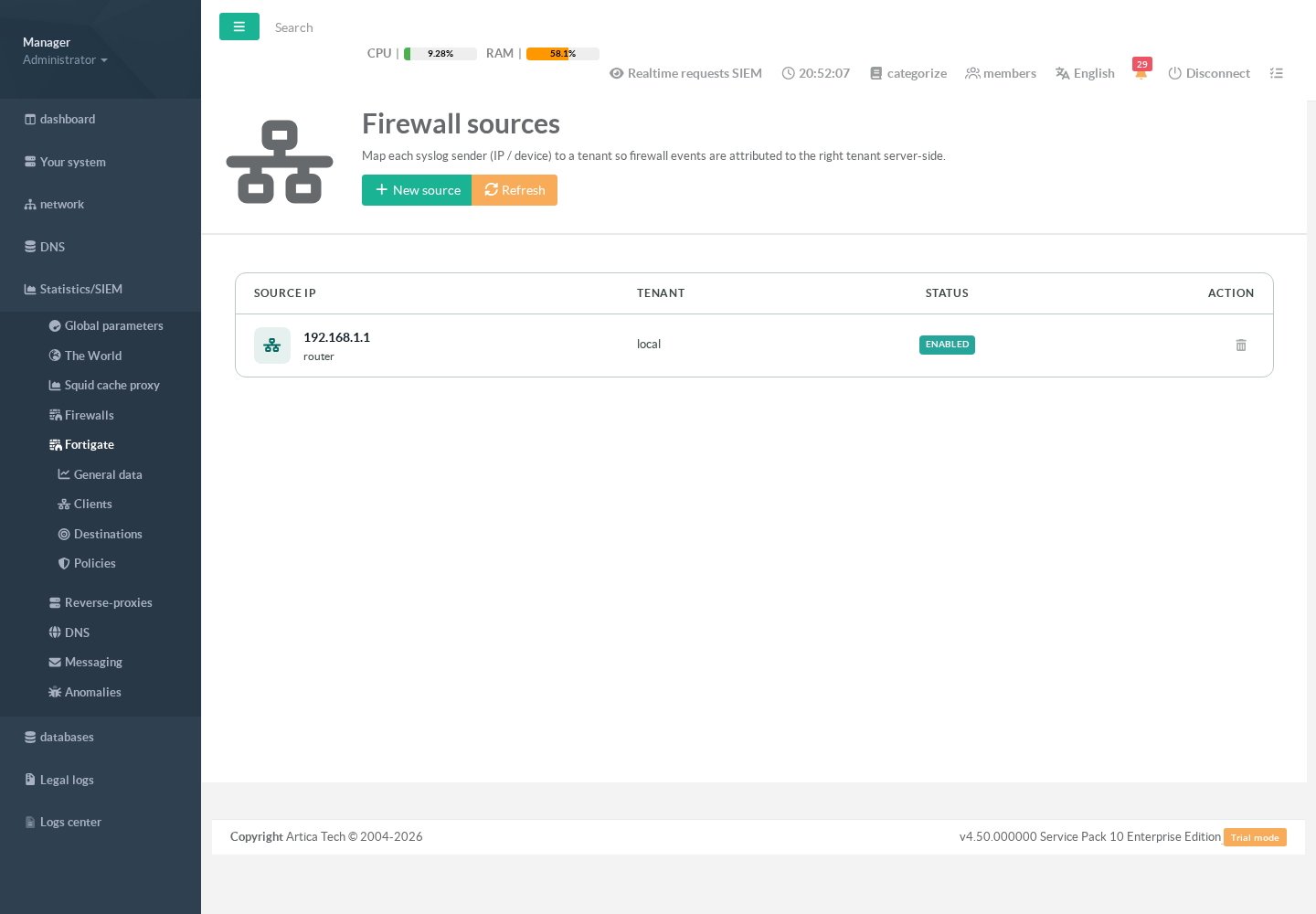
Declaring an active source starts the syslog listener on port 514; there is no separate service to enable. A sender that is not declared goes to the appliance's default tenant, unless the appliance is set to reject unknown sources.
In the FortiGate pages, the FortiGate appears under its own host name (devname), the name it writes in each log line.
¶ Step 4: check that logs arrive
Open Statistics/SIEM > Firewalls > Events. FortiGate lines appear within seconds, with source, destination, port, action and rule.
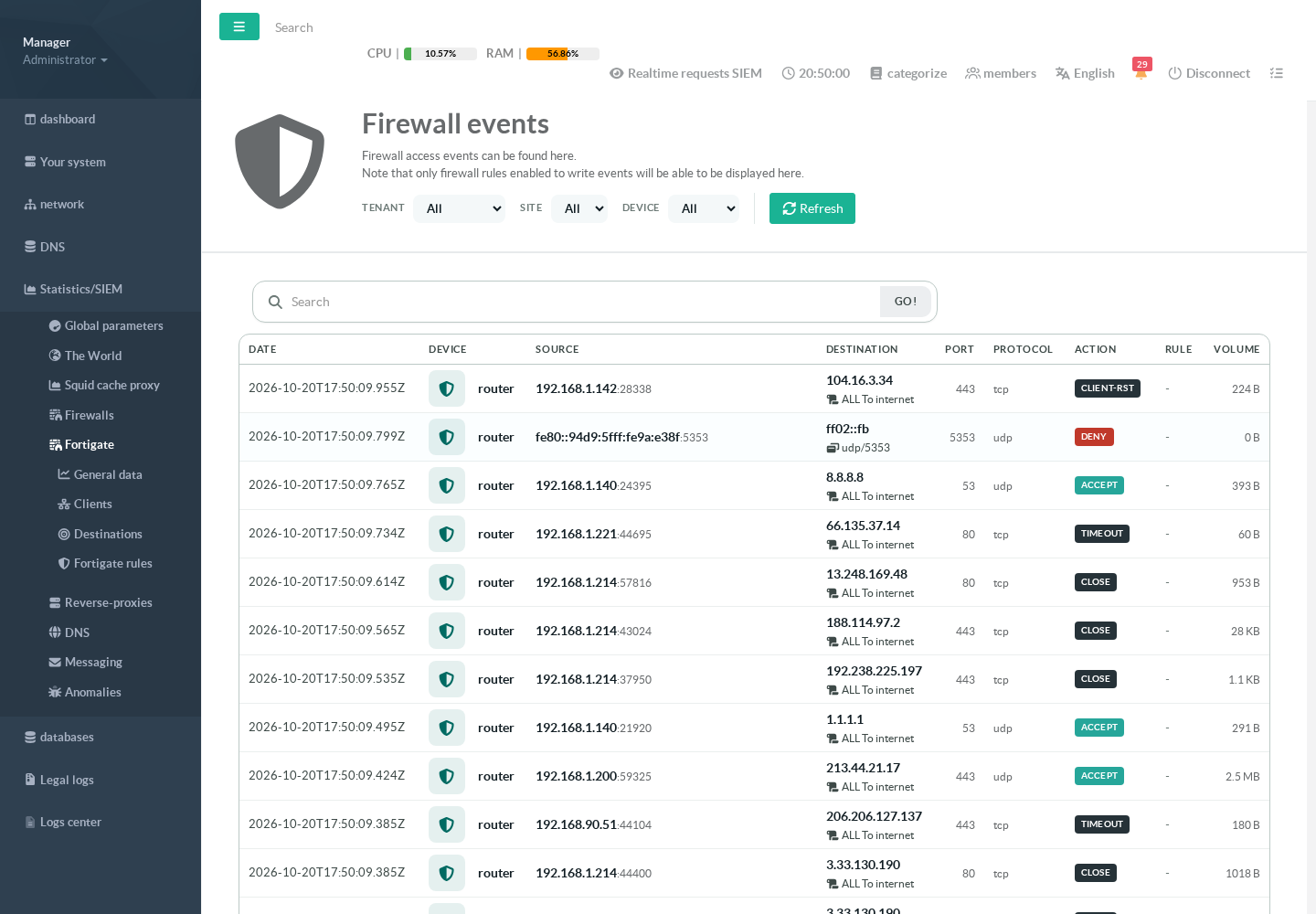
The search box takes an IP address, an IP address and a port (192.168.1.111 80), or a source MAC address to follow one device. The MAC address can be written with colons, dashes, in the Cisco form or without separators, and can be followed by a port: 04-95-E6-21-72-10 and 0495.e621.7210 80 both work. MAC search is reserved to accounts allowed to see raw data, since MAC addresses are hidden from the others.
The Fortigate menu entry appears once the SIEM holds FortiGate data for your account. The console checks every minute until data shows up, so allow a minute after the first logs arrive. The client, destination and policy pages fill at the next 10-minute slice.
¶ If nothing shows up
- Check that the FortiGate reaches the appliance:
tcpdump -n port 514on the appliance should show packets from the FortiGate's address. - Check the log format:
show log syslogd settingon the FortiGate must showformat default. - Allowed traffic is missing but denials show up: enable
logtraffic allon the policies (step 2). - Clients have no name or operating system: enable device detection on the internal interfaces (step 2).