Ban clients certificate
Forbidding a client certificate is a feature not to be forgotten if you wish to deny access to a user whose certificate is still active and has been previously deployed.
This operation is logically possible if you have deployed a unique certificate for each user.
This feature is available with Artica v4.50 Service pack 1 or Artica v4.50 with HotFix 20231112-20
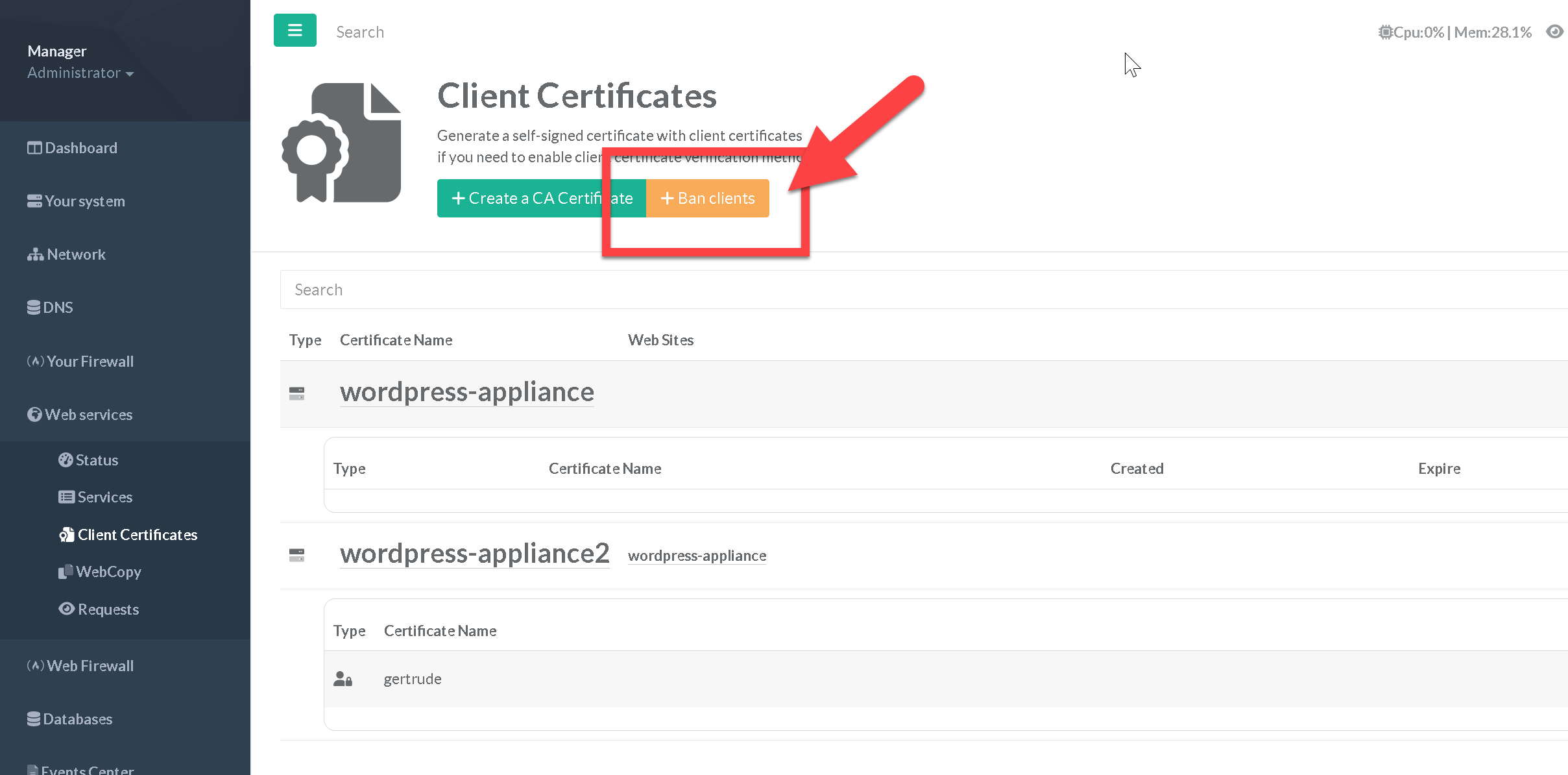
- On the left menu, choose
Web services > Client Certificates - Click on the Ban Clients button
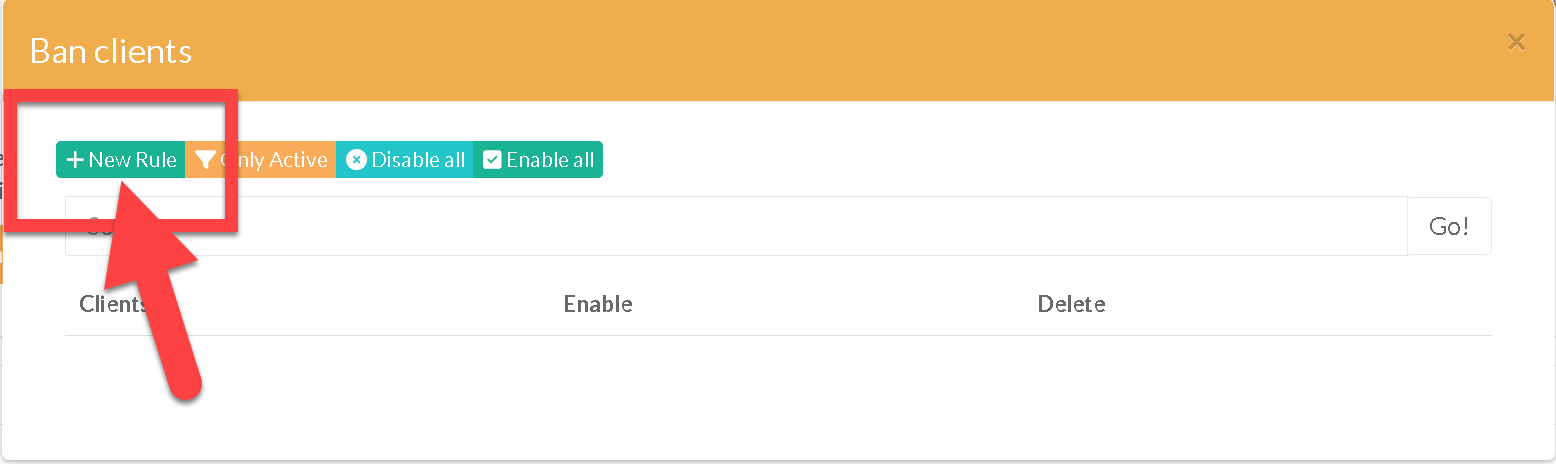
- To ban a client certificate, click on New rule button
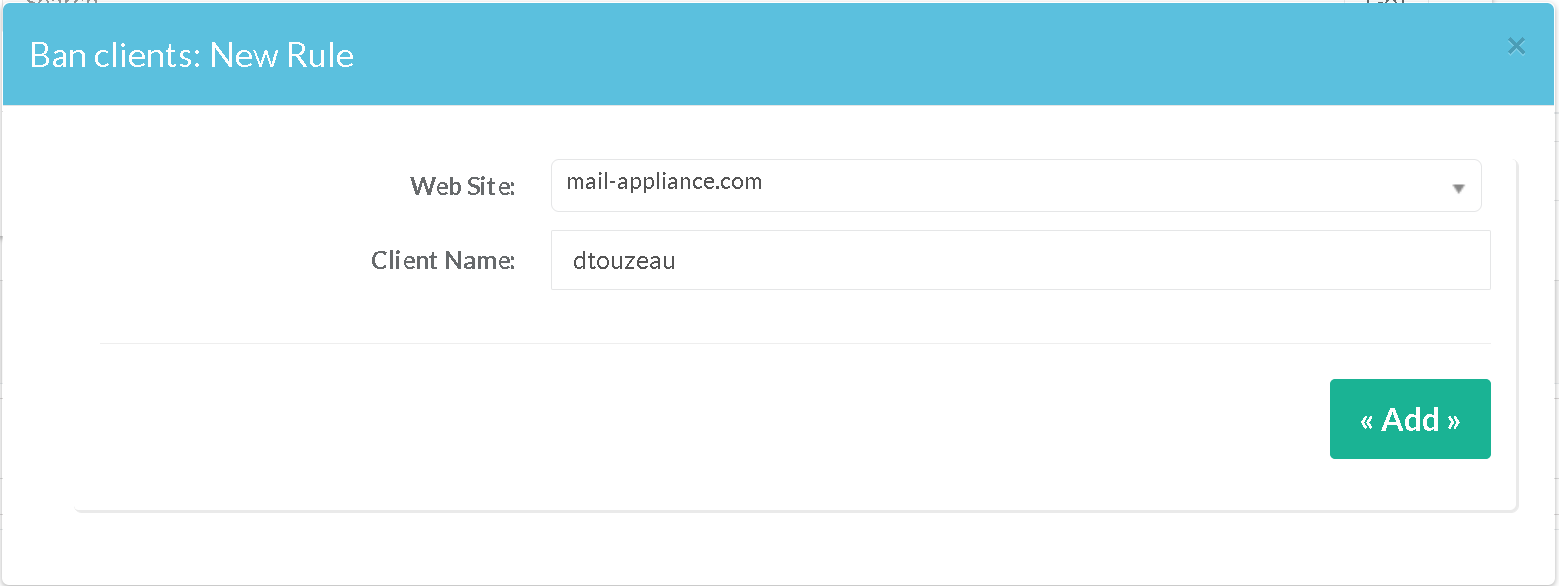
- Select the website affected by the rule, if no site is selected, then all websites will be affected
- Give the name that will be matched inside the certificate data after the CN= also known as “Common Name” ( regular expression can be used )