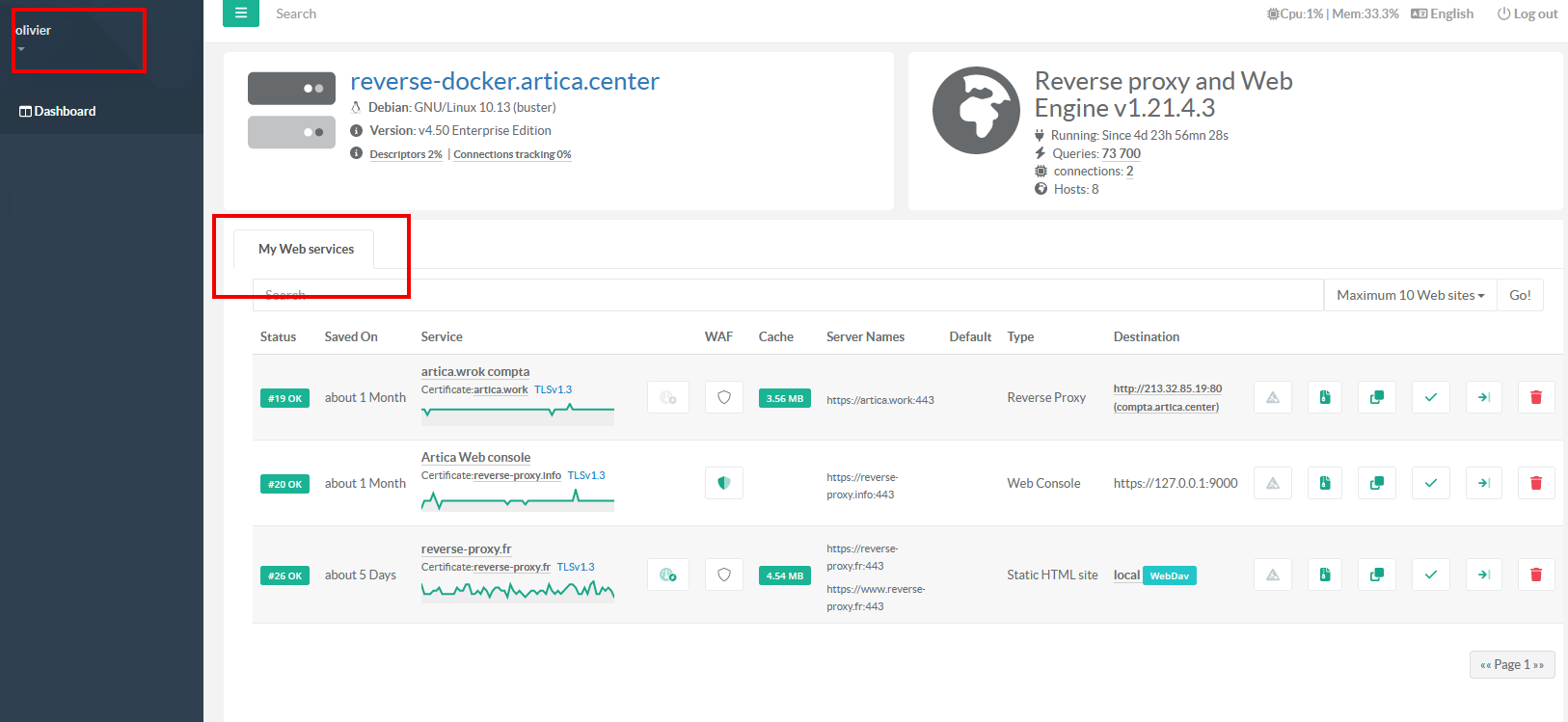
Create privileges by website
Website privileges allow users to manage only specific websites
This privilege system only comes into play if the user does not have WebMaster rights.
The WebMaster has full administration rights, so there's no point in limiting him to a list of sites.This feature is available on Artica v4.50 Service Pack 1 or 4.50 with the Hotfix 20240107-16
The Group of members is the main point.
Artica has several methods for identifying users.
These include its local database, the local LDAP database or an Active Directory database.
Please refer to this Article to use one of them.
Privileges are associated with groups, not users.
This method merges or adds privileges when groups are associated with a user.
In this logic, if you assign the privilege of domain1.com to group A and the privilege of domain2.com to group B.
If the user is a member of both group A and B, it will have authorizations for both domain1.com and domain2.com.
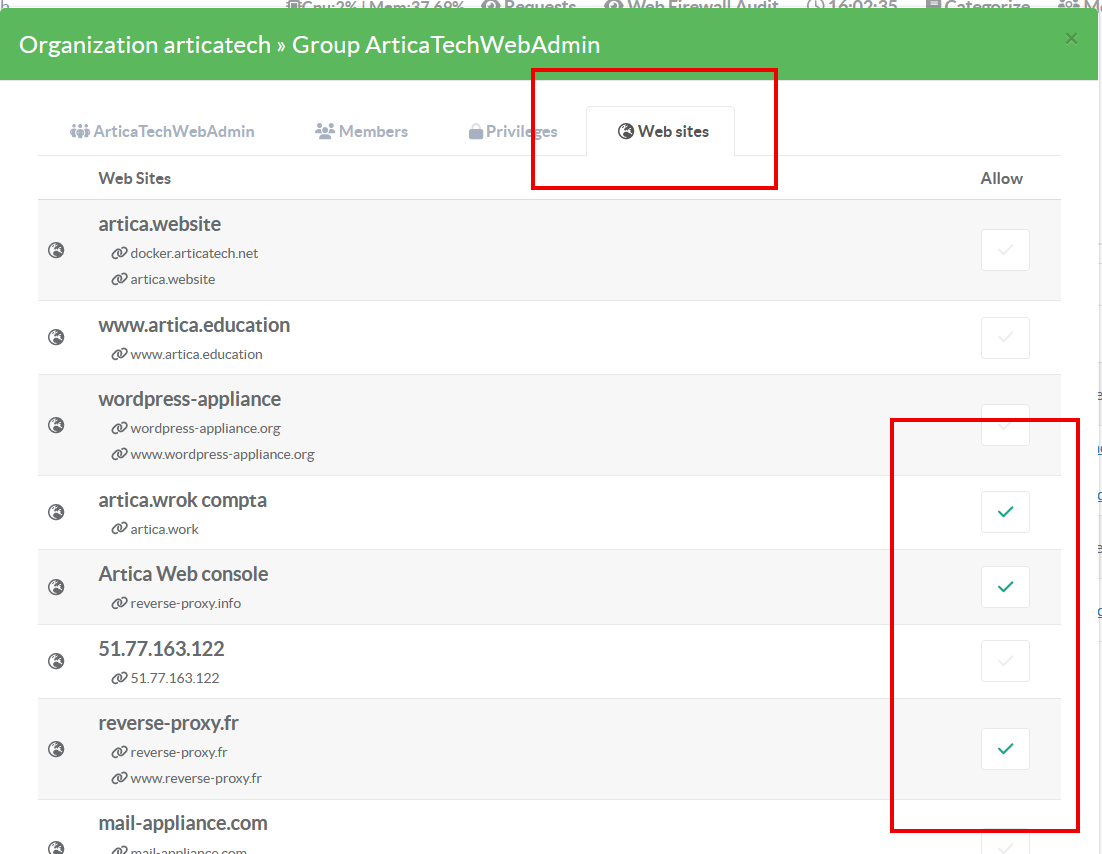
- When you create a group (or use an Active Directory group), you have an additional Web sites tab.
- A list of all websites created is available.
It allows you to tick a box to authorize the management of this site to the members of the chosen group.
- Once the user has logged in to the Web console, it can only manage sites of the groups to which it belongs.