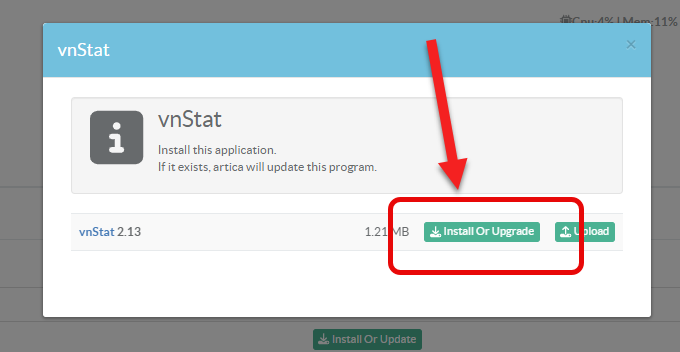
Install/upgrade the VnStat software
The software is compiled and distributed through the Artica update servers, and installation or updates are performed via the Packages Center.
The software is compiled and distributed through the Artica update servers, and installation or updates are performed via the Packages Center.
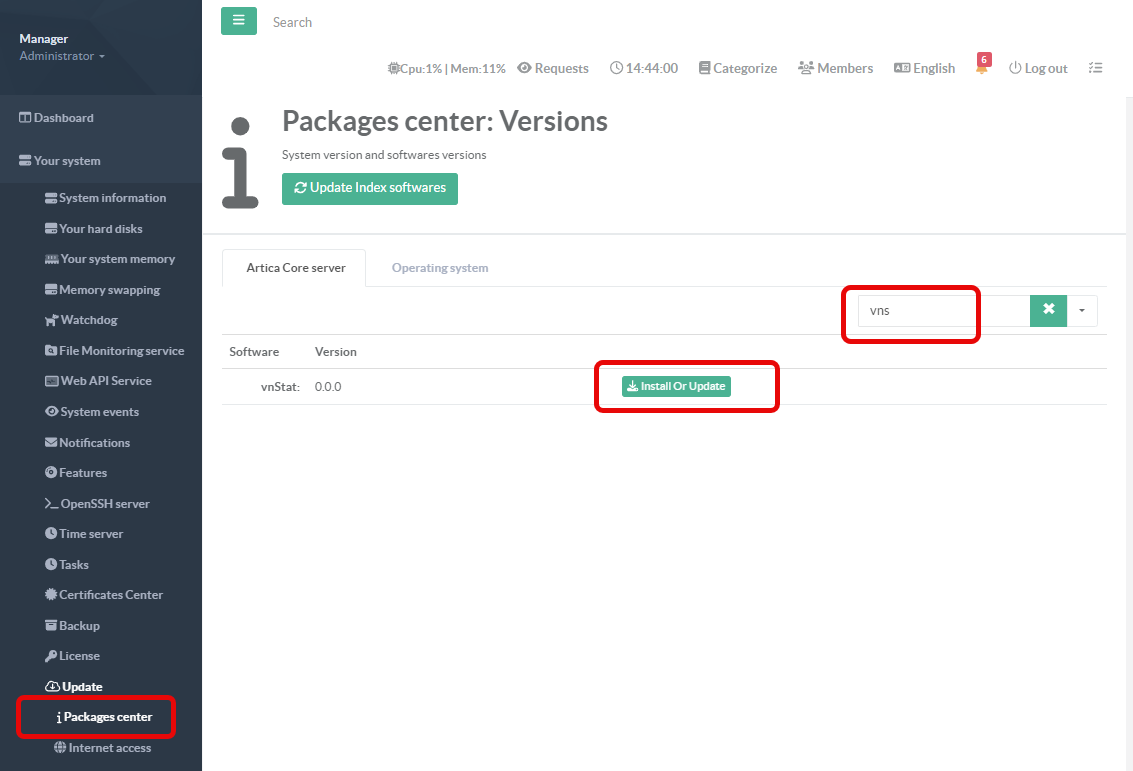
- On the left menu, go to
Your system > Update > Packages center - In the search field, type “vnstat”
- Click on the Install Or Update button under the vnStat row
- Choose the latest version and click on Install or Upgrade button