Send IDS events to your ElasticSearch server
Installing the Filebeat agent ensures that events are properly sent to your ElasticSearch server.
Installing the FileBeat agent ensures that events are properly sent to your ElasticSearch server.
Install the FileBeat agent on your Artica server
- Check this article in order to install the FileBeat Agent inside your Artica server
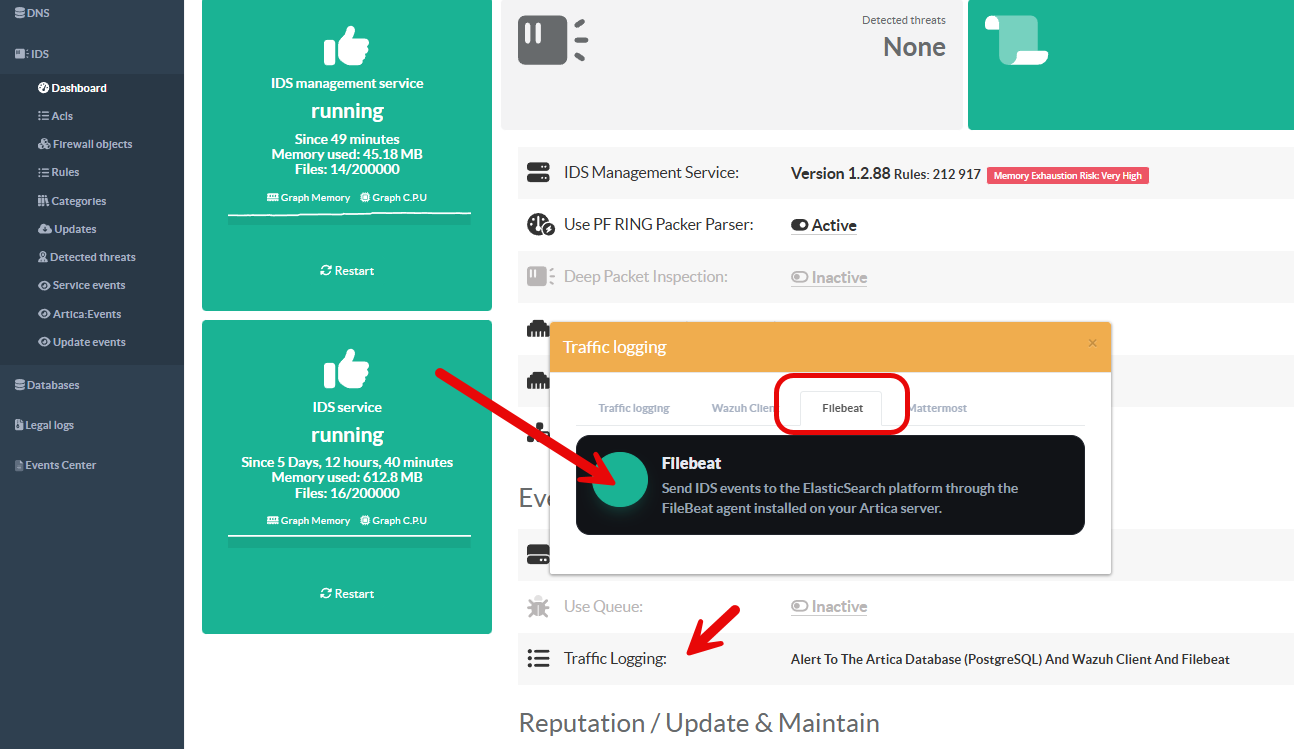
- Once installed, on the
IDS > Dashboard, click on the Traffic Logging link - Click on FileBeat tab.
- Turn on the Filebeat option.
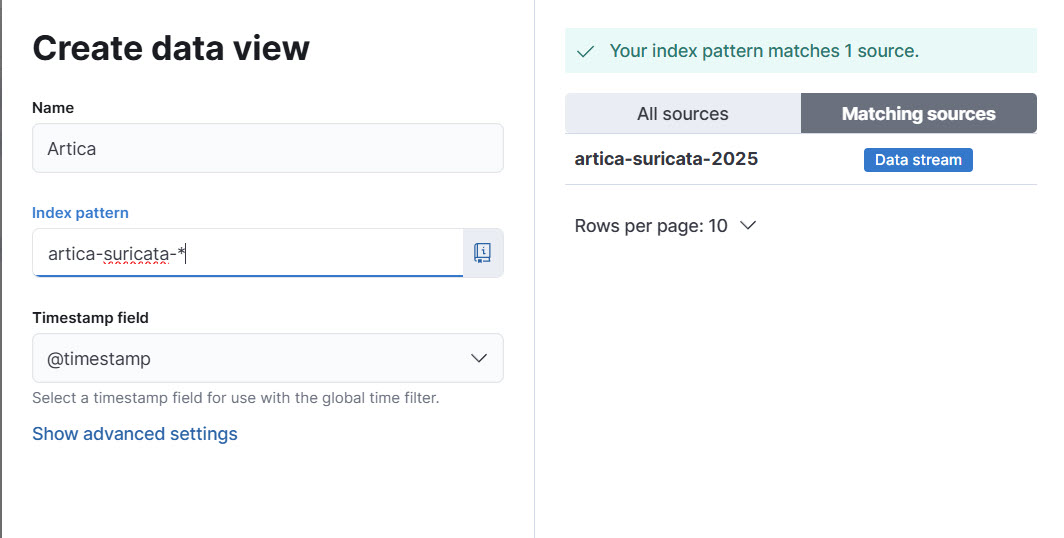
- Once Alerts are generated, In the Kibana data view, search a artica-suricata-* entry
- The Artica index will be named
artica-suricata-yyyy,for exampleartica-suricata-2025,artica-suricata-2026,artica-suricata-2027( depends on the current year).