Unlock Artica for Docker edition masking feature
During its development phase, Artica docker edition undergoes numerous hotfixes and changes. To avoid misunderstandings, this feature is not displayed by default.
This procedure will no longer be necessary and will be hidden once the feature is considered stable by the Artica tech development team.
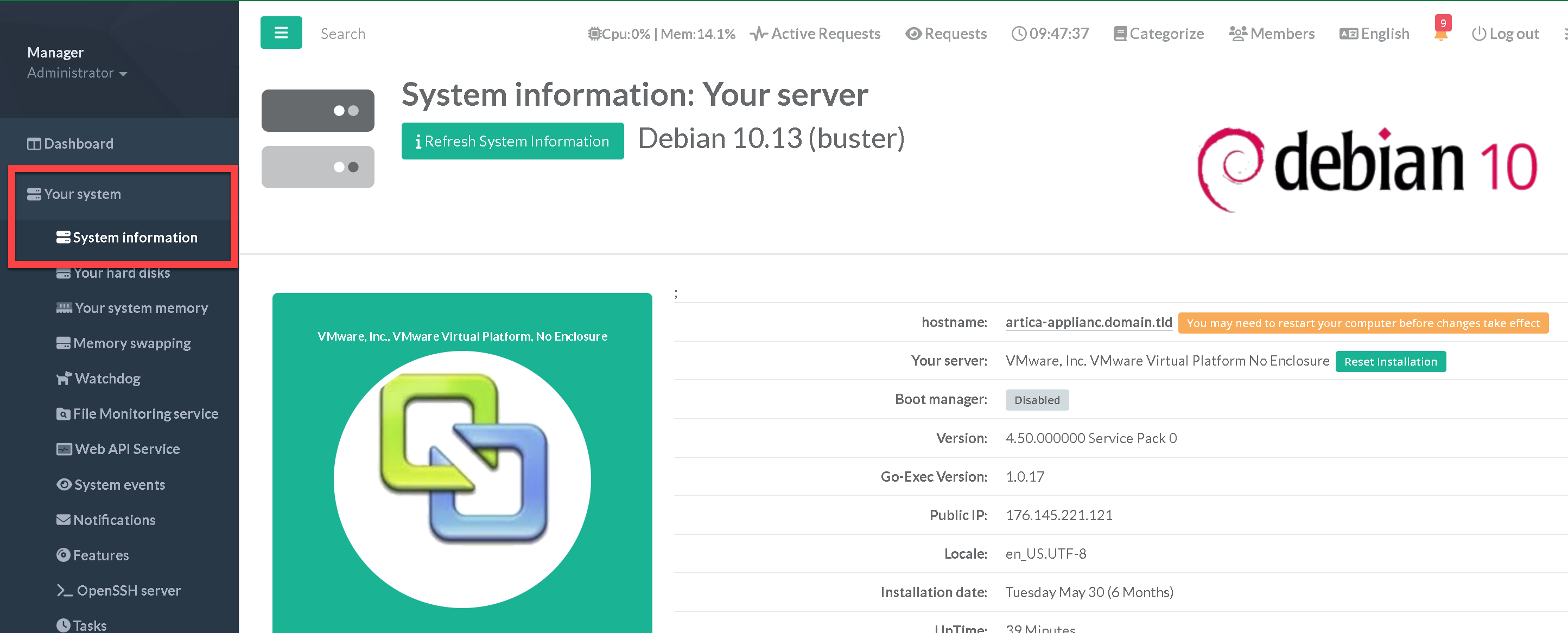
- On the left menu, select
Your System > System Information
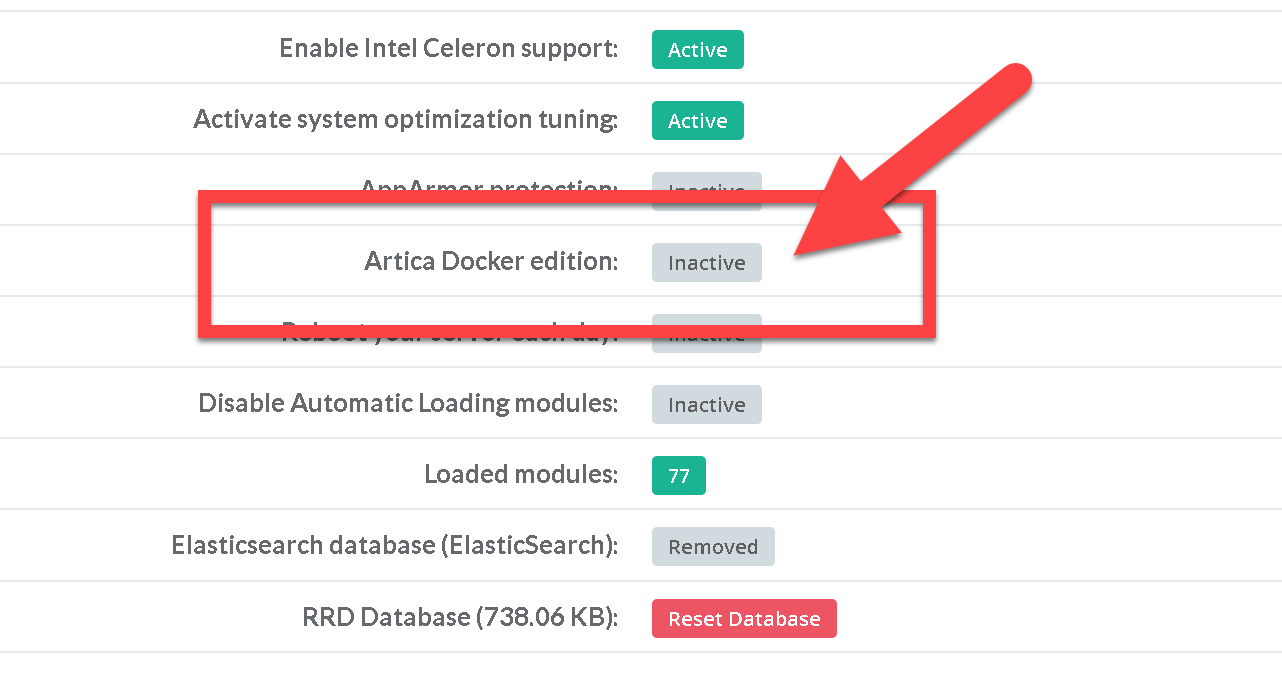
- Down to the middle of the section and find the entry Artica Docker edition.
- You will find a grey box called Inactive, click on it.
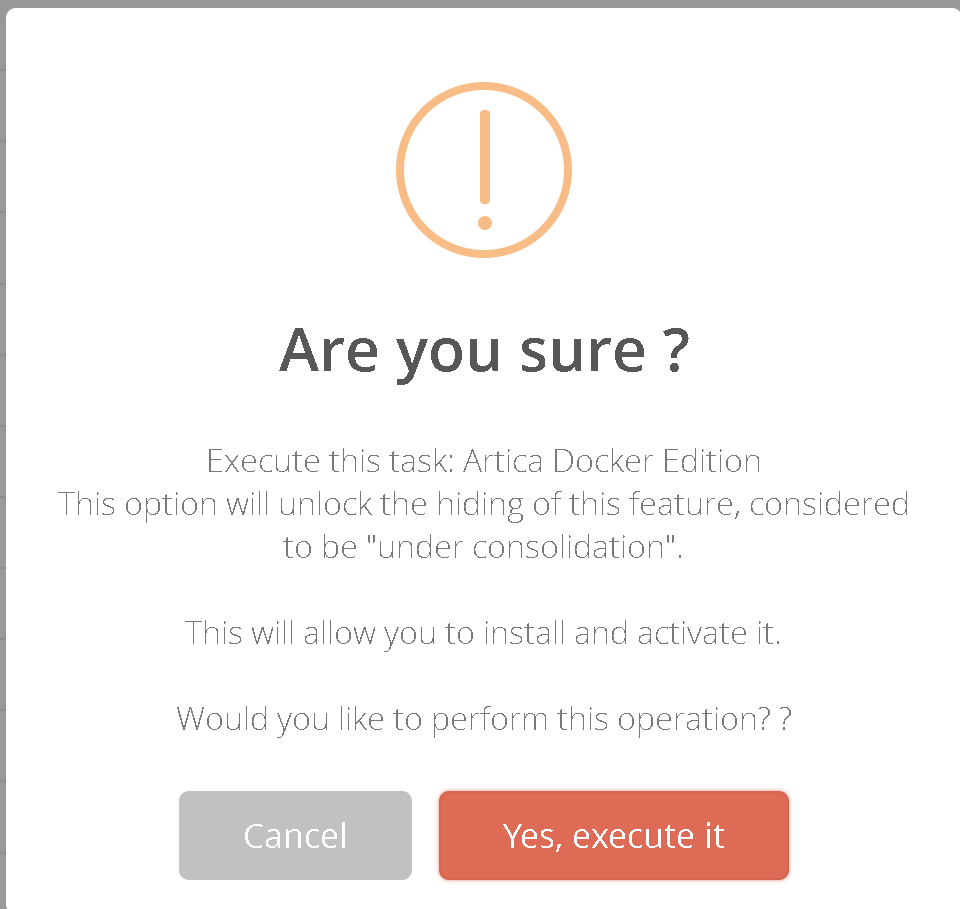
- A window appears, asking you to confirm activation of the Artica Docker Edition feature.
- Click on “Yes Execute it'”
- The Artica Docker Edition label should disappear, allowing you to move on to installing docker components and the docker ecosystem.