In the Artica context, a snapshot is a package that allows saving and restoring all the settings managed by an Artica server.
- The snapshot can be managed by opening the details of a node.
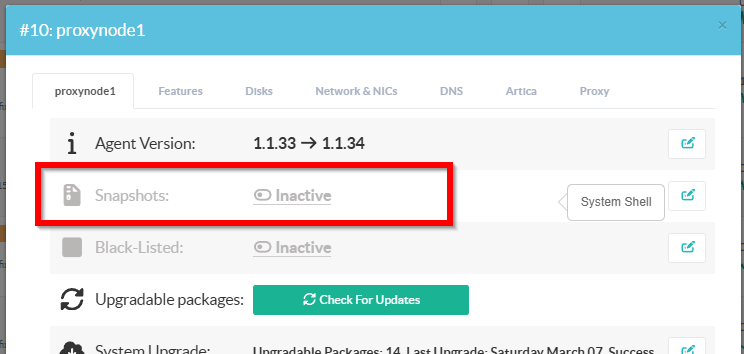
- To order building a snapshot on the remote node, click on “Create a snapshot” button.
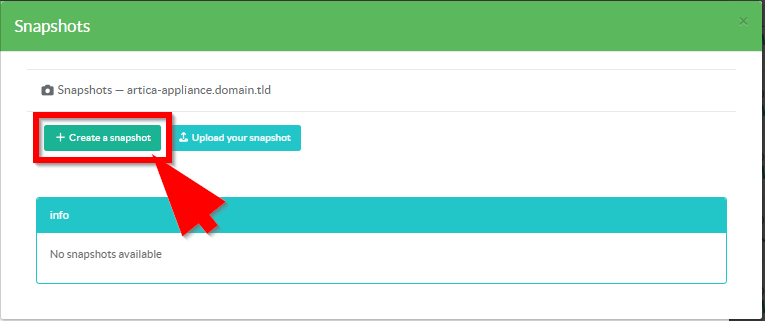
- When a snapshot is created, you have 4 available actions:

- Download the snapshot:
Download on your computer the compressed backup package.
- Restore the snapshot:
The remote agent will erase all parameters and restore them from the selected snapshot.
- Forward the snapshot:
This function allows you to transfer a backup set to another agent or to a group of agents in order to replicate the configuration on the target systems.
This method makes it easy to create identical configuration clones across multiple agents.
- Delete the snapshot.
Ask to the remote agent to destroy the local snapshot container.