The System users section
The System Users section serves as the primary interface for creating groups and managing which user accounts belong to each group
The System Users section serves as the primary interface for creating groups and managing which user accounts belong to each group.
You can find this section using the left menu Your System > System users
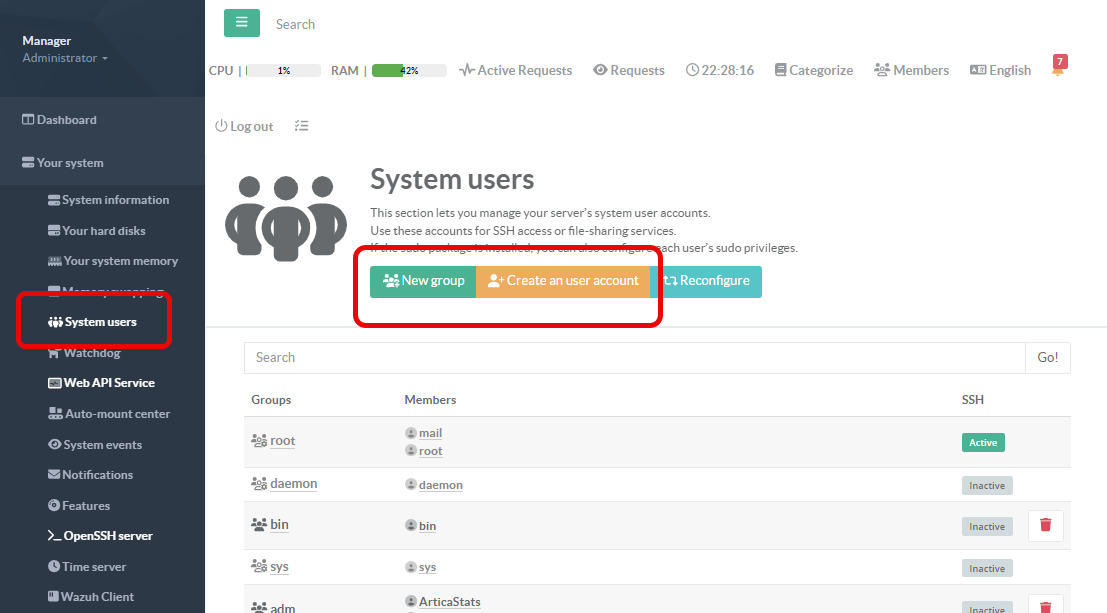
- Use the New Group button to create a new system group
- Use the Create an user account to create a new user
You cannot delete or modify user accounts stamped as system like root or other accounts used by services.