Forward logs to Wazuh server
If you install the Wazuh client on the log server, a Wazuh client option is available. This option allows you to send all events received by Log Sink to the central Wazuh server through its Agent.
Back to Log Sink main section | Install the Wazuh client inside Artica
This feature is available with Artica v4.40 Service pack 114
“Wazuh agents can run on a wide range of operative systems, but when it is not possible due to software incompatibilities or business restrictions, you can forward syslog events to your environment. This is a common use case for network devices such as routers or firewalls”
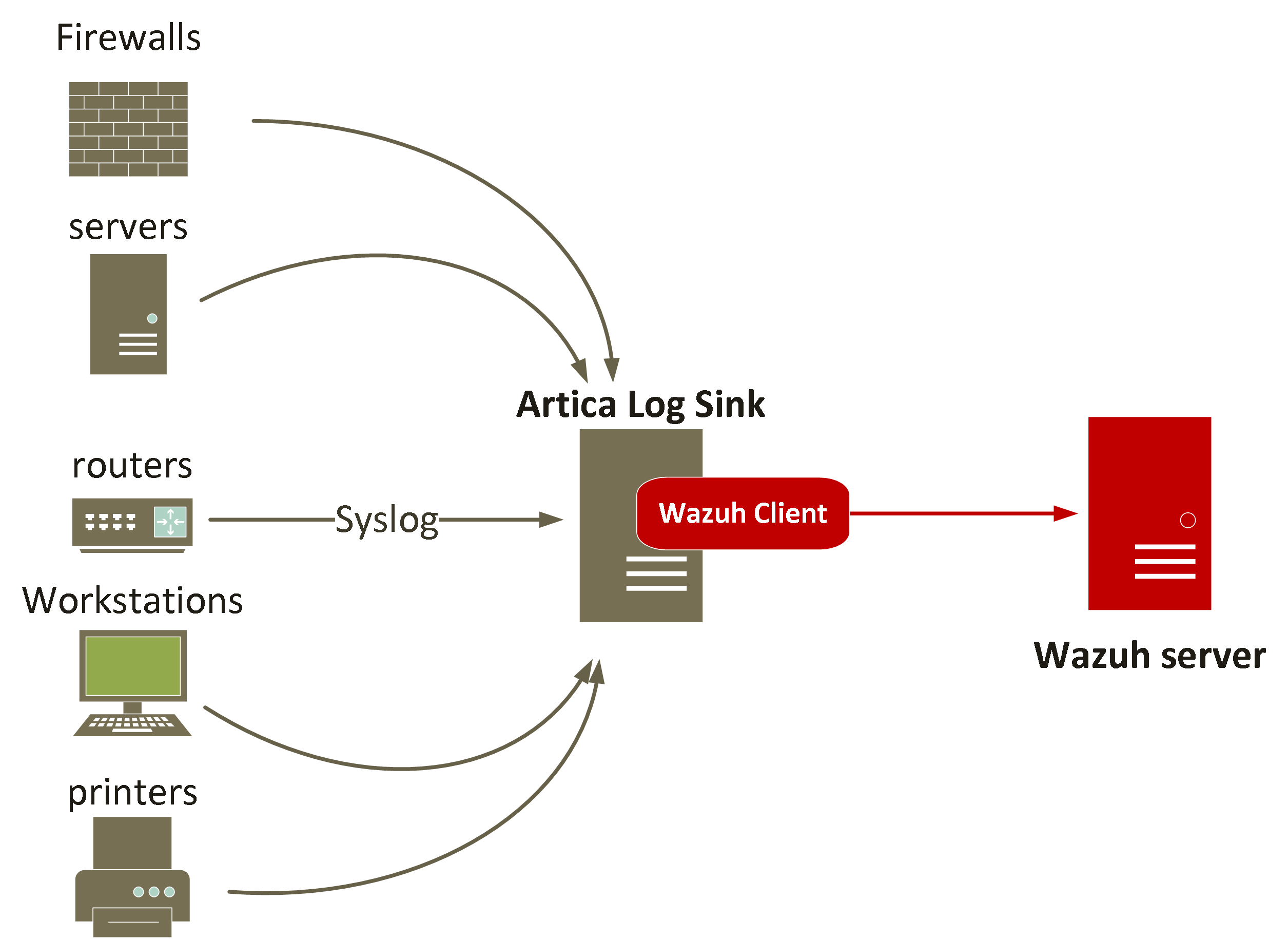
This option allows you to send all events received by Log Sink to the central Wazuh server through its Agent installed inside the Log Sink server
- You need first to Install the Wazuh client inside Artica
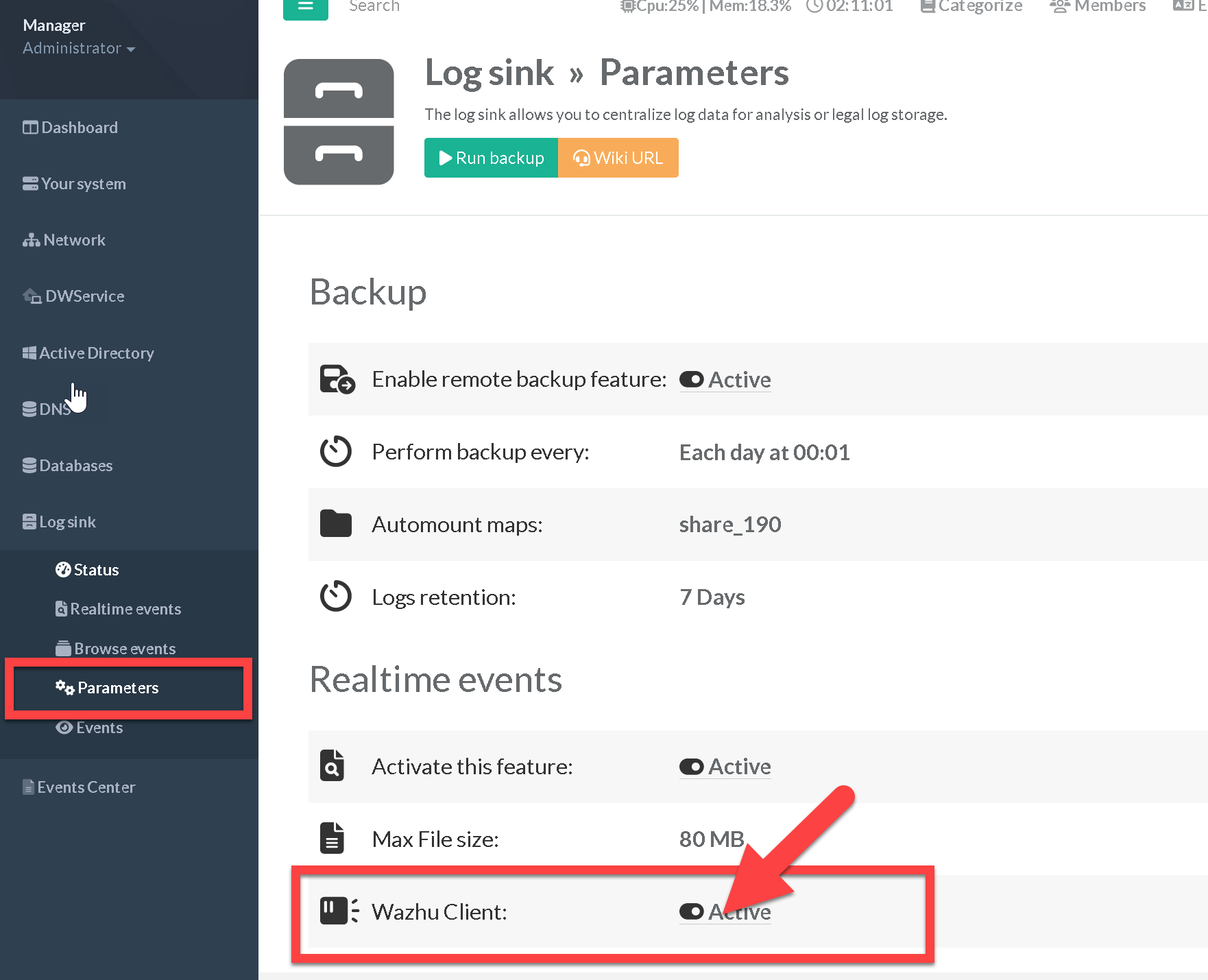
- Once installed, on the left menu go to
Log Sink>Parameters - Click on the Wazuh Client row
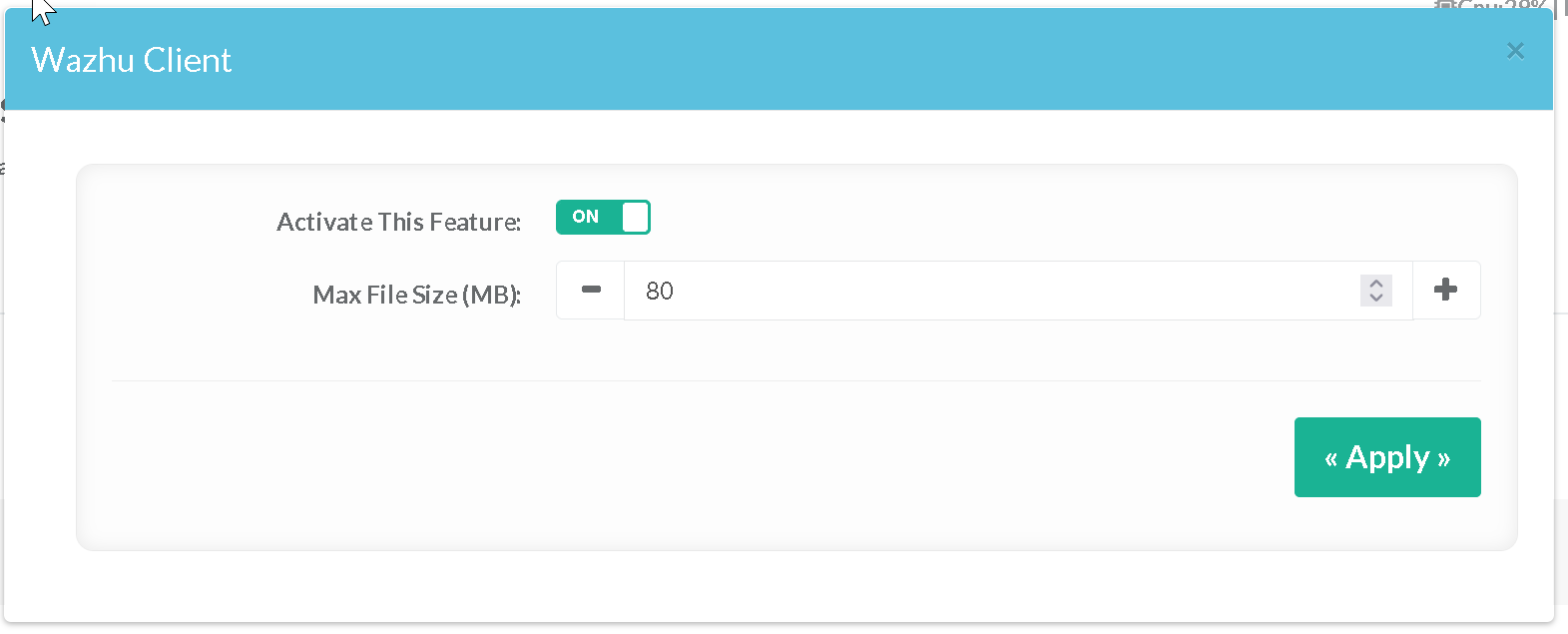
- Turn ON the “Activate this feature” checkbox
- Set the log file buffer to let the Wazuh client scan the merged log file.
- Click on Apply