Change database parameters / sources statistics
You can modify your database parameters and view the number of entries per database source.
You can modify your database parameters and view the number of entries per database source.
- Navigate to the desired database.
- Click on the “
Database options”' button
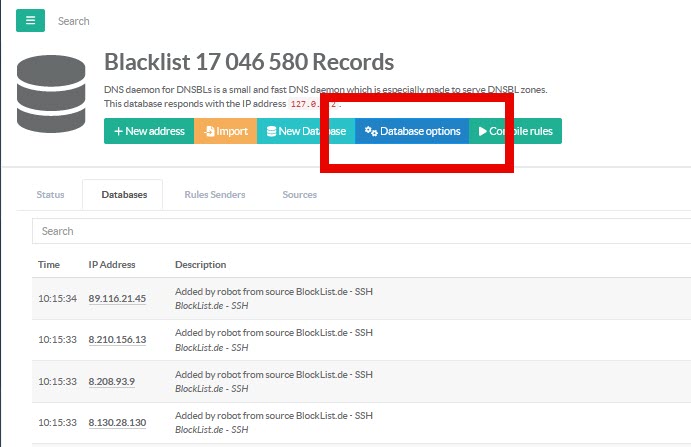
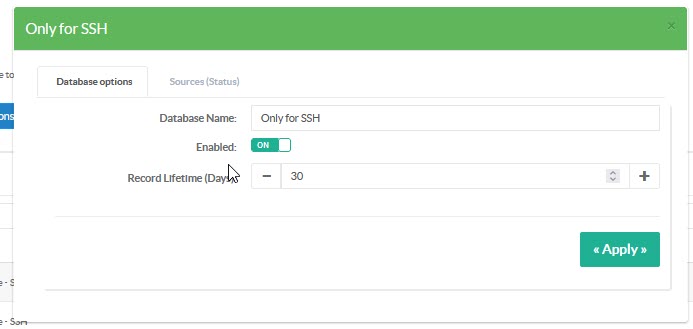
- The first tab allows you to modify parameters such as database Name, the database activation, and the lifetime of stored records.
The second tab allows you to view the breakdown of the various sources used to populate your database.
Note the delete button, which lets you delete records linked to the source.
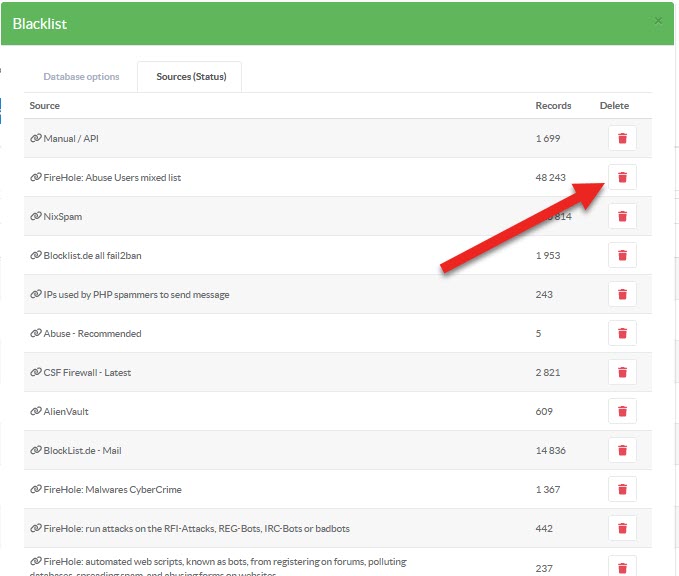
Please note that if you delete records from the source, they may reappear in the database during the next update cycle.