Activate the Artica Milter service
The Artica milter filter must be activated in order to start writing SMTP filtering rules.
The Artica milter filter must be activated in order to start writing SMTP filtering rules.
- Go to
“SMTP Router” > “Status”and turn ON the Artica Milter option by clicking on the appropriate button under the grey widget.
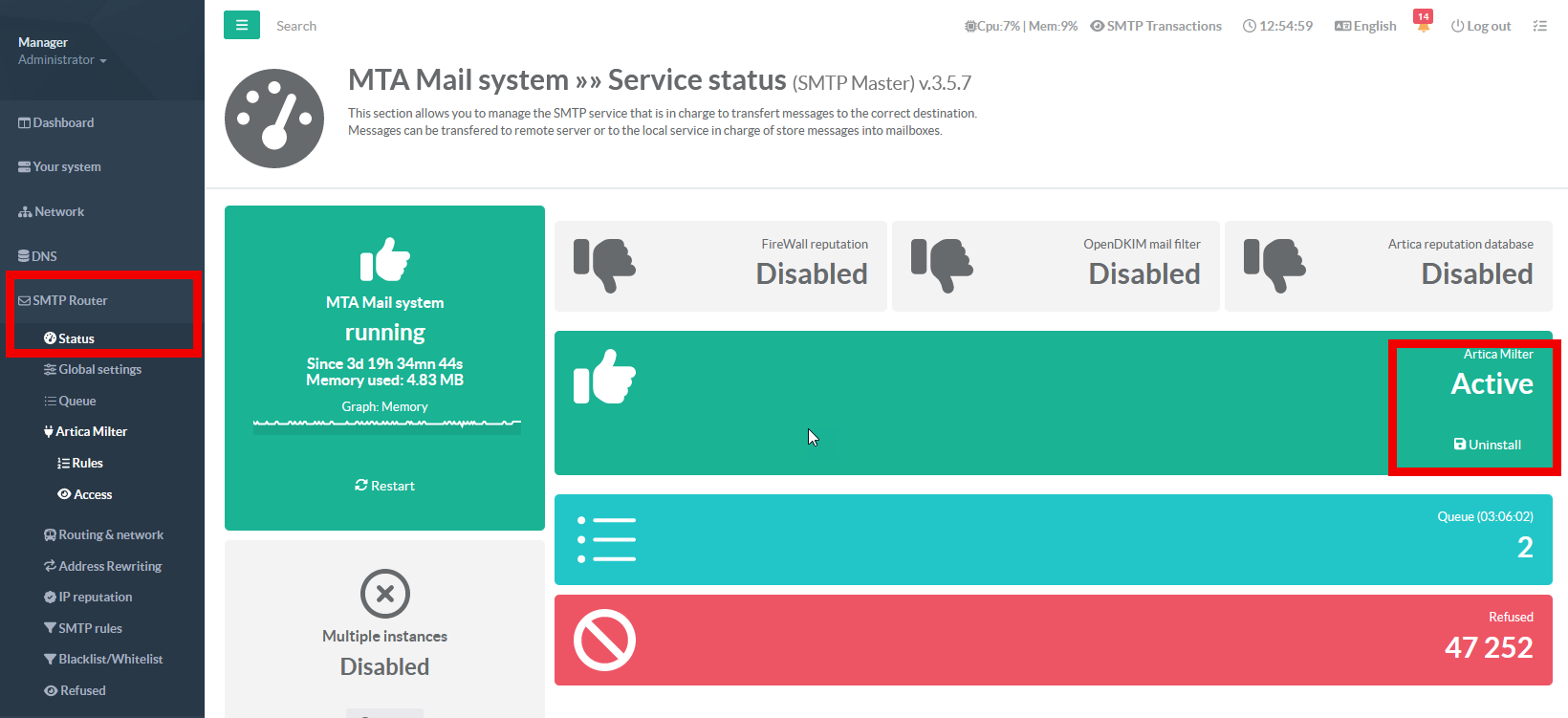
- The filter service will be installed and you will be able to browse the Artica Milter section of the left-hand menu.