Declaring a tenant does not give anyone access to it. Access is granted to a group, and a user inherits the tenants of every group they belong to.
This page covers that step, for the three directories Artica can hold groups in: OpenLDAP, Active Directory and the appliance's own local administrators.
¶ The concept
A SIEM tenant is a reading perimeter.
The right to read one is not a checkbox on a user — it is a link between a group and a tenant, and that link is what an operator's session resolves at sign-in.
Three properties make the whole mechanism work, and they are worth stating before the click-by-click:
- Rights are attached to groups, never to individuals.
Adding a customer to somebody's perimeter is one checkbox on a group, not an account-by-account chore.
Removing a person from the group removes the access, and nothing else has to be undone.
- Memberships add up.
A user belonging to three groups that hold three different tenants reads all three, presented as one aggregated view.
There is no need for a "group per combination", and no selector to flip through.
- The perimeter is resolved on the appliance, not in the browser.
The console does not ask the analytics service for "the tenants I would like"; the service derives the perimeter from the account's groups and applies it to the query itself. Editing the address bar cannot widen it, and an account granted nothing is refused outright rather than shown everything.
¶ One screen, three directories
Artica can hold its groups in three places, and the tenant assignment works identically in all three. Only the way you reach the screen differs:
| Directory | Where the groups live | How to get there |
|---|---|---|
| OpenLDAP (the appliance's own directory) | posixGroup entries |
Members > Groups > your group > Privileges |
| Active Directory | the AD groups your appliance is connected to | Members > Active Directory > your group > Privileges |
| Local administrators | the appliance's own account database | Your system > Local administrators > your group > Privileges |
What changes underneath is only the key the assignment is stored against — the group's distinguished name for Active Directory, its gidNumber for OpenLDAP, and its internal identifier for a local group. You never type that key; the screen carries it for you.
It matters for one reason only: it is the same key the session resolution reads back, which is why an assignment made in one directory is never visible from another.
¶ What it gives you
- Delegation without administration.
A customer's own IT staff, an auditor or a level‑1 support team read their perimeter and nothing else.
They never become administrators of the appliance.
- It uses the directory you already run.
No parallel list of SIEM users to maintain:
The groups that already describe who is who in your organisation are the ones that carry the tenants.
- Revocation is immediate and complete.
Untick the tenant, or take the person out of the group.
There is no second place where a leftover right can survive.
- The failure mode is a blank screen, never someone else's data.
An empty perimeter is refused, never treated as "no filter".
This is the property the whole design is built around.
¶ Typical use cases
- Managed service provider.
One tenant per customer, one LDAP group per customer, the customer's IT contact inside it.
Your own operators sit in a group holding every tenant.
- Group with subsidiaries.
One tenant per subsidiary.
The group CISO's AD group holds them all; each local administrator's group holds one.
Cross-subsidiary reporting stays possible for whoever holds several at once.
- Time-boxed audit.
A local group created for the engagement, holding just the tenant under review.
Deleting the group ends the access.
- Level-1 support.
A group holding the production tenants but no administration right at all.
The team can investigate traffic without being able to change a single setting.
- Separating environments.
Aprodtenant and alabtenant, granted to different groups, so test traffic never reaches the people watching production.
¶ Step 1 — have the tenants declared
The assignment screen offers the tenants declared in Statistics/SIEM > Tenants.
Only enabled tenants are offered: granting a right over a tenant that nothing feeds any more would be a right over nothing.
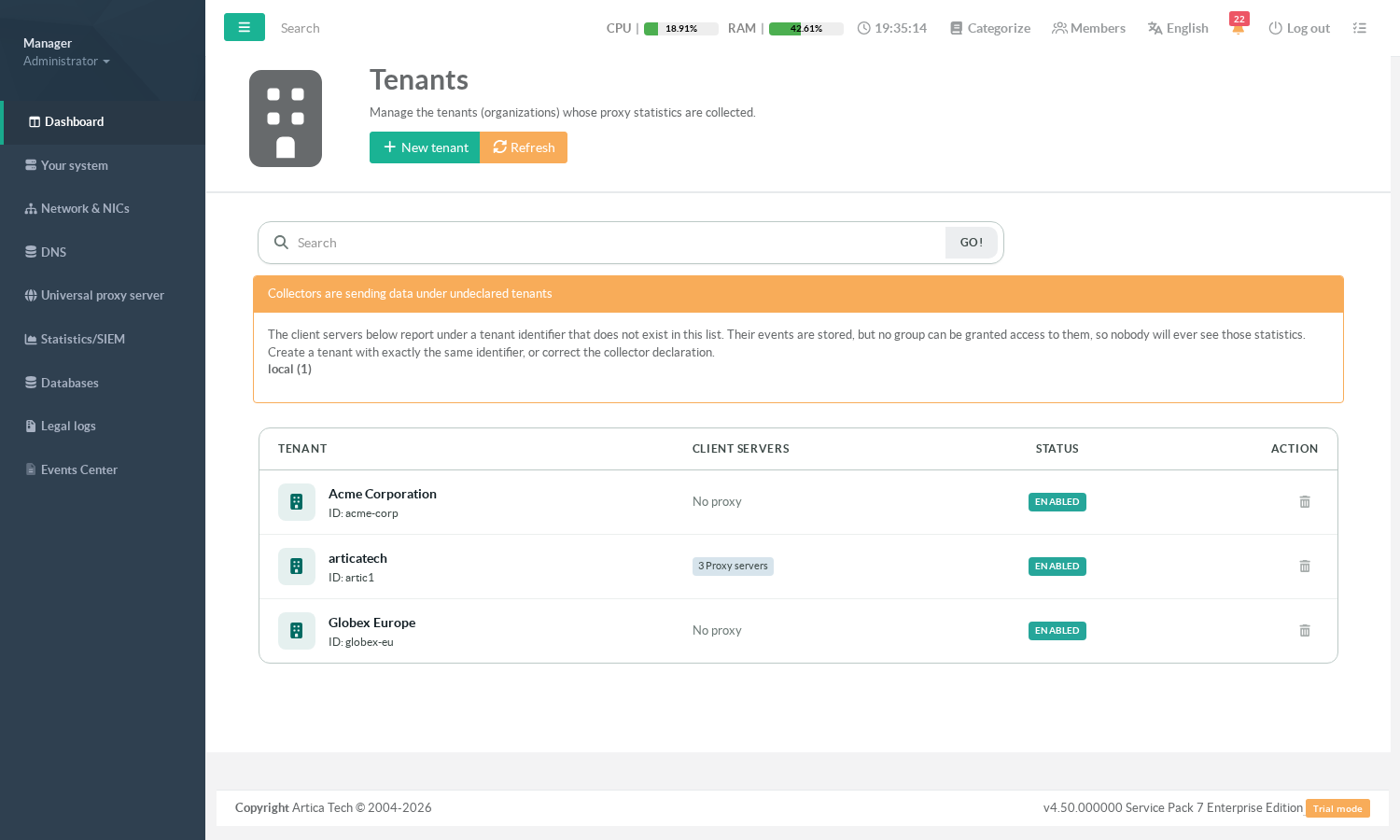
If a tenant you expect is missing from the next screen, check its status here first. Declaring tenants is covered in Multi-tenancy: isolate and delegate per client organisation.
¶ Step 2 — open the group's privileges
Open the group and go to its Privileges tab.
The SIEM tenants are the last section of that screen, after the group, proxy and administration rights.
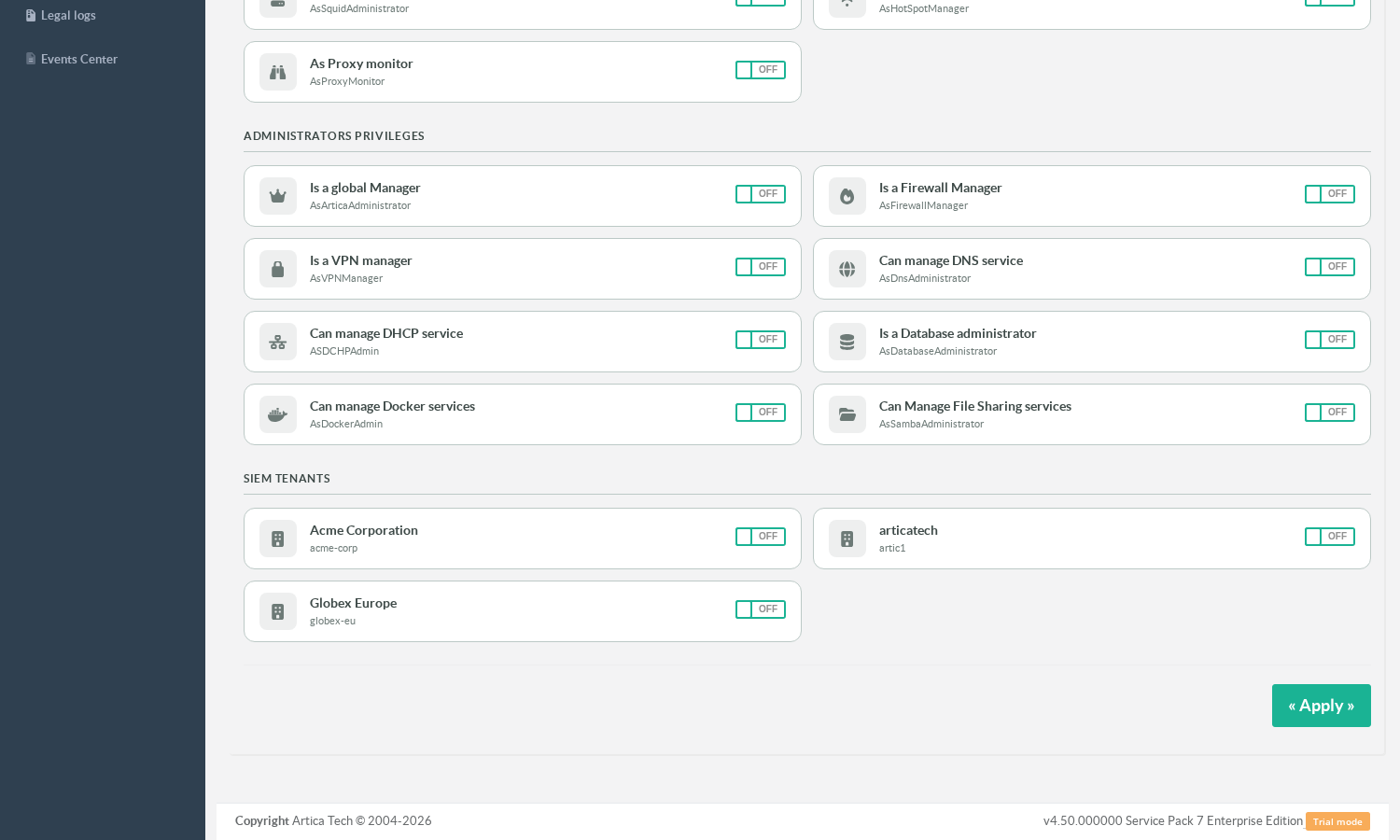
this is the screen an administrator opens to answer "what is this group allowed to see".
A tenant is part of that answer.
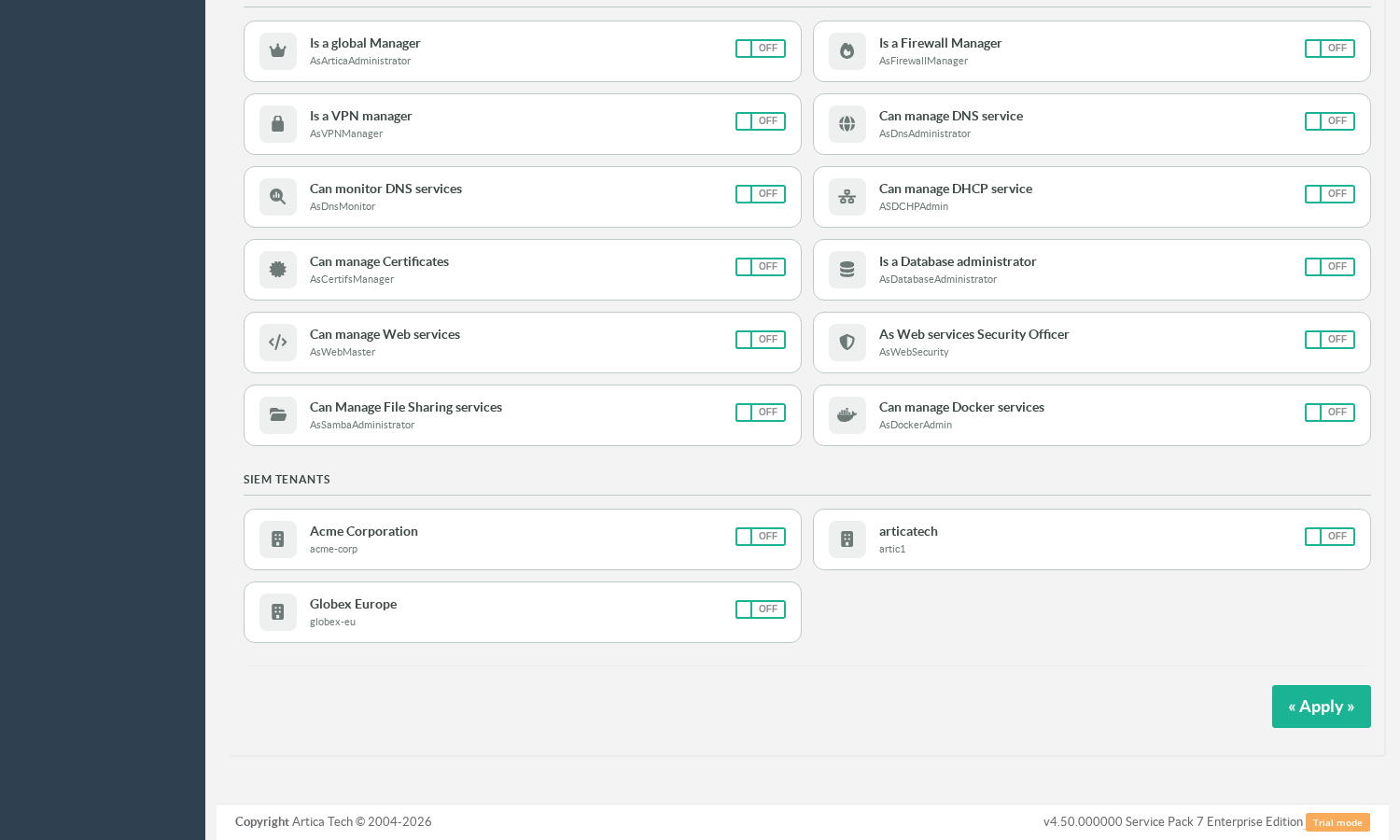
- The same section, on a local administrators group — the screen is identical:
¶ Step 3 — tick the tenants
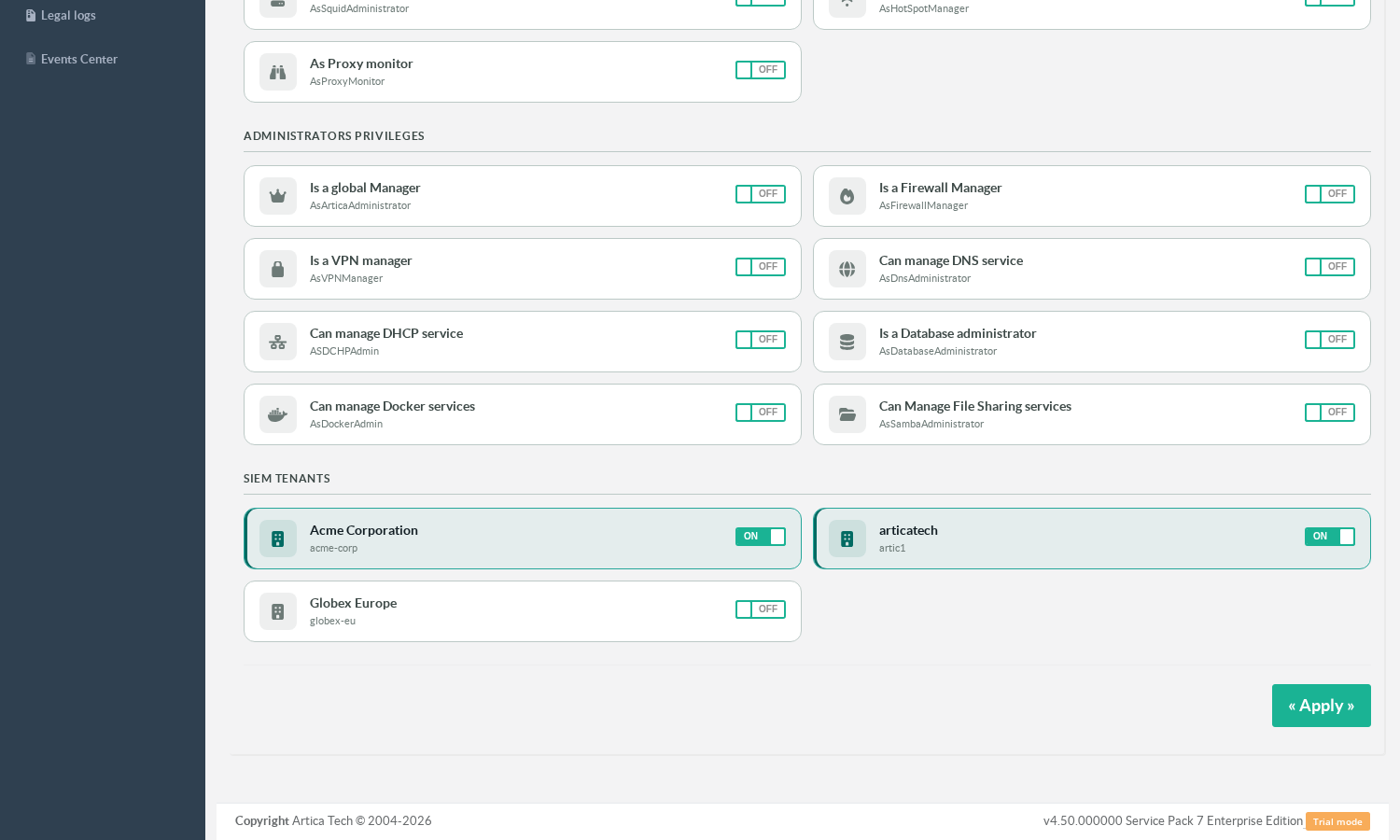
Tick every tenant the group may consult. Two behaviours differ from the rest of the screen and are worth knowing:
- These switches save immediately.
They are not part of the Apply button. A tenant is not a key of the group's privilege record — it is a separate link, and it is written the moment you release the mouse.
- Conversely, Apply never touches them.
Saving the privileges of a group does not revoke, add or reorder its tenants.
When does it take effect?
The perimeter is cached with the account's privileges, so a change is effective at the user's next sign-in at the latest.
If you need it applied straight away, have the user sign out and back in.
¶ What the operator gets
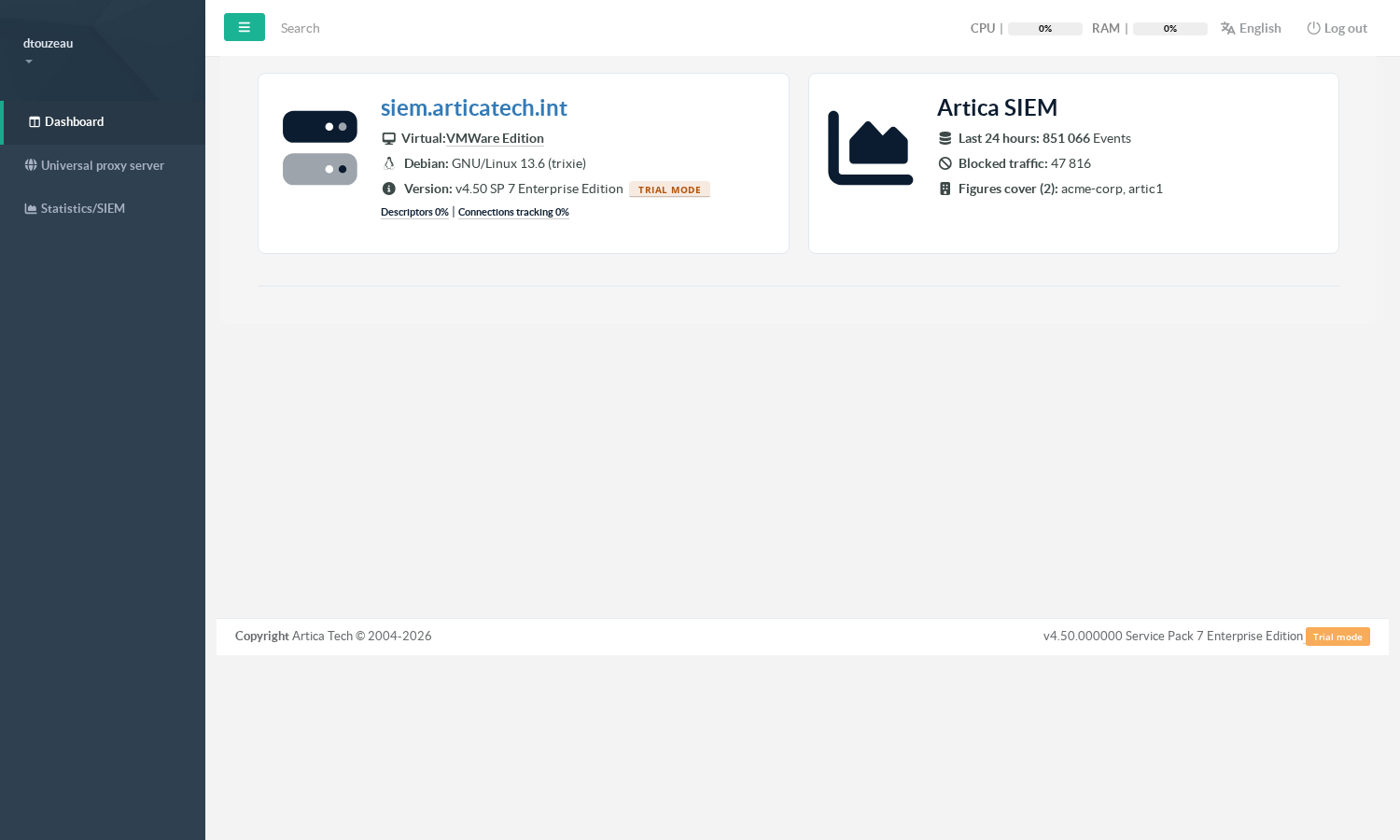
A member of that group signs in and receives a console reduced to what they are entitled to.
No tenant administration, no system menus — the Tenants entry itself is not offered, because declaring tenants is an appliance-administration task and the page would only refuse them.
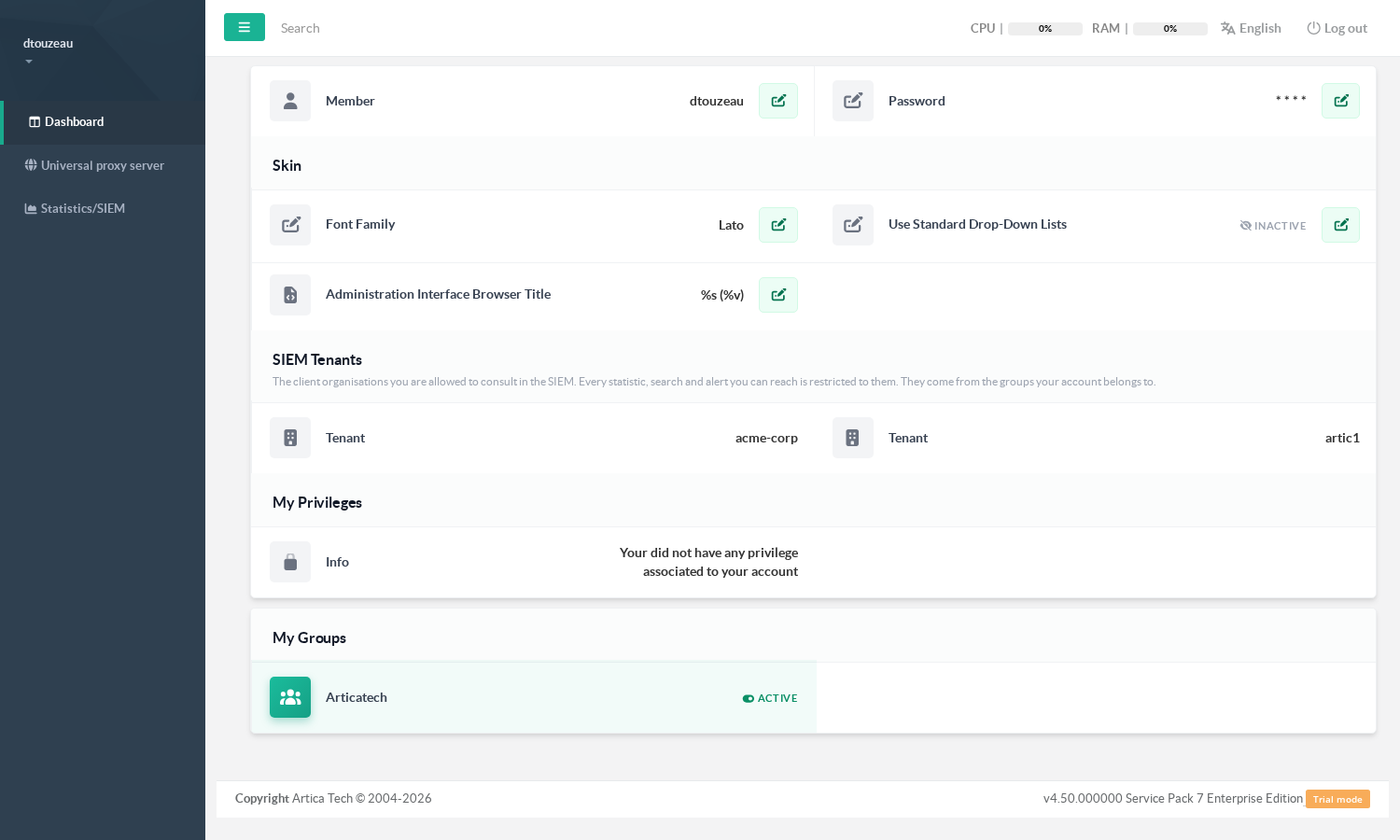
Their own account page lists the perimeter, so they can always see what they are reading:
And the SIEM pages answer with their data only — the filter is applied by the appliance, on the query itself:
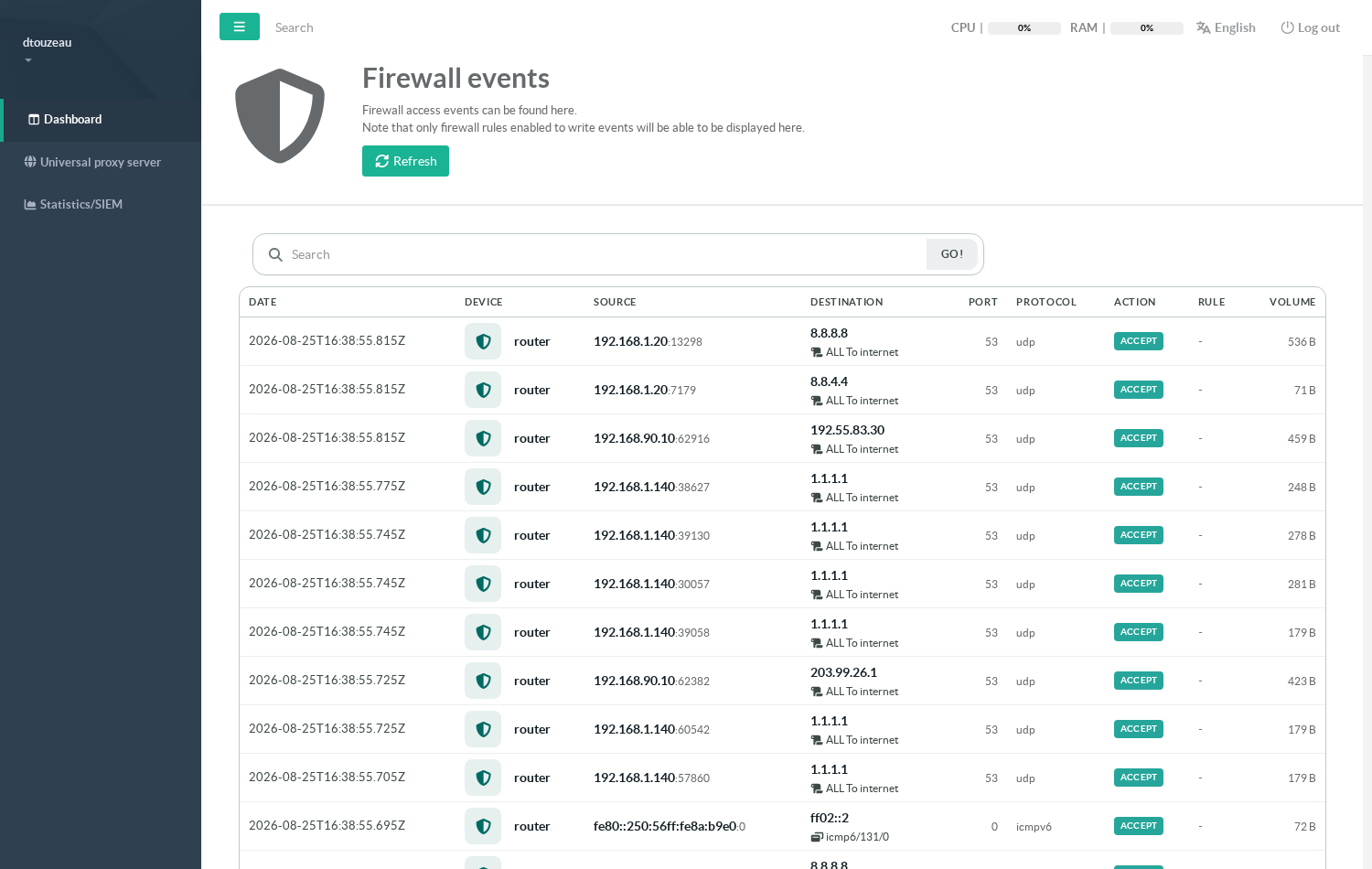
- One tenant — the pages look exactly as they always have. This is the case for most accounts.
- Several tenants — the pages show the aggregated view of the whole perimeter, and rankings gain a tenant column so that two machines sharing a name in two different customers stay two distinct lines instead of being merged into one inflated total.
- No tenant — the SIEM pages state that no perimeter has been granted, rather than showing an empty dashboard that would read as "there is no traffic".
¶ Troubleshooting
| Symptom | Cause | What to do |
|---|---|---|
| The SIEM tenants section is missing from the Privileges screen | The SIEM module is disabled on this appliance. | Enable it; the section appears only when it is on. |
| A tenant is missing from the list | It is disabled, or not declared. | Check Statistics/SIEM > Tenants. |
| The user is told no perimeter has been granted | None of their groups holds a tenant. | Tick at least one tenant on one of their groups. |
| A newly granted tenant is not visible yet | The perimeter is cached with the account's privileges. | Have the user sign out and back in. |
| The user cannot sign in at all | Holding a tenant is what opens the session for an account with no other right — an appliance predating that behaviour refuses them. | Update the web console. |
| The tenant appears ticked but the user sees nothing | The tenant is declared and granted, but no collector feeds it. | Check the Client servers column in Statistics/SIEM > Tenants. |
¶ Recommended order of operations
- Declare the tenant and connect its collectors.
- Create or pick the group that should read it, in whichever directory you use.
- Tick the tenant in the group's Privileges screen.
- Put the people into that group.
- Have one of them sign in and confirm they see the expected perimeter — and only it.