Install Artica SIEM
The installation of Artica SIEM is performed in two steps: installing the ClickHouse database and enabling the Artica SIEM service.
The installation of Artica SIEM is performed in two steps: installing the ClickHouse database and enabling the Artica SIEM service.
A) Installing the ClickHouse database
The purpose of this operation is to instruct Artica to download the ClickHouse binaries and libraries.
The Artica SIEM service will then be able to deploy ClickHouse itself, as it is responsible for fully managing the database service.
- On the left menu, navigate to
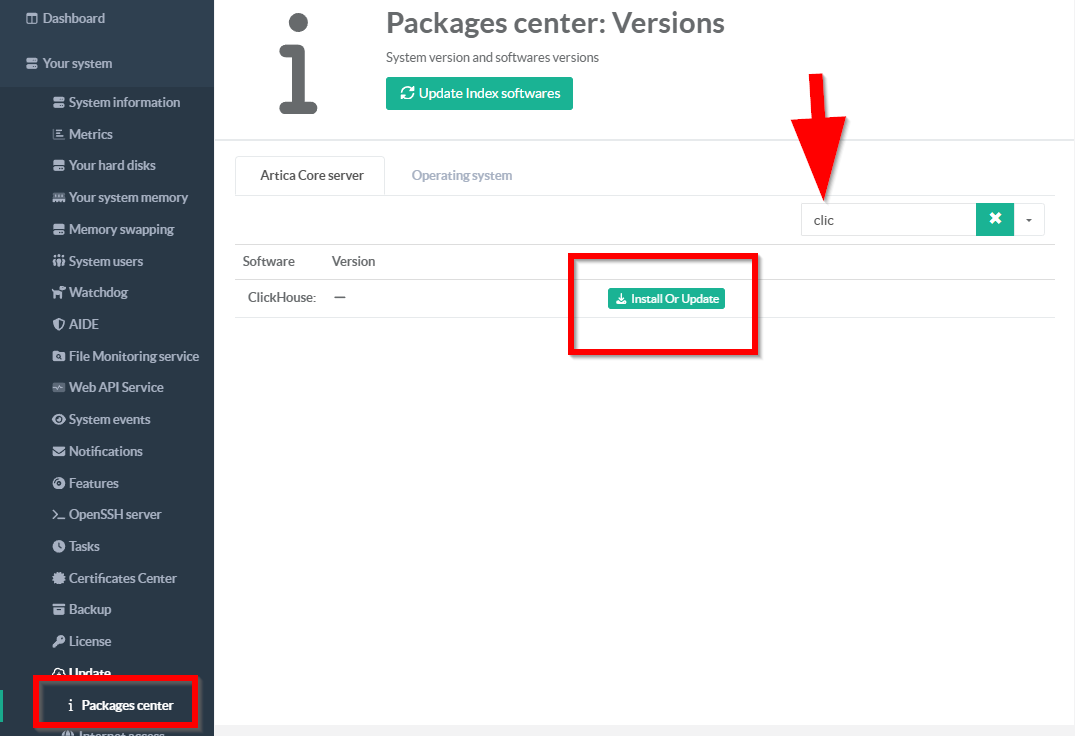
Your System > Update > Packages Center - Search the ClickHouse entry and click on Install Or Update
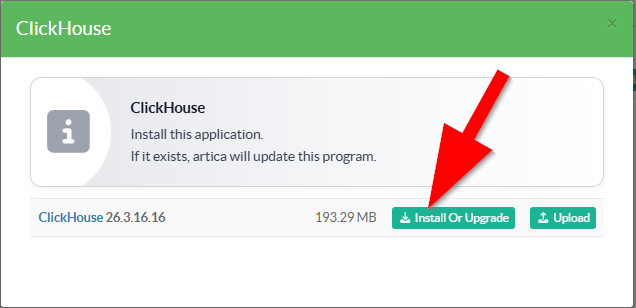
- Select the latest version, then Click on Install or upgrade button
B) Activate the Artica SIEM service
- On the left menu, navigate to
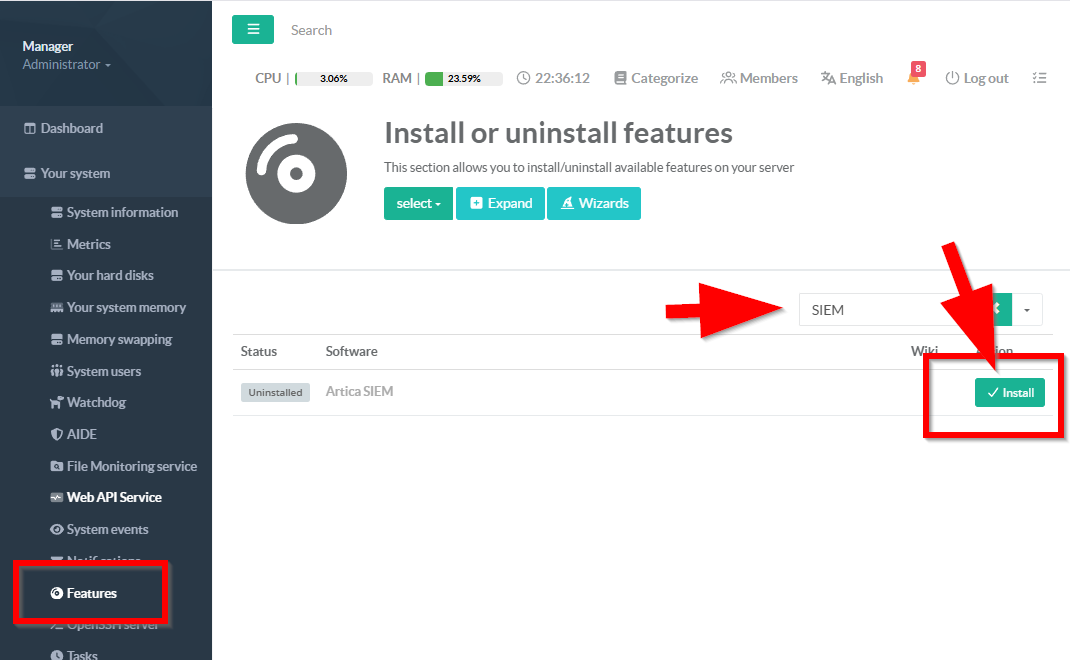
Your System > Features - On the search field, type SIEM and click on the Install button under Artica SIEM