Intercept Malicious Filed uploaded with ClamAV
The Web Firewall is able to understand the multipart/form-data encoding used for file uploads. This enables it to extract uploaded files from the request
The Web Firewall is able to understand the multipart/form-data encoding used for file downloads. This enables it to extract downloaded files from the request and store them in a specified location on the file system.
In addition to the ability to extract downloaded files, The Web Firewall can also, thanks to integration with other tools such as ClamAV, validate uploaded files.This feature is available on Artica v4.50 Service Pack 1 or Artica v4.50 HotFix 20231117-02
A) Install ClamAV service on Artica
ClamAV can be used to analyze the file for Trojans, viruses, malware and other malicious threats.
To intercept malicious file downloads with the Web FireWall, you need to install ClamAV.
B) Enable antivirus checking on your websites
- On the left menu, go into
Web services > Services - Click on the desired web site
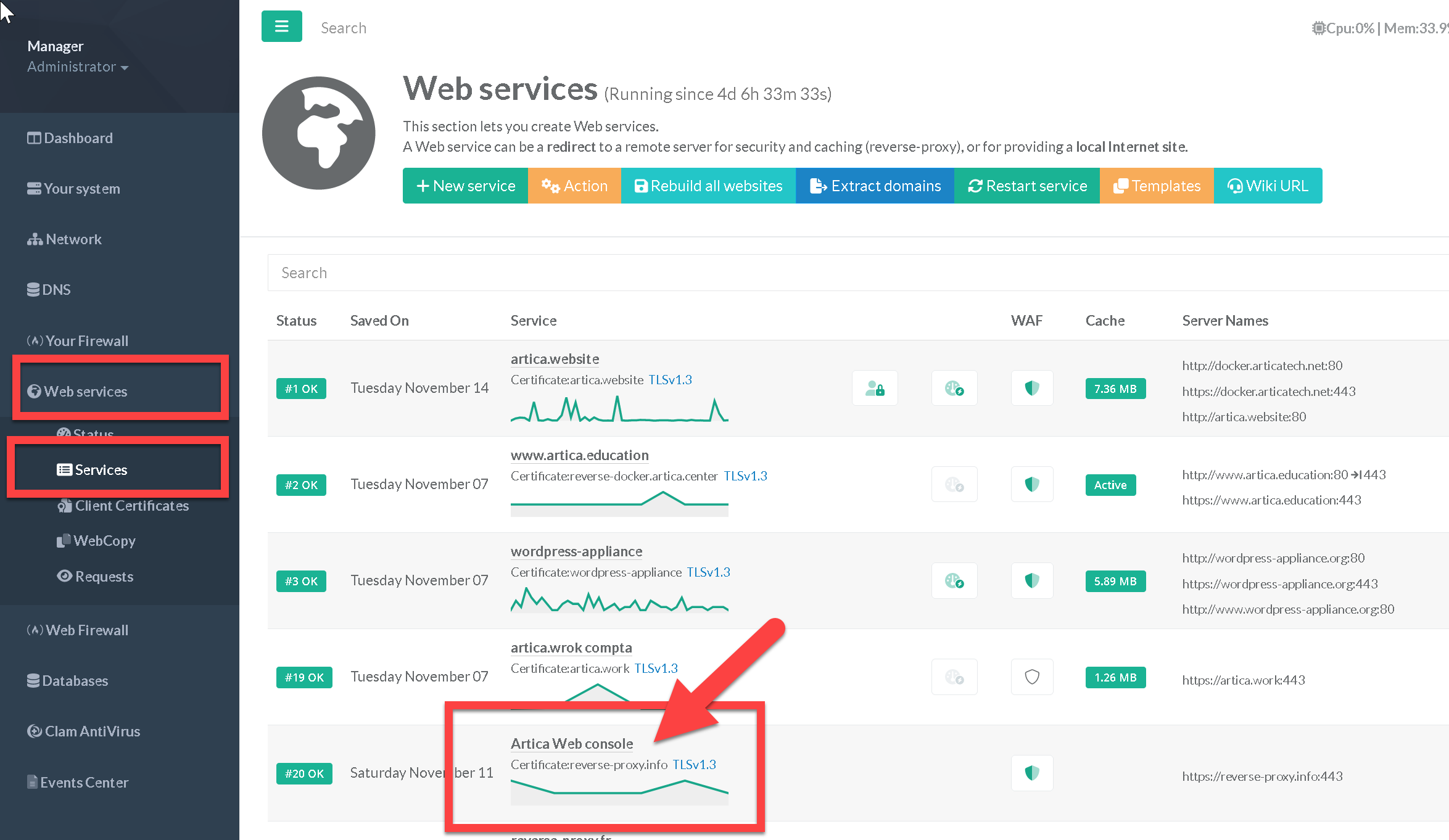
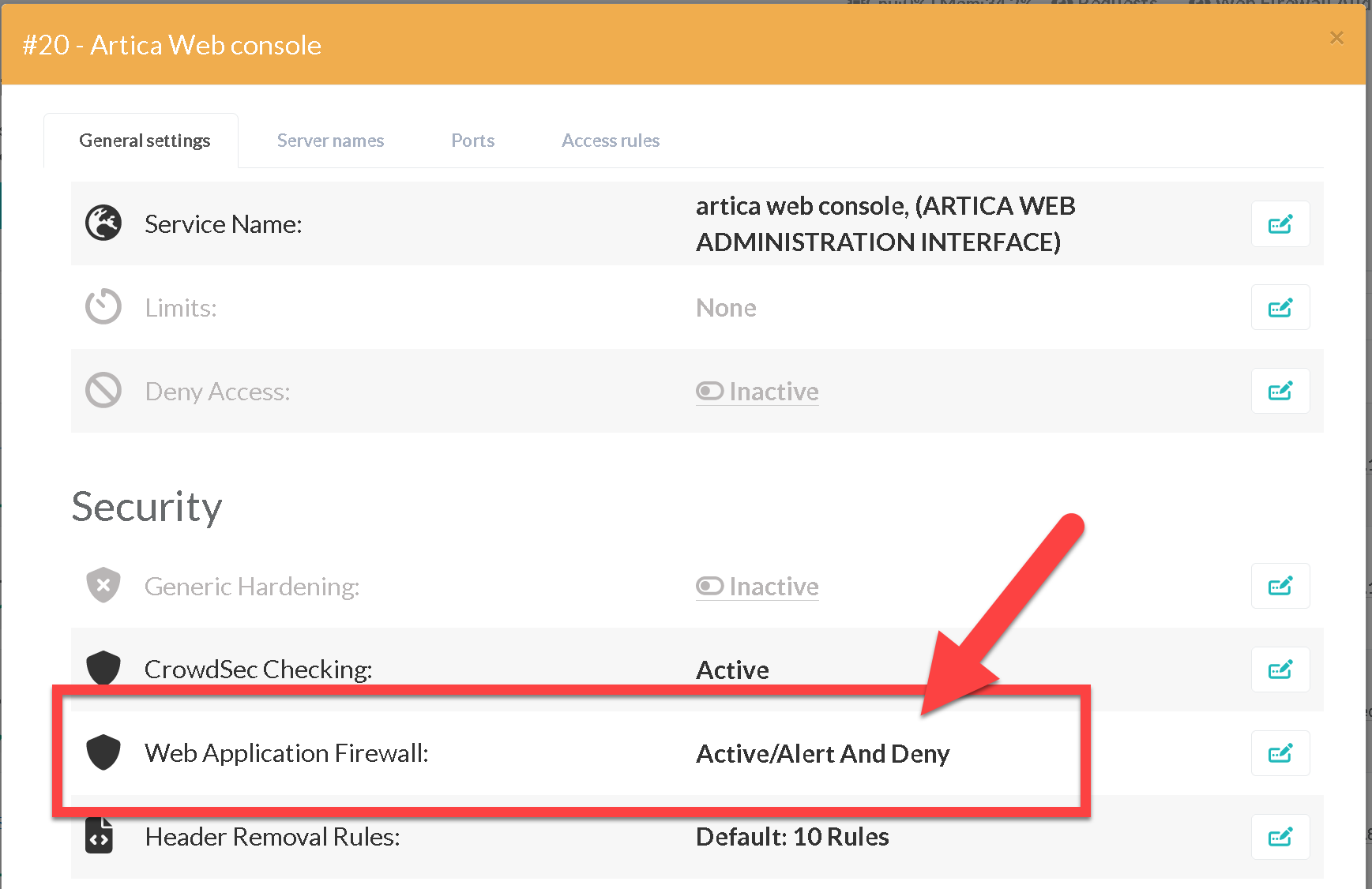
- Click on the “Web Application Firewall” row.
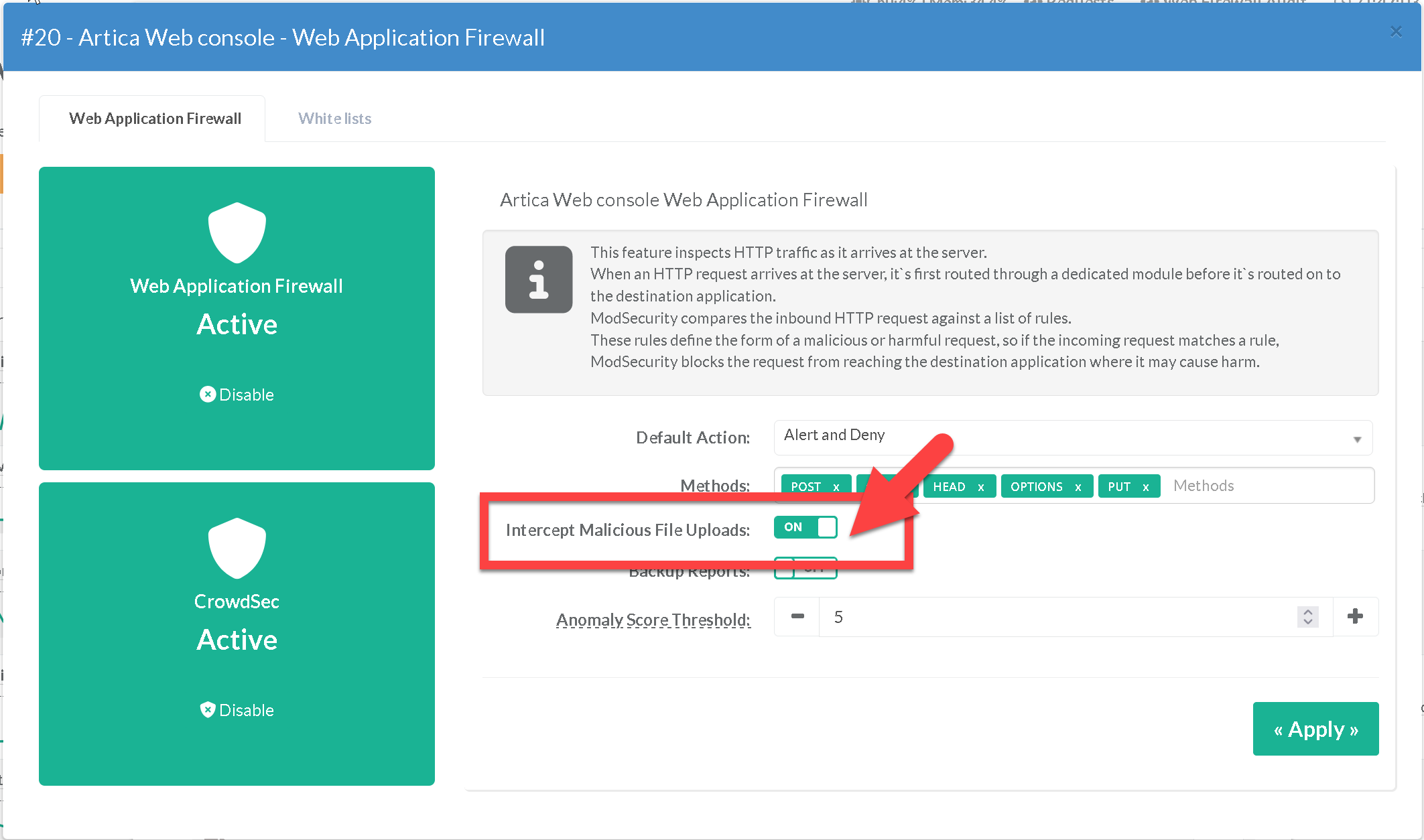
- Turn on the checkbox option “Intercept malicious file uploads” and click on Apply button
- When a malicious file is discovered, it will activate the rule identified by the ID 400001
- You can view the threats detected in the audit section, the rule to is listed as Infected File upload detected
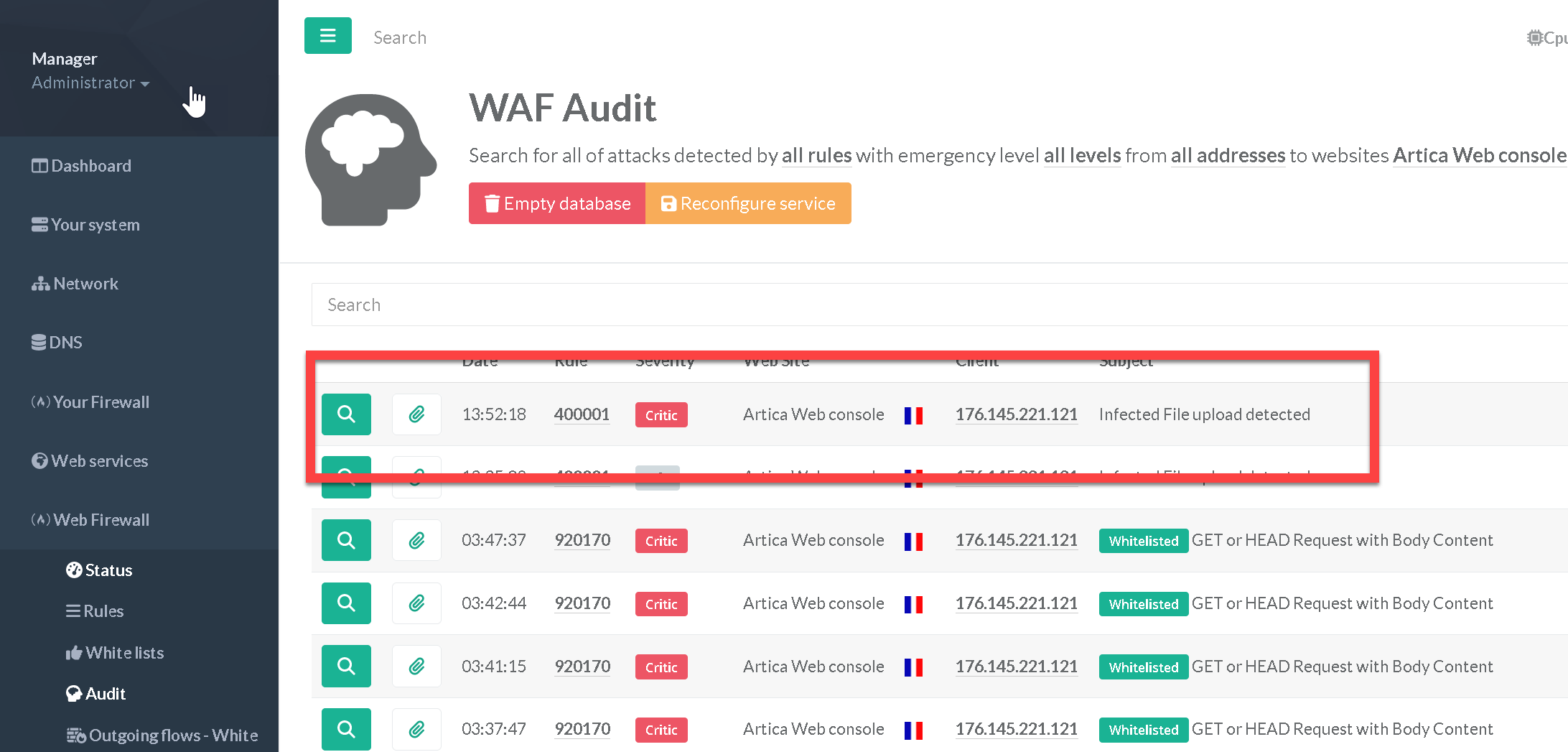
Please note that the name of the detected virus is not shown in the report, so please refer to the Web Firewall antivirus events section to match the type of virus detected.