Update the reverse-proxy service
The reverse proxy service can be updated directly from the Artica web interface, using the built-in update management tools.
Back to the reverse-proxy main section | Upgrade manually the reverse-proxy-service
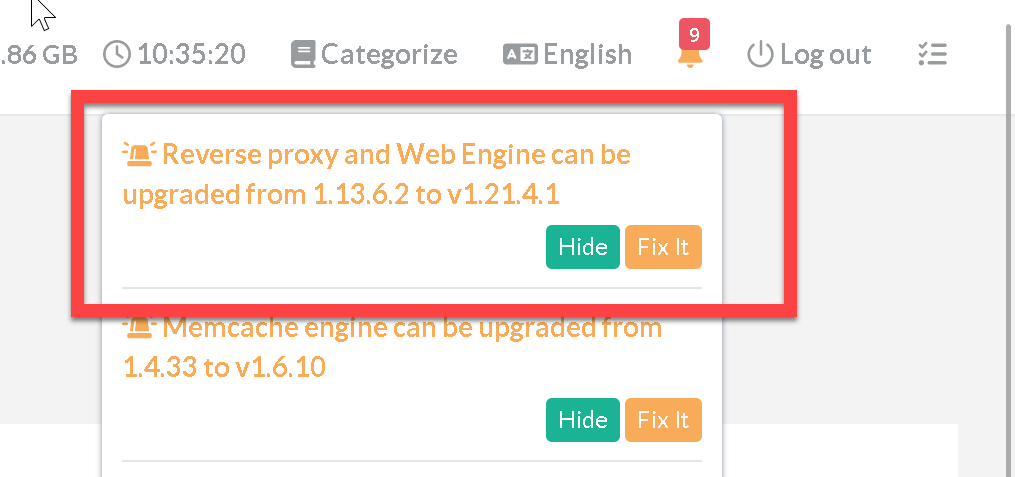
In most cases, when a new update is available, a notification is displayed by the bell at the top right of the screen.
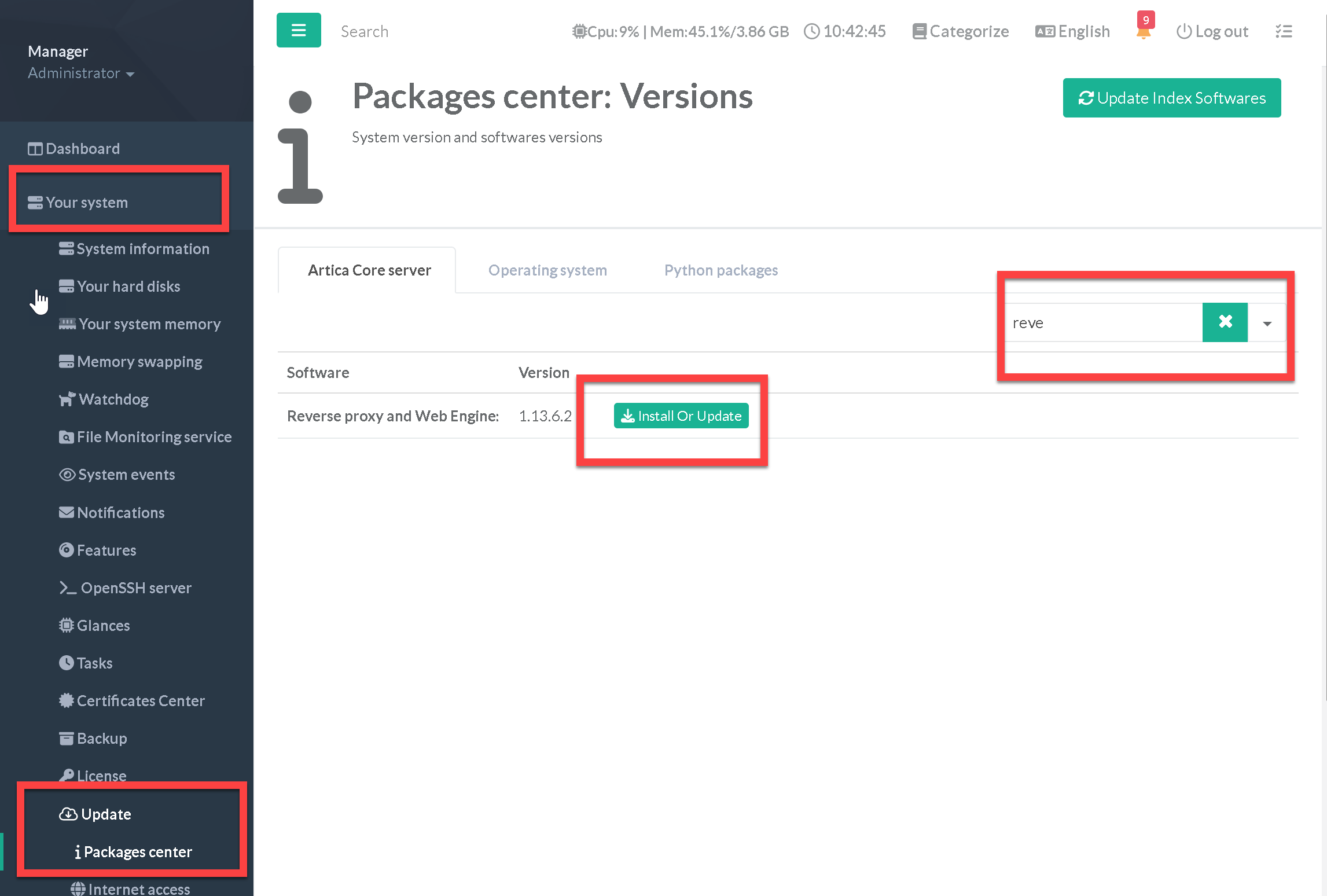
- Also, you can go to “Your System” / “Update” / “Packages Center”
- On the search field, type “Reverse”
- Click on “Install or Update” button on the Reverse proxy and Web engine section
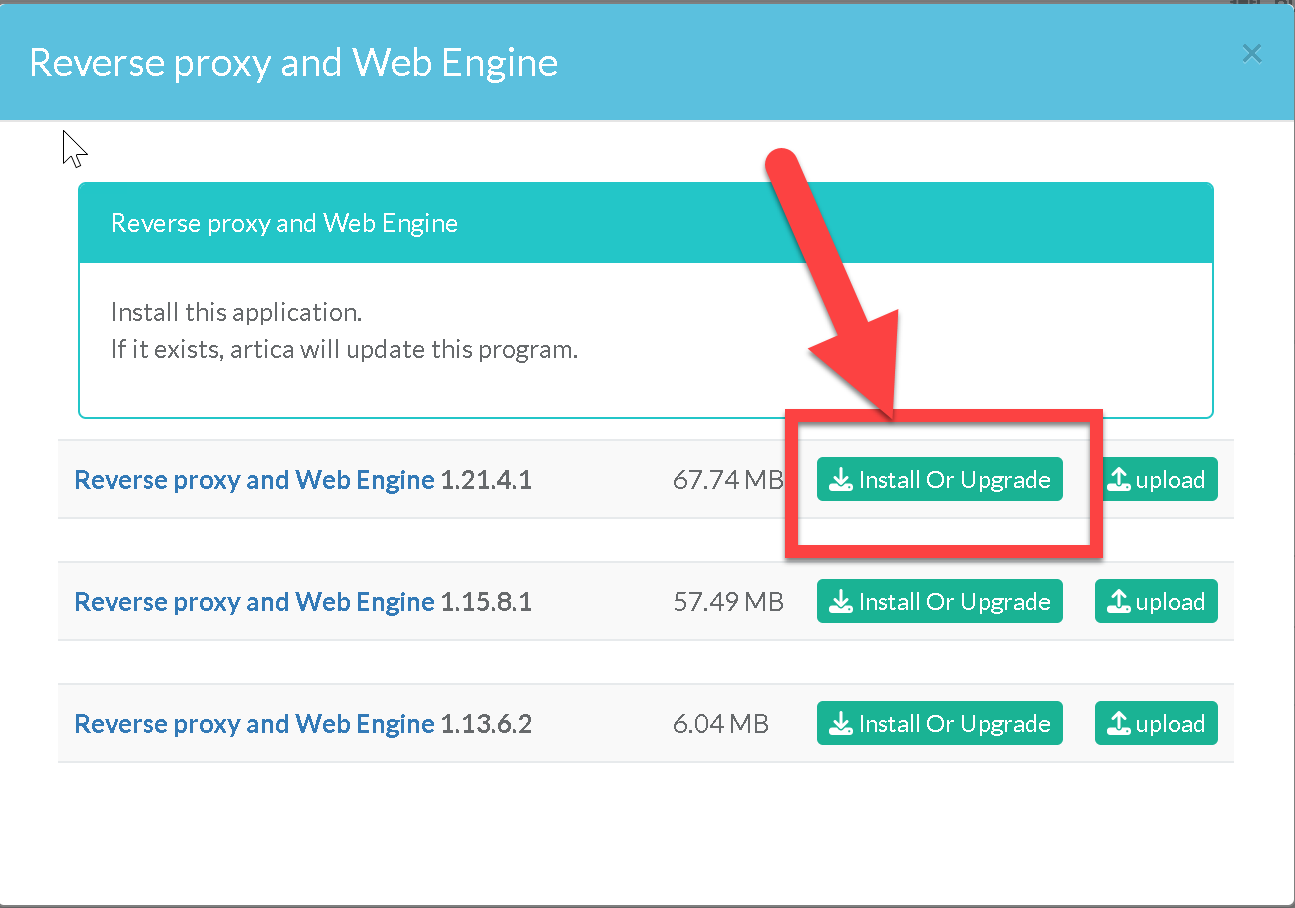
- Select the latest available version and click on Install or Upgrade button.