Artica EdgeGuard Agent
The Agent is the edge component of EdgeGuard. It runs alongside NGINX on each server and processes security decisions in real time.
EdgeGuard Agent
The Agent is the edge component of EdgeGuard. It runs alongside NGINX on each server, processes security decisions via a Unix socket, caches configuration locally, and communicates securely with the Central server using mutual TLS.
Enroll Agent
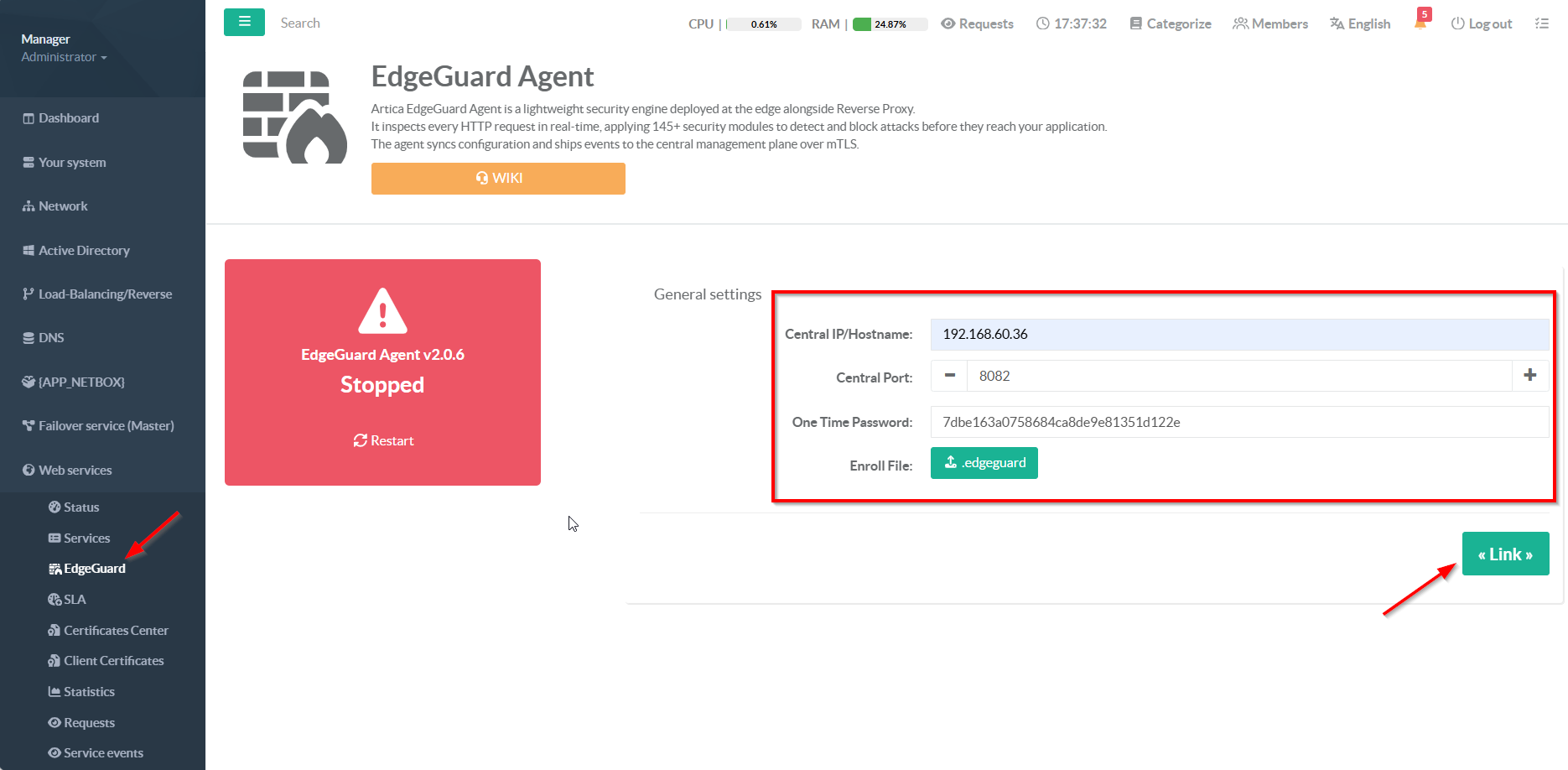
- From the Artica Web Console, navigate to Web Services → EdgeGuard
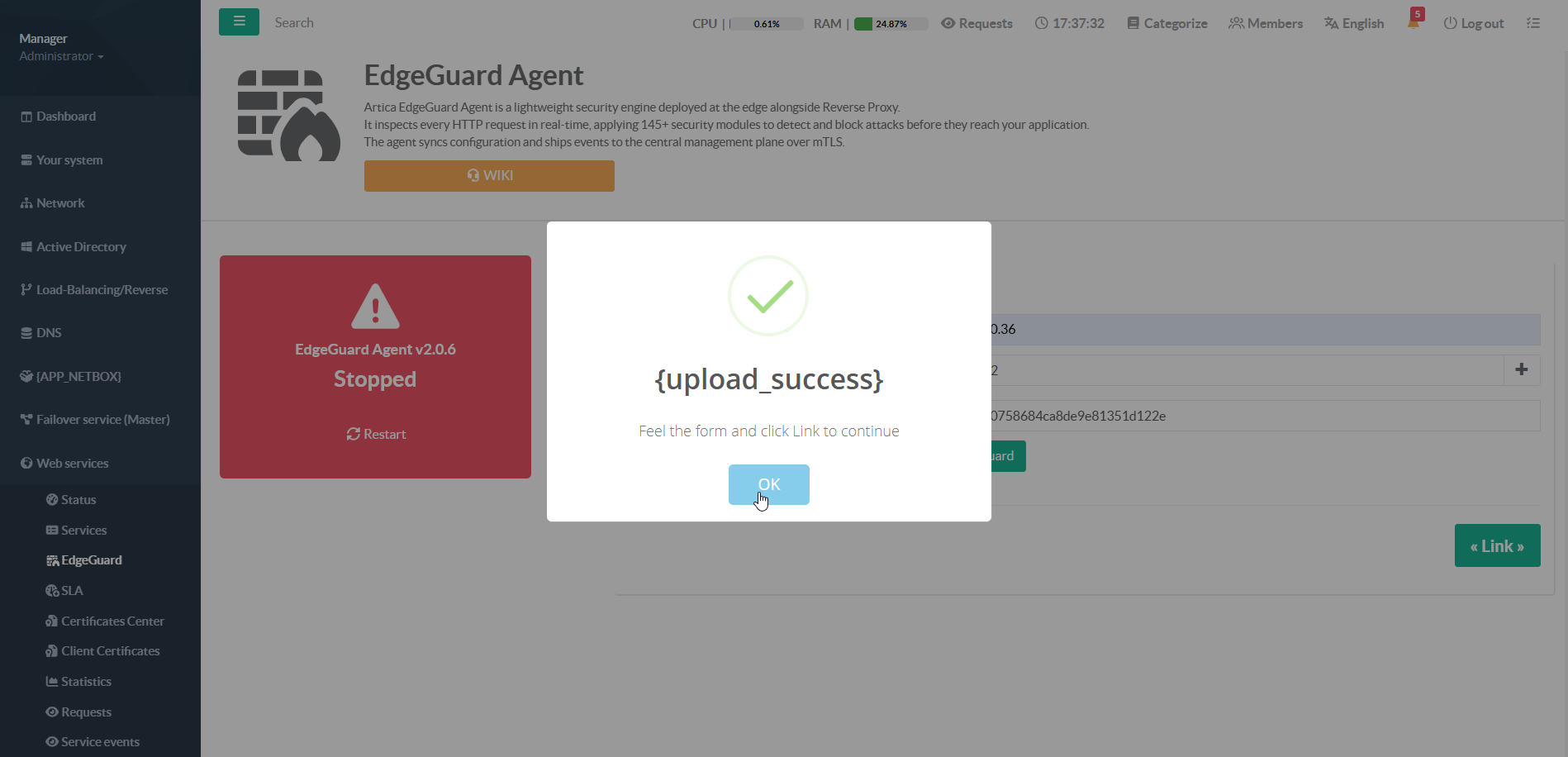
- Upload the enrollment file previously downloaded from the Dashboard
- Set the Central IP/Hostname, Port, and the OTP generated from the Dashboard
- Click the Link button to complete the enrollment
Tenant Mapping (Web Services)
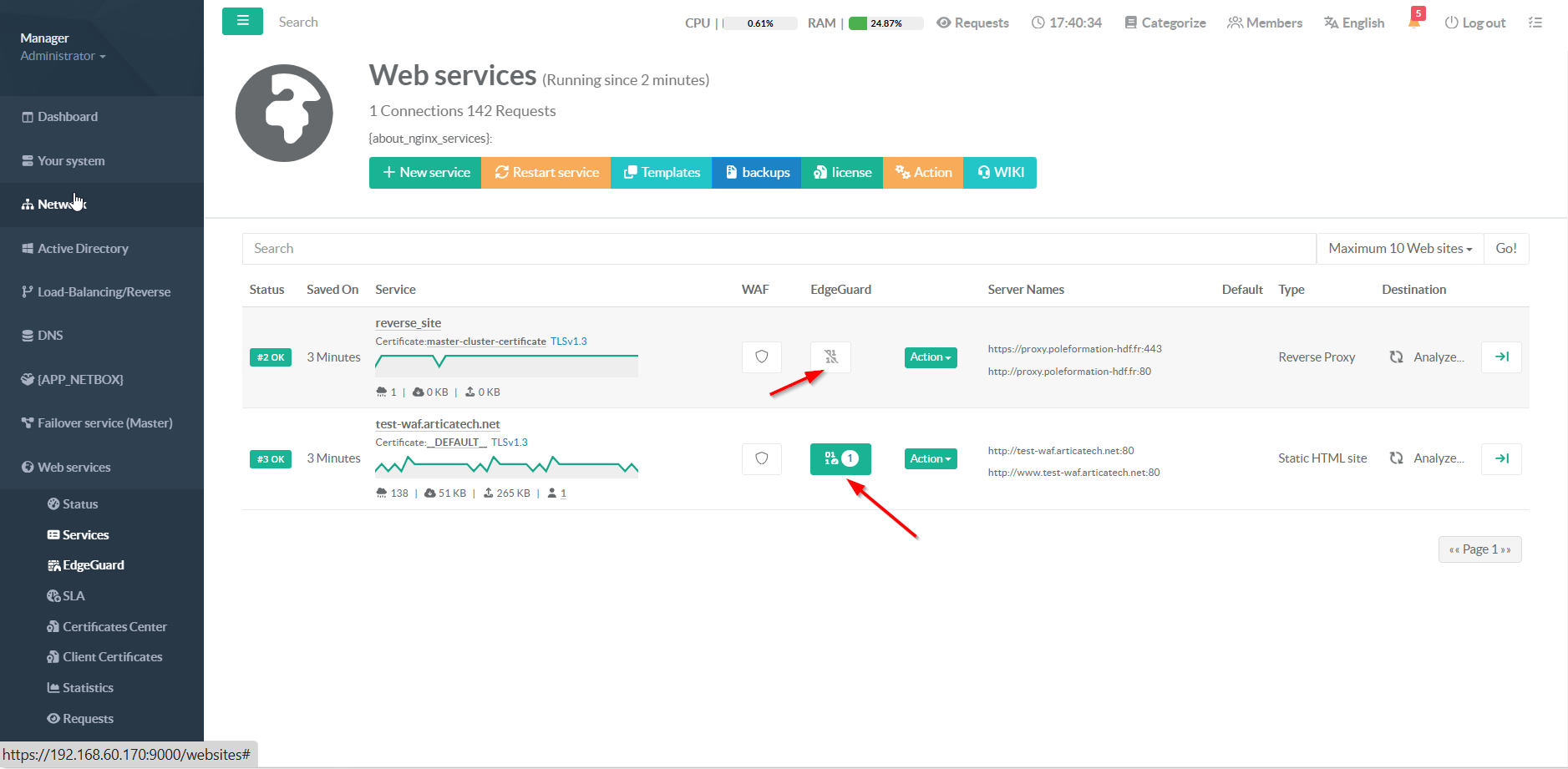
An Agent can contain one or multiple tenants. If a tenant’s domain or alias matches a reverse proxy service domain, the Agent automatically links the tenant to that domain. You can verify which reverse proxy service domains are associated with each tenant in Web services -> Services -> EdgeGuard column.
Unlink Agent
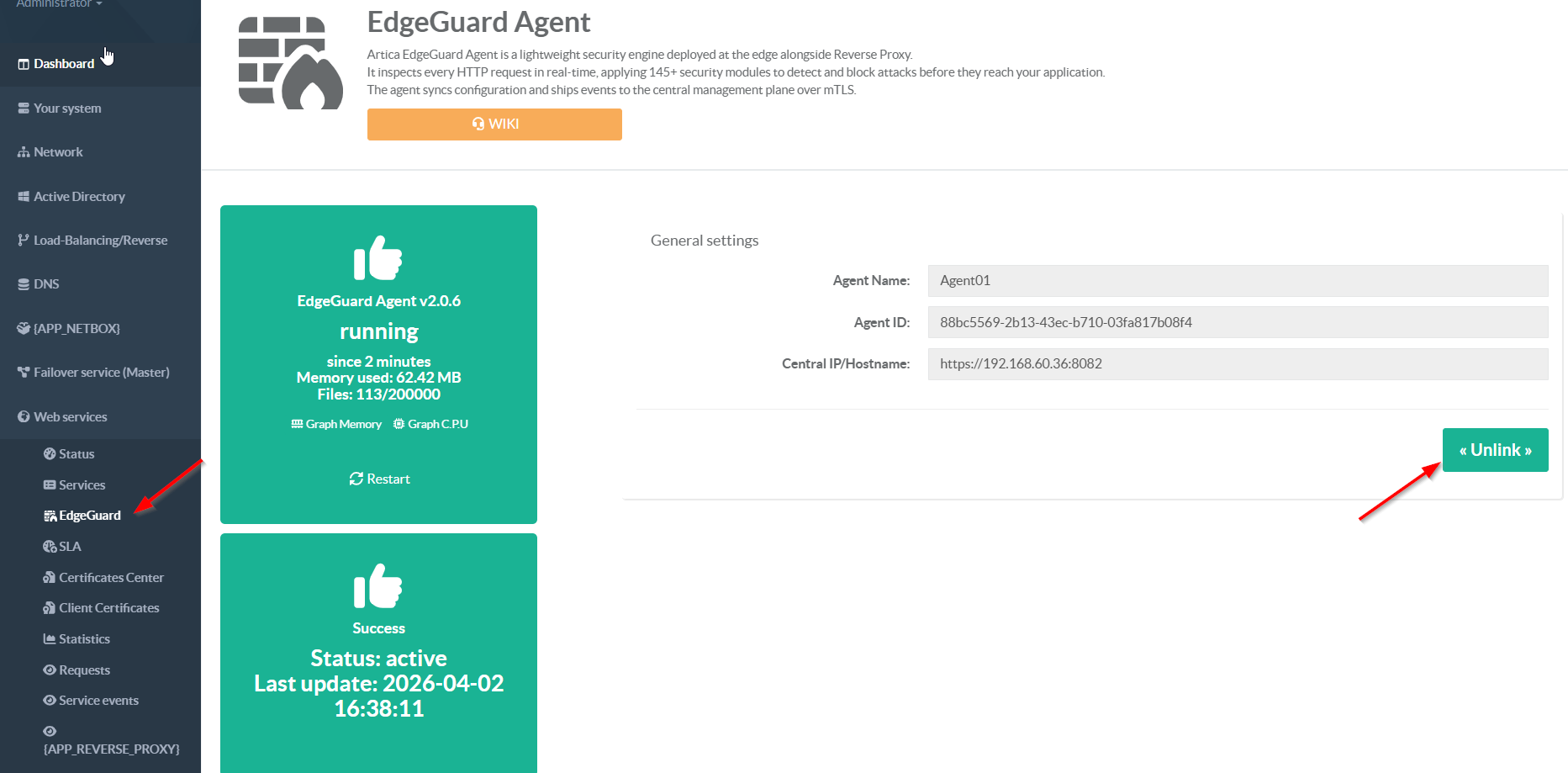
- From the Artica Web Console, navigate to Web Services → EdgeGuard
- Click the Unlink button to remove the Agent from Reverse Porxy