Access rule object
An Access Rule Object represents a single, simplified access rule. By encapsulating simple rules as objects, you gain the flexibility to refine your policies—nesting multiple rule objects within one another to build complex, layered access controls.
An Access Rule Object represents a single, simplified access rule.
By encapsulating simple rules as objects, you gain the flexibility to refine your policies—nesting multiple rule objects within one another to build complex, layered access controls.This object depends on access rules you’ve converted into ACL Objects (tags).
You must first create and tag one or more access rules as ACL Objects before this object can be used.
- Select your rule and choose
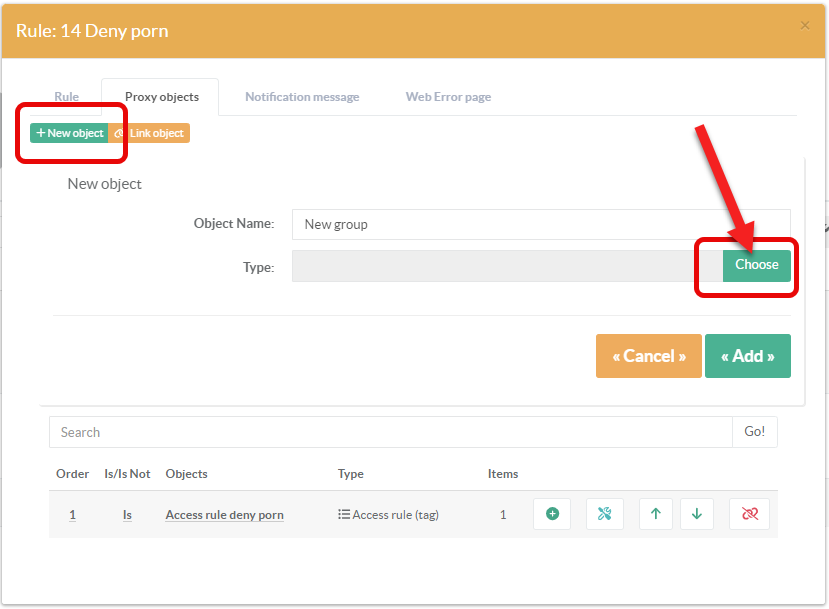
Proxy objectstab. - Click on “New object”
- Click on Choose button
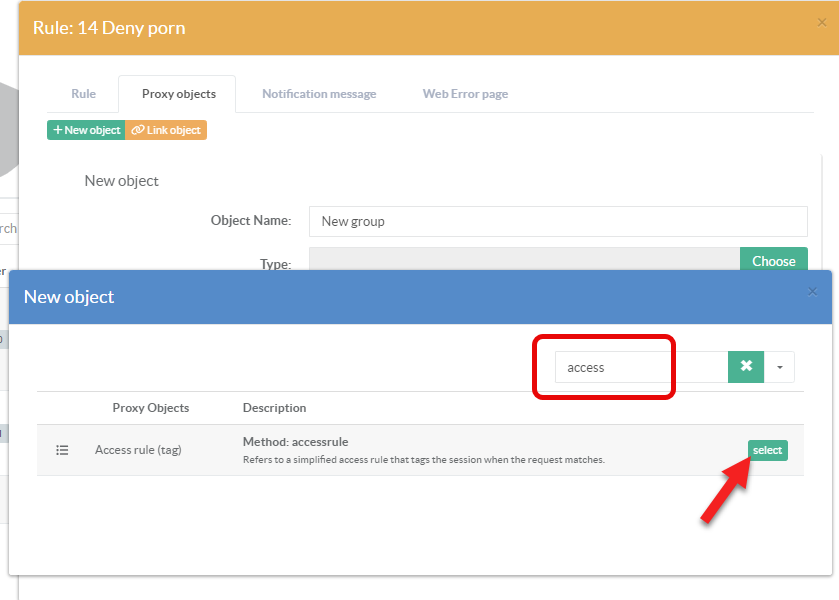
- On the objects list, search the accessrule entry
- Click on select button under the “Access rule (tag)" row
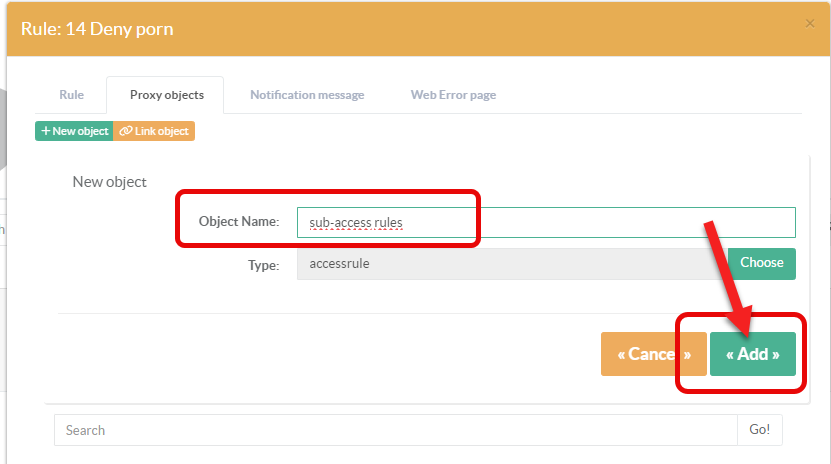
- Set object name and click on Add button.
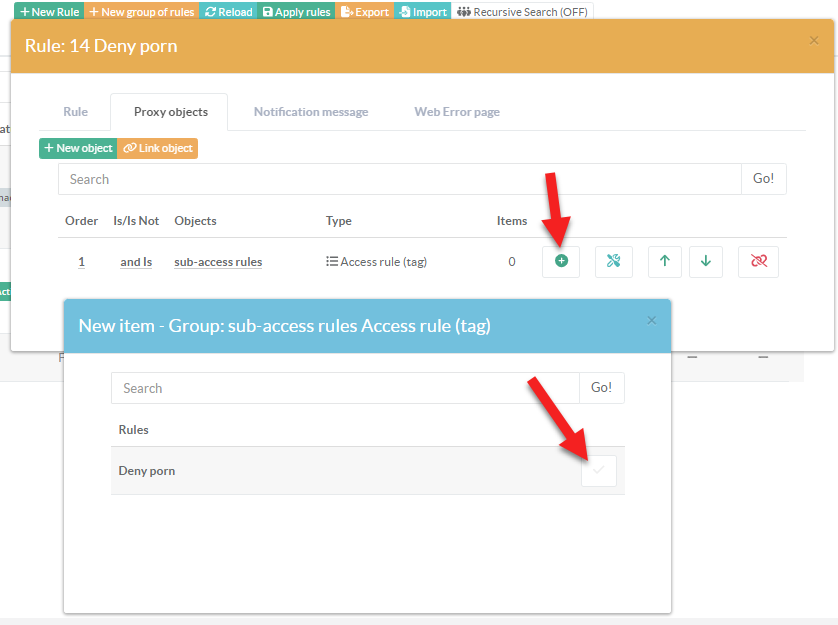
- Your acl object is added inside your rule but have no access rule selected
- Click on the green cross to add rules inside this object.
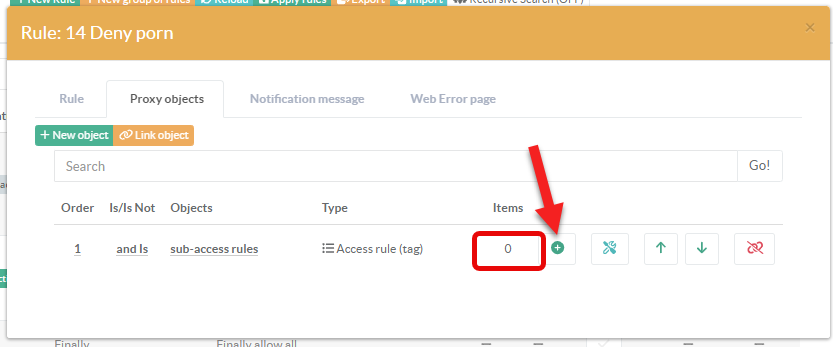
- The table list all access rules defined as ACL object, click on the checkbox to insert the access rule inside your acl rule.