The Events Center (also called the proxy Logs Center) lets you decide, per population of users or machines, where the proxy access log of each request is written
A dedicated log file, the local syslog daemon, or nowhere at all.
Rules are built with the same objects library
used by the proxy ACLs, so you can target source networks, IP addresses, users or any other object type.
The feature is available from the Web console under Your Proxy > Monitoring > Events Center.
Members with the Proxy Monitor privilege can view the rules; modifying them requires the Squid Administrator privilege.
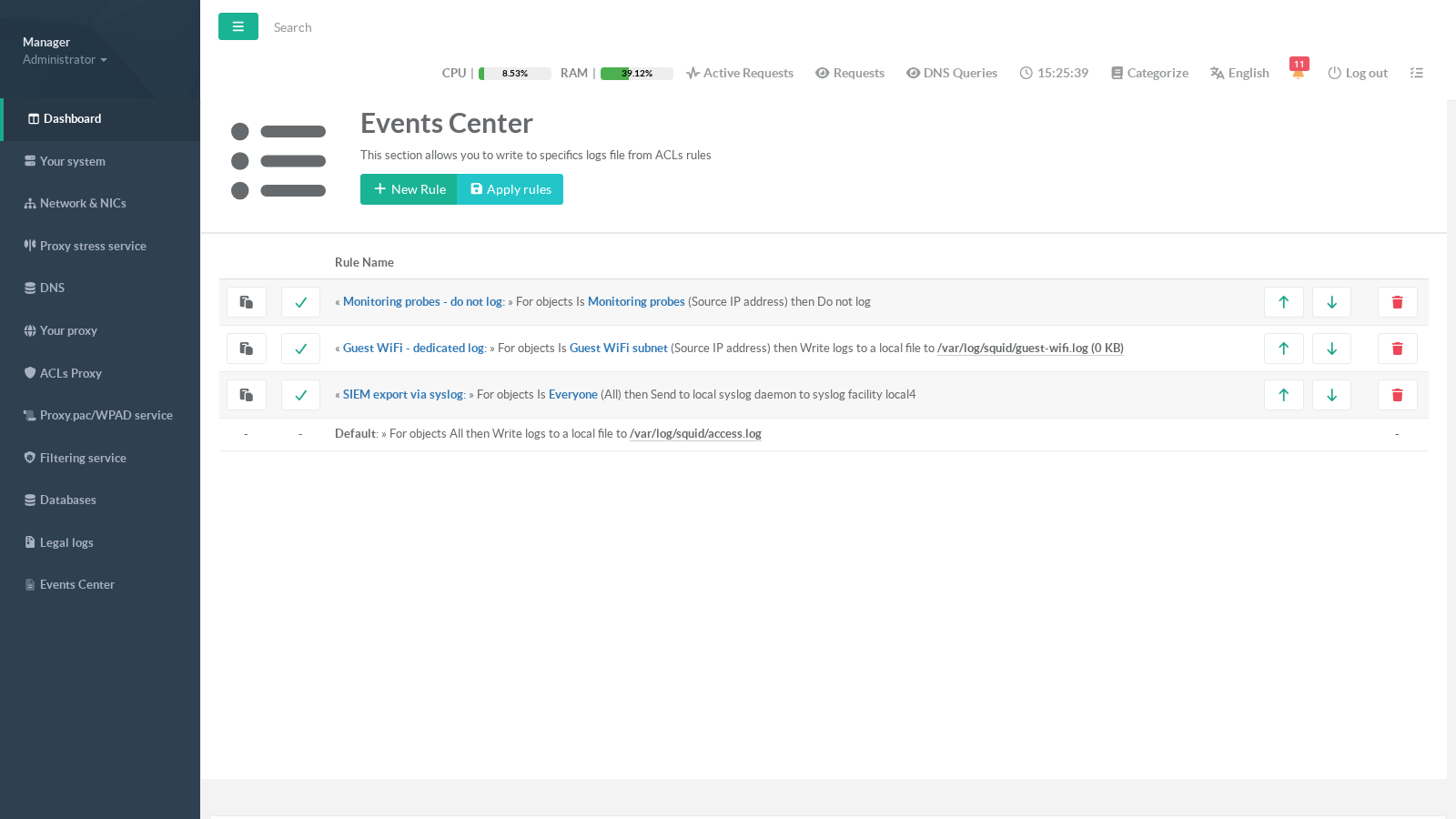
Each rule reads as a sentence: « rule name » For objects Is/Is not <object> then <action>.
The last row is the Default rule: any request not swallowed by a "Do not log" rule above is always written to /var/log/squid/access.log.
¶ Why use it — key advantages
- Cut log noise and disk usage:
monitoring probes, load-balancer health checks or software-update robots can generate millions of useless access-log lines per day.
Excluding them keepsaccess.logsmall, readable and cheap to rotate.
- Privacy and compliance:
Regulations or internal agreements (GDPR, works-council rules) may require that some populations — management subnet, HR, guest visitors — are not tracked.
A "Do not log" rule enforces this at the proxy level.
- SIEM / SOC integration:
Stream the traffic of sensitive populations to your SIEM through the local syslog daemon (choose the facility, e.g.local4) without shipping and parsing flat files.
- Faster investigations:
Writing a population (guest Wi-Fi, servers VLAN, a branch office…) to its own file meansgrep-ing one small file instead of the global log.
- Independent retention policies:
A dedicated file can be rotated, archived or purged on its own schedule — useful for legal-retention splits.
¶ Typical use cases
- Guest Wi-Fi in its own file:
A rule targeting the guest subnet writes to/var/log/squid/guest-wifi.log; the corporate traffic stays in the default log.
- Silence the monitoring:
A "Do not log" rule on the supervision server(s) removes health-check noise from every log output.
- Export to a SIEM:
A "Send to syslog" rule on the whole company (object Everyone) with facilitylocal4, and a syslog/rsyslog rule forwardinglocal4.*to the SIEM collector.
- Do-not-track populations:
"Do not log" on the management or HR subnet to comply with privacy agreements.
¶ How it works
Each rule combines:
- Objects — who is concerned (source networks, IPs, users… with optional Is not negation);
- A log type — what to do with matching requests:
- Write logs to a local file — a dedicated file under
/var/log/squid/; - Do not log — the request leaves no trace in any access log;
- Send to local syslog daemon — the record is emitted to the chosen syslog facility (
local0…local7,daemon,auth…);
- Write logs to a local file — a dedicated file under
- An order — rules are evaluated from top to bottom.
Rule order matters. The proxy evaluates the log outputs in the order displayed. A matching Do not log rule stops the evaluation: none of the outputs below it — including the default access.log — will record the request. Always place your Do not log rules at the top of the list (use the up/down arrows to reorder).
A rule with no linked object is ignored at build time — link at least one object for the rule to be effective.
¶ Creating a rule
Click New Rule, give it a name, choose the log type and the position:
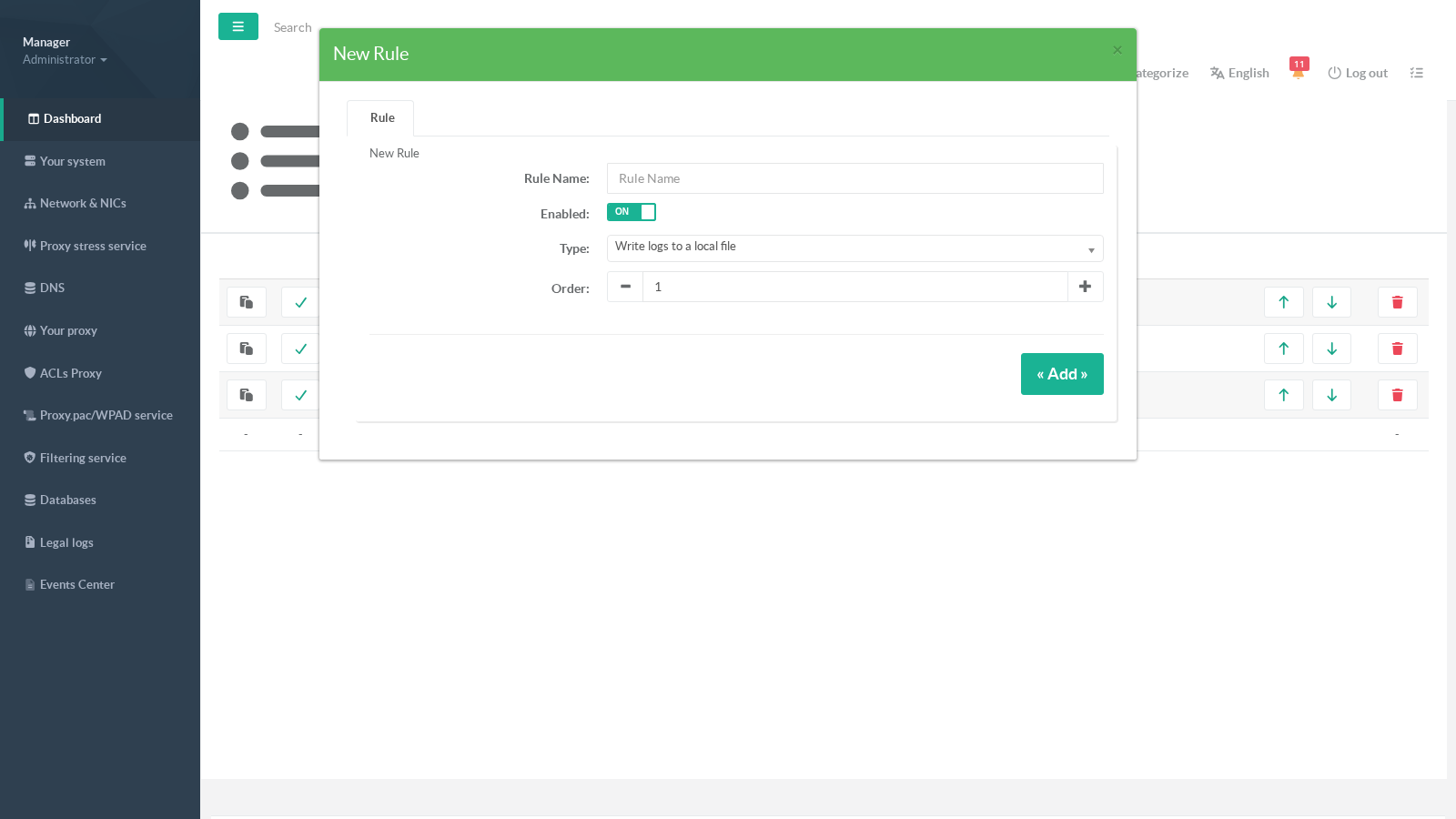
After saving, re-open the rule: two more tabs are now available — Parameters and Objects.
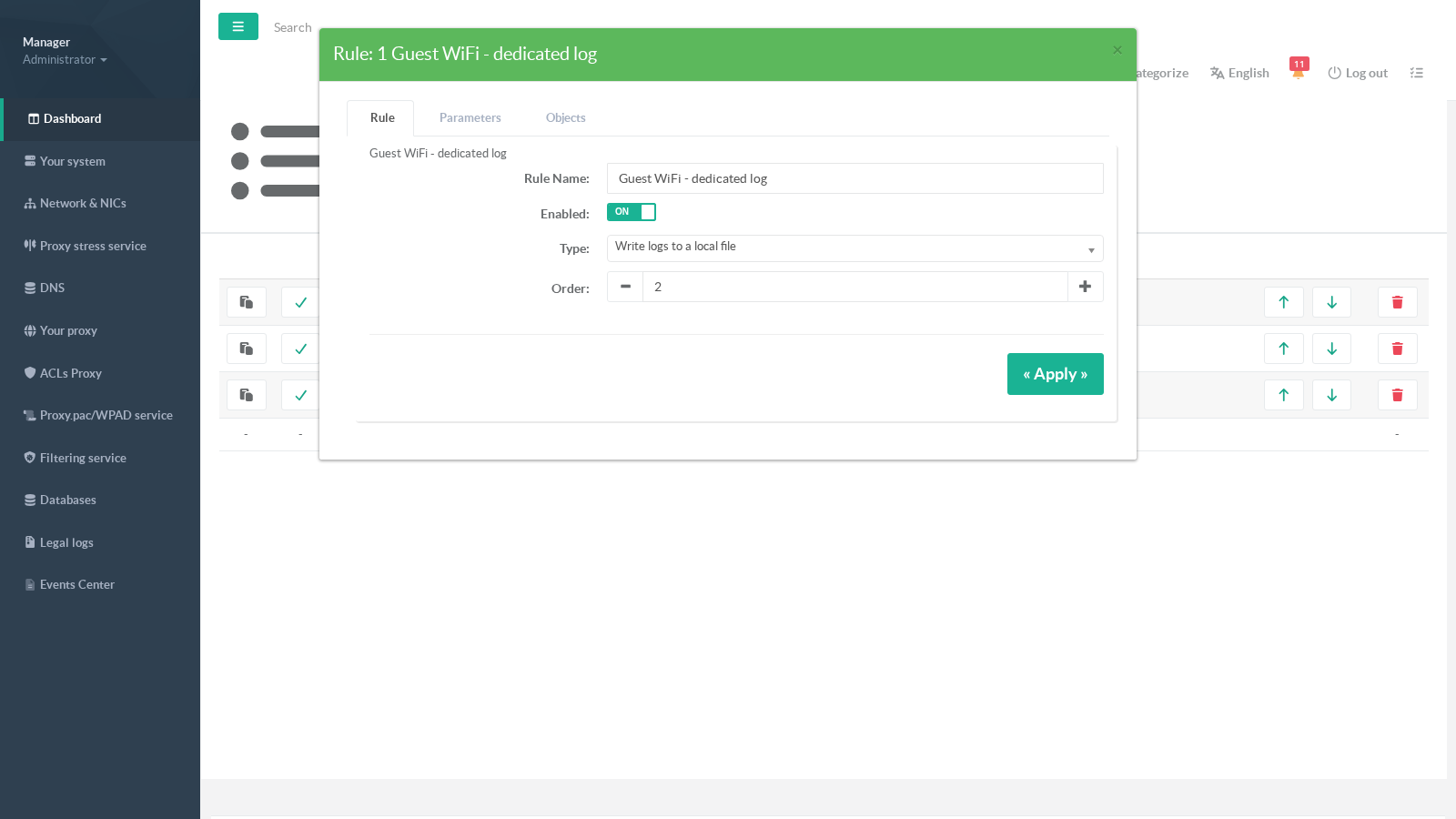
¶ Parameters
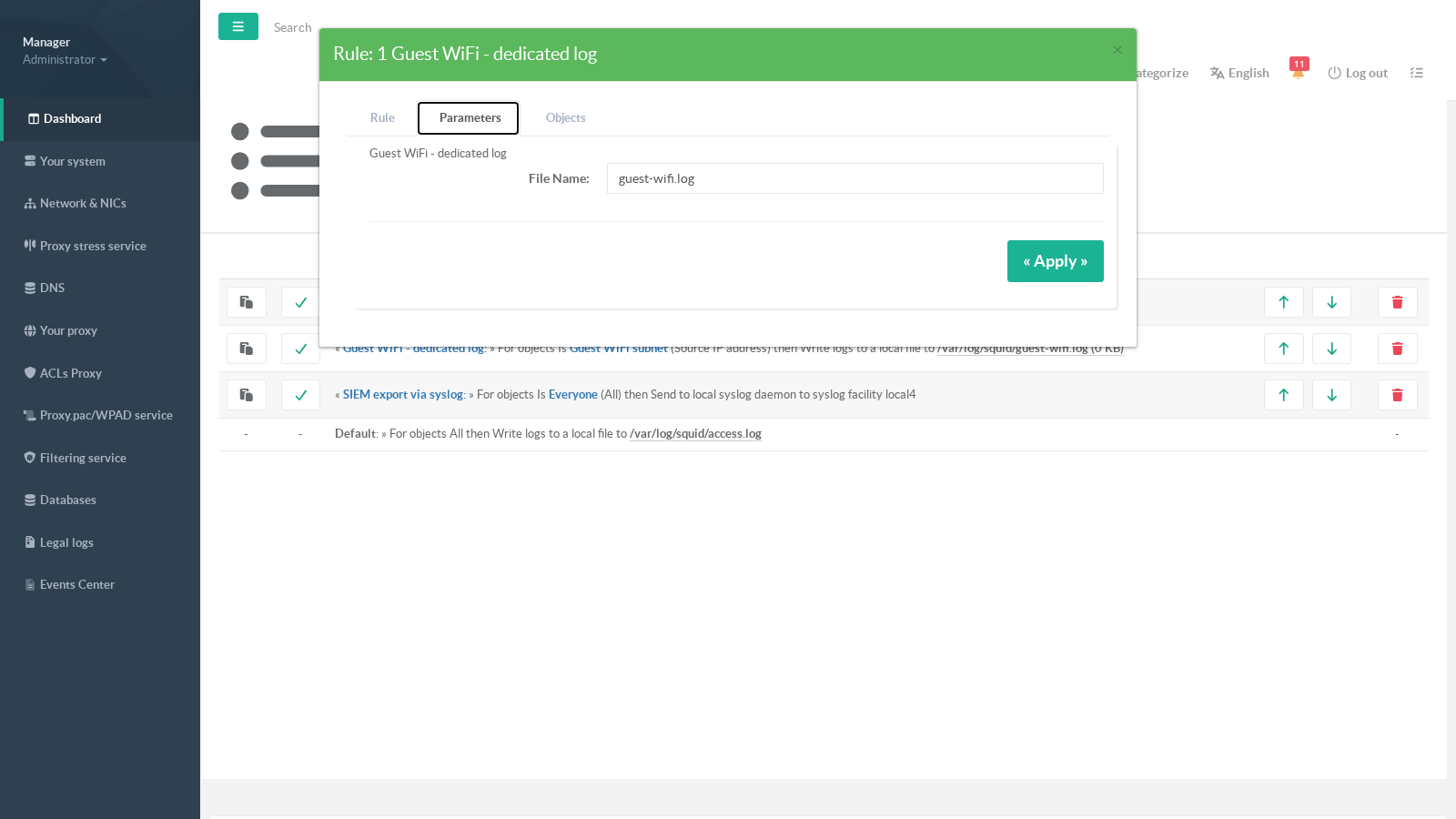
For a Write logs to a local file rule, set the file name (created under /var/log/squid/):
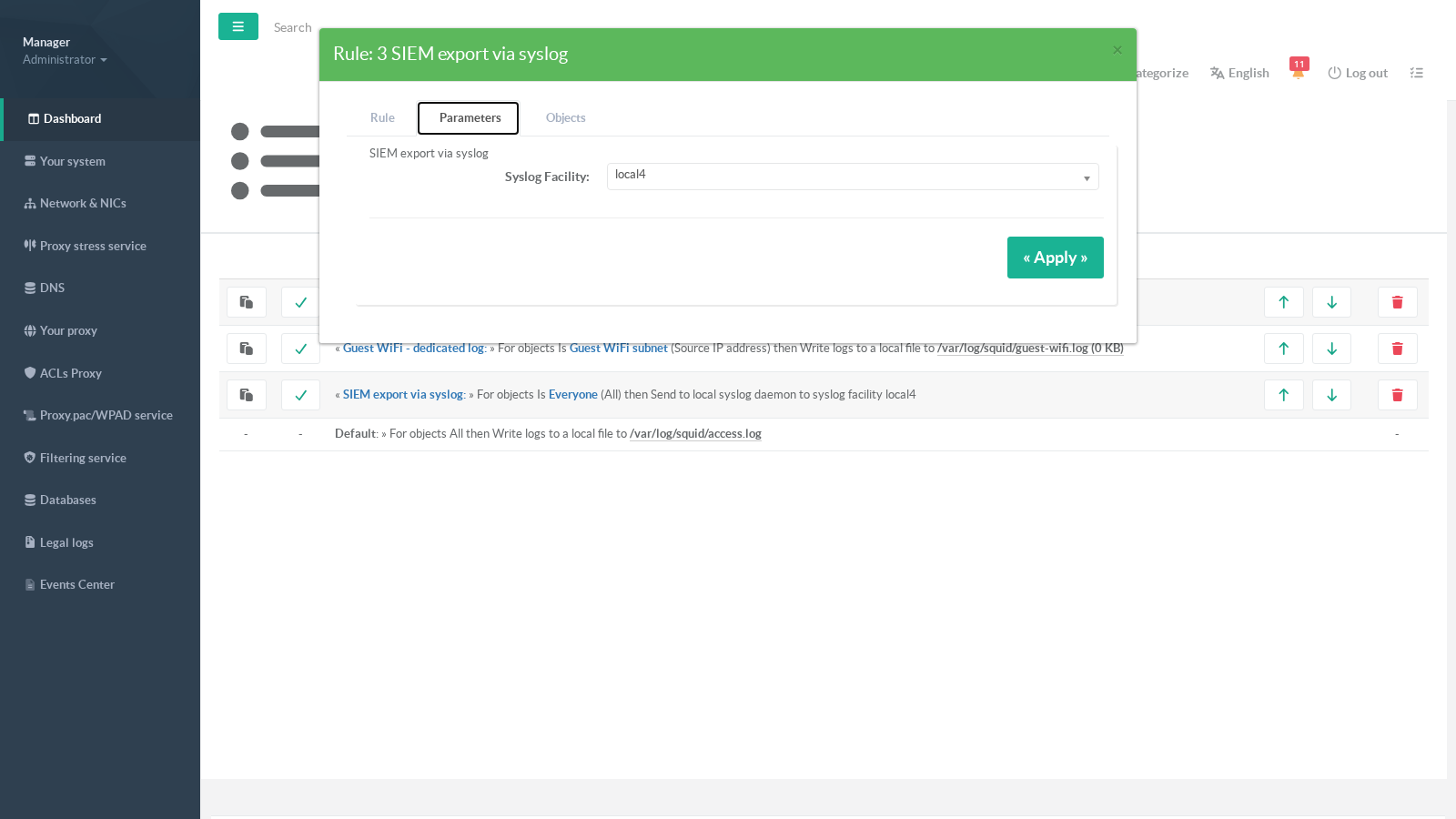
For a Send to local syslog daemon rule, choose the syslog facility your syslog daemon or SIEM collector listens on:
Do not log rules have no parameters.
¶ Objects
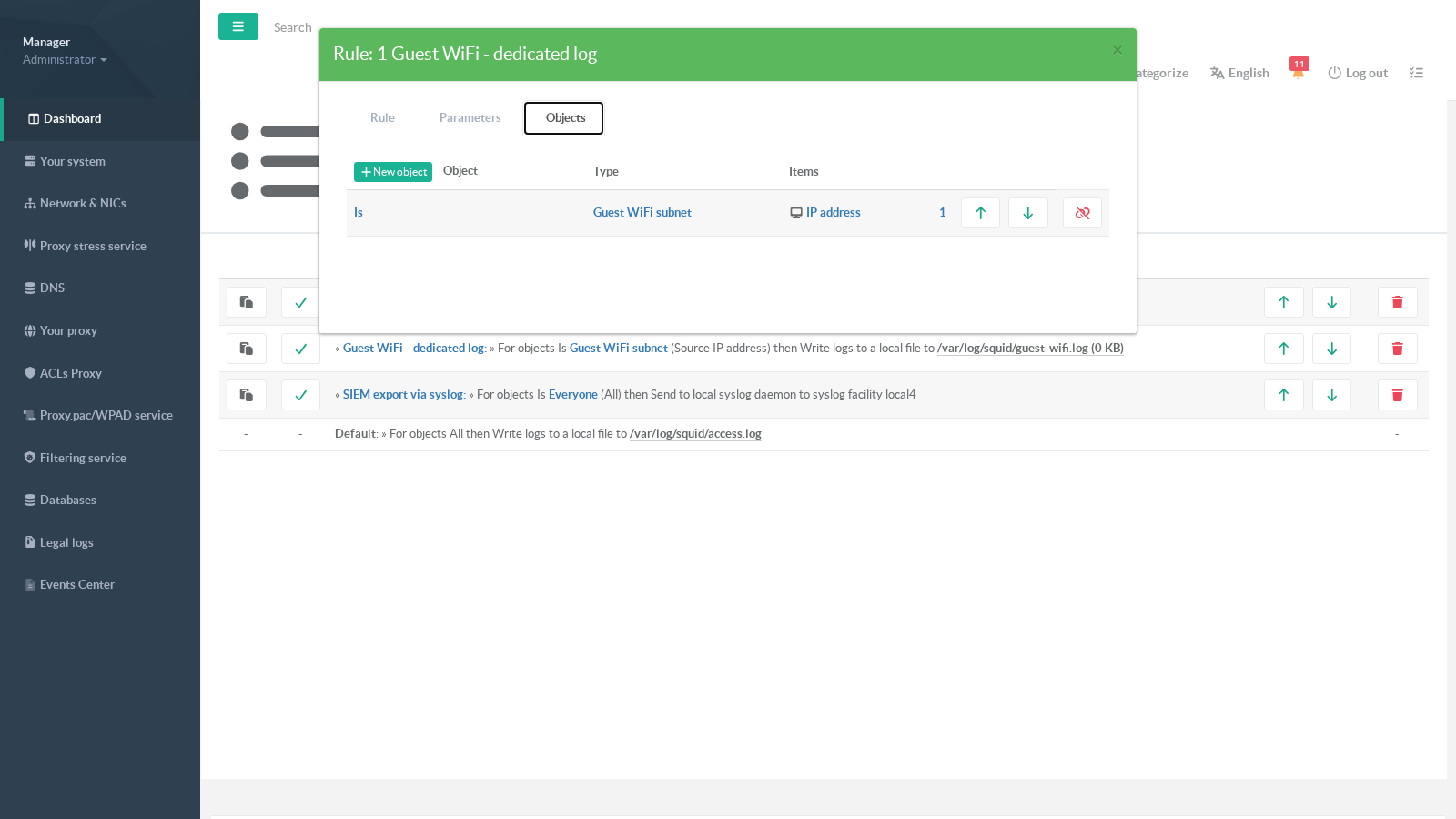
Use the Objects tab to link the populations concerned by the rule. Objects come from the shared proxy objects library; the Is / Is not flag inverts the match:
¶ Applying the rules
Changes are stored in the configuration database but only reach the proxy when you click Apply rules. The operation regenerates the logging configuration, validates it and reloads the proxy service only if something actually changed — a progress bar tracks the operation.
On the rules list, a local-file rule shows the current size of its log file; clicking the file name downloads a compressed copy of it.
¶ Verifying the result
From a shell on the appliance:
tail -f /var/log/squid/guest-wifi.log— requests from the targeted population appear here (and inaccess.log, since both outputs match);grep squid /var/log/syslog— records emitted by a syslog rule are visible through the local syslog daemon;- browse from an excluded machine (a Do not log target): the request is served normally but leaves no trace in any access log.
¶ REST API
The Logs Center is fully driven by the appliance REST API (local Unix socket /usr/share/artica-postfix/bin/run/articarest.sock):
| Method | Endpoint | Purpose |
|---|---|---|
| GET | /proxy/logs/acls |
List the rules |
| GET | /proxy/logs/acls/{id} |
Get one rule |
| POST | /proxy/logs/acls |
Create a rule (ruleName, enabled, logType 0=file, 1=do not log, 2=syslog, xOrder) |
| PUT | /proxy/logs/acls/{id} |
Update a rule (partial) |
| PUT | /proxy/logs/acls/{id}/move |
Move a rule up ({"dir":1}) or down ({"dir":0}) |
| DELETE | /proxy/logs/acls/{id} |
Delete a rule and its object links |
| GET | /proxy/logs/apply |
Apply the rules (asynchronous rebuild + reload if needed) |
Example — list the rules:
curl -s --unix-socket /usr/share/artica-postfix/bin/run/articarest.sock http://localhost/proxy/logs/acls
¶ Good to know
- Log file names are restricted to a plain file name (no path); the file is always created under
/var/log/squid/. - An unknown syslog facility falls back to
local6. - The default access log (
/var/log/squid/access.log) cannot be removed from the UI — it is the safety net for every request still being logged. To globally disable access logging, use the dedicated switches of the Logs section instead. - When the proxy runs in emergency mode, the Logs Center rules are temporarily not rendered until the service returns to normal.