Firewall objects are groups of addresses, networks or other criteria. A rule uses them as sources (Inbound object tab) or destinations (Outbound object tab).
Update an object, and every rule that uses it follows.
¶ The objects list
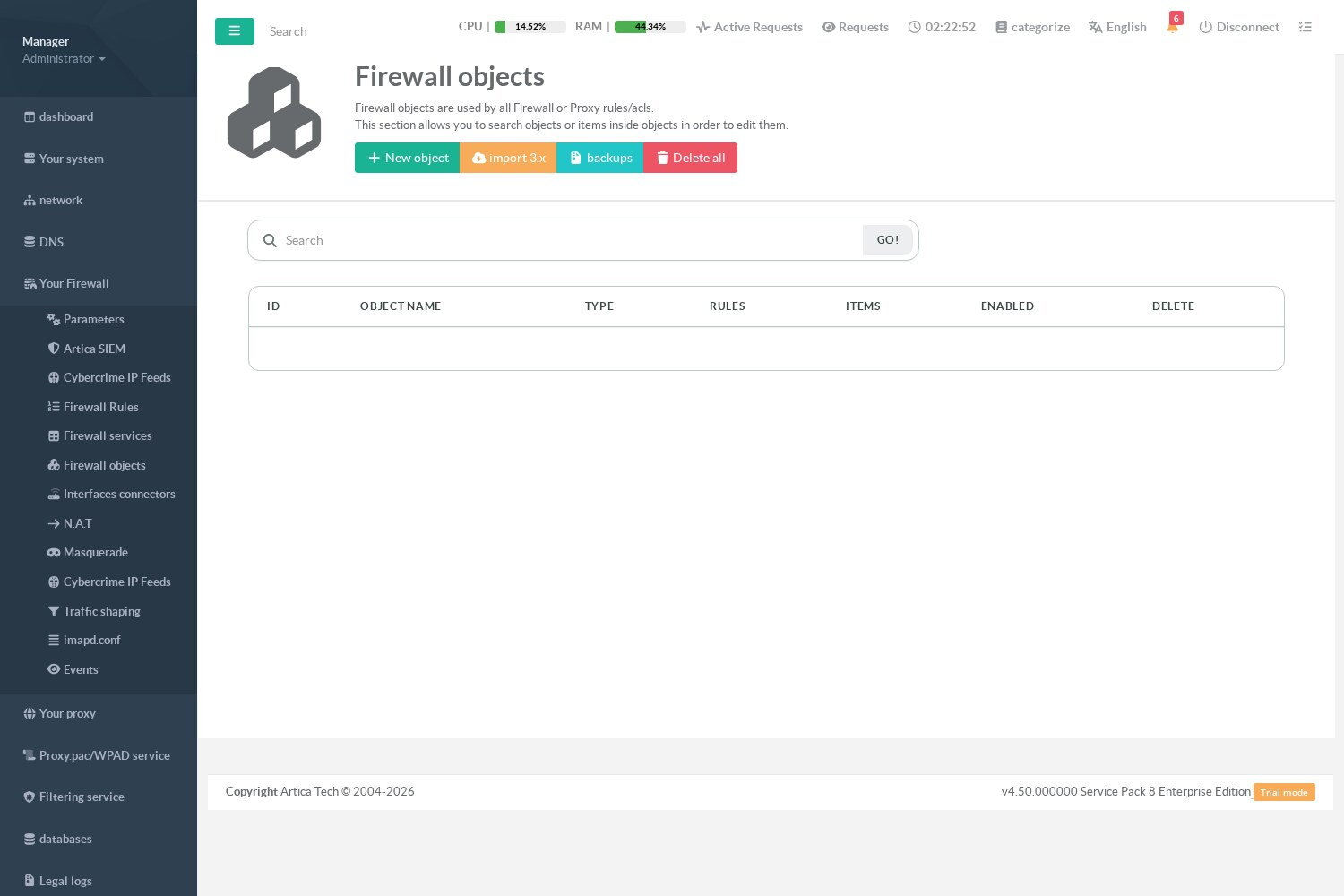
Your Firewall › Firewall objects lists the objects available to the firewall rules.
¶ Create an object
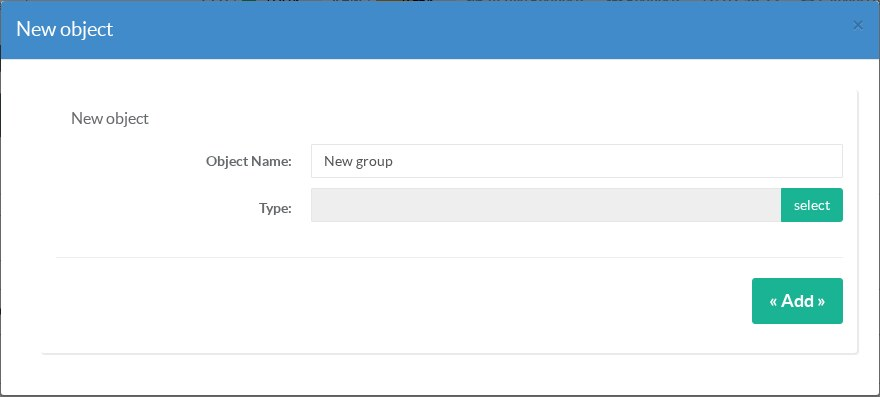
Click New object, give it a name and choose its type, then add its items:
| Type | Items |
|---|---|
| Source or destination addresses | IP addresses and networks, IPv4 (192.168.10.0/24) or IPv6 (2001:db8:10::/48). The IPv6 entries are used by the IPv6 rules, see IPv6 filtering. |
| MAC addresses | Network cards of the local network. |
| Countries (GeoIP) | Countries, matched against the GeoIP database. See Deny access from specific countries and Filter by geographic location. |
| Dynamic DNS | The records of a DNS zone, refreshed regularly. See Dynamic DNS object. |
| Host names (FQDN) | Host names such as update.example.com, one per line, without wildcards (256 names at most). See below. |
| Local networks | The networks of the appliance interfaces. |
¶ Host-name (FQDN) objects
Use them for a destination whose addresses change — a cloud service, an update server, a partner reached by name:
- Each name is resolved by the DNS servers of the appliance when the firewall is built, then every 5 minutes (IPv4 and IPv6 records).
- An address stays in the object for one hour after it was last returned: the short-lived answers of load-balanced services are kept long enough for the connections in progress.
- A name that does not resolve removes nothing: the addresses already known stay until they expire. The object page shows Not resolved since … for such a name.
- Wildcards (
*.example.com) cannot be resolved by the DNS and are refused: enter each host name.
The resolution state of each name is also available through GET /firewall/fqdn/status.
¶ How objects are applied
- Each object becomes a kernel address set (ipset): a rule with one object of 100 000 networks is still one fast rule.
- When a rule has several source and destination objects, Artica creates one kernel line per combination.
- An object that cannot be built (for example a GeoIP object larger than the set limit) makes Artica skip the rule and report it, instead of applying the rule without its match — a rule without its source would apply to all the traffic.
Objects are shared with other Artica features (proxy ACLs): the import, backups and Delete all buttons act on the whole list.