The RDS Proxy can send its access events to an Artica SIEM in real time:
Successful and failed authentications, second-factor challenges, session openings and closings, and sessions disconnected by an administrator or by a detection pattern.
¶ Connect the RDS Proxy
- On the Artica SIEM, create a client certificate for the bastion and download it (.tar.gz).
- On the appliance, open RDS Proxy » SIEM and click Connect this proxy to a SIEM.
- Upload the certificate bundle and enter the SIEM host.
The appliance tests the connection before saving.
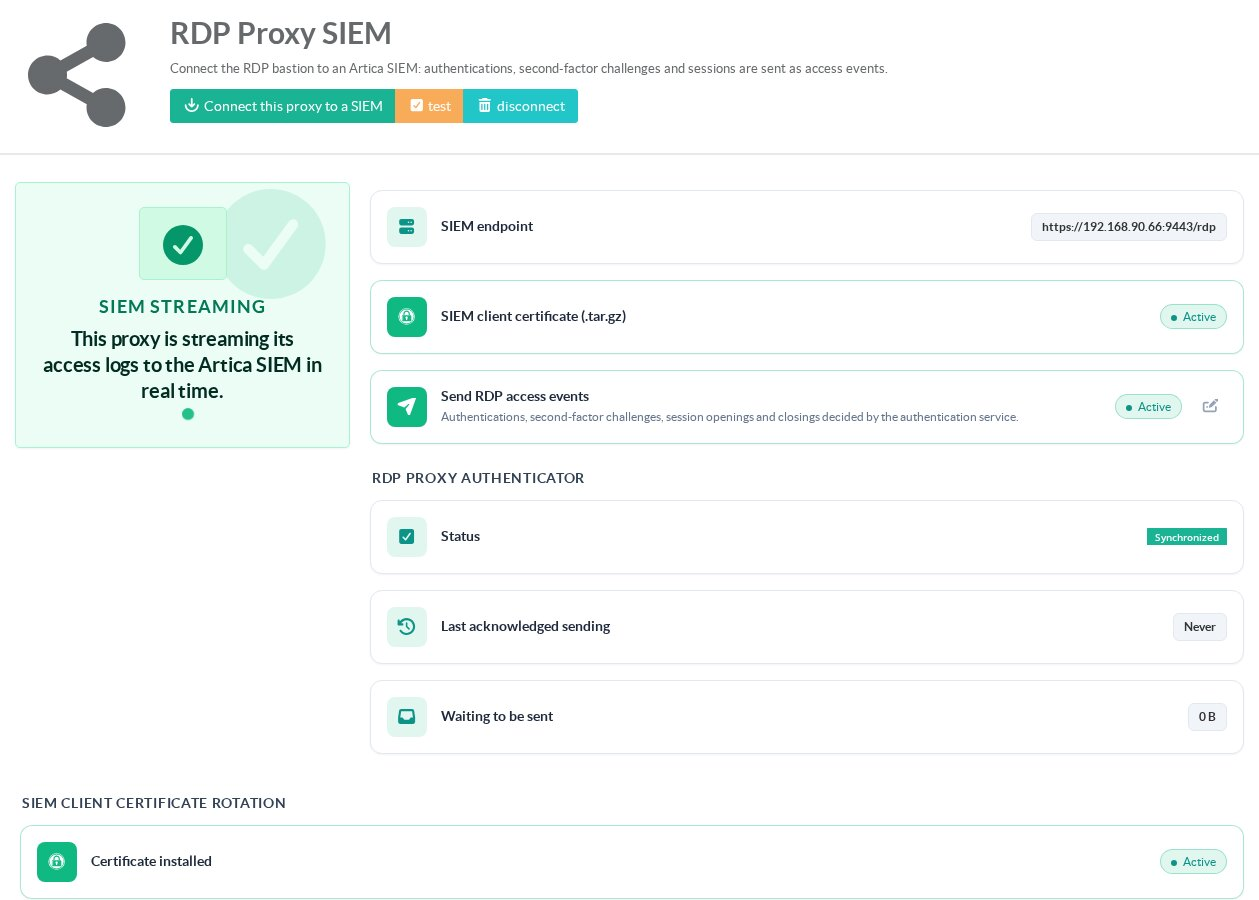
¶ Read the page
- SIEM endpoint:
The address events are sent to. - SIEM client certificate:
The certificate the bastion authenticates with. - Send RDP access events:
Turn the streaming on or off without disconnecting. - RDP Proxy authenticator: Status:
Synchronized when the policy engine has loaded the current settings. - Last acknowledged sending / Waiting to be sent:
Events are queued on disk when the SIEM is unreachable and sent when it comes back.
Test checks the connection; Disconnect stops the streaming and removes the certificate.