Monitor categories events
Artica collects the events of updates, category service and personal categories compilations in a log file
Artica collects the events of updates, category service and personal categories compilations in a log file.
This events can be sent using syslog using the Events center
This feature was improved in Artica v4.30 Service Pack 957 or Artica v4.40
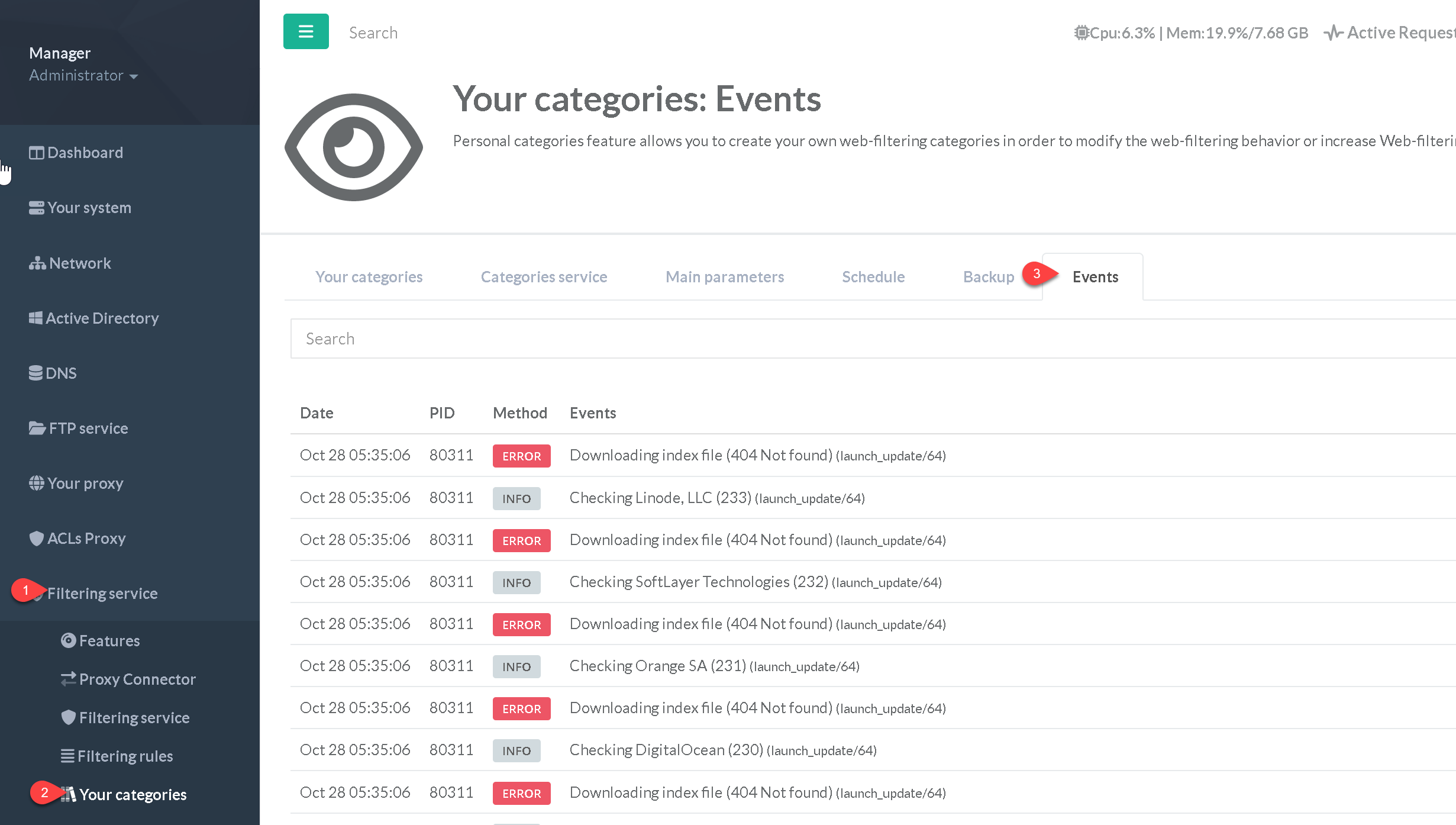
Display events
- You can display events section using left menu in “Filtering service” > “Your categories”
- Use the “Events” tab
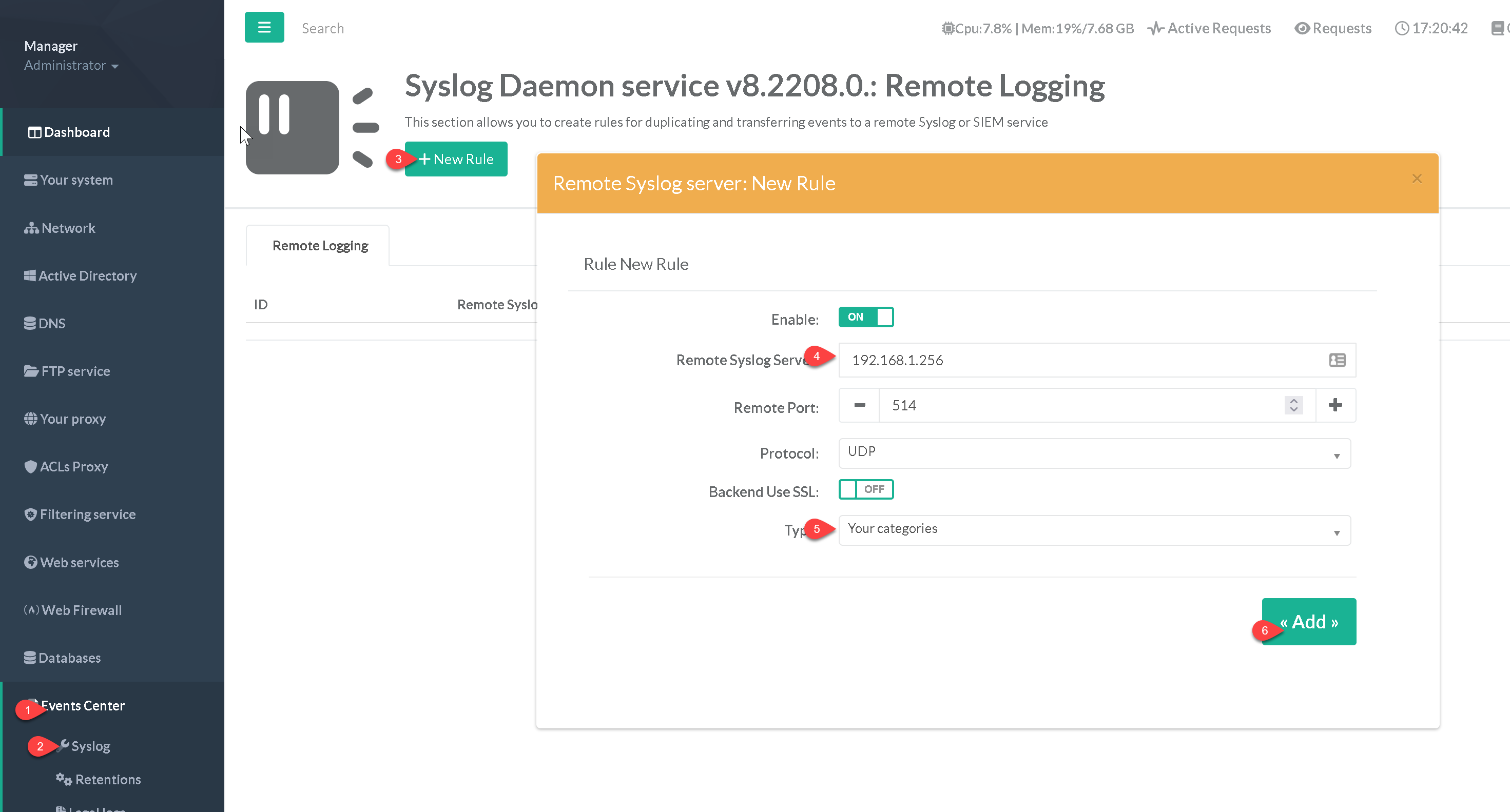
Send events to a remote syslog/siem
- All events can be forwarded to a remote syslog server.
- On the left menu, choose “Events Center” > “Syslog”
- Select the “Remote logging” tab.
- Click on New rule button.
- Set the destination server address and port and choose “Your Categories” as type.