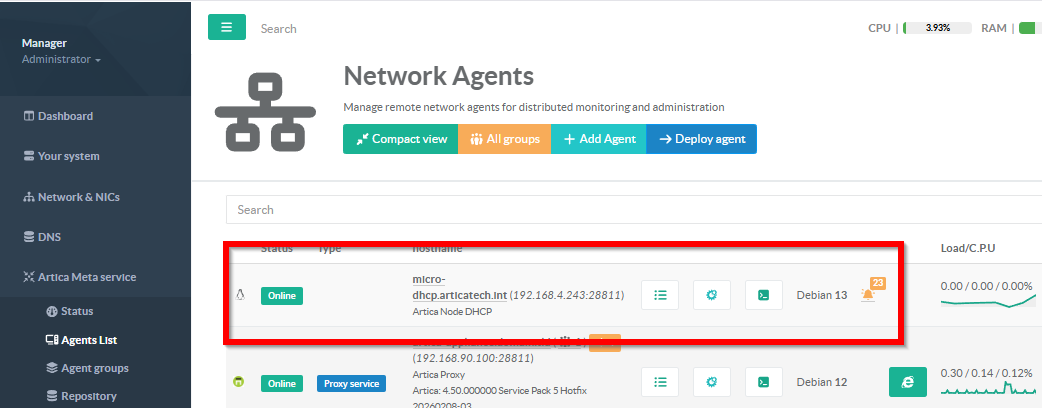
Artica Meta: Link your node using the Unix console
The Unix console allows you to retrieve the enrollment token in order to link the node to your Meta server.
The Unix console allows you to retrieve the enrollment token in order to link the node to your Meta server.
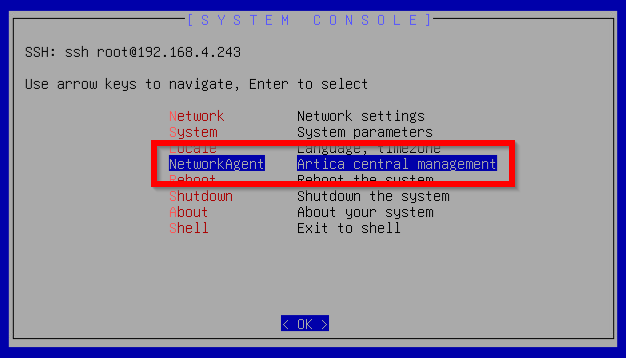
- Select the Network Agent menu
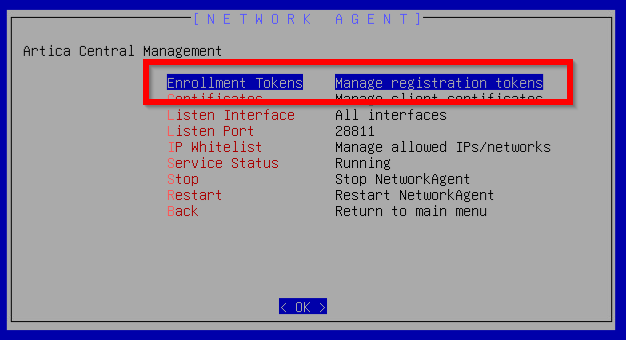
- Select the Enrollment token menu
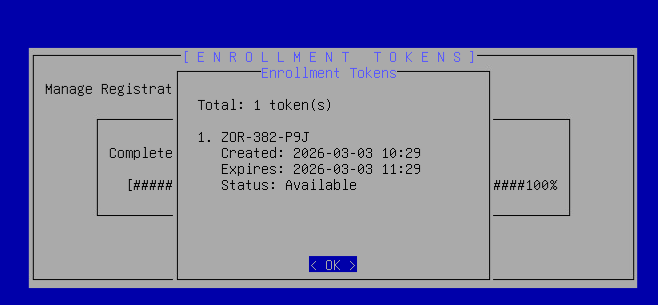
- Select List Tokens
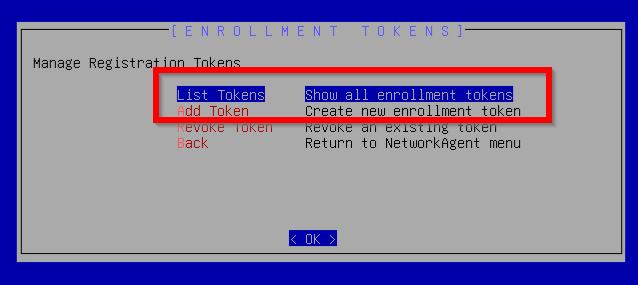
- The interface displays a Token
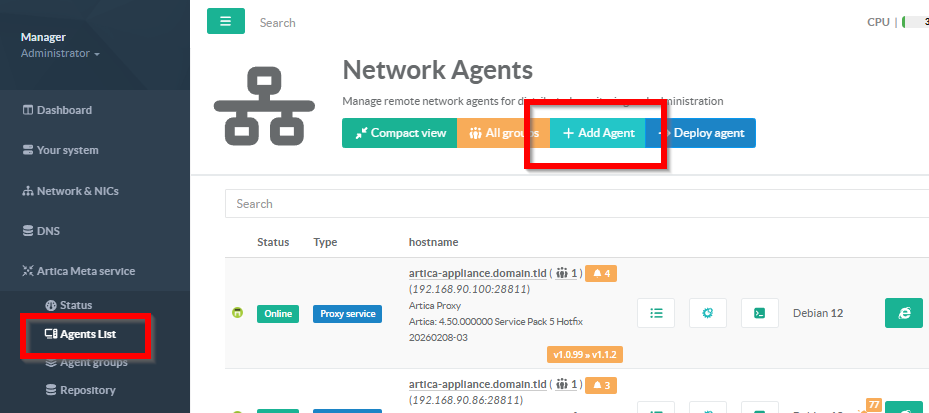
- Go to your Meta server
- In left menu, go to
Artica Meta service > Agents list - Click on the Add Agent top button
- Your Artica node is connected and now ready to be managed