A pool is a named group of repositories, together with the storage intent you declare for them:
- How many copies a snapshot should have,
- Which repository should be picked first,
- What fill level the appliance should warn you.
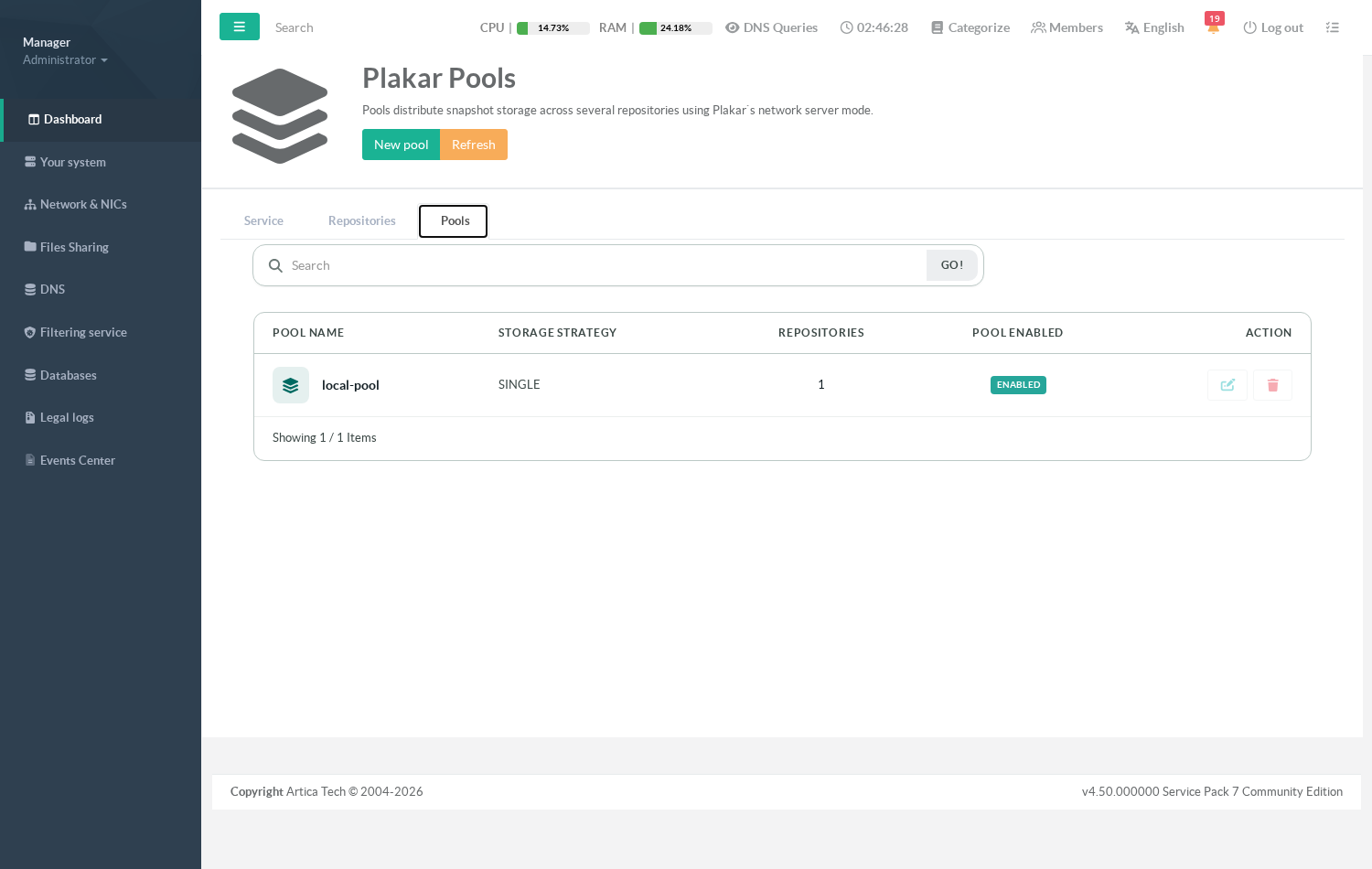
Pools live in Files Sharing > Backup service > Pools, next to the repositories they group.
Read this before you design around pools.
In the current version a pool is a declaration, not yet an engine.
The appliance records the group and its settings, and it protects the member repositories (see What a pool does today below), but no backup job, no retention pass and no network server consults the pool to place a snapshot.
Creating a Primary / Replica pool does not start replicating anything.
Use pools to describe and protect your storage layout; do not rely on them to move data.
¶ What a pool does today
- It groups repositories under one name,
so the storage layout of the appliance is described in one place instead of living in someone's head. - It protects its members from deletion.
A repository that belongs to a pool cannot be deleted:
The console refuses with « repository N is in use by 1 pool(s) ».
Remove it from the pool first.
The same protection applies to a repository used by a backup job. - It records your intent
Strategy, minimum copies, thresholds — so that the day the placement engine ships, the description is already there and nothing has to be re-entered.
¶ The fields
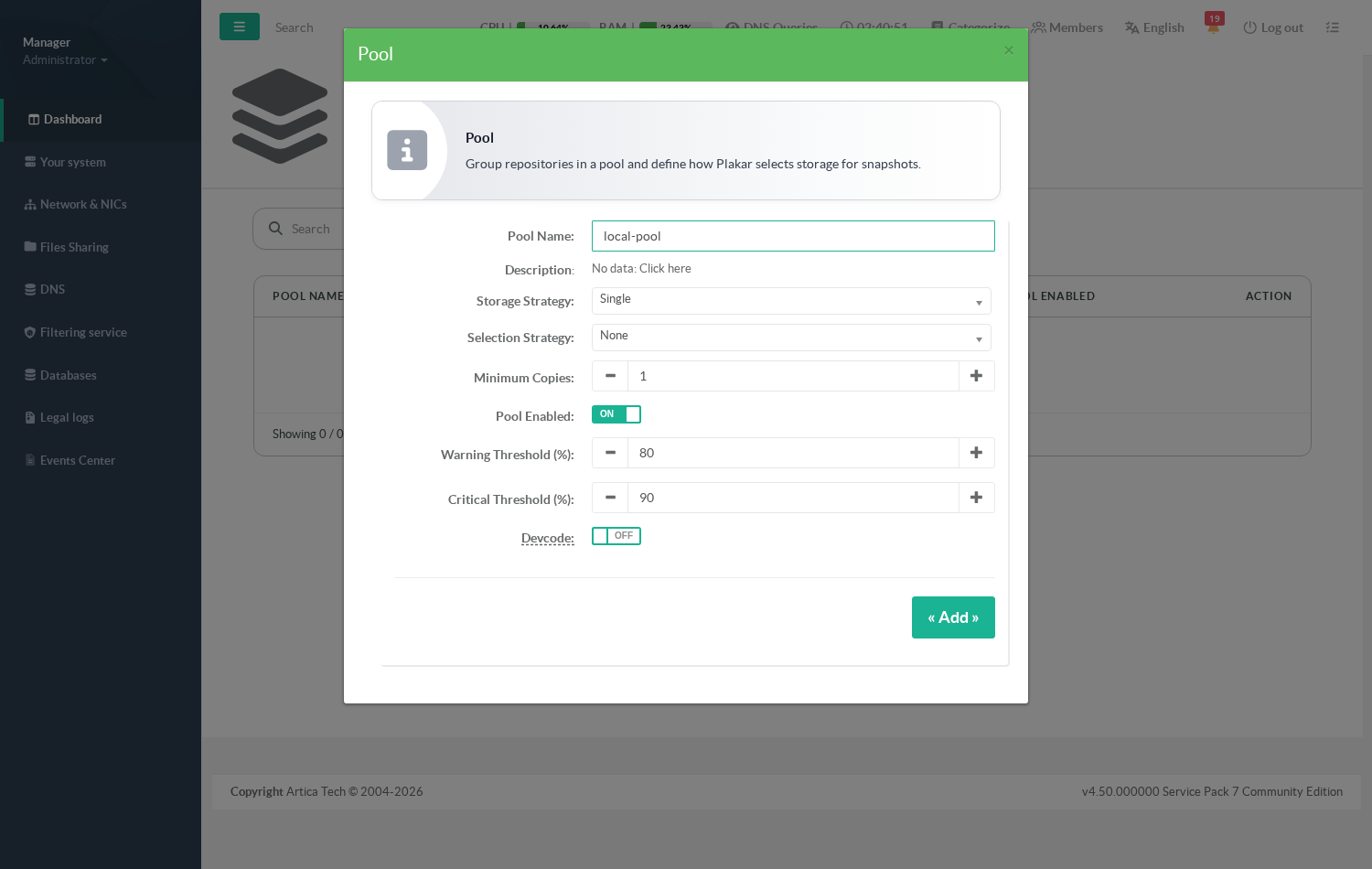
- Pool Name
Required, unique.
This is the label used everywhere else. - Description
free text. Click No data: Click here to open the field. - Storage Strategy — what the group is for:
- Single — one repository holds everything. The default, and the right answer for a single appliance with one disk.
- Primary / Replica — one repository is authoritative, the others are copies.
- Hot / Cold — recent snapshots on fast storage, older ones on cheap storage.
- Offsite — one member is remote and exists to survive the loss of the site.
- Load distribution — snapshots are spread over several repositories.
- Selection Strategy
Which member gets picked: round robin, least used, most free space, priority, or sticky by client, source or tenant.
It only means something with Load distribution; with any other storage strategy the console refuses the combination rather than dropping your choice silently. - Minimum Copies
How many members must hold a given snapshot for the pool to be considered healthy. - Pool Enabled
Leave on.
A disabled pool keeps its definition and its deletion protection. - Warning / Critical Threshold (%)
fill levels, defaults 80 and 90. - The repository toggles
One switch per repository declared on the appliance.
Turn on the ones that belong to this pool.
¶ Create a pool
The example groups the single local repository devcode created in Create your first repository and bucket.
- Open
Files Sharing > Backup service > Pools.
On a fresh installation the list is empty.
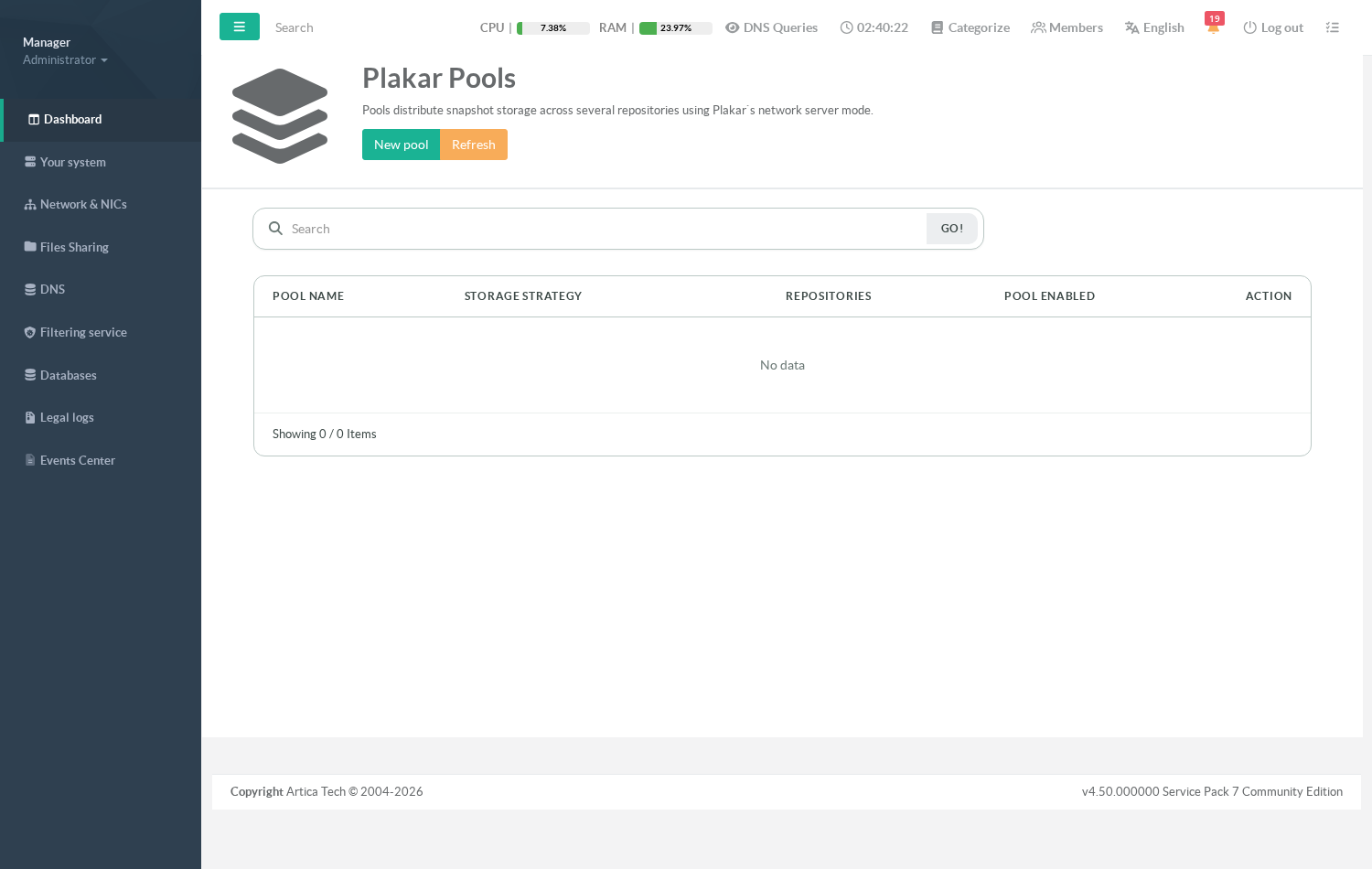
- Click New pool and fill Pool Name, for example
local-pool. - Leave Storage Strategy on Single and Selection Strategy on None: there is one repository, so there is nothing to choose between.
- At the bottom of the form, turn on the repository that belongs to the pool.
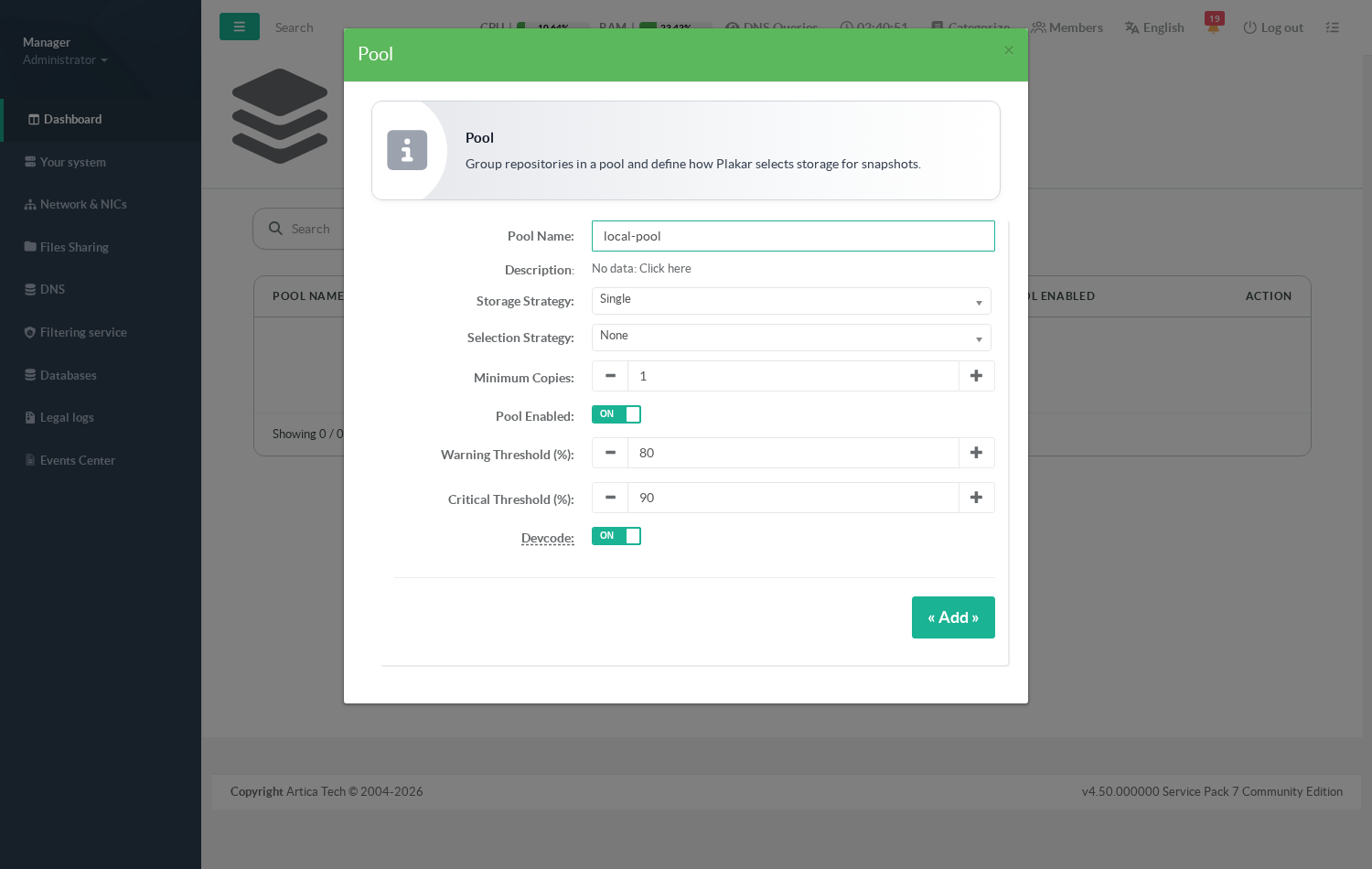
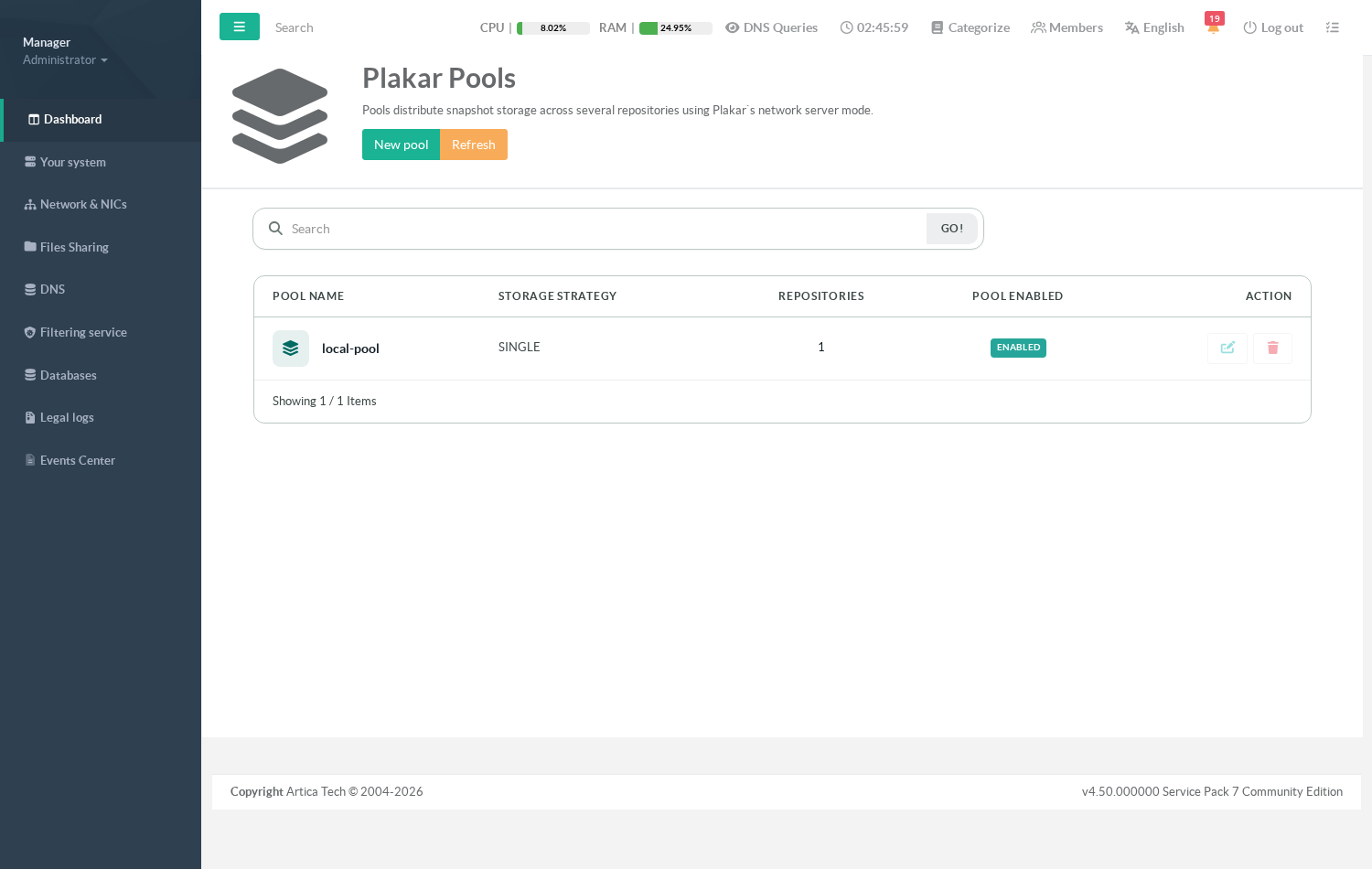
- Click Add.
The pool appears with its strategy and its member count.
¶ Troubleshooting
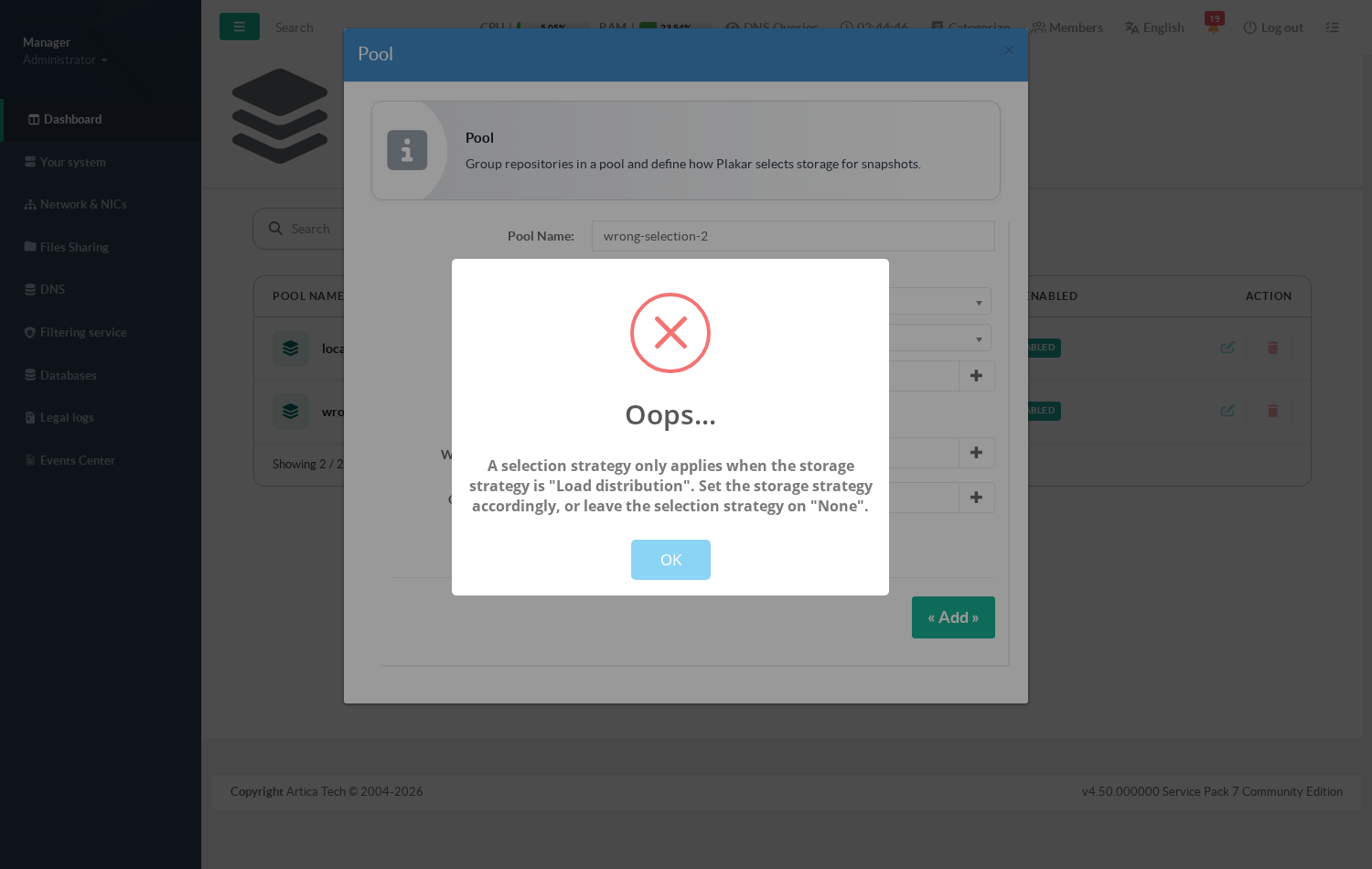
- « A selection strategy only applies when the storage strategy is "Load distribution" » — you picked a selection strategy that cannot apply.
Either set Storage Strategy to Load distribution, or set Selection Strategy back to None.
The console refuses instead of accepting the form and discarding the value.
- A repository cannot be deleted
It is referenced by a pool or by a backup job.
Open the pool, turn that repository off, apply, then delete the repository.
- The Pools tab is empty or errors out
The backup service is installed but its daemon predates the pools feature.
Reinstall or upgrade the backup service.
¶ See also