Restoring a Wordpress duplicator backup container
With over 30 million downloads Duplicator successfully gives WordPress users the ability to migrate, copy, move or clone a site from one location to another and also serves as a simple backup utility.
Back to Artica For Wordpress main section
Starting Artica 4.30 Service Pack instable 941 or Artica v4.40, You can restore a backup generated by the Wordpress plugin "Wordpress Duplicator".
When you generate a backup with Wordpress duplicator, it offers you to download two files.
One is the full backup file (zip or daf format) and the other is a php script file (installer.php) used to perform the restore.
Retrieve these two files.
- To restore a site you must first create an empty site with Artica.
- Under the Artica For Wordpress Edition, click on the “Wordpress Duplicator” button.
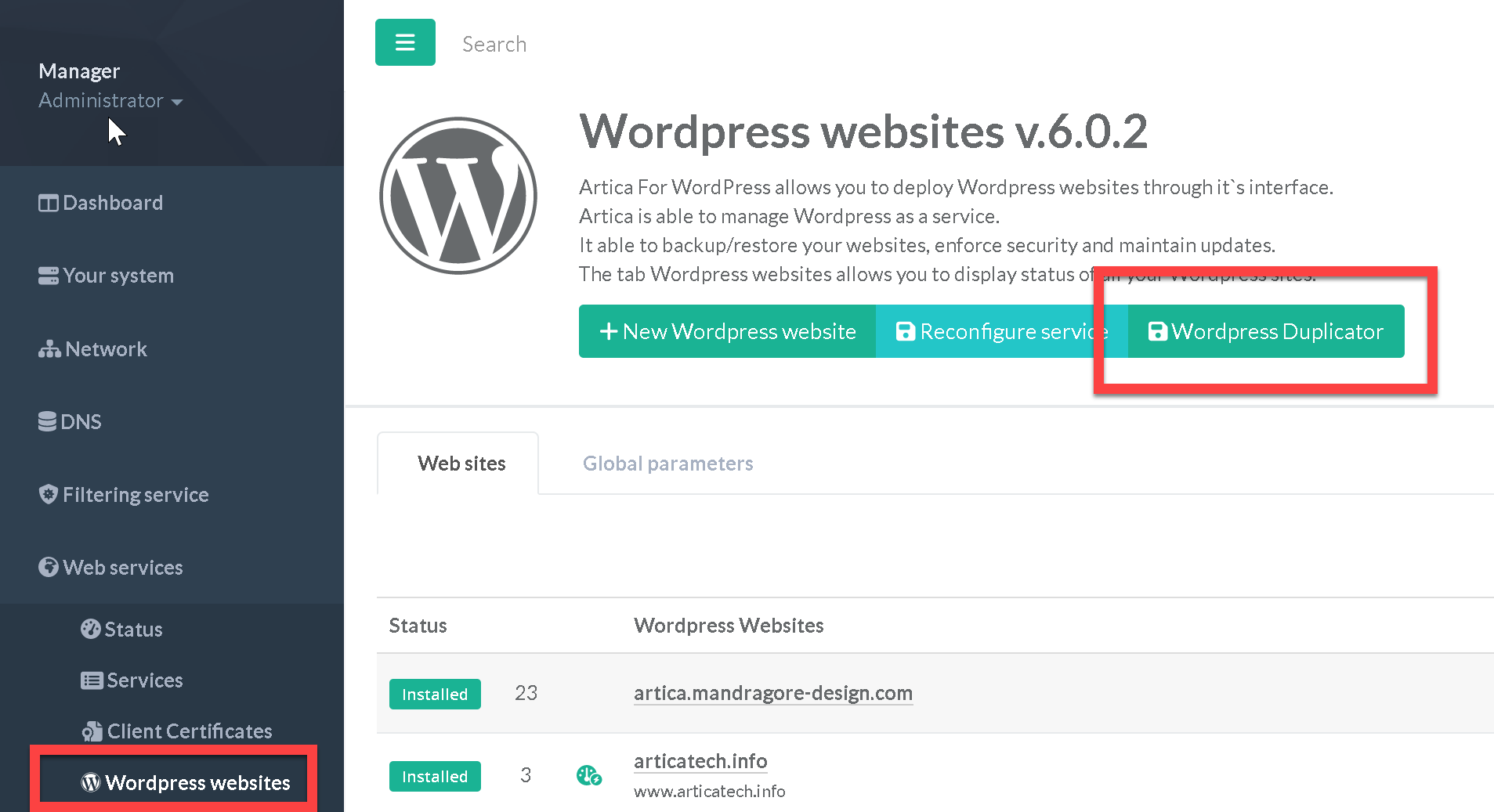
- A wizard is displayed
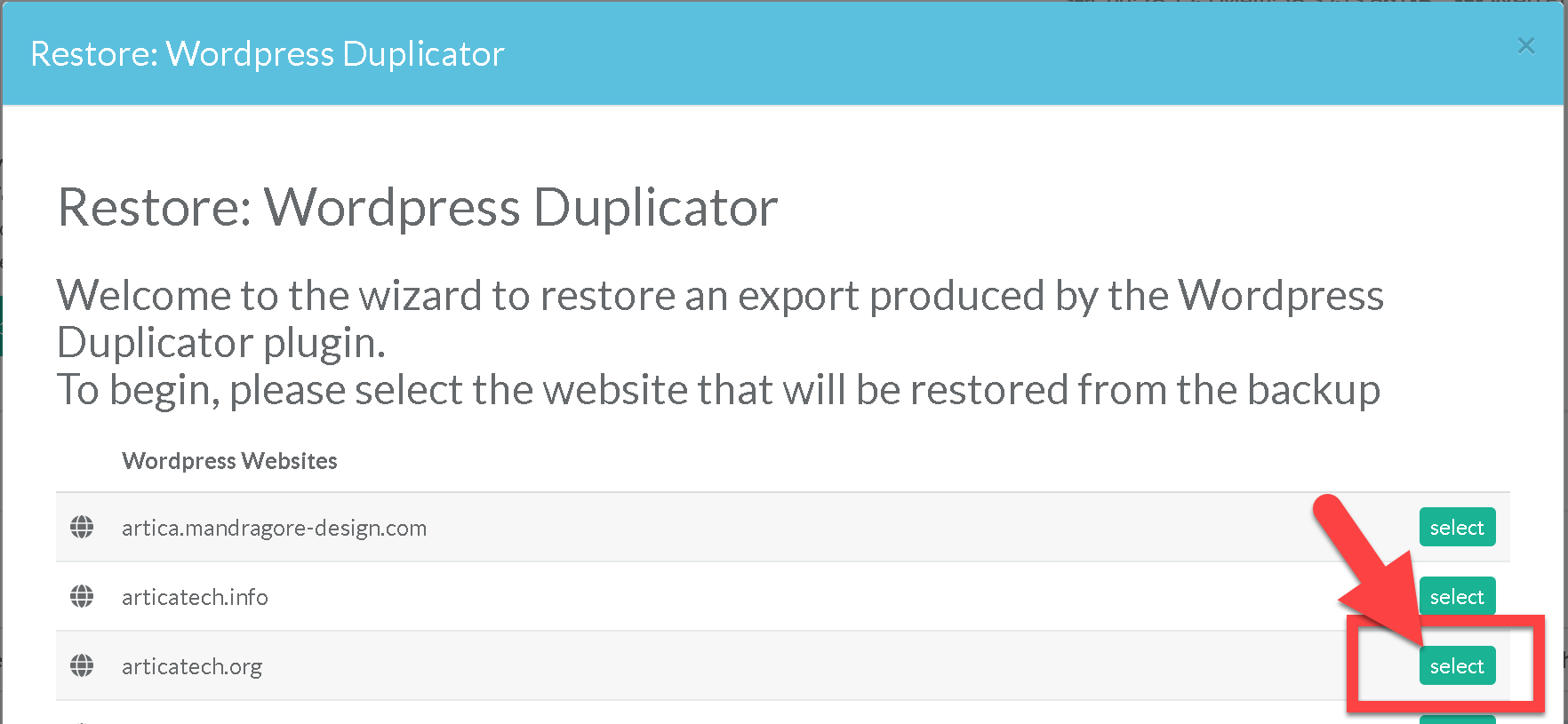
- The wizard list all Websites that can be restored.
Choose the one you want to restore.
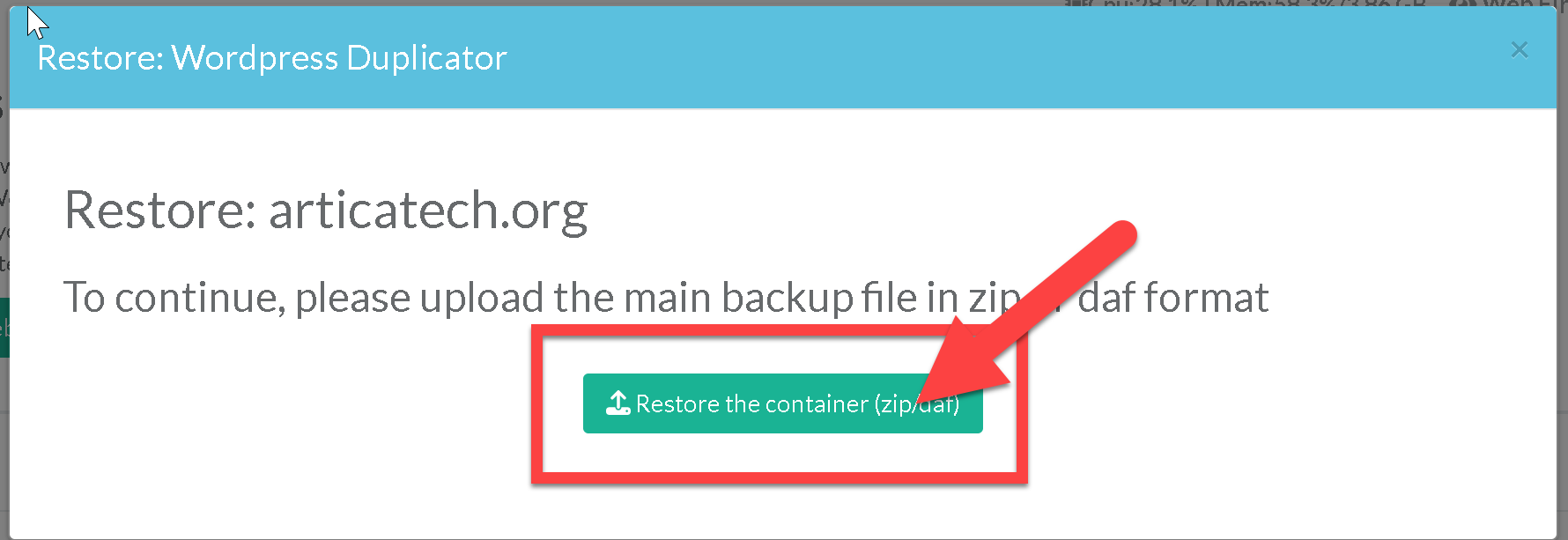
- Next, click on the button “Restore the container” in order to upload the main backup file generated by the Wordpress duplicator plugin.
- Next, click on “installer.php" button in order to upload the installer.php install script generated by the Wordpress duplicator plugin.
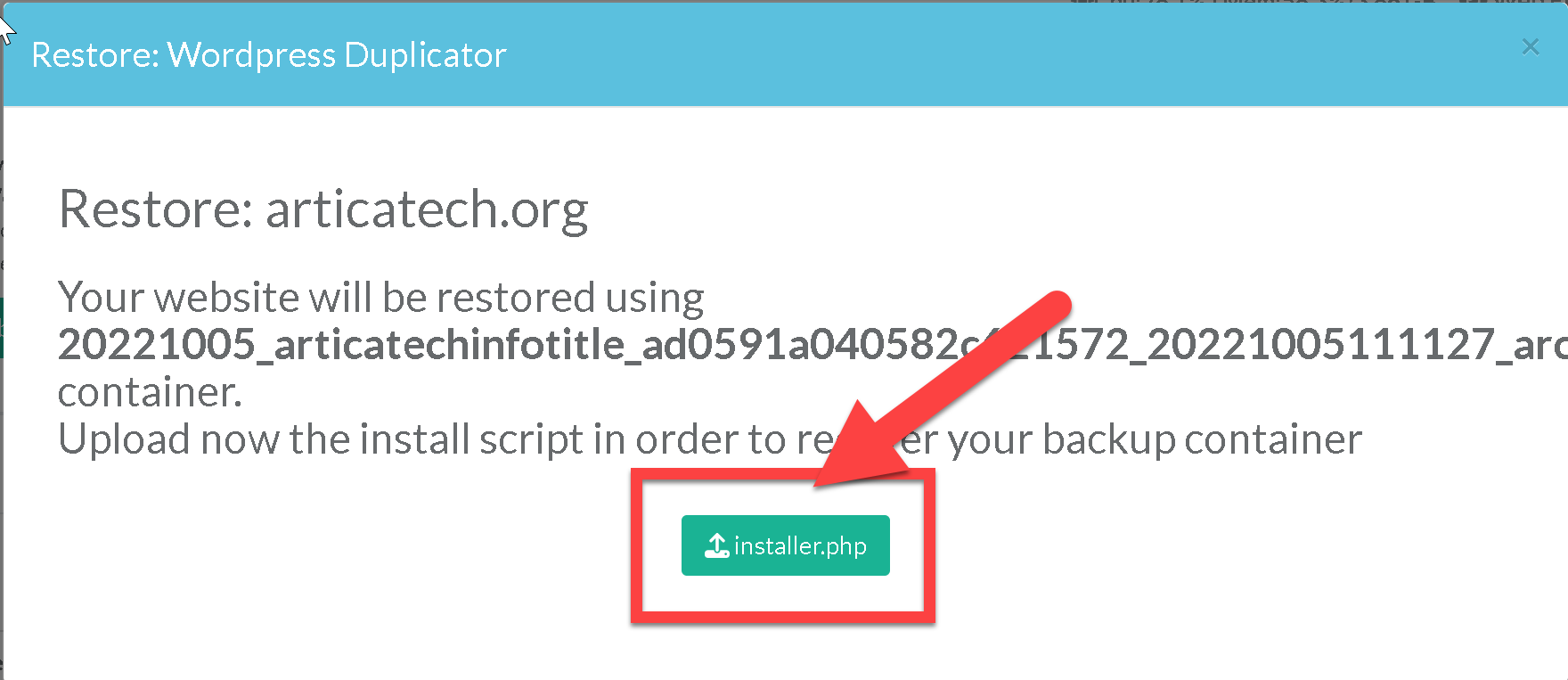
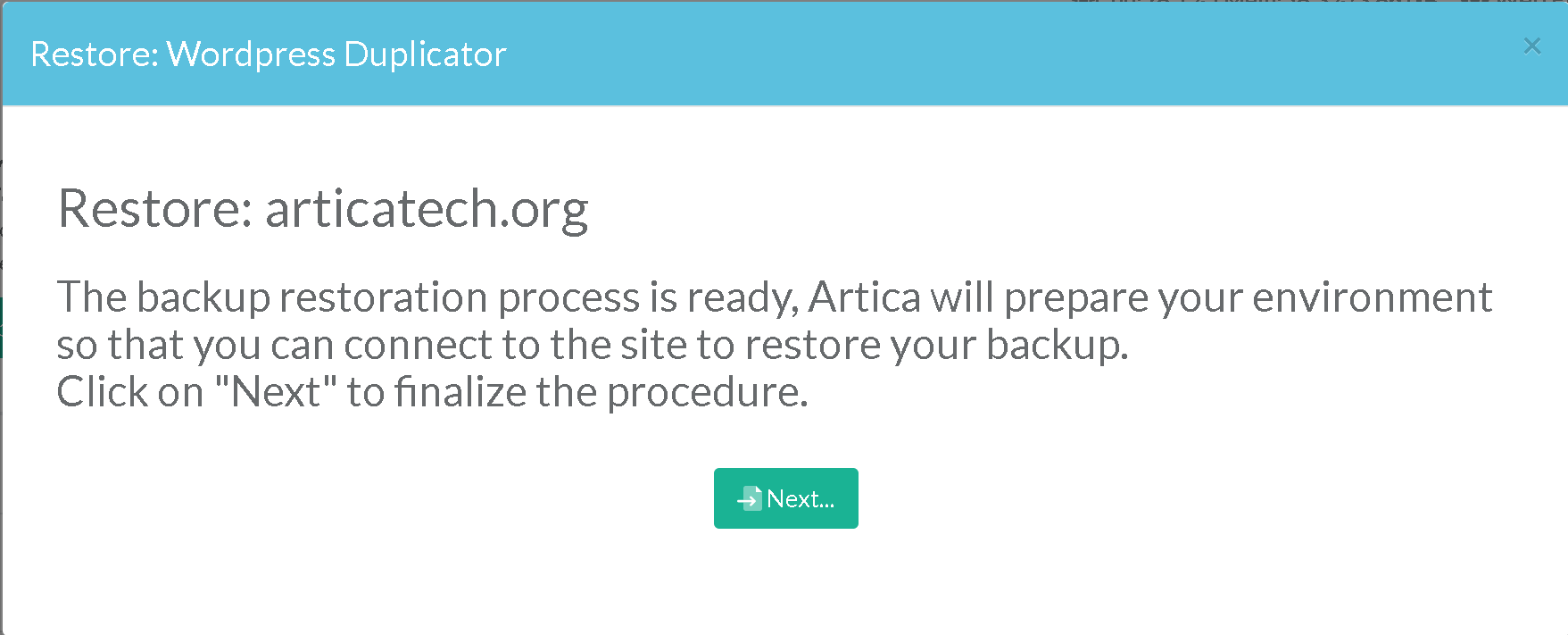
- Click on “Next” Button to finalize the procedure.
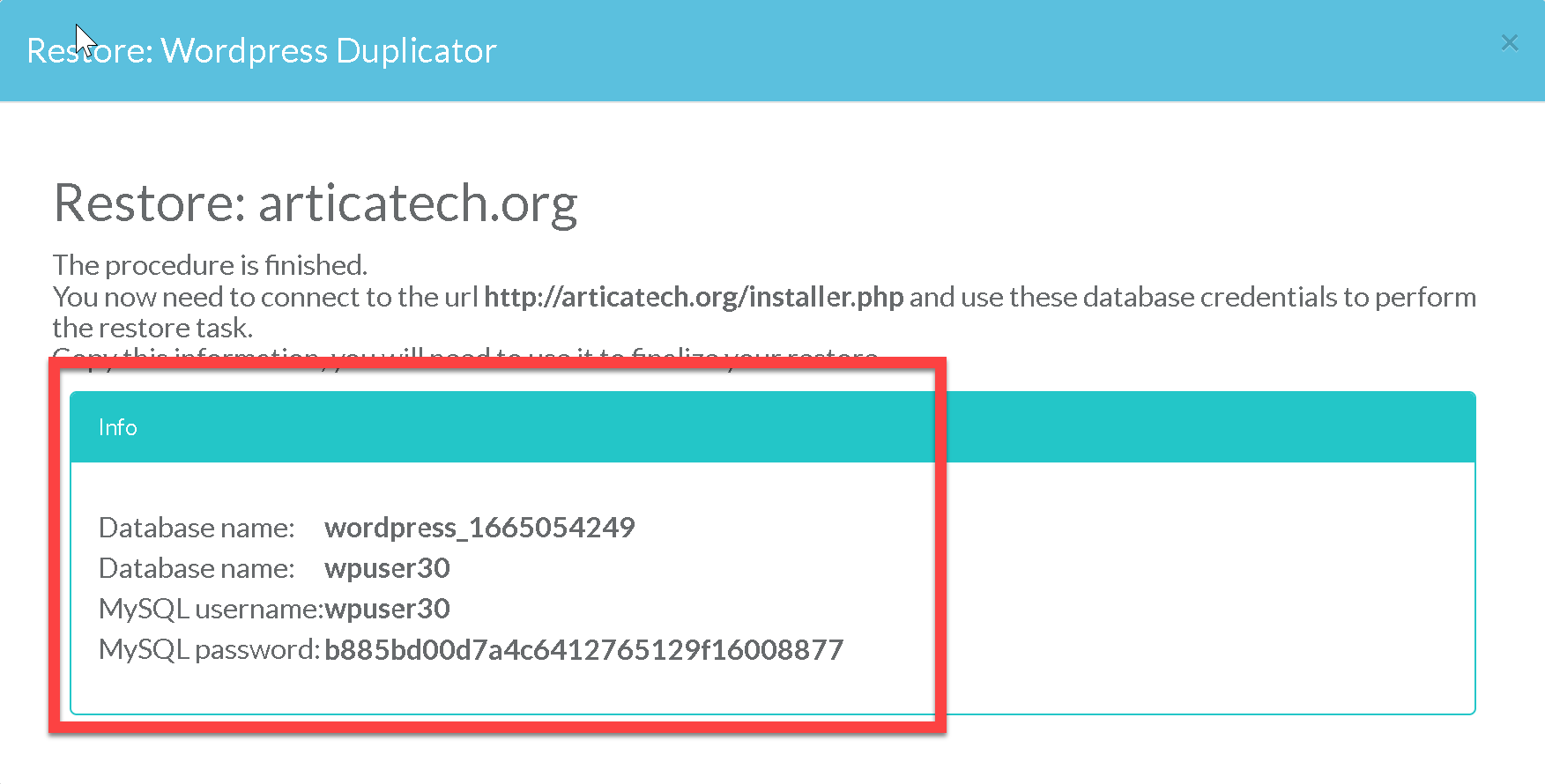
After the final procedure, copy the database information.
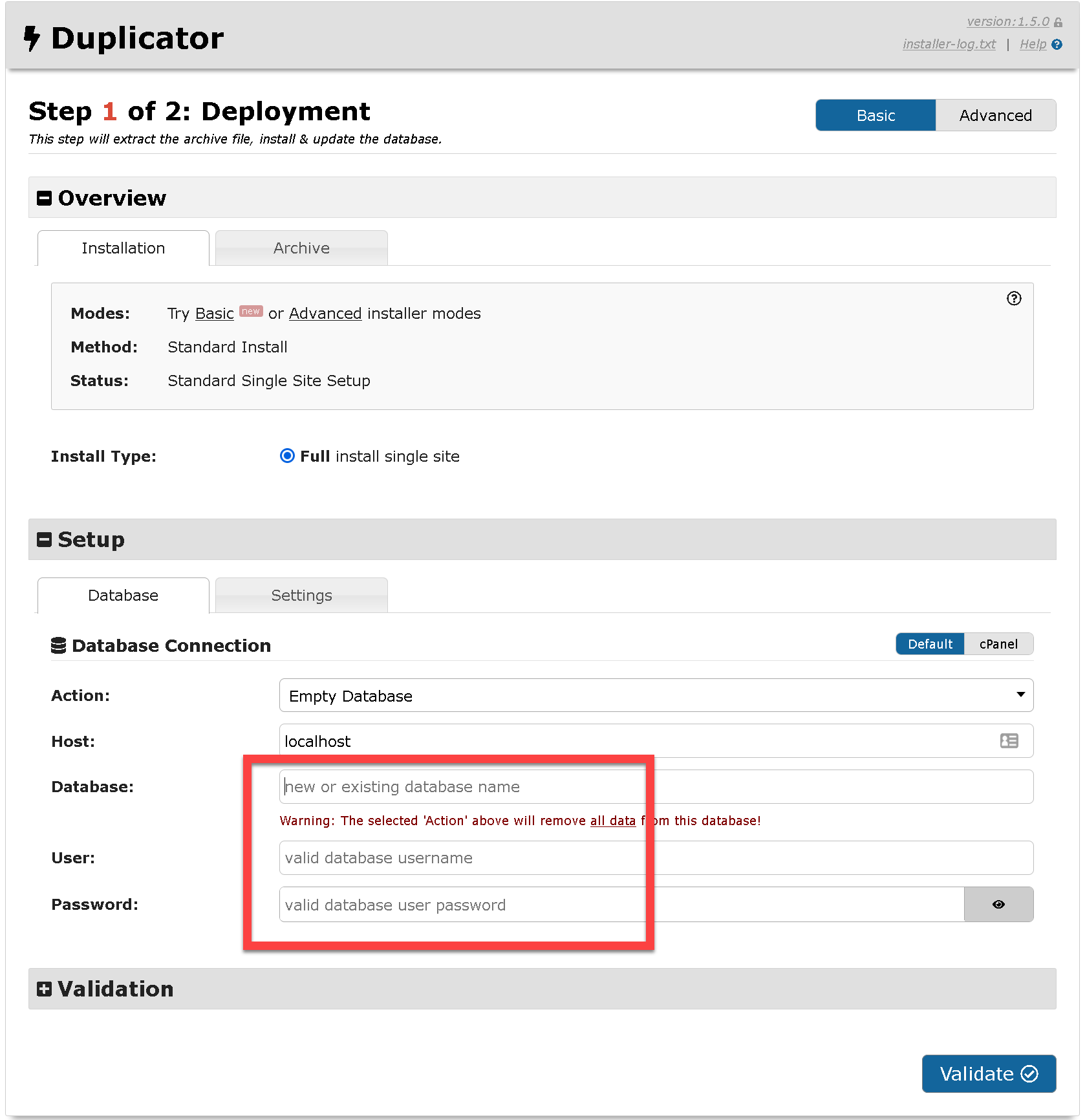
- With your browser connect to the restored website with installer.php in the URL ( http://mysite/installer.php )
- Fill required database information from the Artica wizard and click on “validate” button
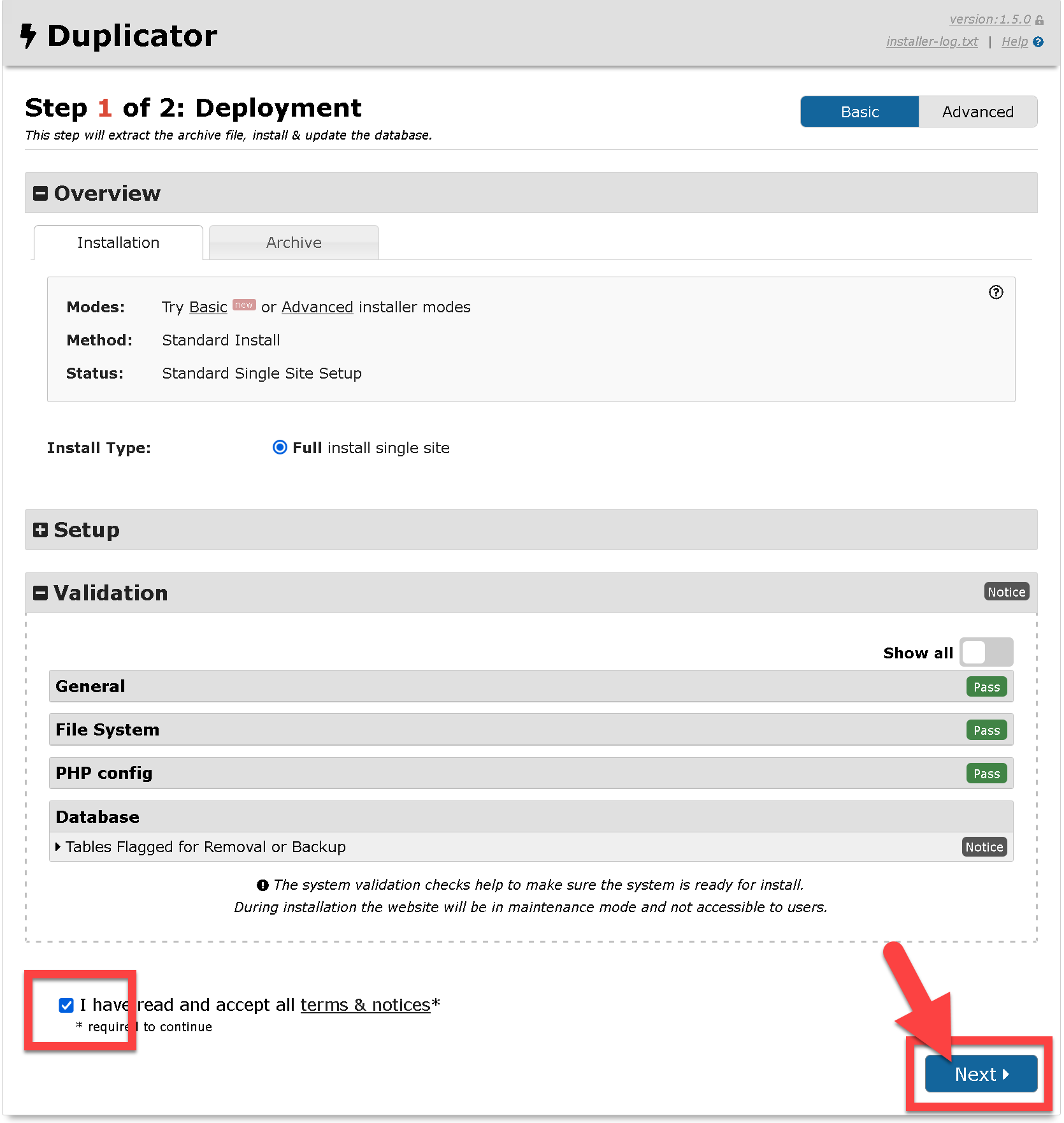
- Check the I have read and accept all terms & notices check box and click on Next button
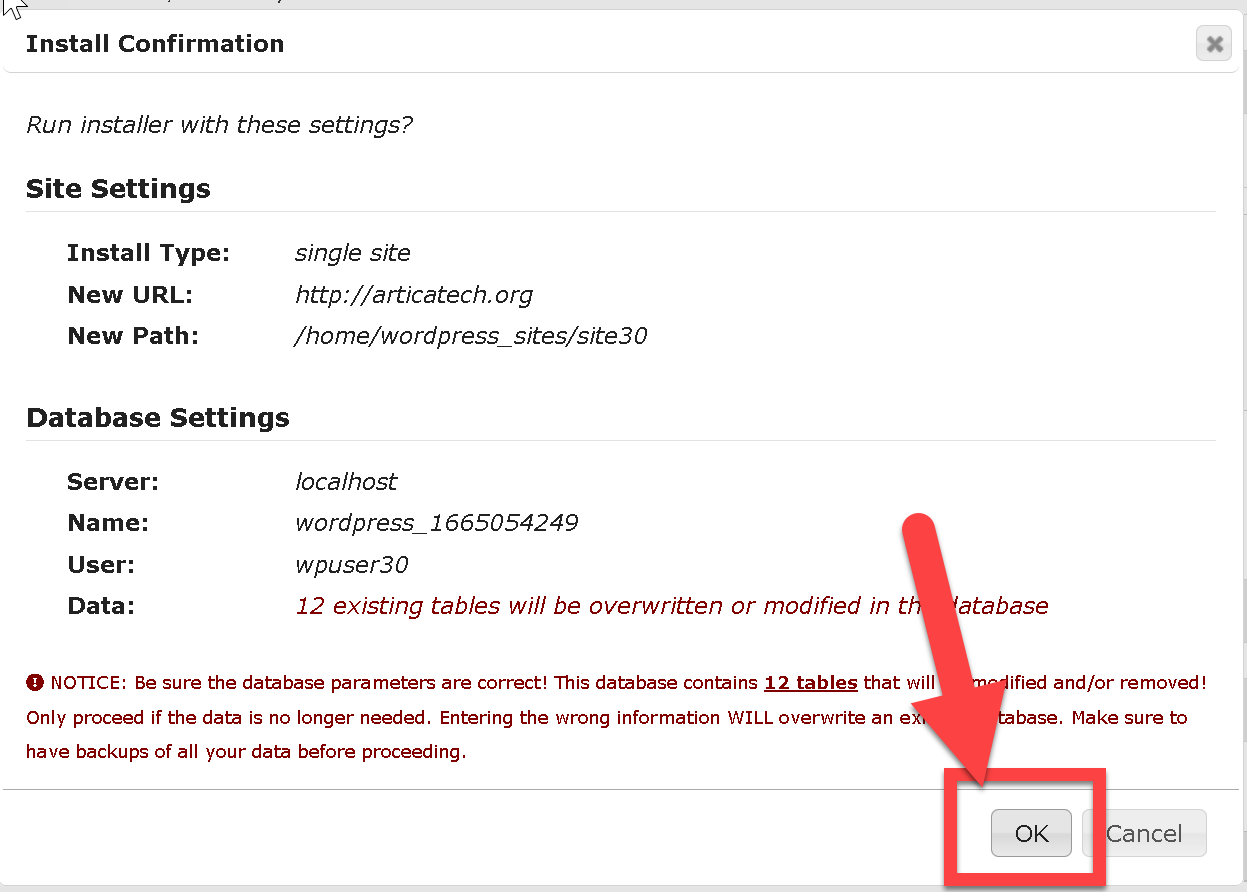
- Confirm the restore operation.
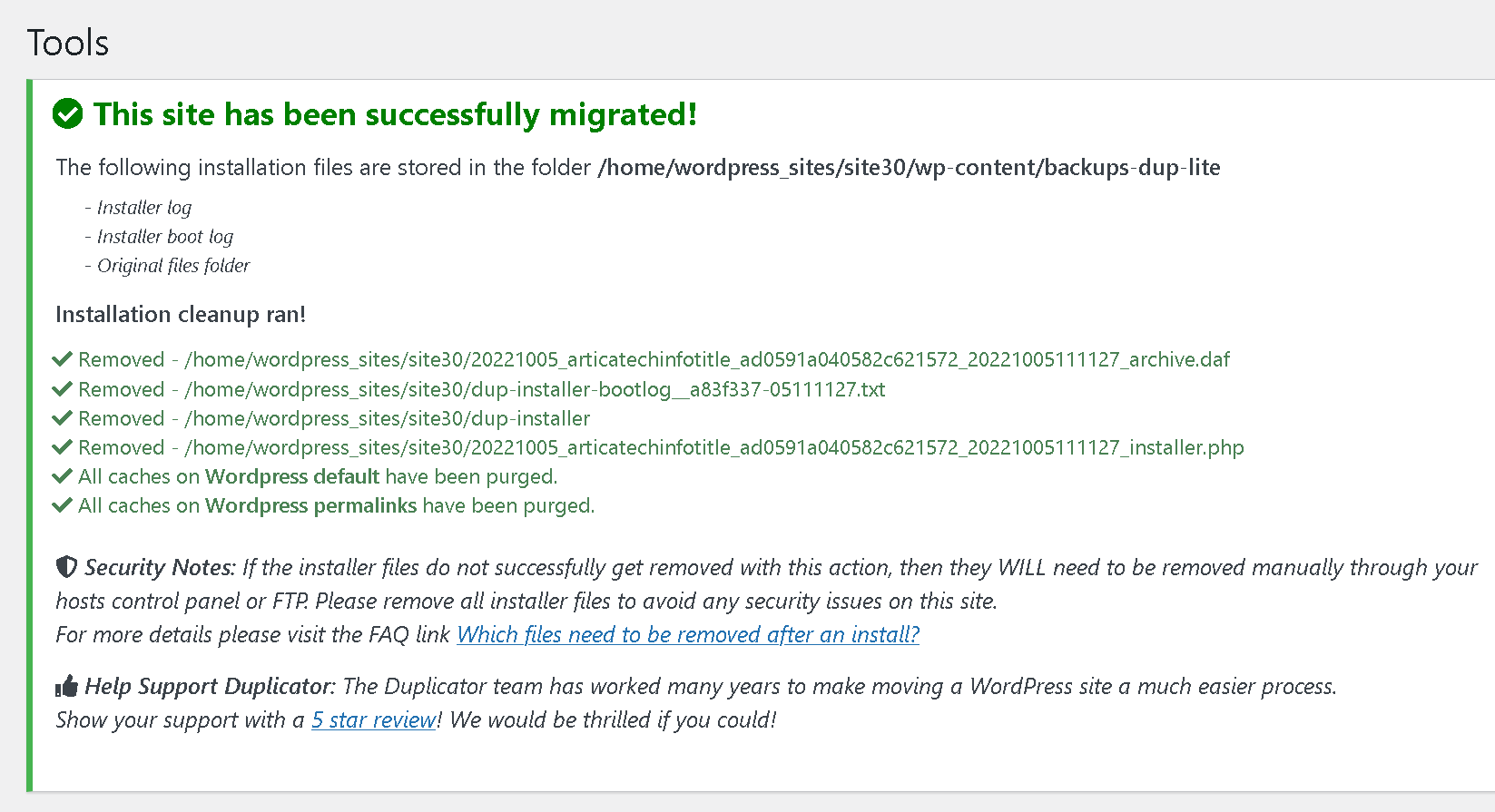
- After finish, login to your Wordpress admin panel in order to delete all backups and installer files.