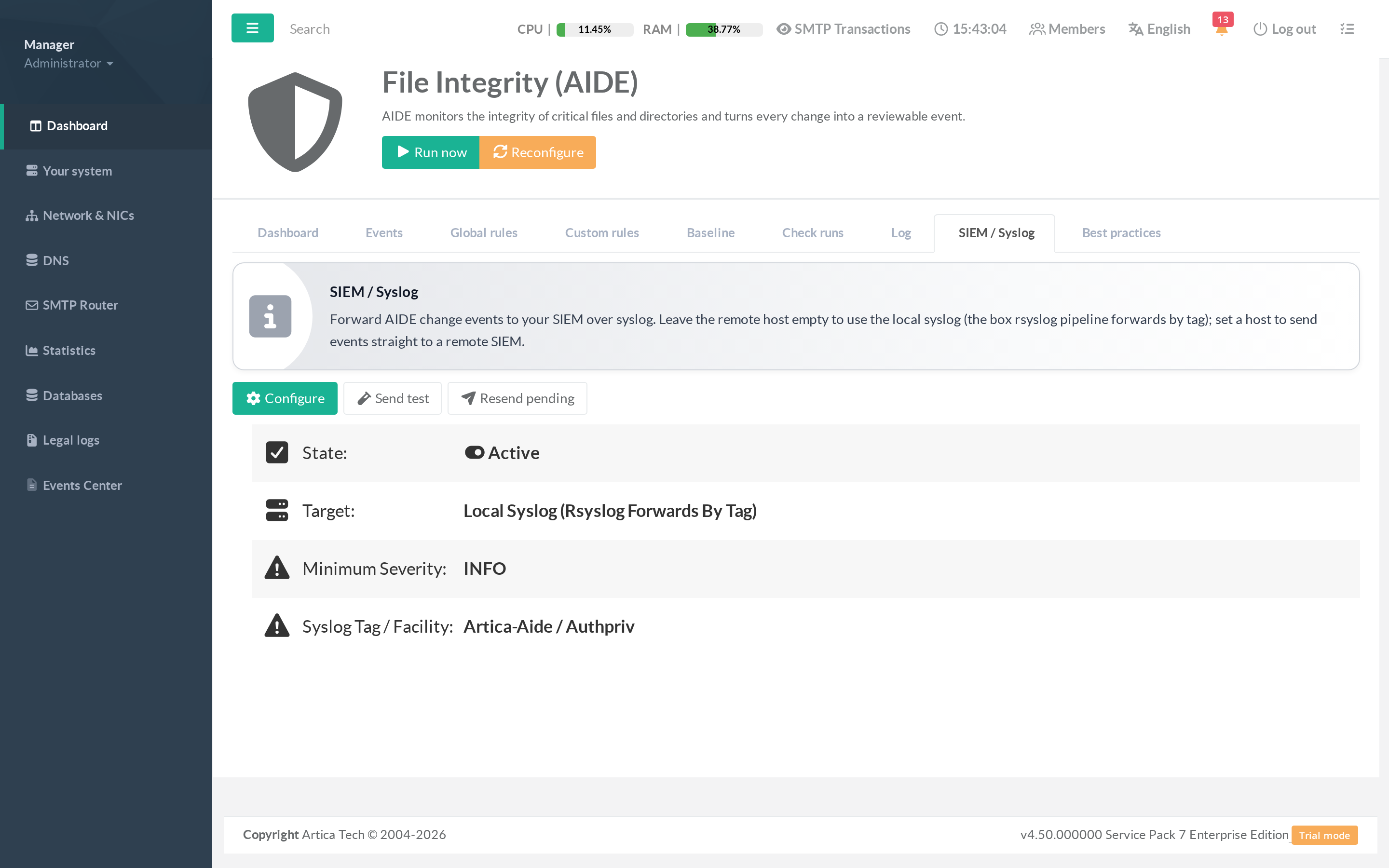
The SIEM / Syslog tab controls how integrity events are forwarded to your security monitoring.
Every event is emitted as a structuredkey=valuesyslog line taggedartica-aide, ready to be parsed by Wazuh, Splunk, ELK, QRadar or any syslog collector.
¶ Concept — local or remote
- Local syslog (default)
Leave the remote host empty. Events go to the appliance's own syslog (/dev/log); the box rsyslog pipeline then forwards them wherever it is already configured to (routing by theartica-aidetag).
Choose this when the appliance already ships its logs to your SIEM.
- Direct to a remote SIEM
Set a remote host and port; AIDE dials the collector directly over UDP or TCP.
Choose this to send integrity events straight to a dedicated collector, independent of the box's syslog routing.
¶ The controls
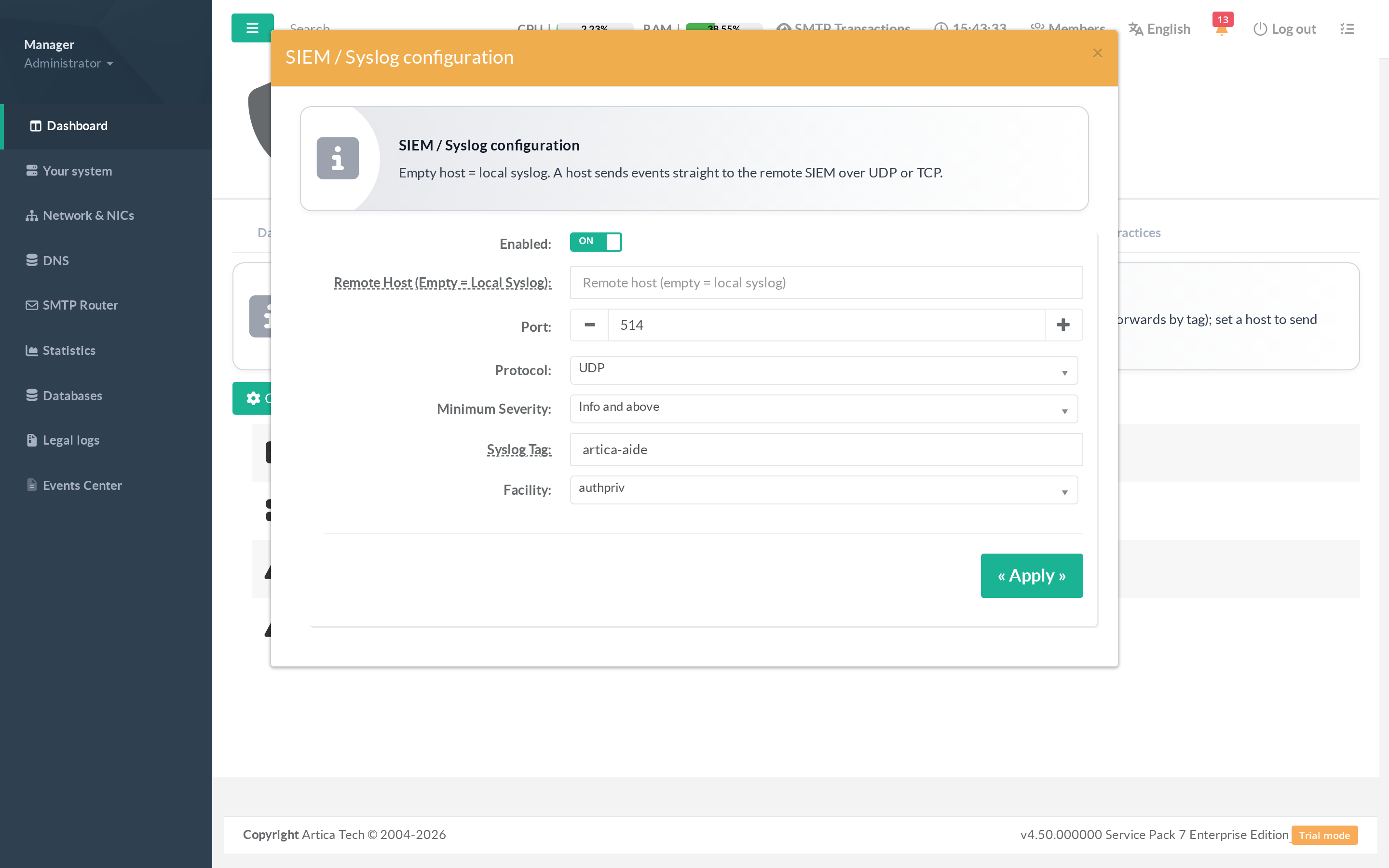
Open Configure to set:
- Enabled — master switch for forwarding. When off, events are buffered (kept pending) and sent once you re-enable.
- Remote host — empty for local syslog, or the SIEM address for direct forwarding.
- Port / Protocol — the collector port (default 514) and UDP or TCP.
- Minimum severity — a floor: only events at or above this level are forwarded (Info = everything, up to Critical only). Below-floor events are kept pending, so lowering the floor later re-forwards them.
- Syslog tag — the tag your SIEM routes/parses on (default
artica-aide). - Facility — the syslog facility (default
authpriv).
¶ Testing and recovery
- Send test — emit a synthetic event through the saved configuration to validate the whole chain end to end. A dial failure (e.g. an unreachable remote host) is reported immediately.
- Resend pending — re-forward every event that was not yet delivered (for example after the SIEM was briefly unreachable). It reports how many were sent.
An example emitted line:
artica-aide[PID]: event=42 severity=critical type=changed path=/etc/passwd attrs=size,mtime,sha256 status=approved host=fw01