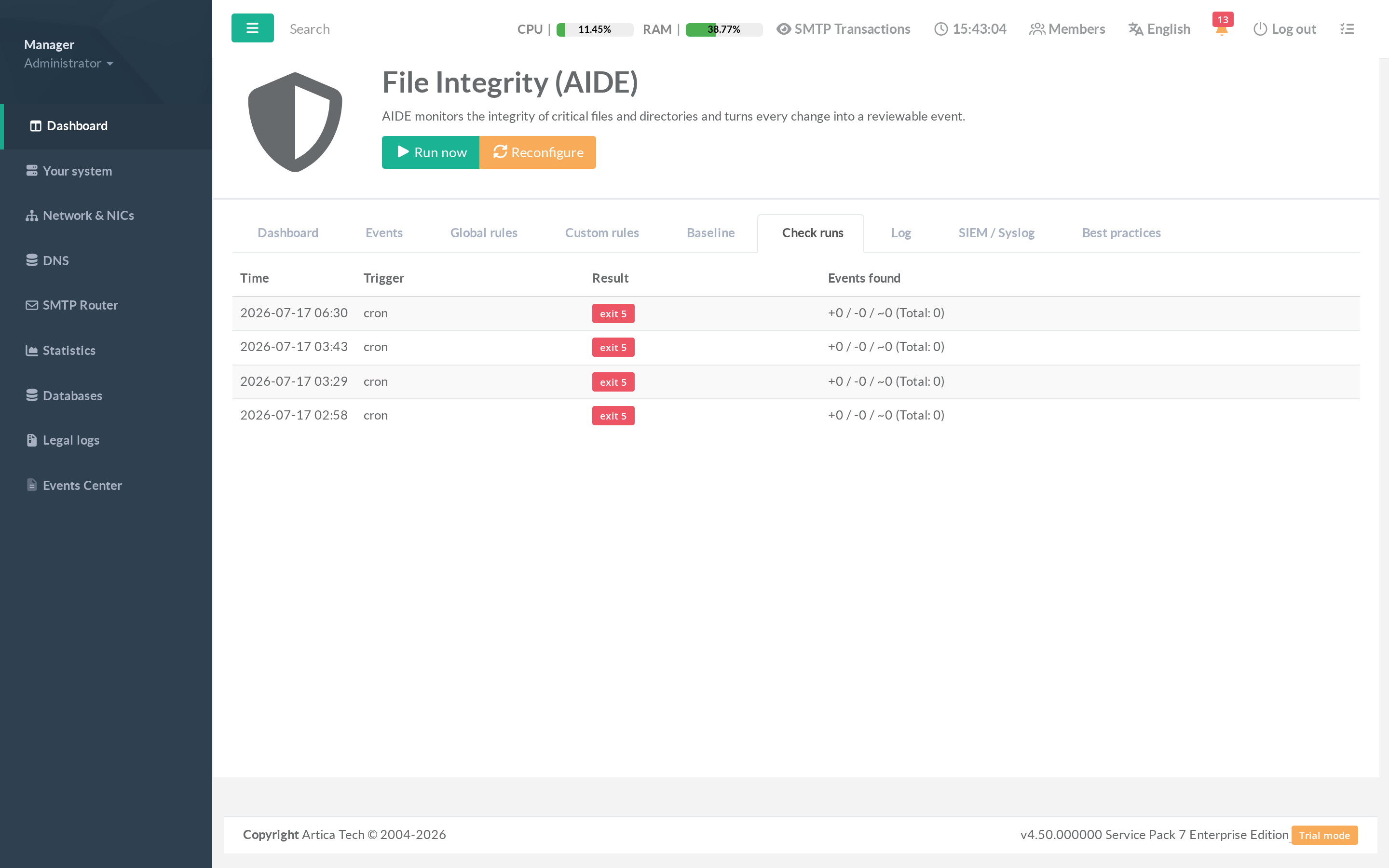
The Check runs tab is the history of every integrity scan
A operational record of when the appliance verified itself and what came out of it.
¶ Concept
Each row is one aide --check execution and records:
- Time — when the scan started.
- Trigger — how it was launched (scheduled cron, or a manual Run now).
- Result — the outcome. OK means the scan completed; a non-zero AIDE code indicates differences were found (normal) or an error.
- Events found — the added / removed / changed counts for that run.
¶ How to use it
- Confirm the schedule is actually firing (regular cron rows).
- Correlate a spike in changed files with a known maintenance window.
- Spot a scan that stopped running — a gap in the history is itself a signal.