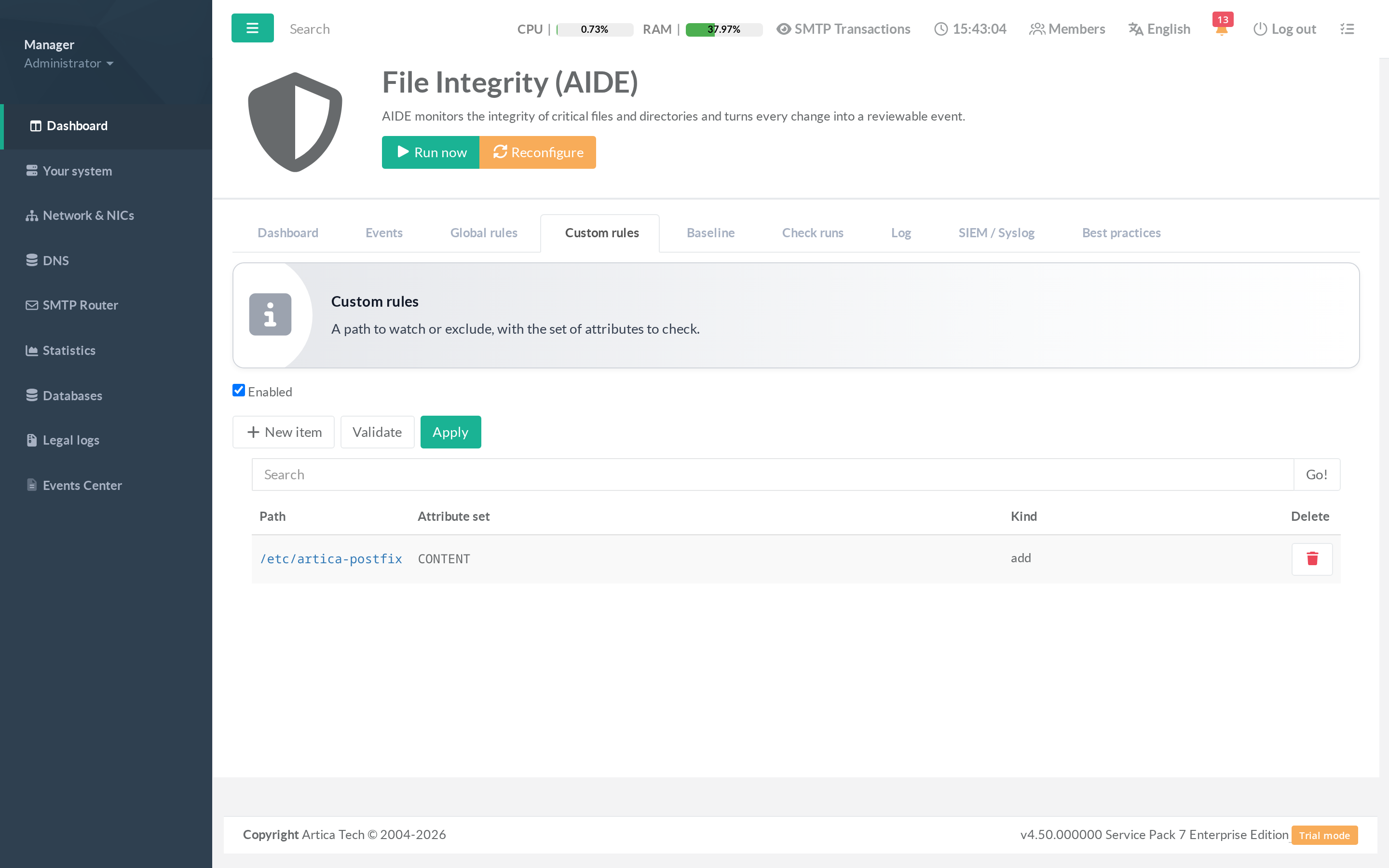
The Custom rules tab is where you add paths specific to your deployment on top of the built-in groups
An application directory, a business config file, a mount point to exclude.
¶ Concept
A custom rule is a path plus a selector (which attributes to check) and a kind:
- Watch — monitor this path for changes.
- Exclude — ignore this path (silence expected churn).
The selector chooses the attributes AIDE compares. Common presets:
- FULL — permissions, owner, group, size, mtime and strong hashes (SHA-256). Use for anything security-sensitive.
- PERMS — ownership and permissions only (cheap; good for large trees).
- CONTENT — content hashes.
- PRESENCE — only whether the file exists.
- GROWLOG — for append-only logs (size may grow, content must not be rewritten).
¶ How to use it — the Add-rule dialog
Make sure the custom group is enabled (the toggle at the top) — a disabled group is not emitted even if it contains rules. Then click New item to open the modal:
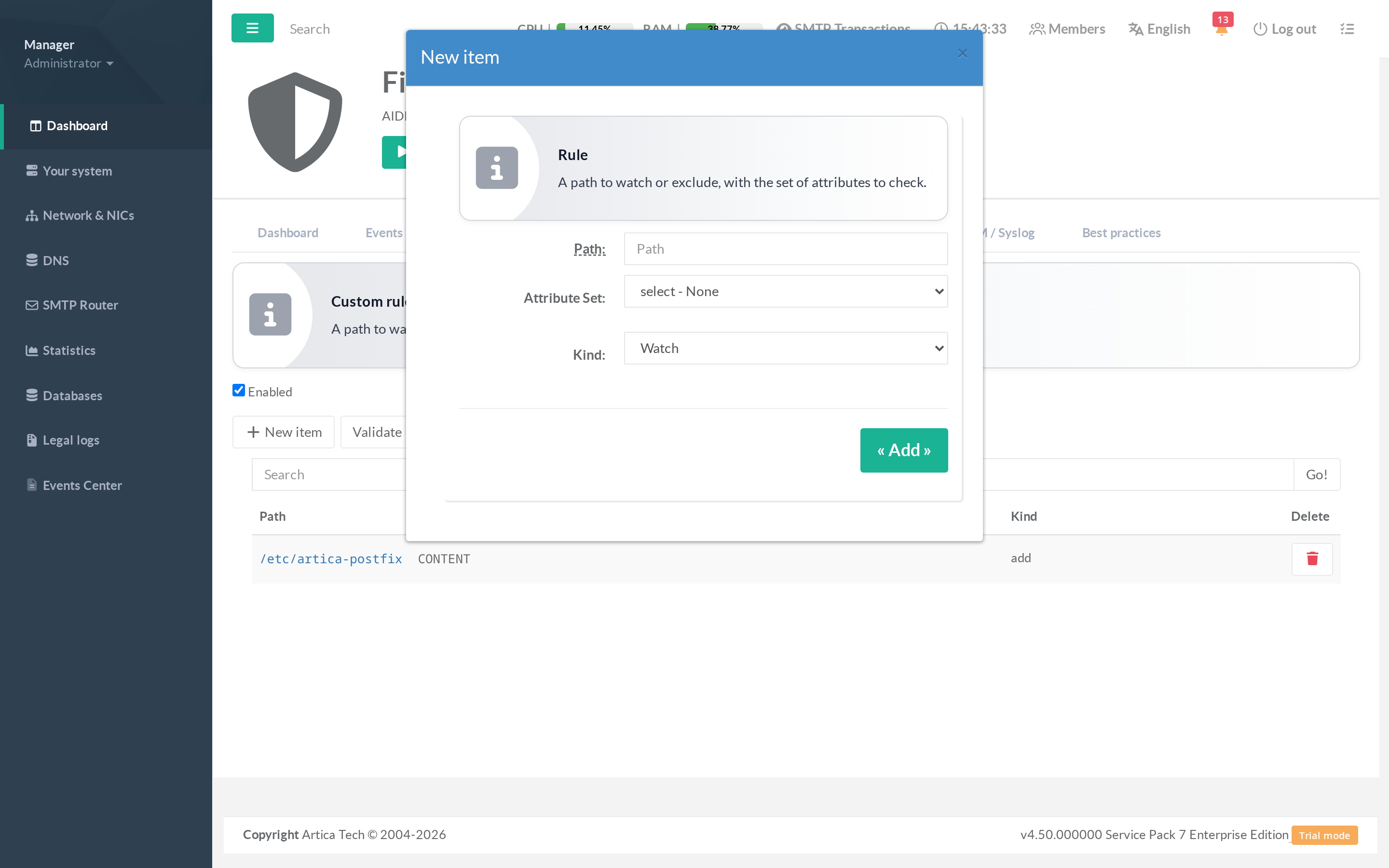
- Enter an absolute path (e.g.
/opt/myapp/config). - Pick a selector (FULL is the safe default).
- Pick the kind — Add to watch, Exclude to ignore.
- Apply the rule. The list refreshes.
Use Validate to dry-run the configuration (catches bad expressions), then Apply (Reconfigure) to regenerate the configuration so the new rules take effect on the next check.