The proxy global blacklist
The Global blacklist is used globally and prohibits access to sites, regardless of permissions and filters.This list can be used to block access to anyone, regardless of user behavior.
The Global blacklist is used globally and prohibits access to sites, regardless of permissions and filters.
This list can be used to block access to anyone, regardless of user behavior.
How to Add a blacklisted item ?
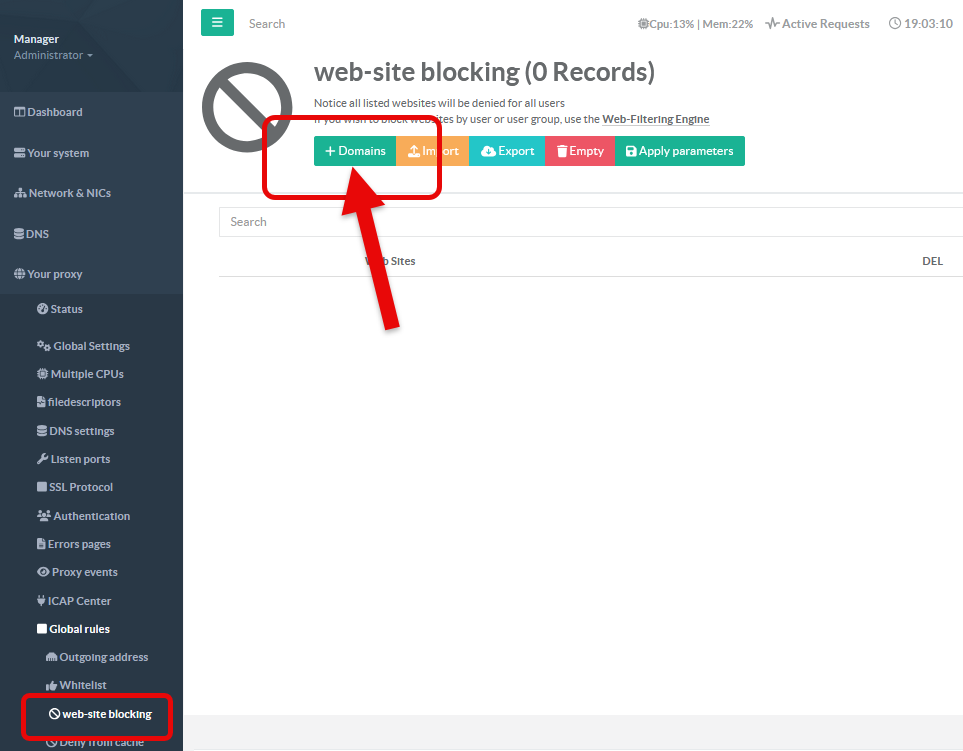
- On the left menu,
Your Proxy > Global rules / web-site blockingyou can add Internet objects as global blacklists. - To add a blacklisted item, click on “+ Domains” button
- A new layer is displayed.
- Put in the textarea items you want to block
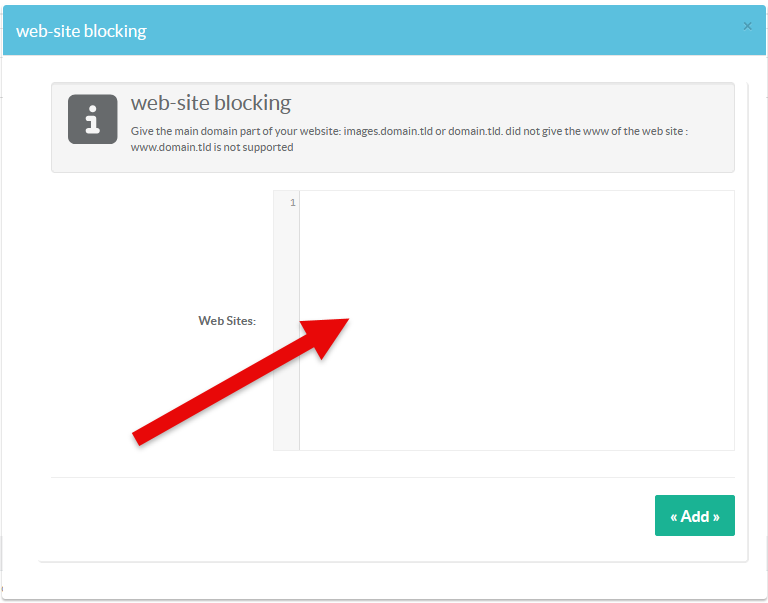
By default, the system tells you that you can add domains, but in reality, you can add other elements such as source IP addresses, destination IP addresses and so on.
- To add a domain to block, simply specify the domain (
domain.tld) - If you add an element with the prefix from: (
from:1.2.3.4) it will be a source IP address. - If you add an IP address without a prefix (
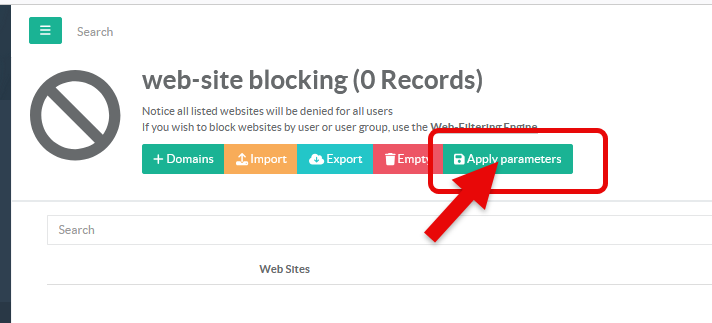
3.4.5.6) , it will be considered a destination address. - After adding your whitelists, did not forget to apply your changes by clicking on “Apply parameters” button.