This feature is available on Artica 4.30x Service Pack 589
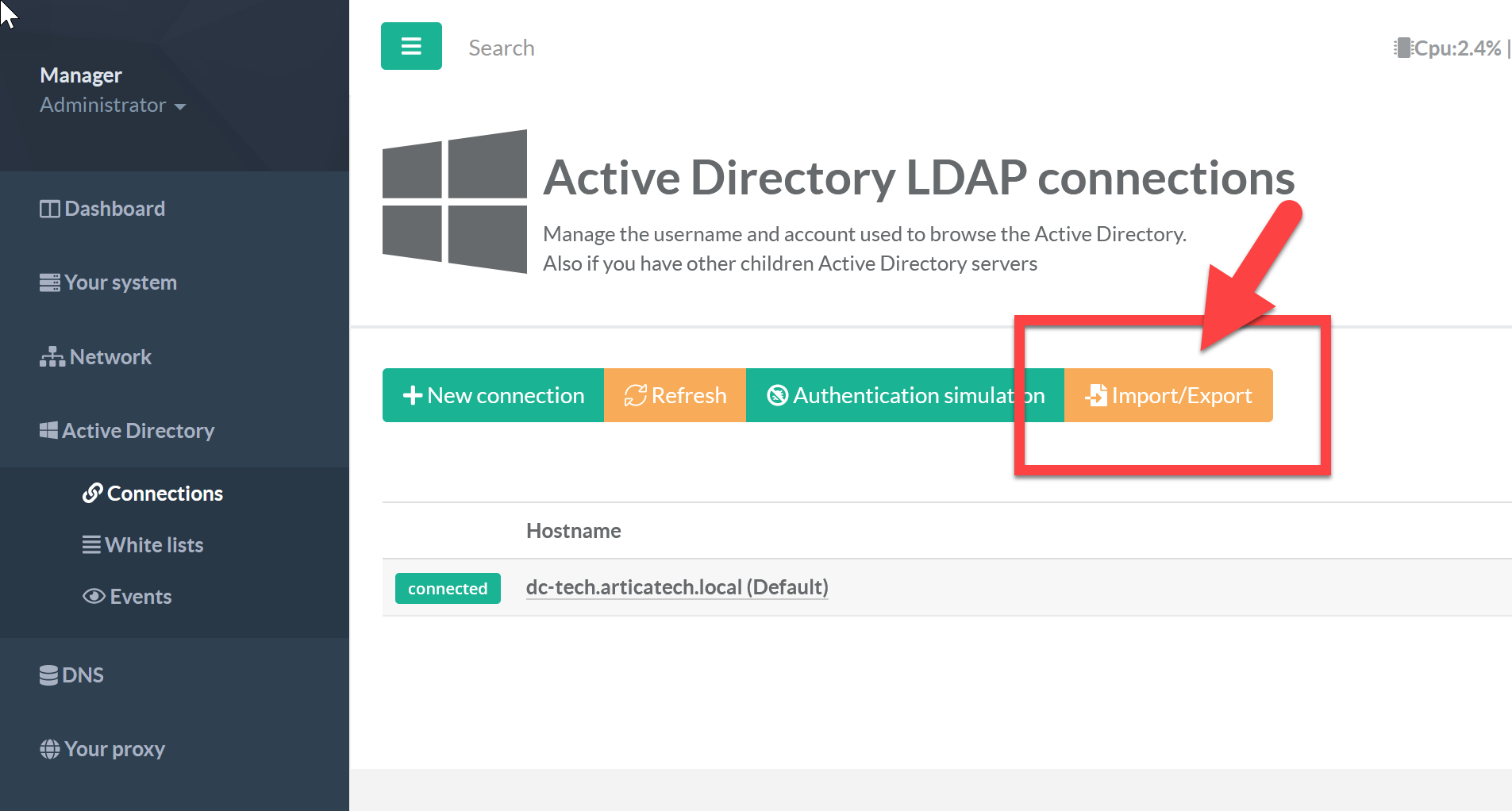
On the Active Directory LDAP connections, click on the “Import/Export” button.
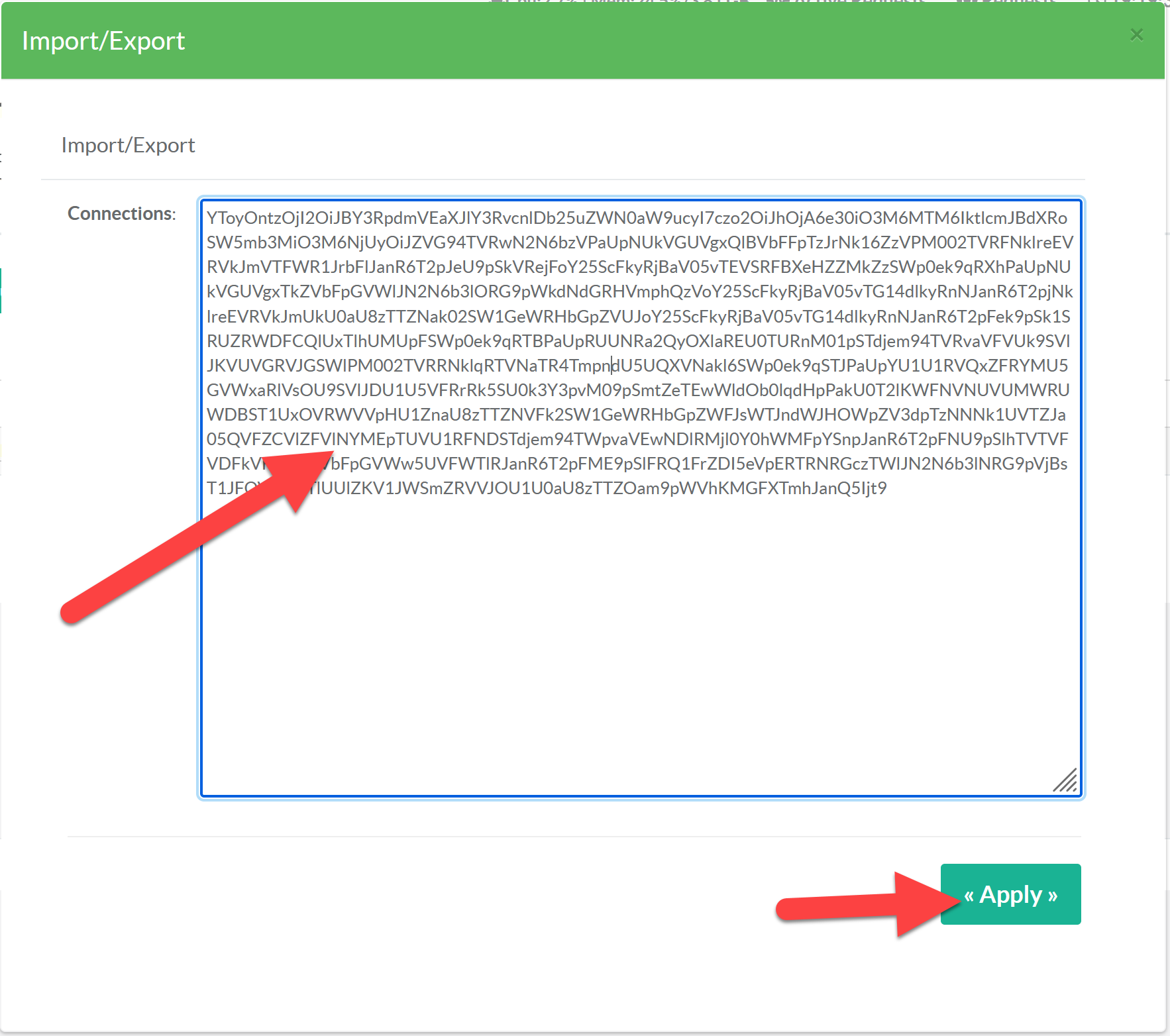
- Copy the Encoded content and paste it to a new Artica server in order to import data.
- Click on “Apply” to save the content.